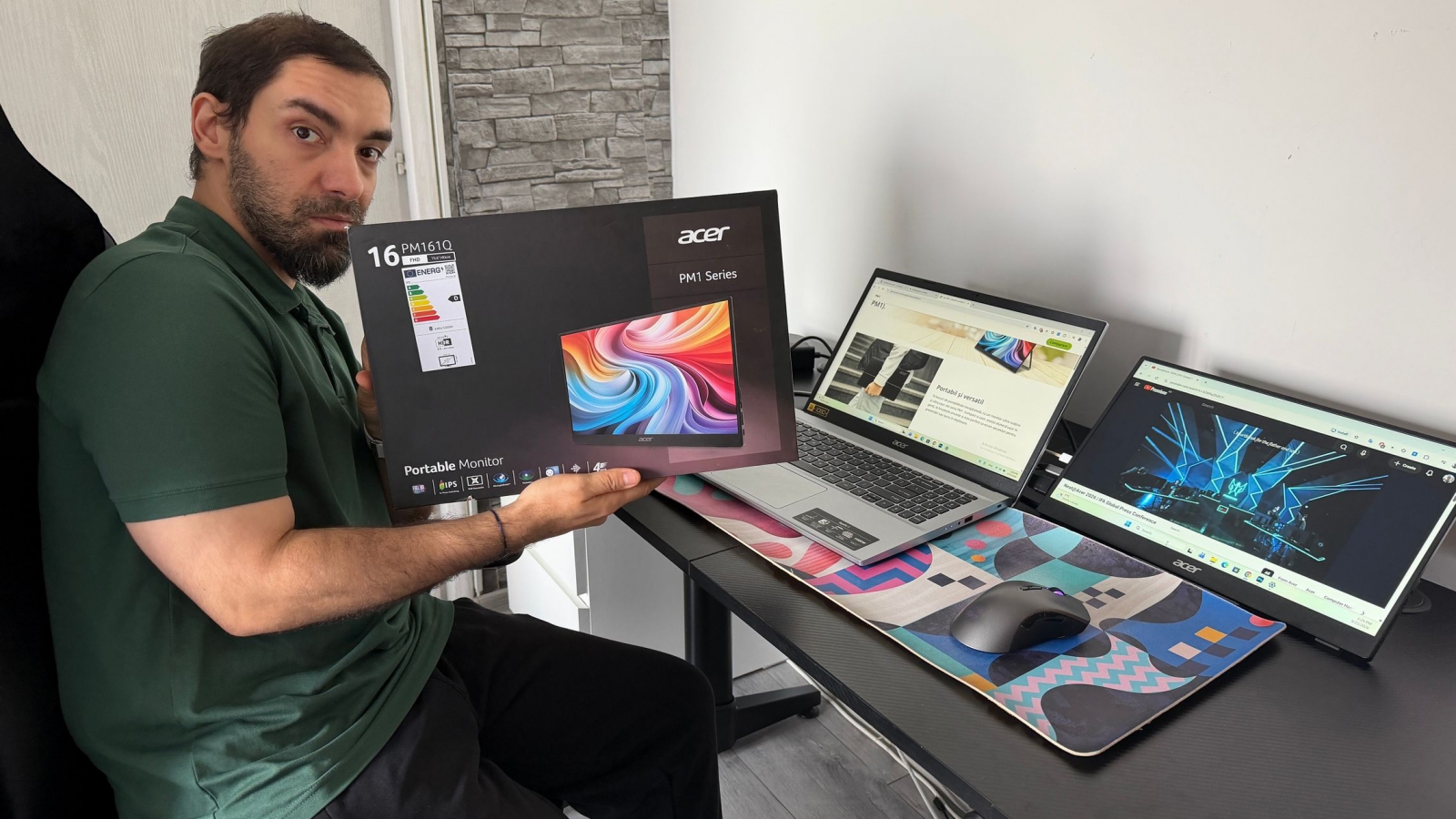
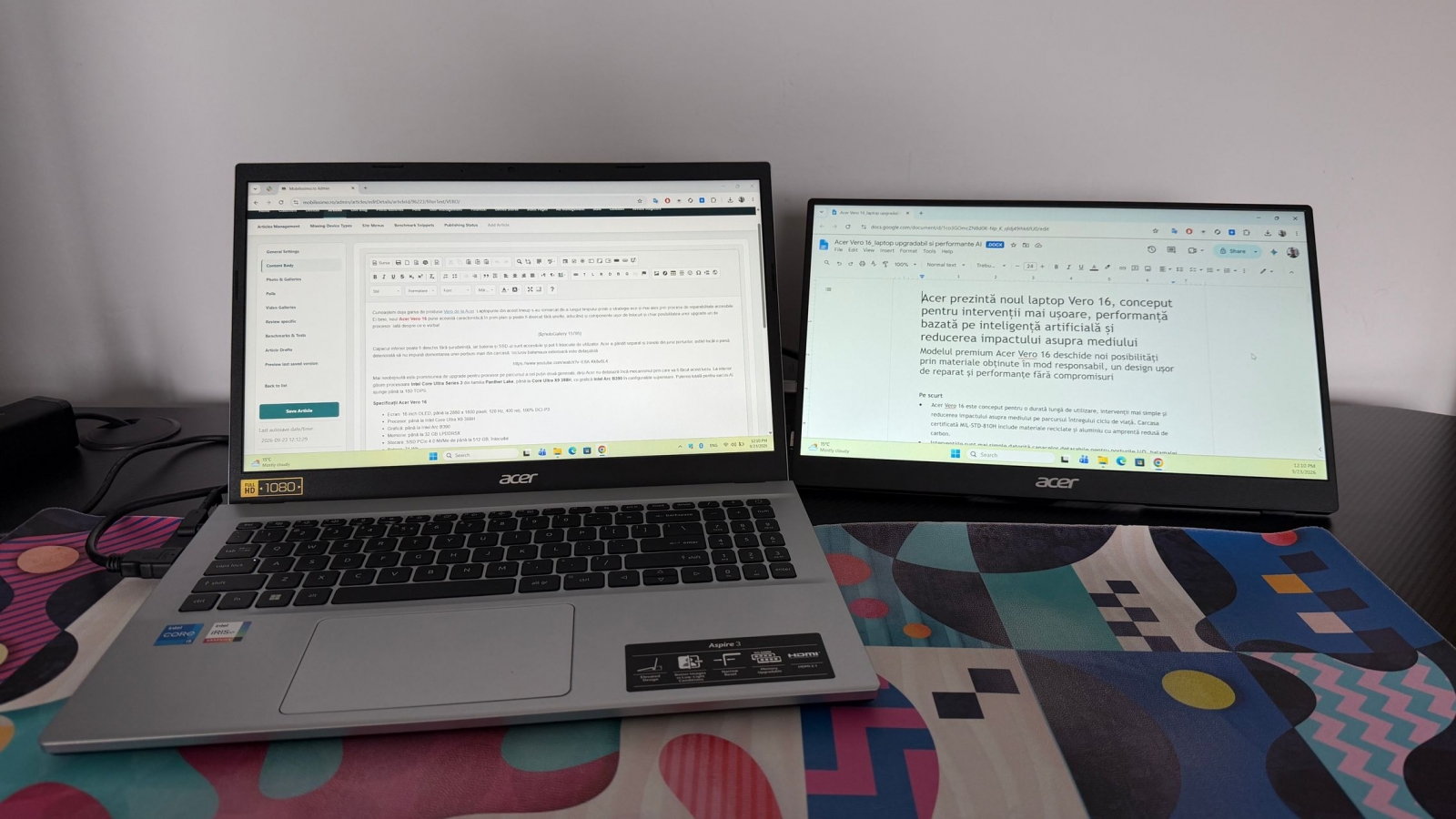
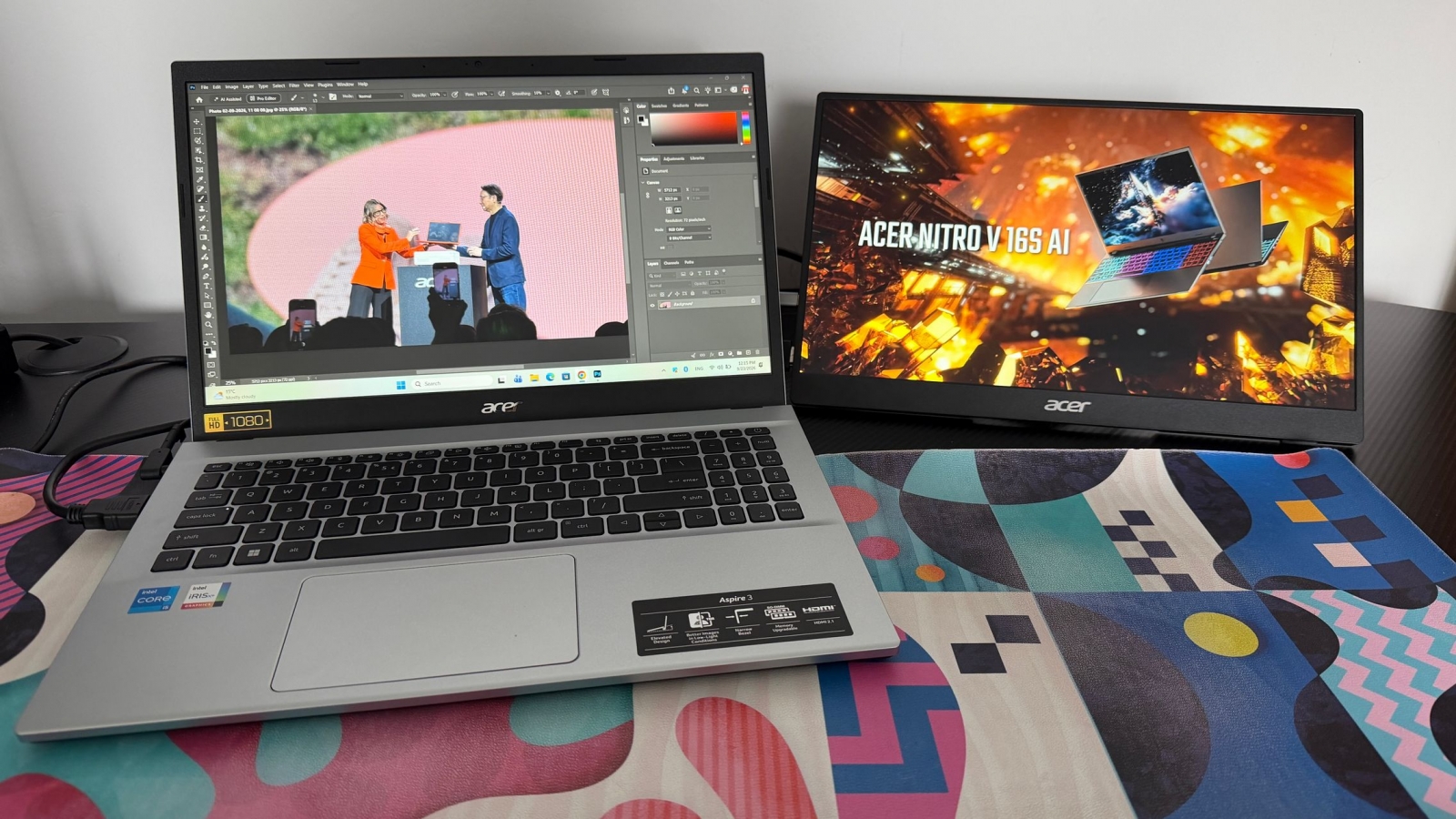
A second display can make a much bigger difference to a mobile setup than a slightly larger laptop screen. After two weeks with Acer’s PM161Q B, its value was clearest during research, writing, editing, and other tasks that benefit from keeping reference material visible instead of constantly switching windows. This is a 15.6-inch portable monitor meant to share a backpack with a notebook, rather than replace a desk monitor.
The matte IPS panel delivers a 1920 × 1080 resolution, a sensible match for this size. It provides enough space for a browser, document, notes, or supporting editing tools without adding the bulk of a conventional external monitor. At roughly 1.48 pounds without its stand, the screen is light enough for regular travel; Acer lists the combined monitor-and-stand weight at about 2.40 pounds.
A practical second screen, not a premium panel

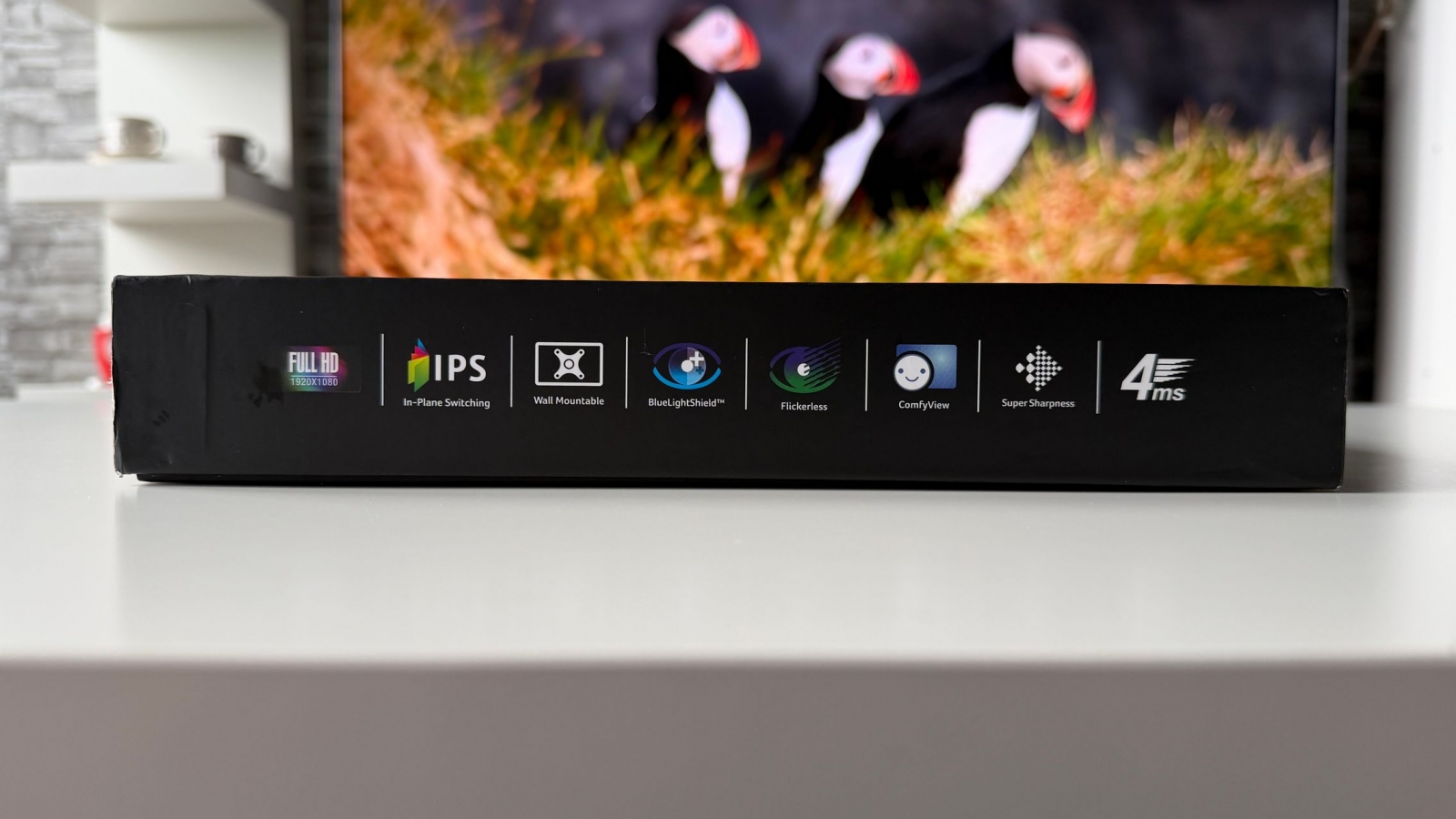
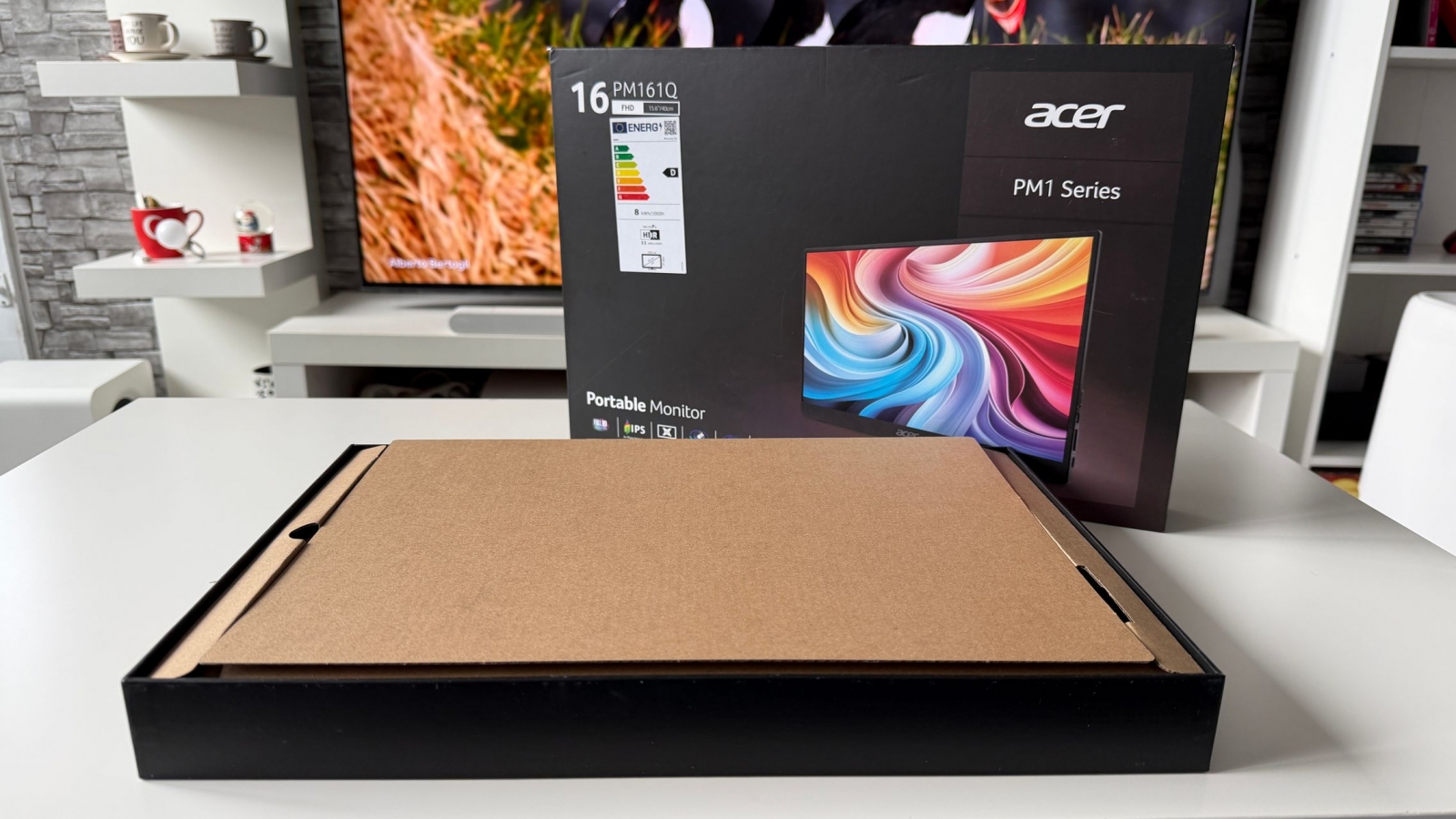
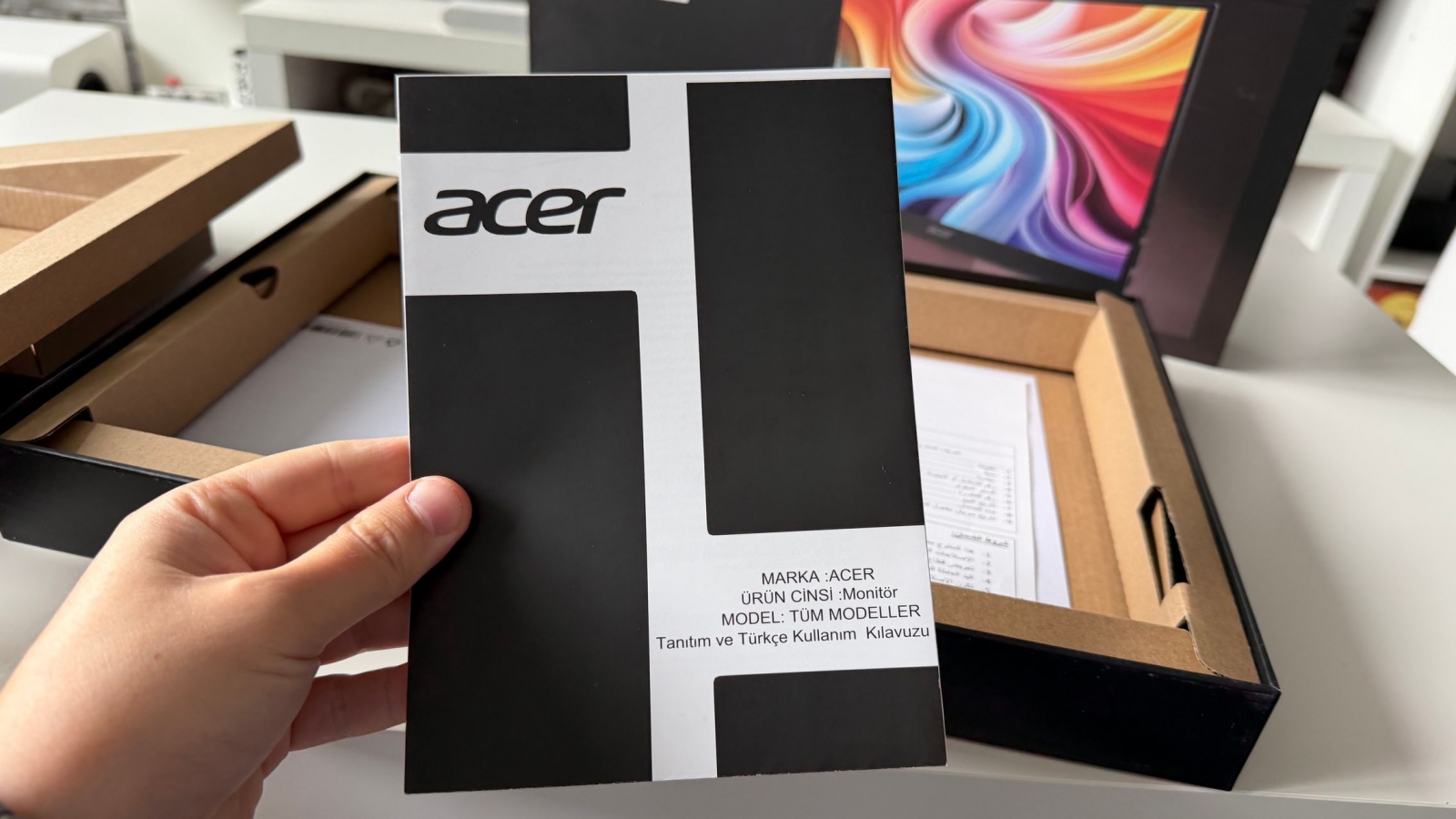
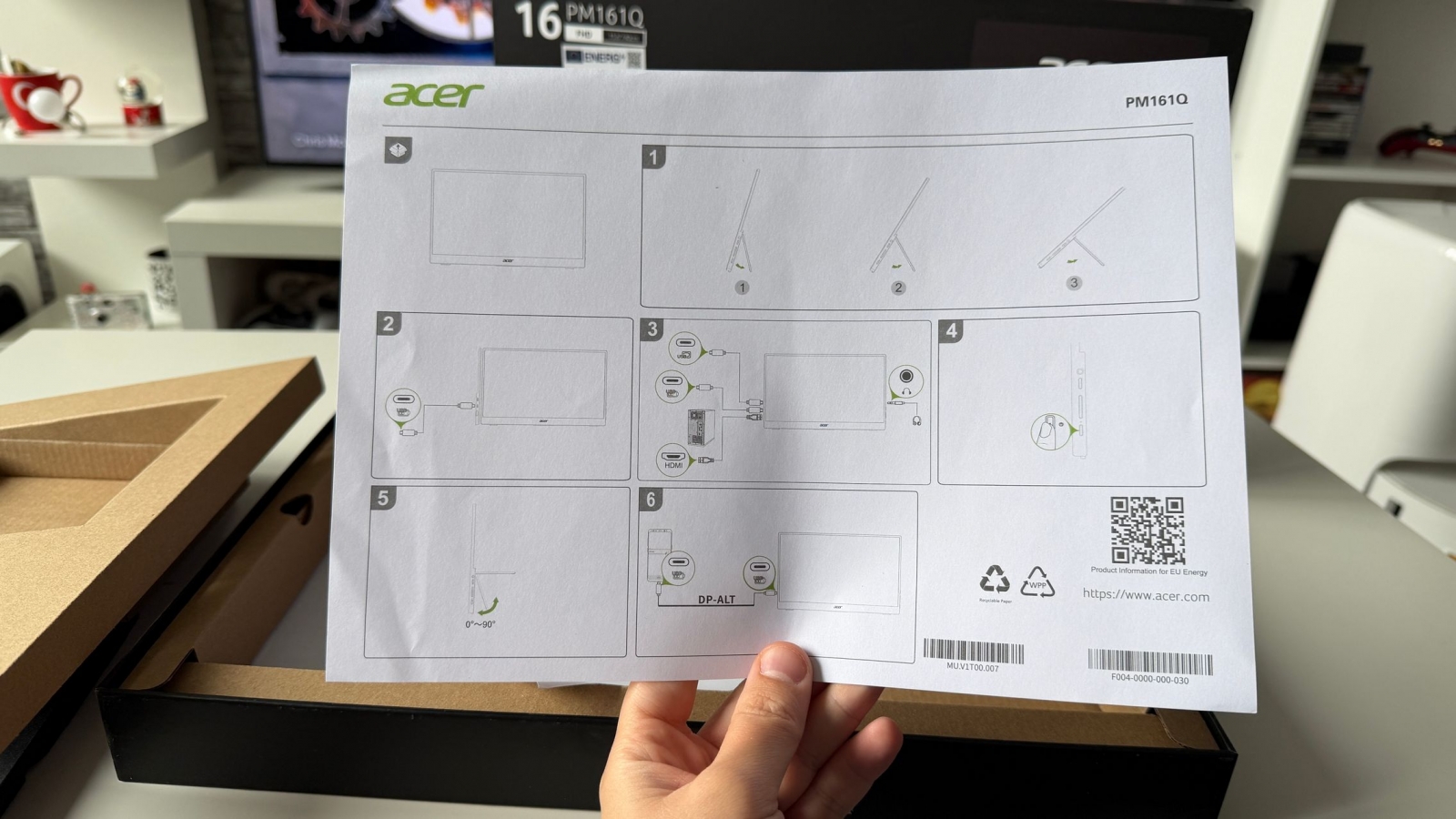
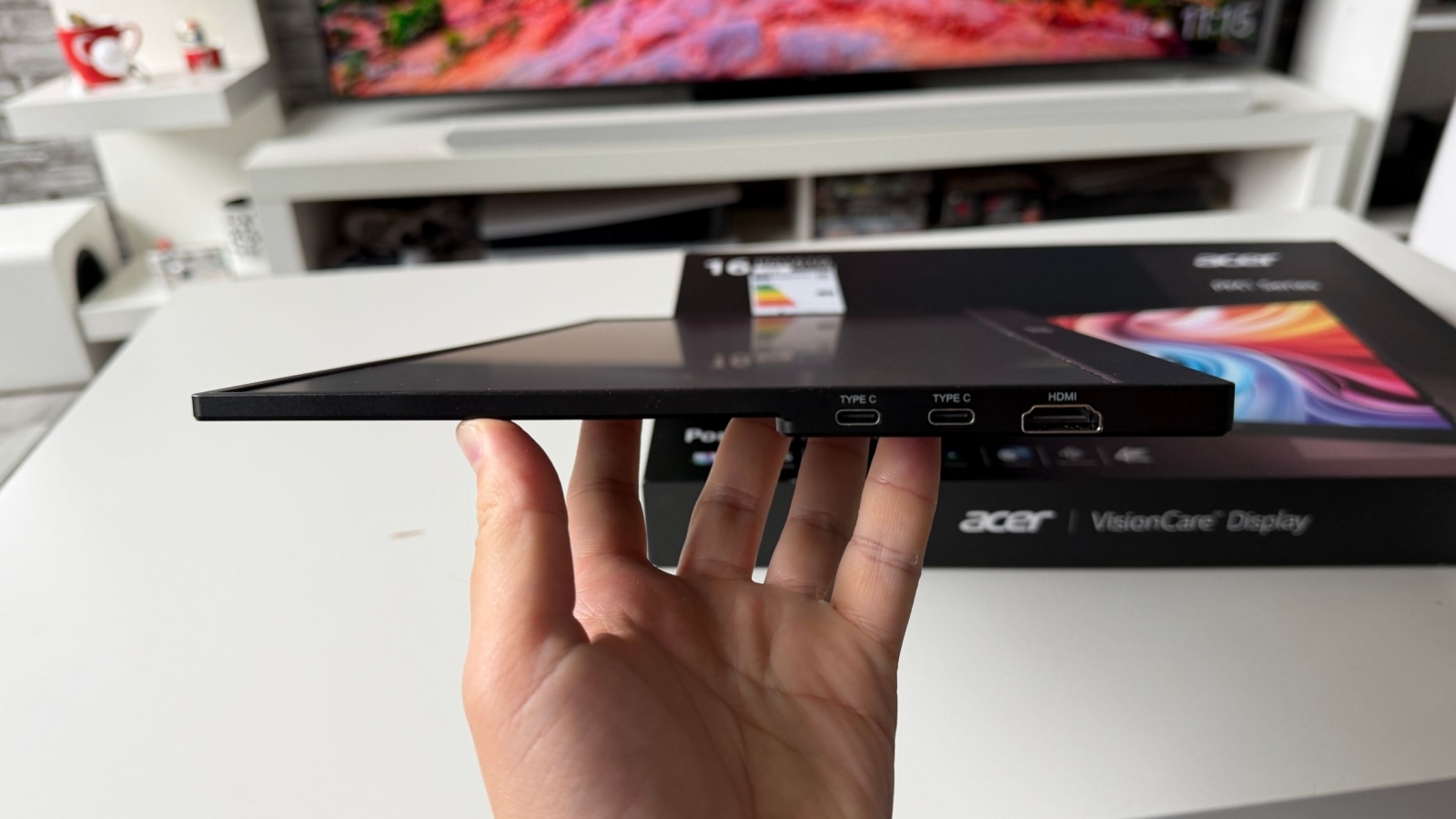

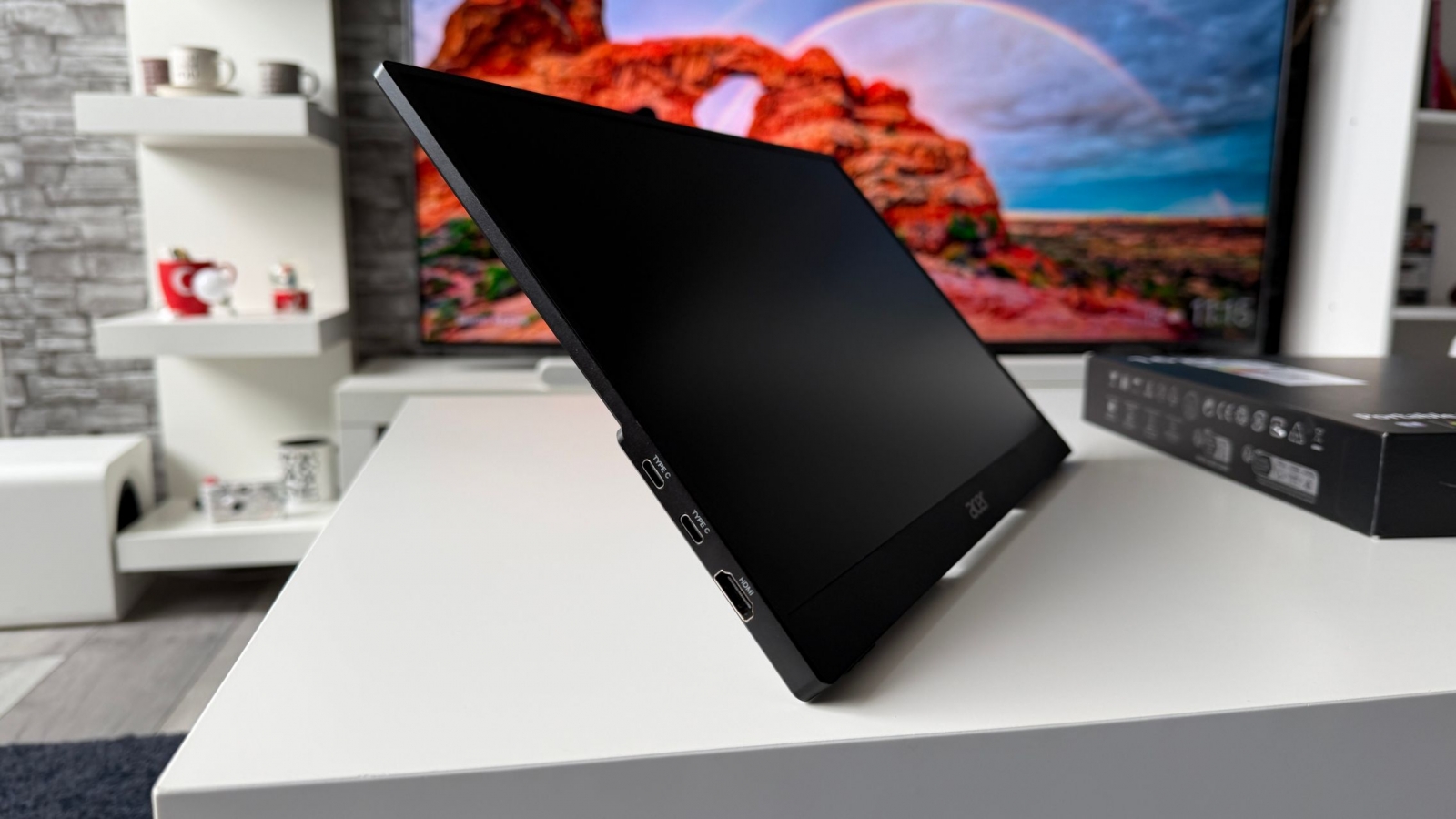
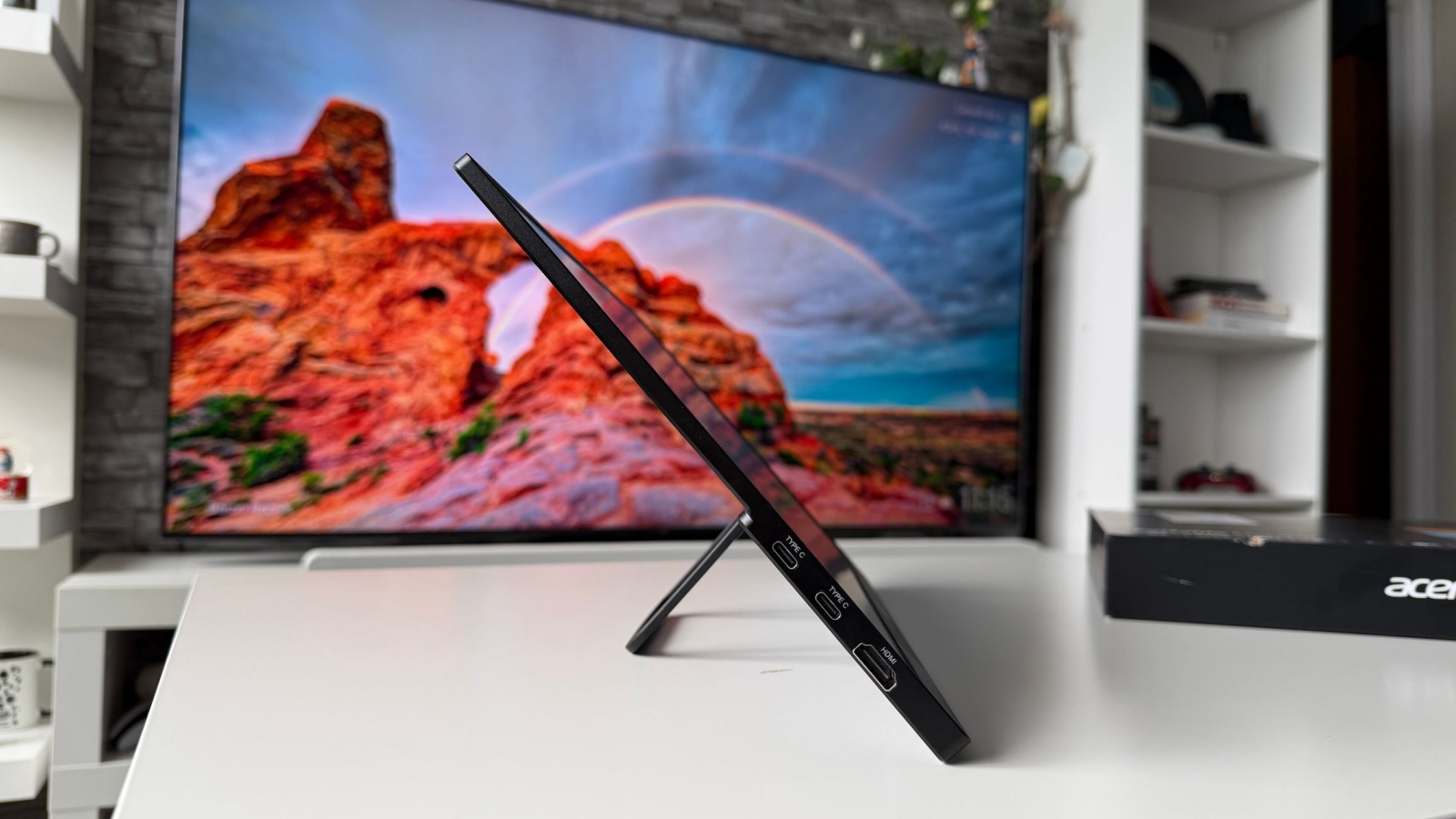
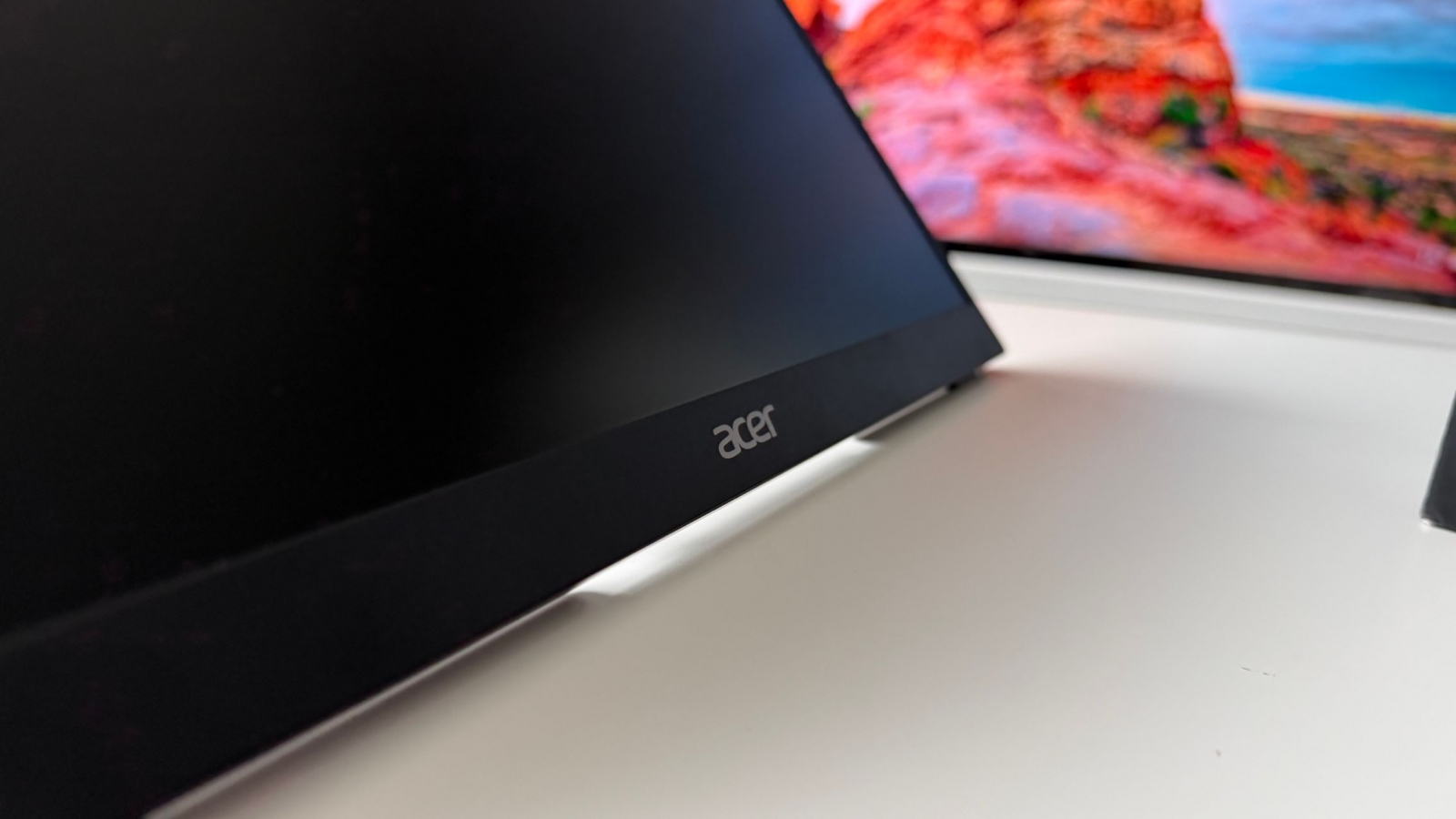
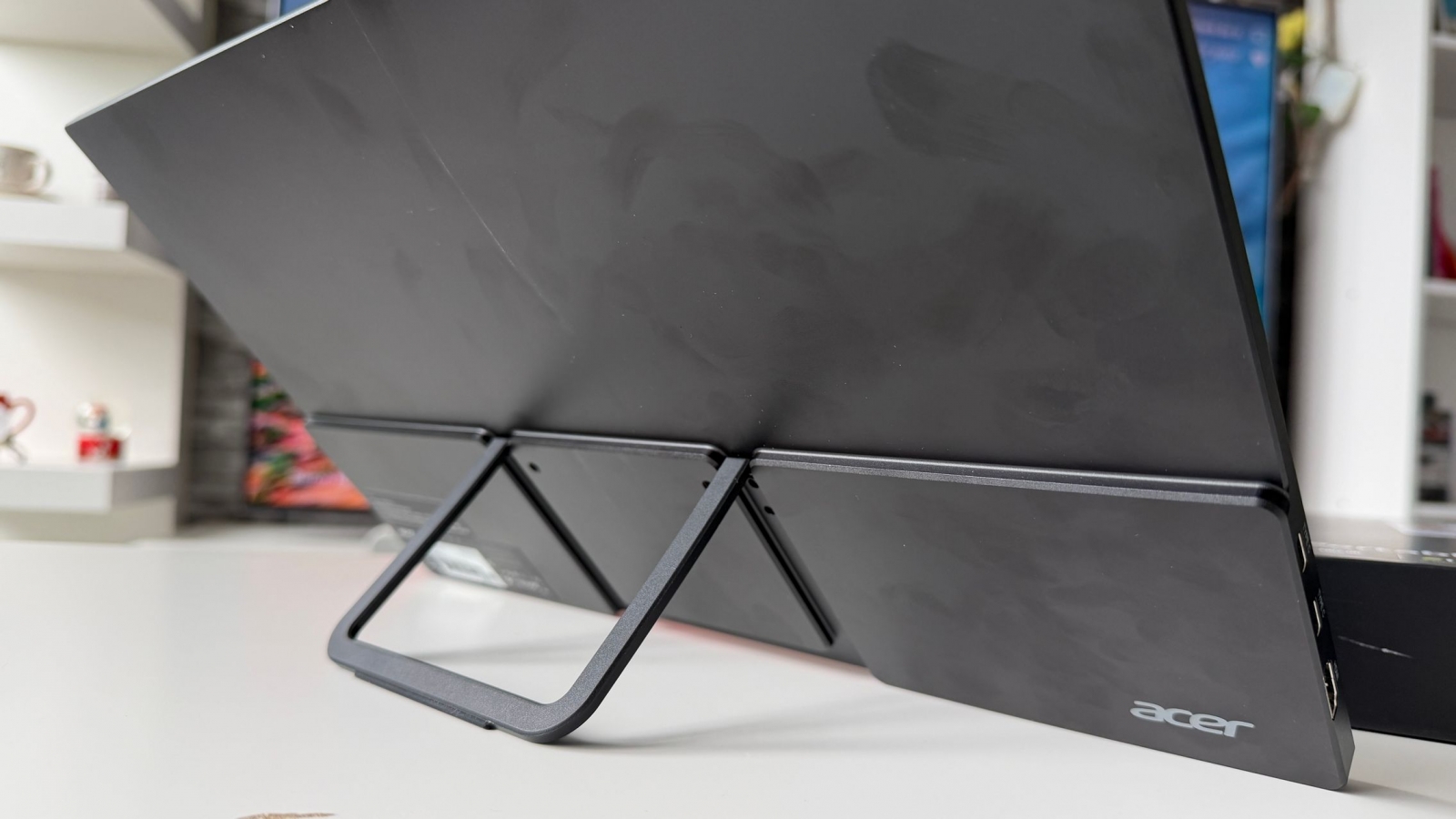
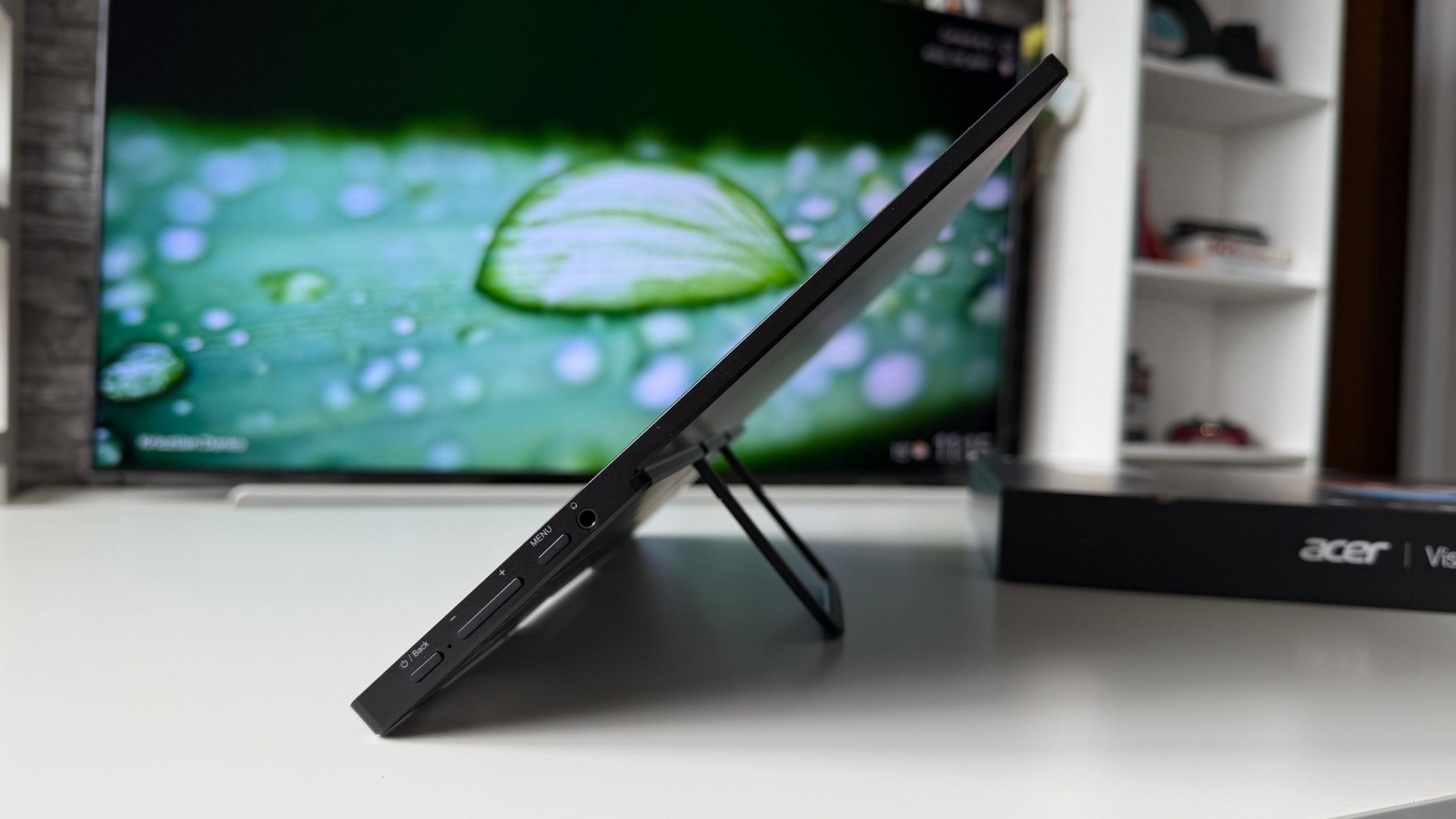
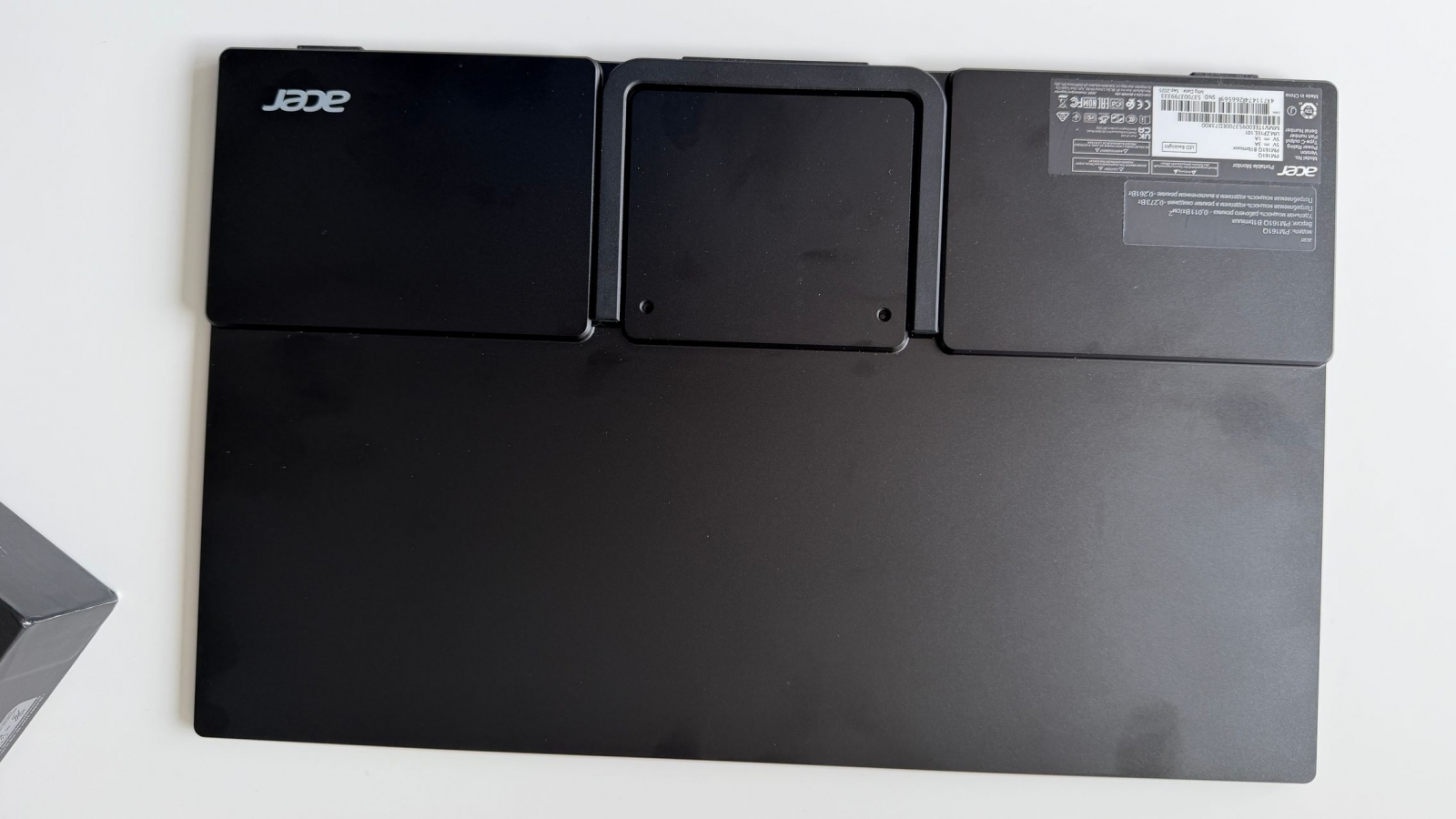
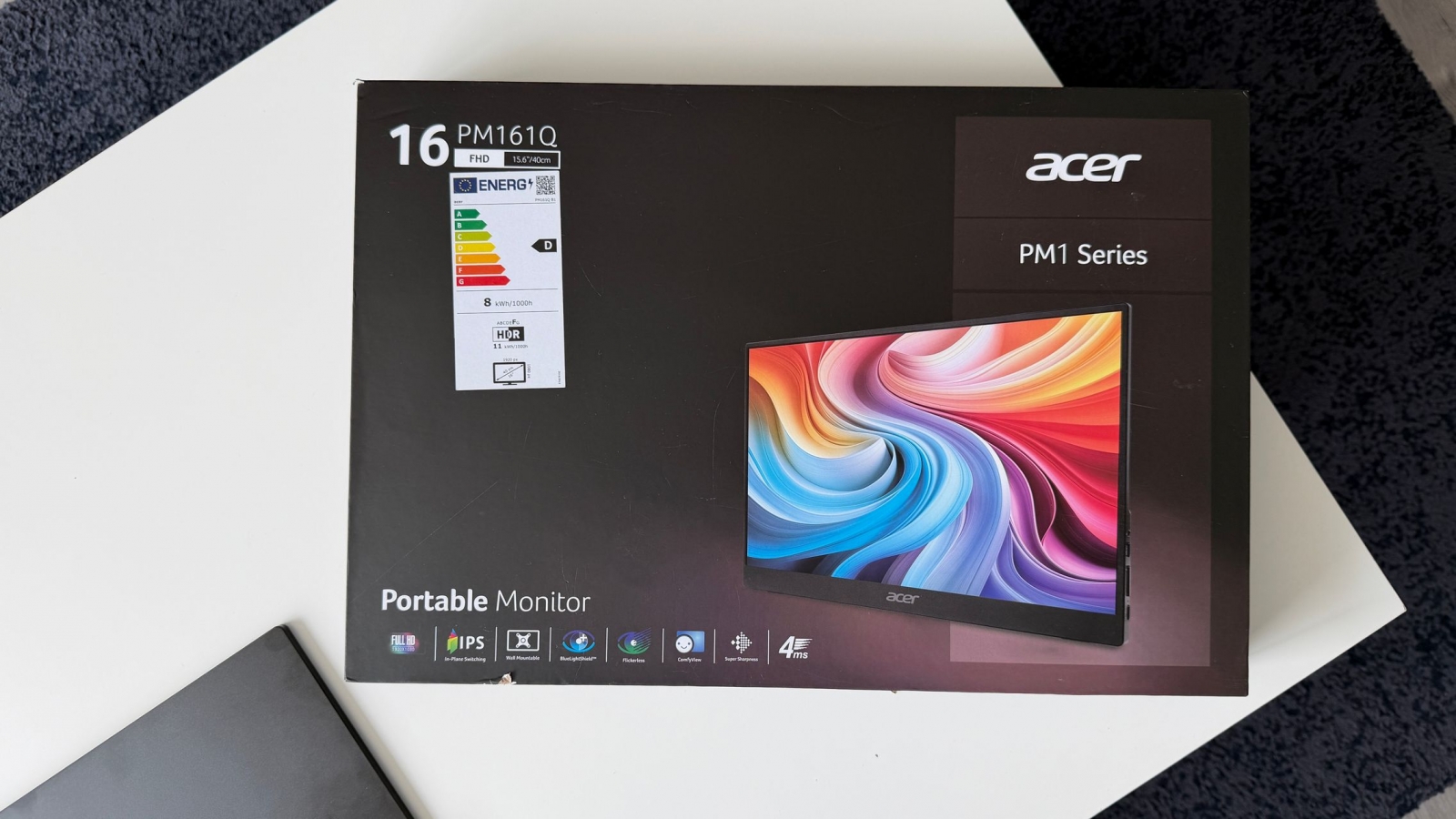
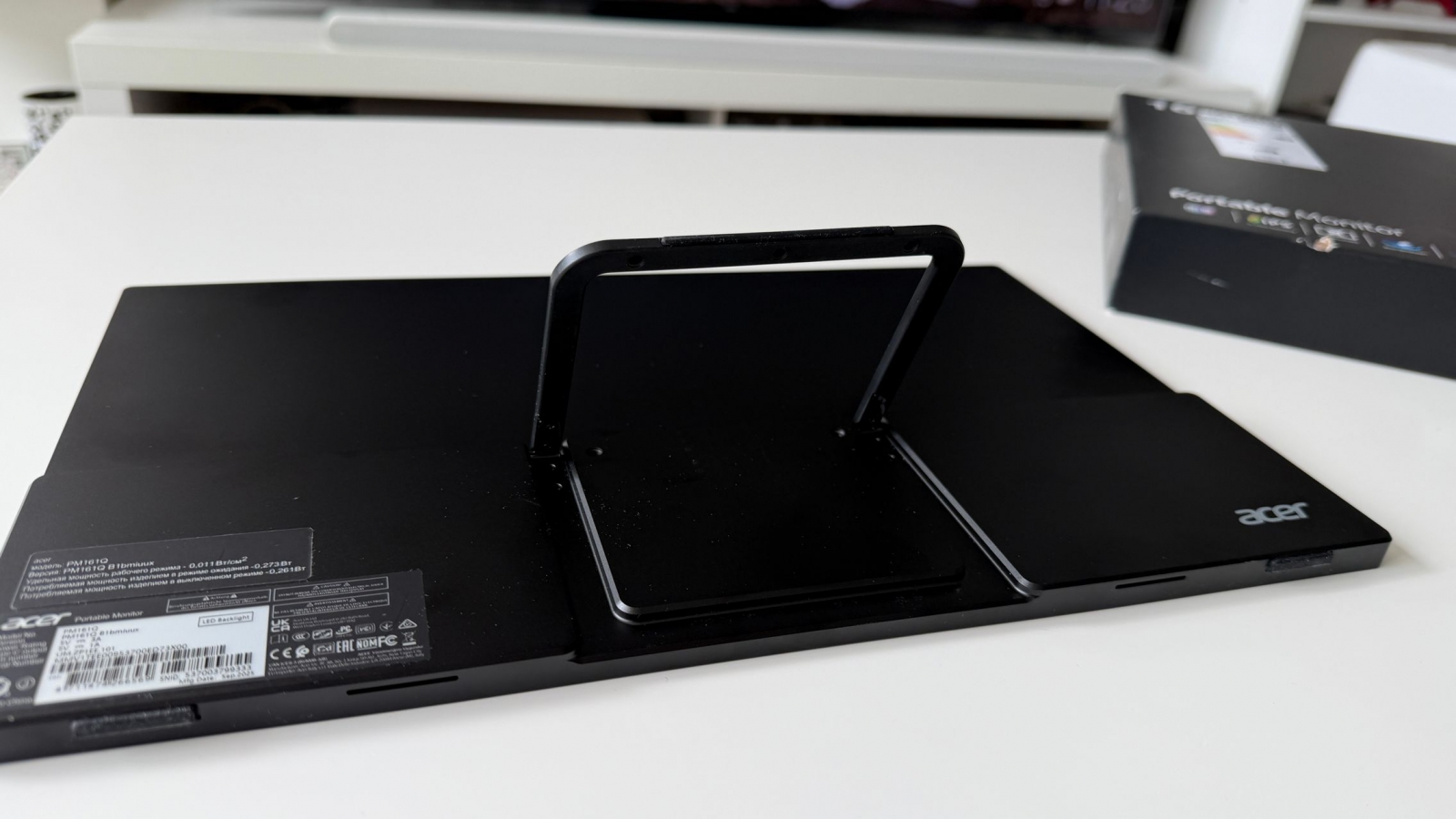
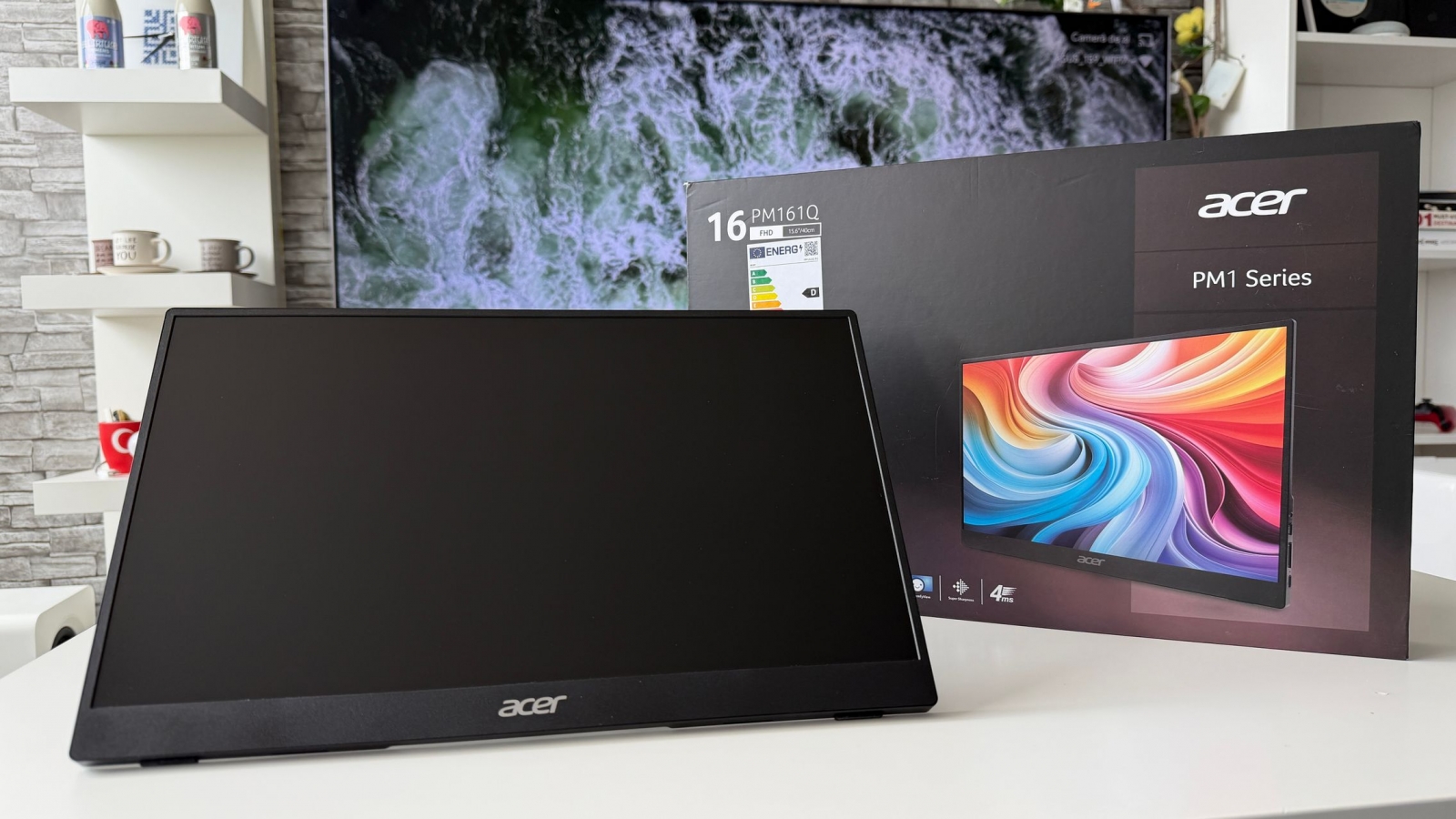
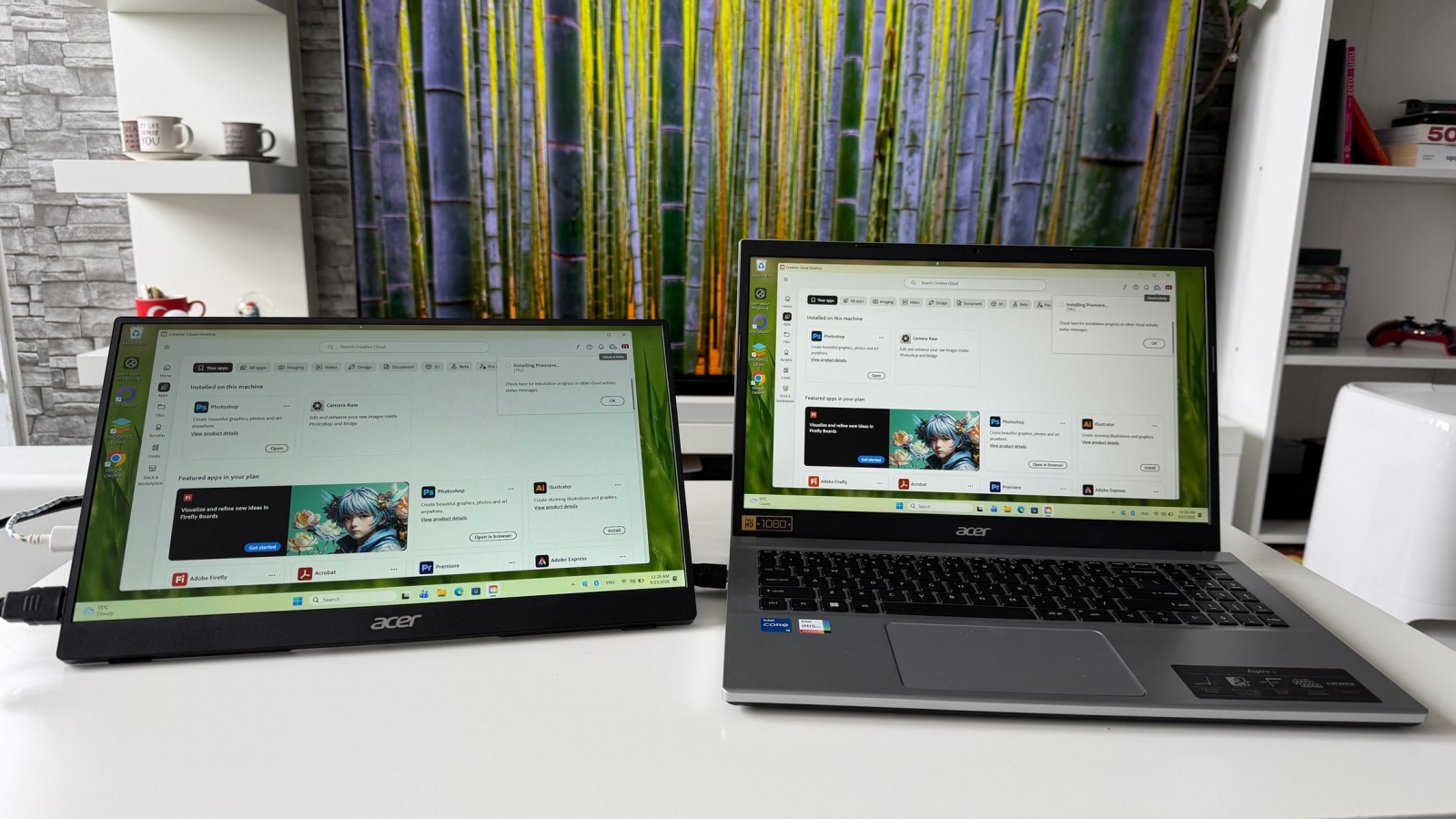
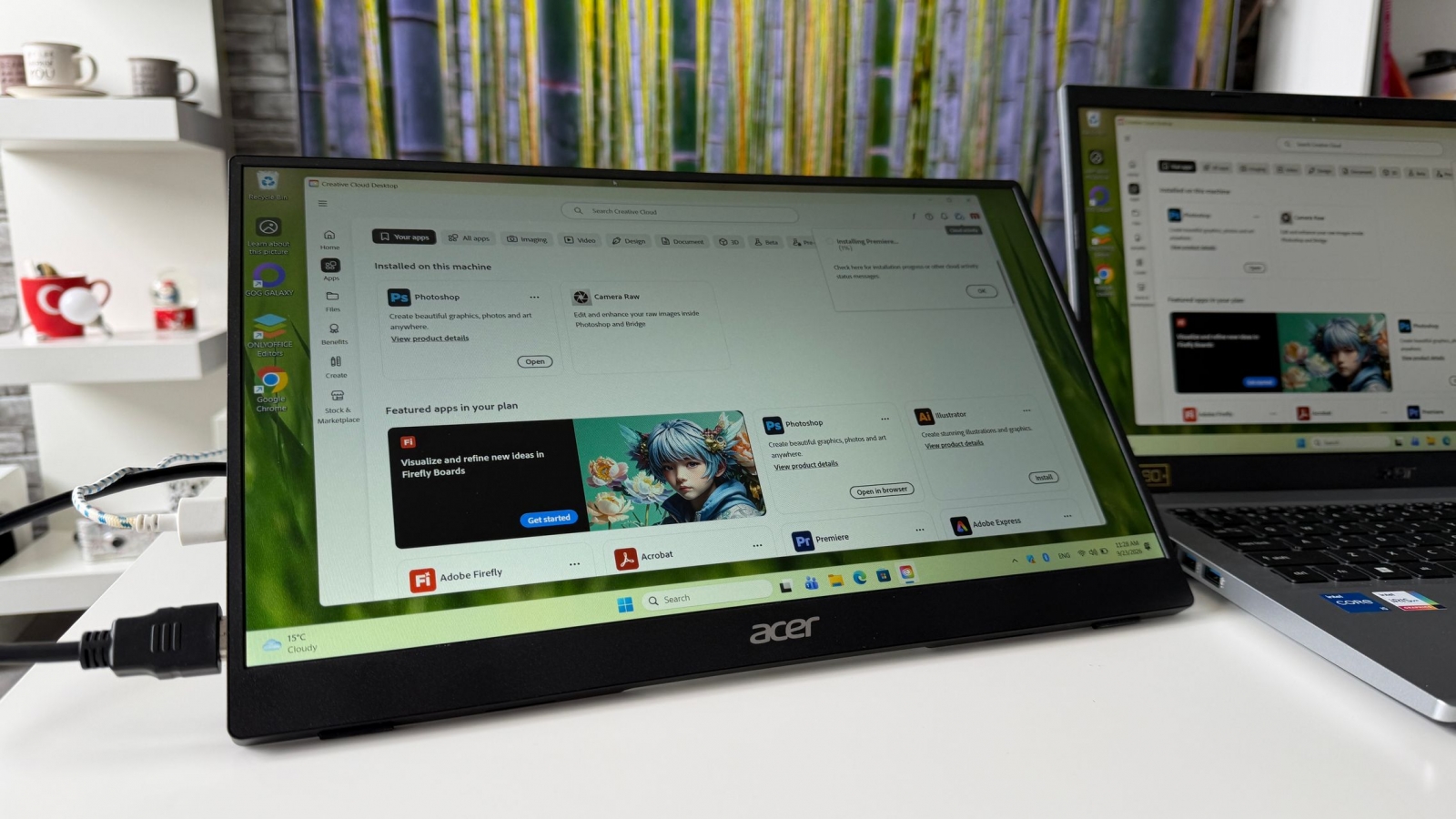

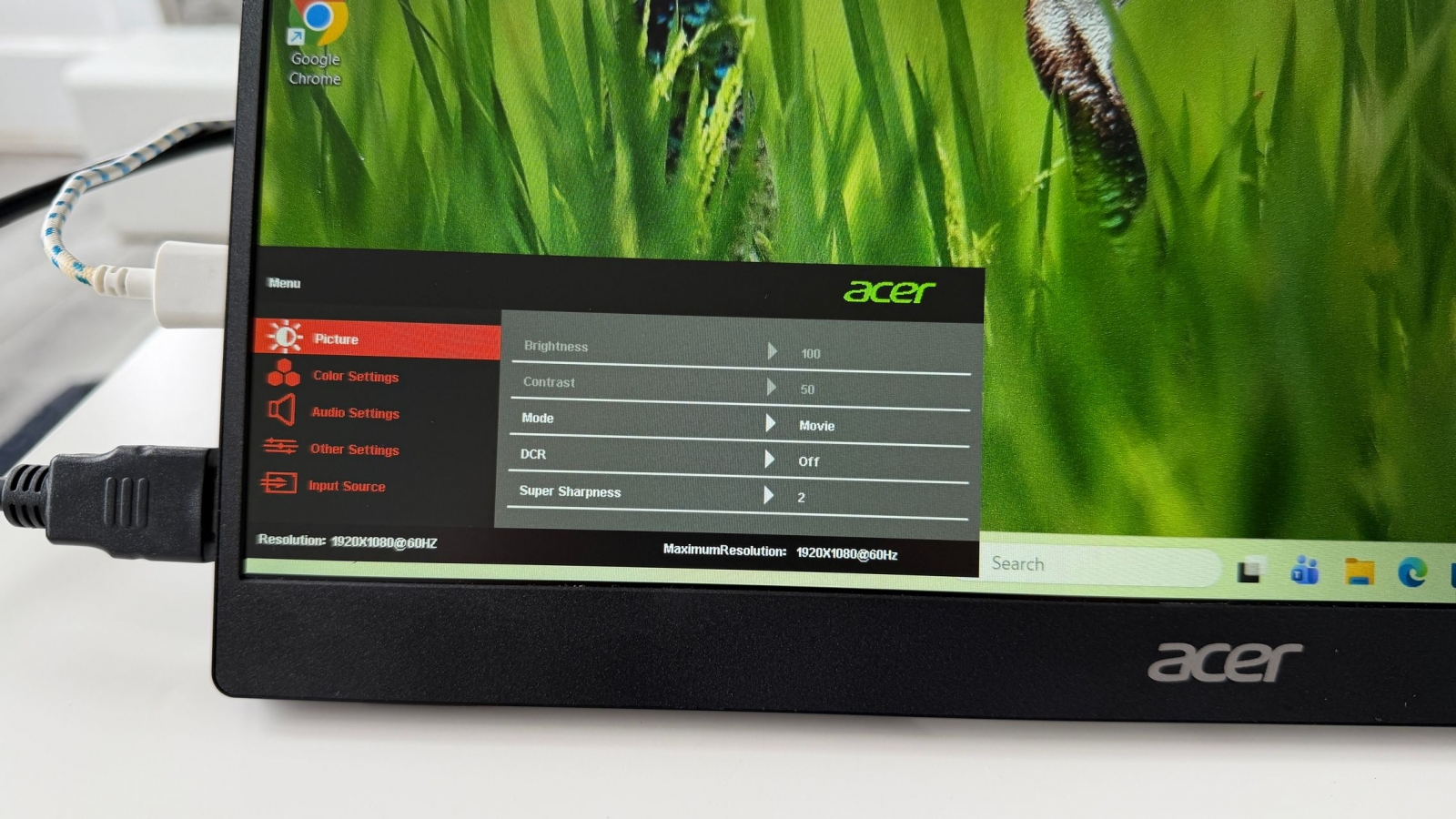
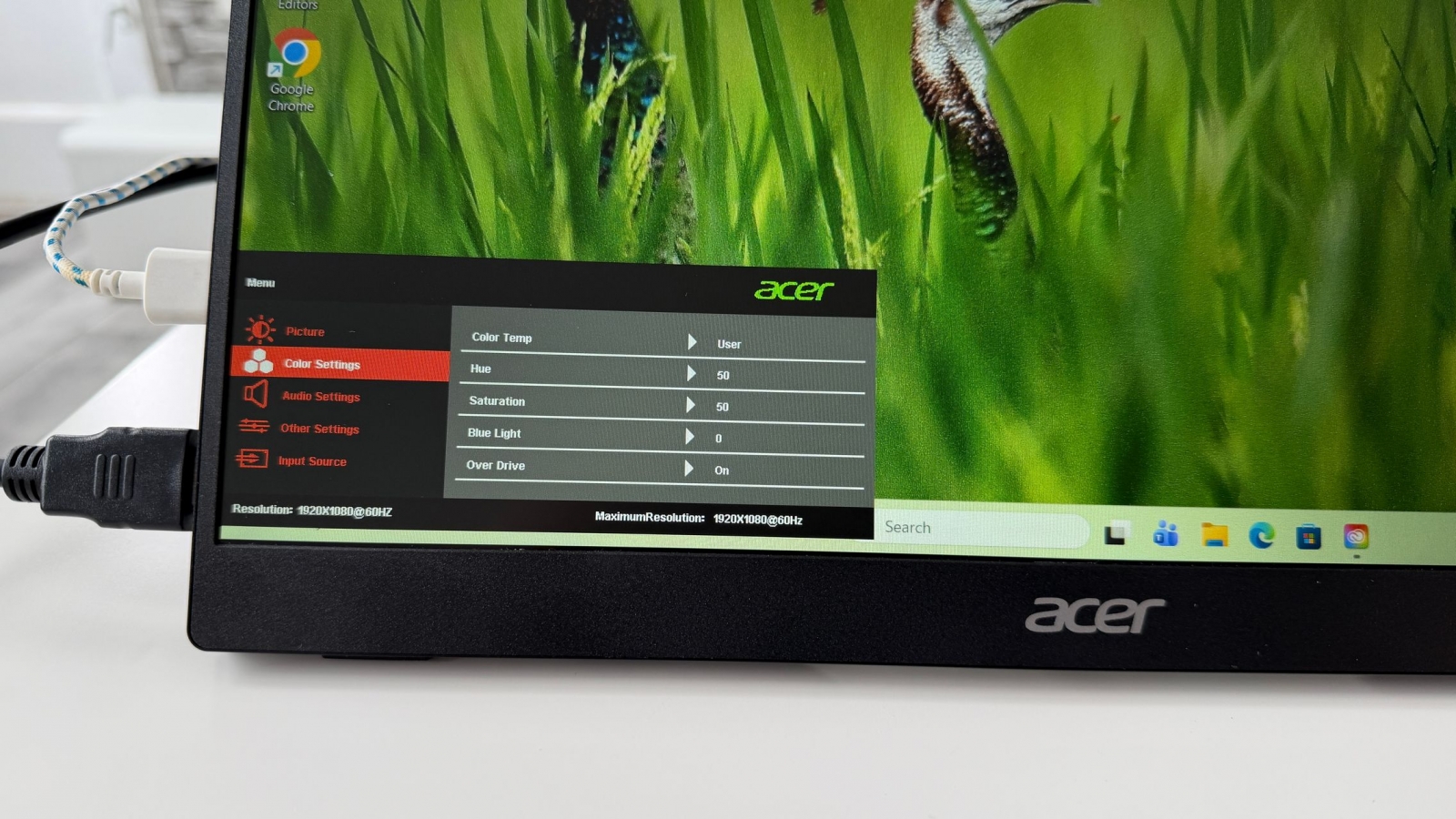
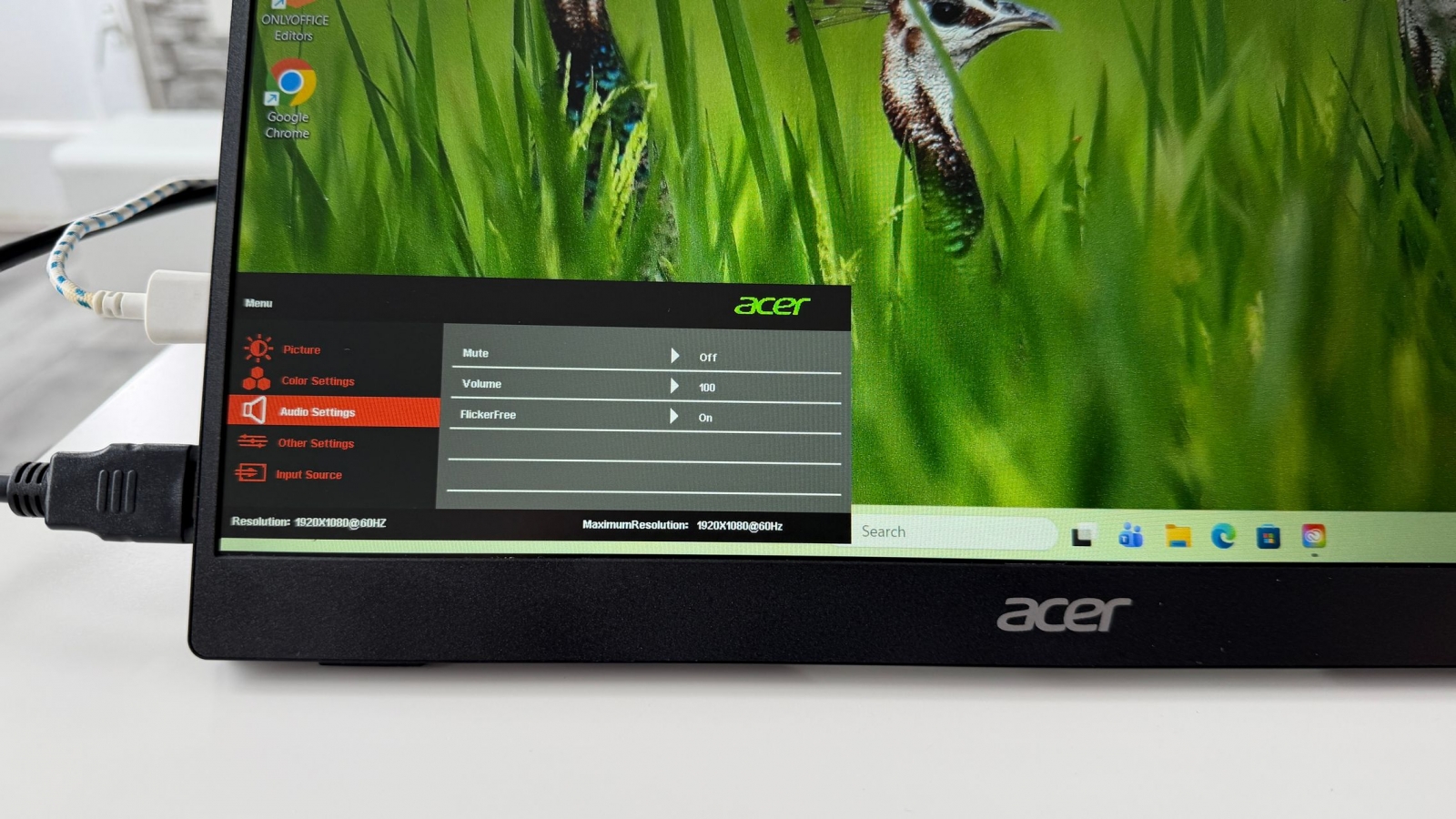
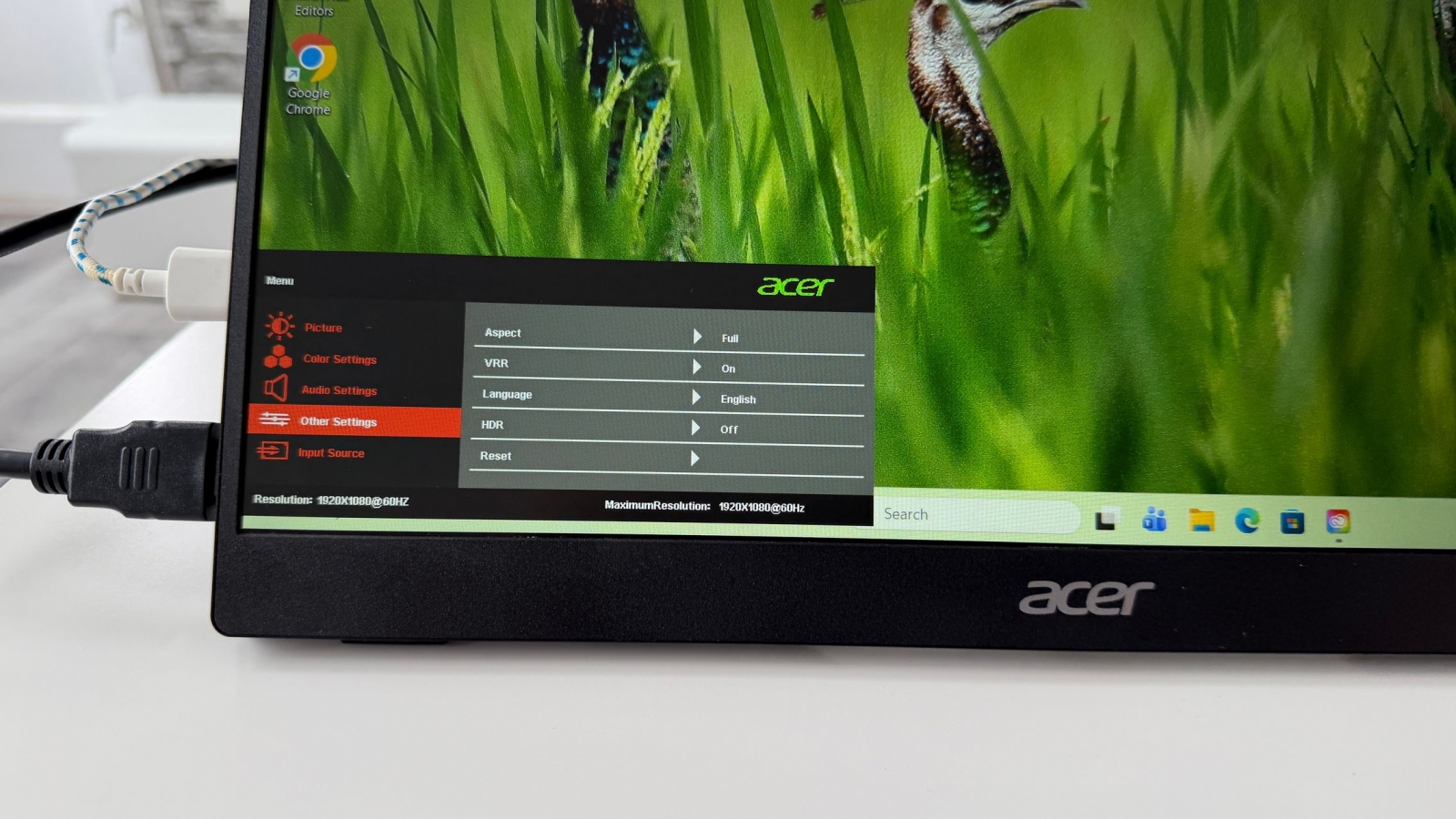
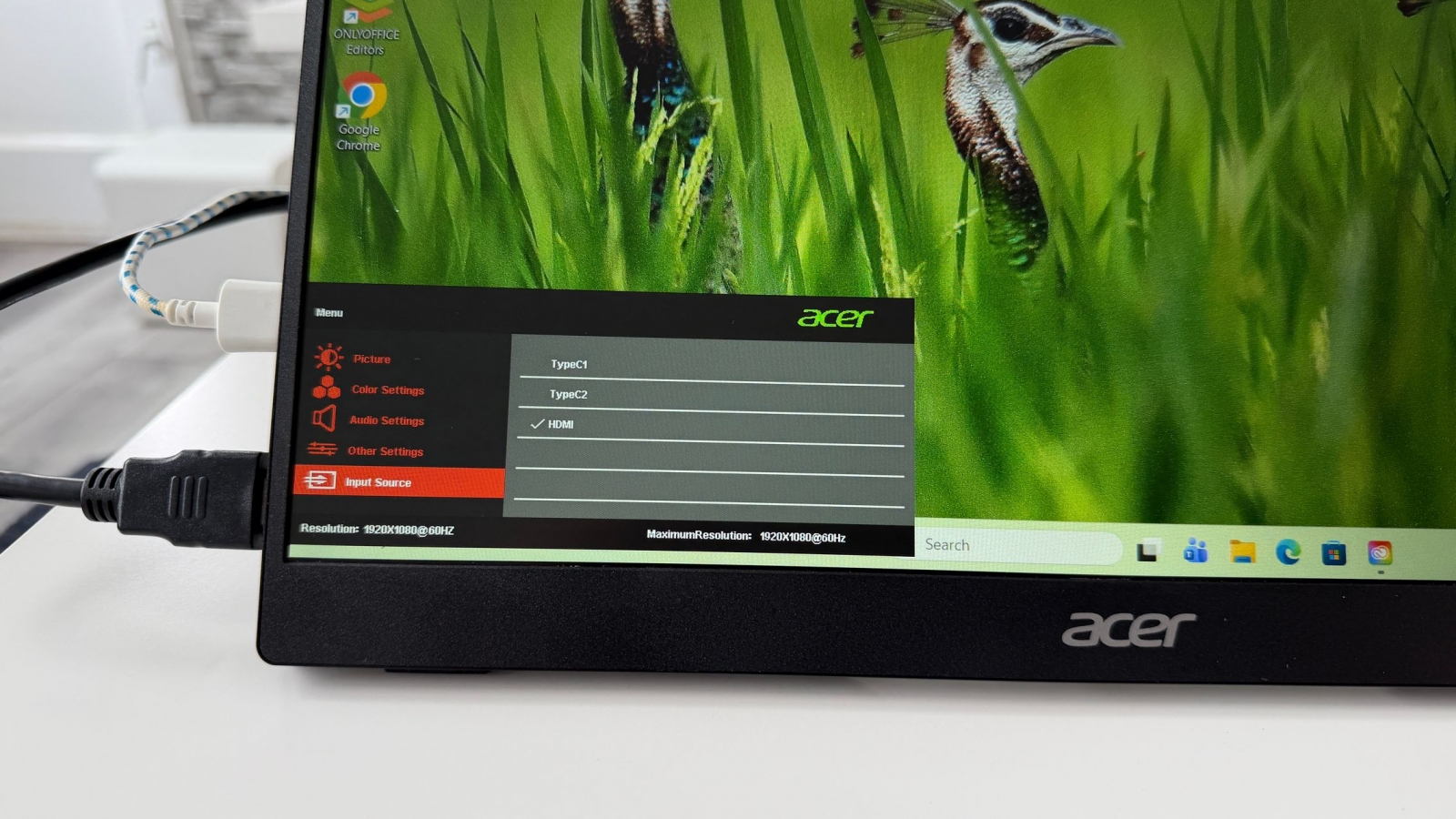

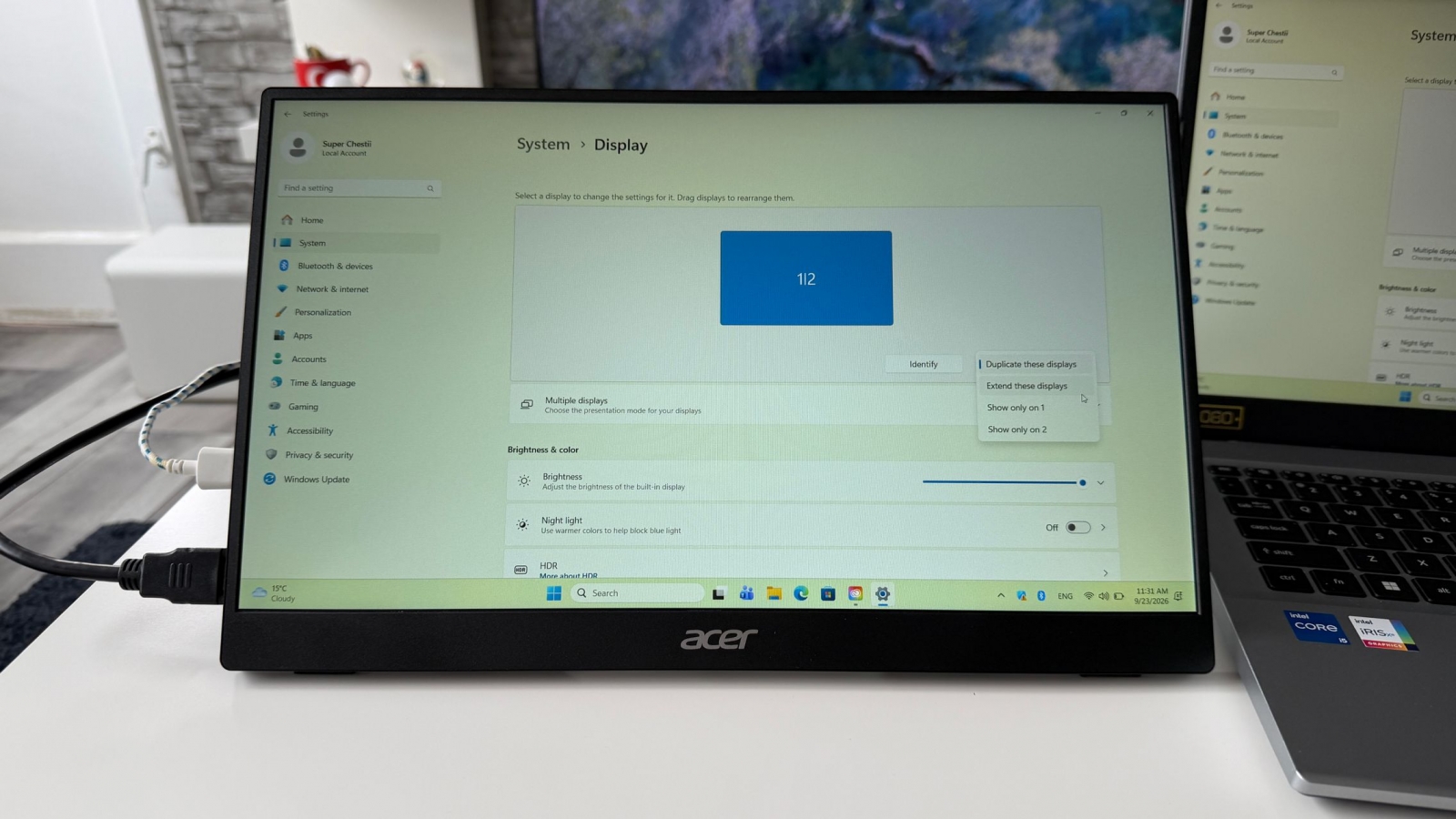
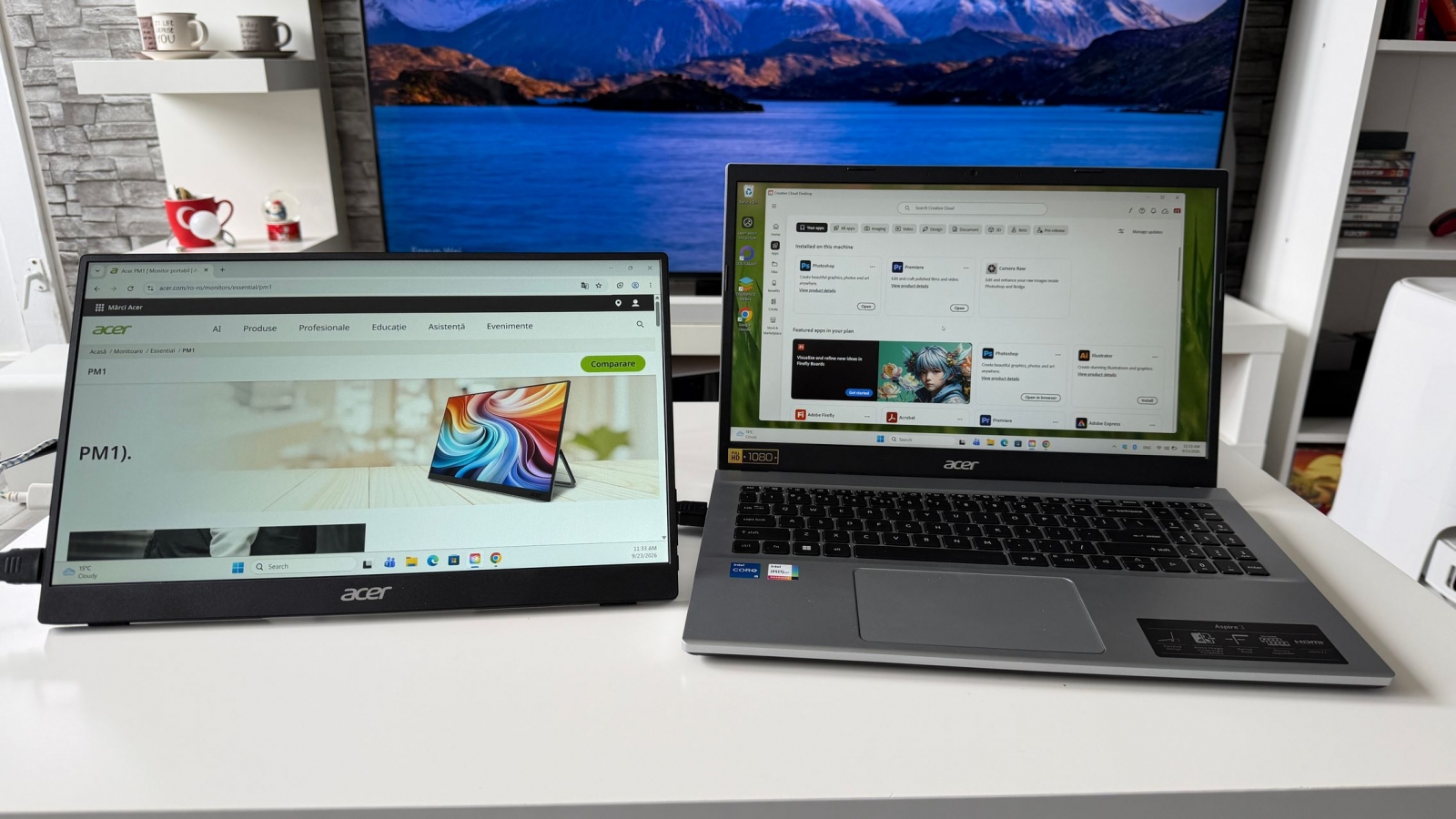
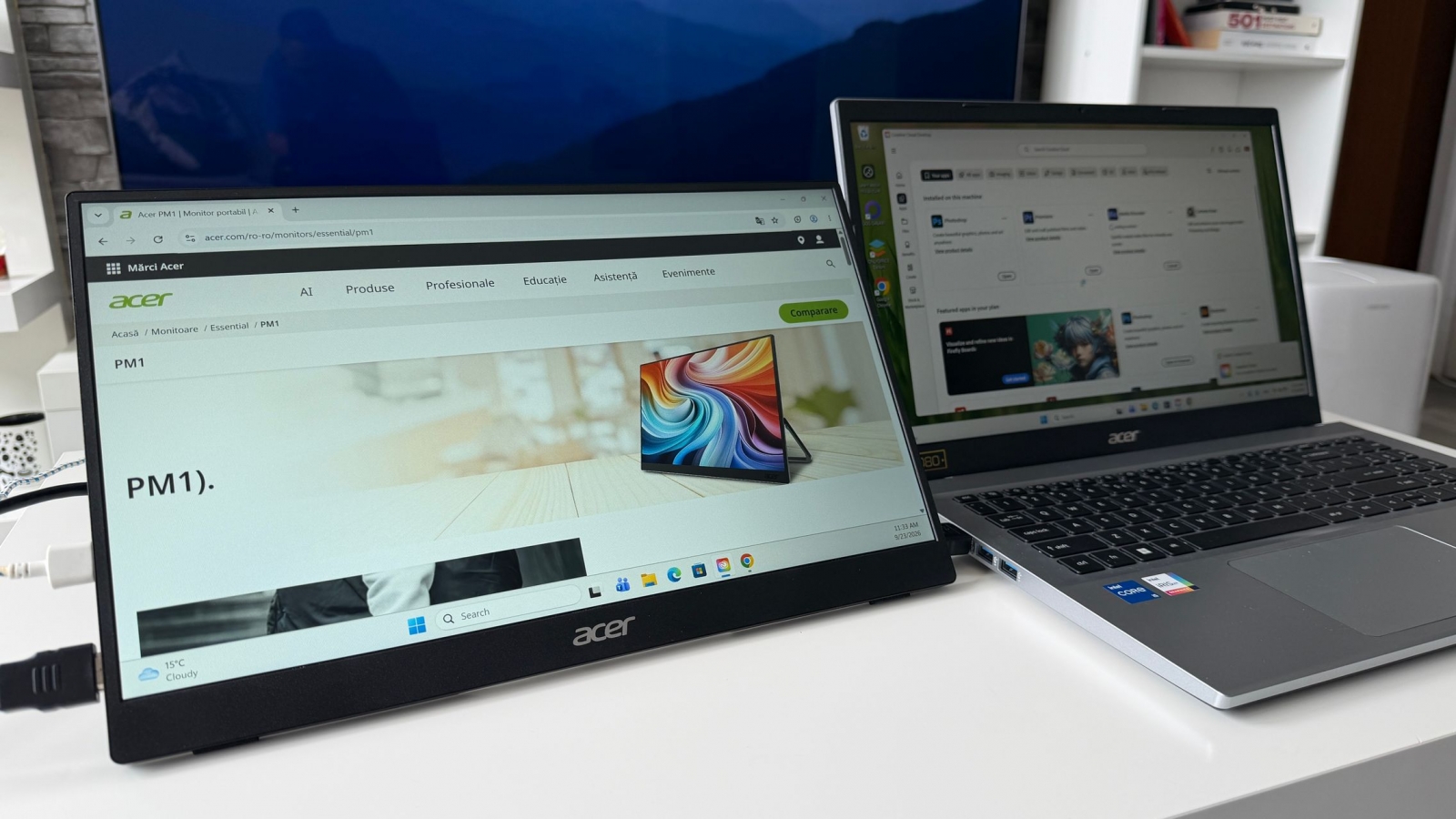
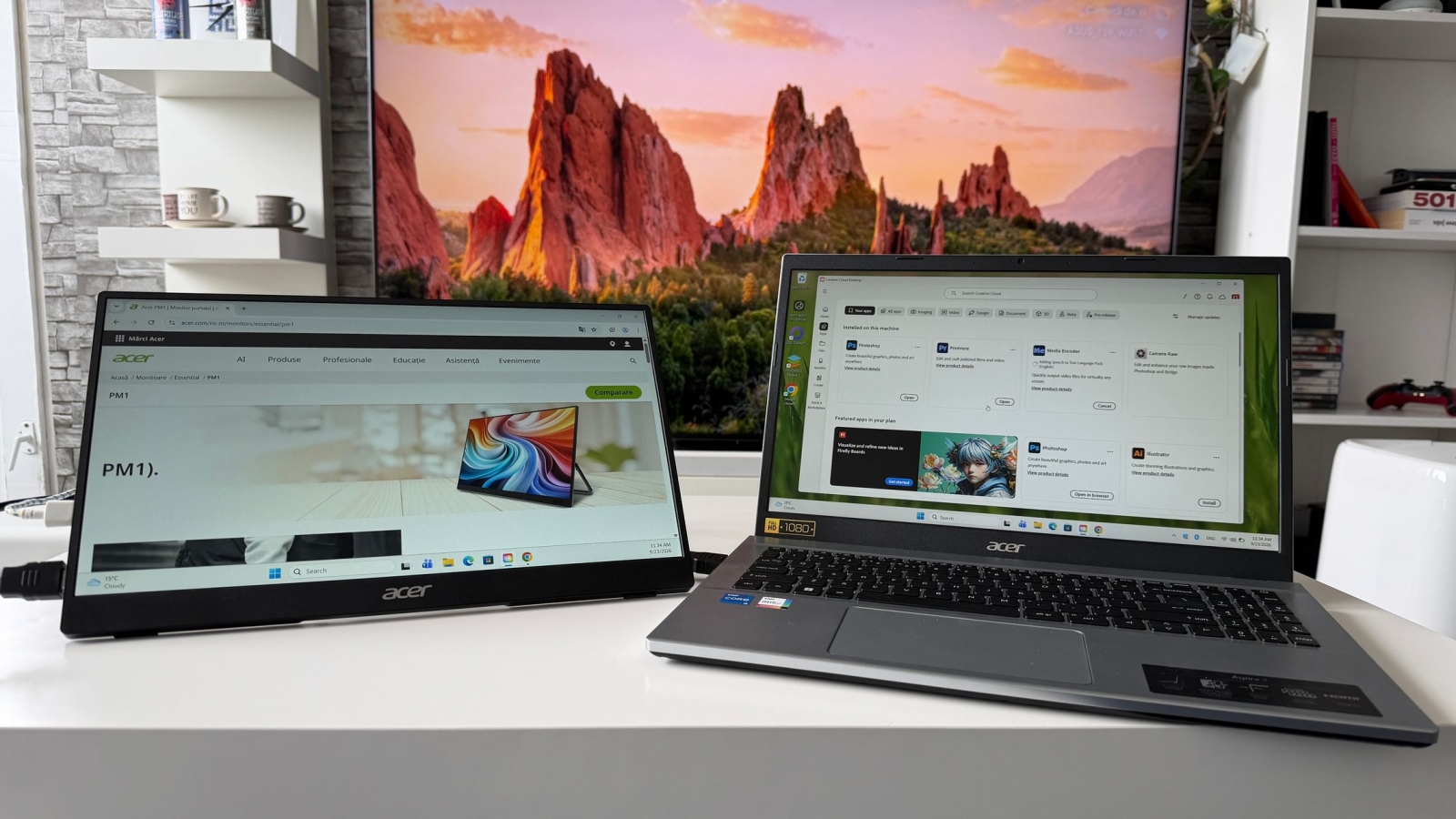
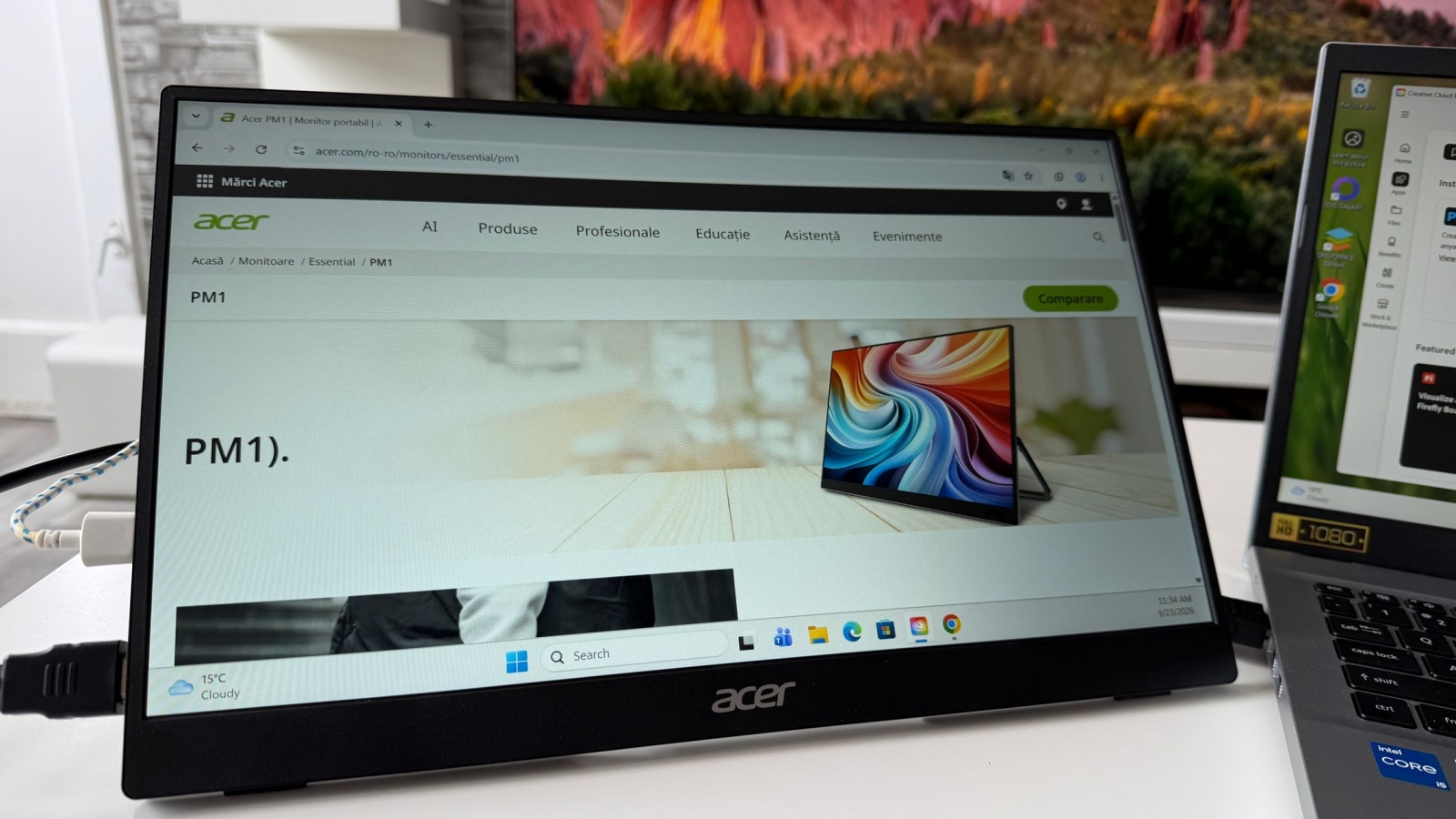

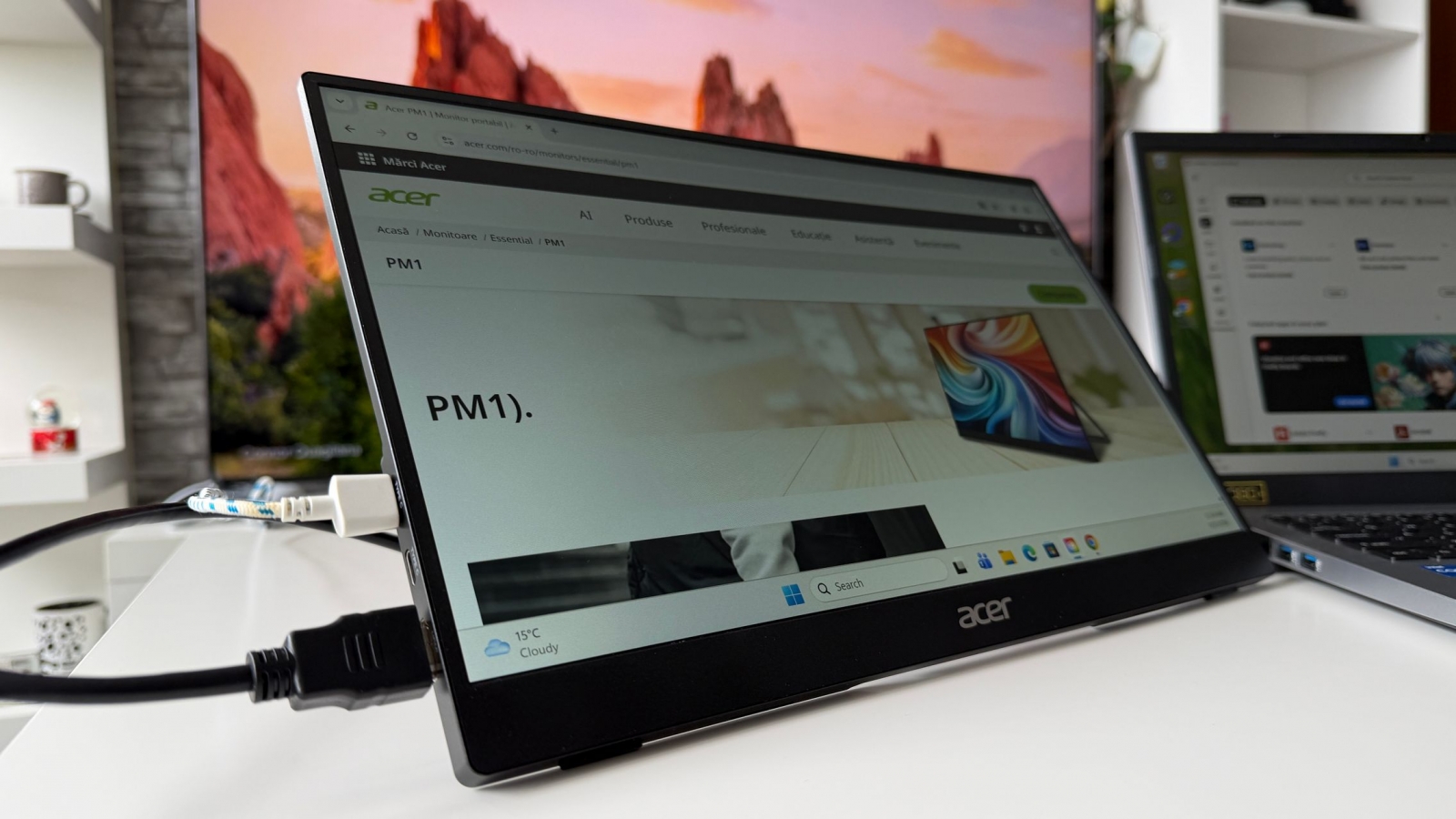
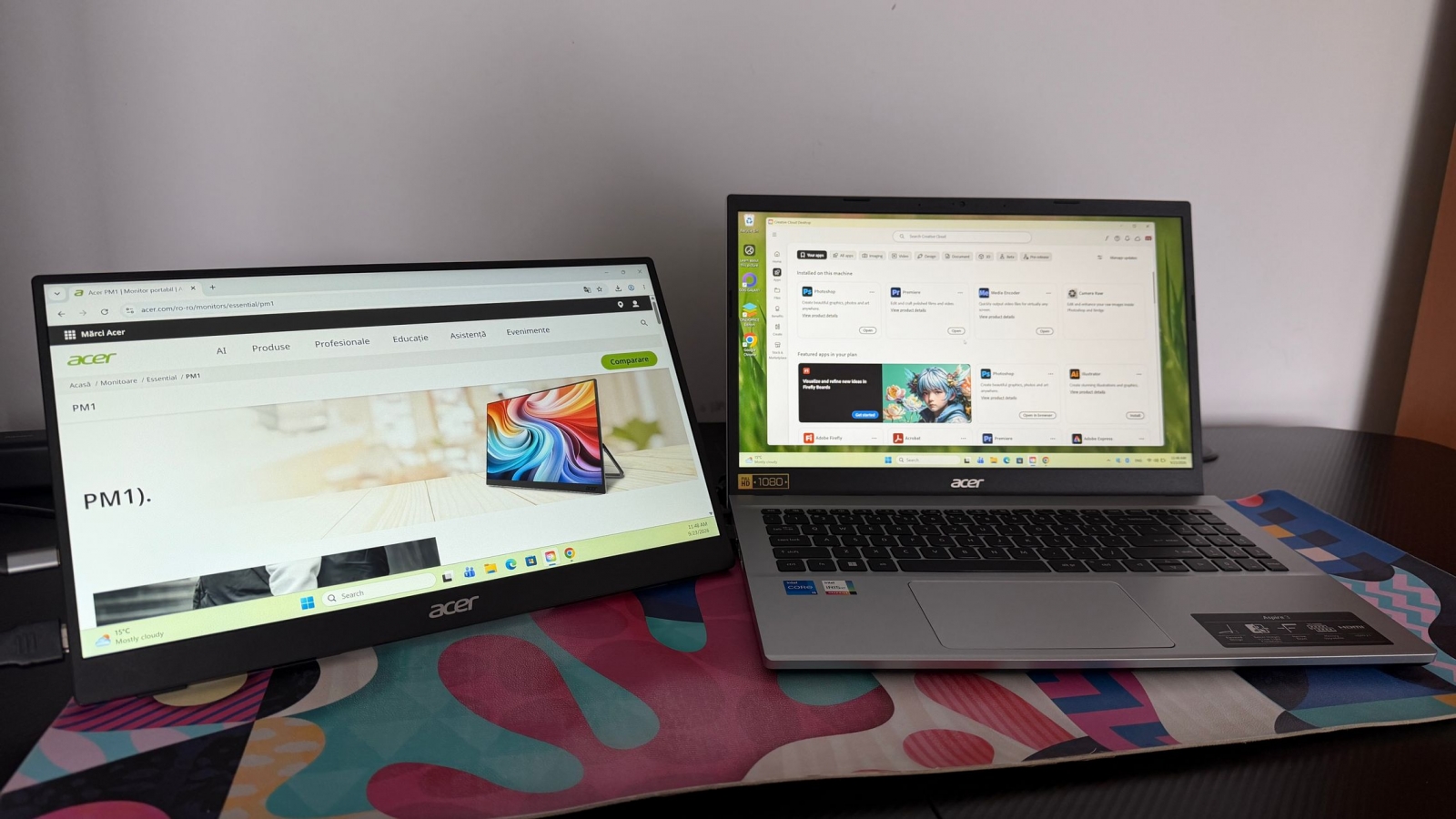
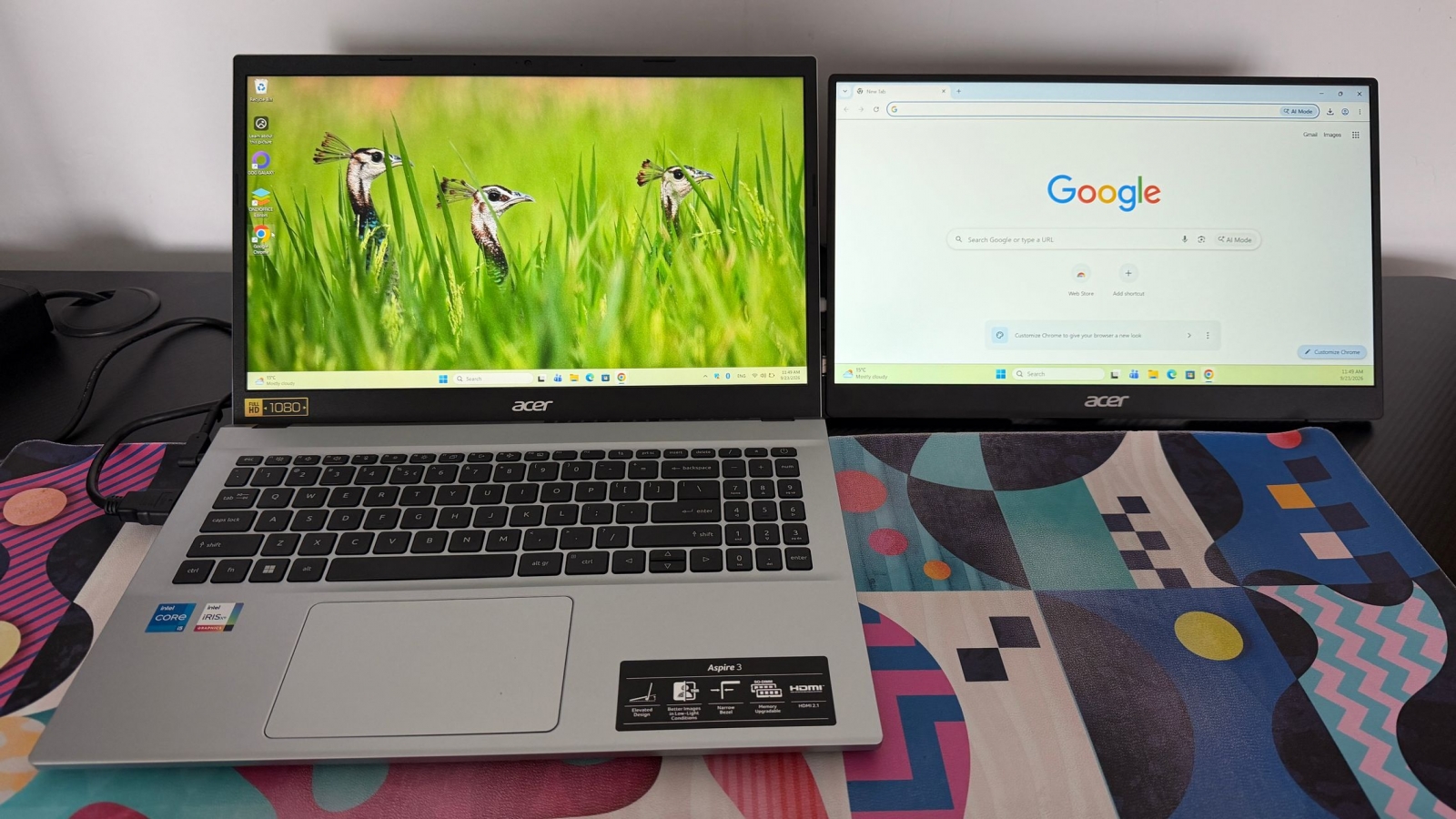
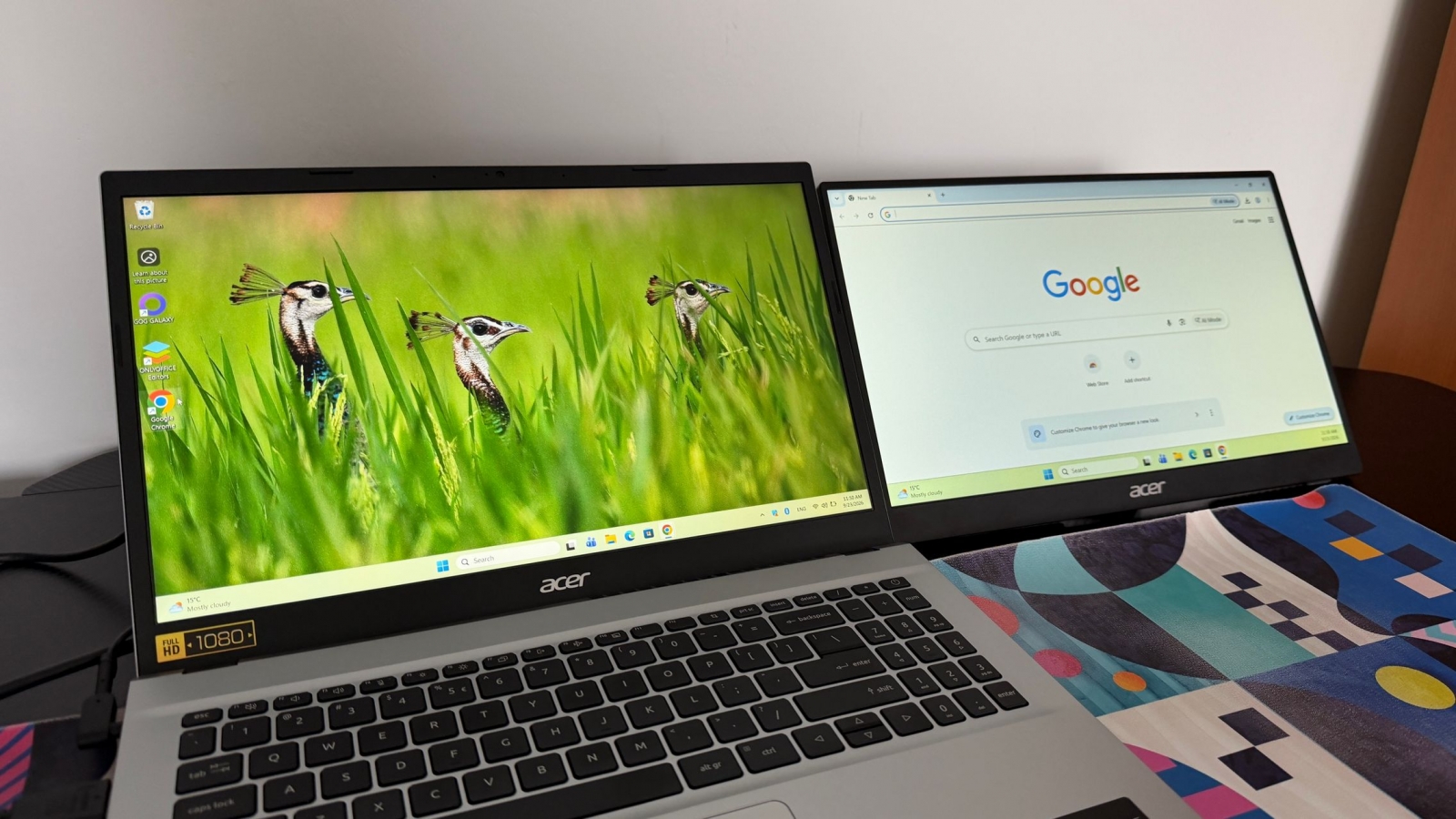
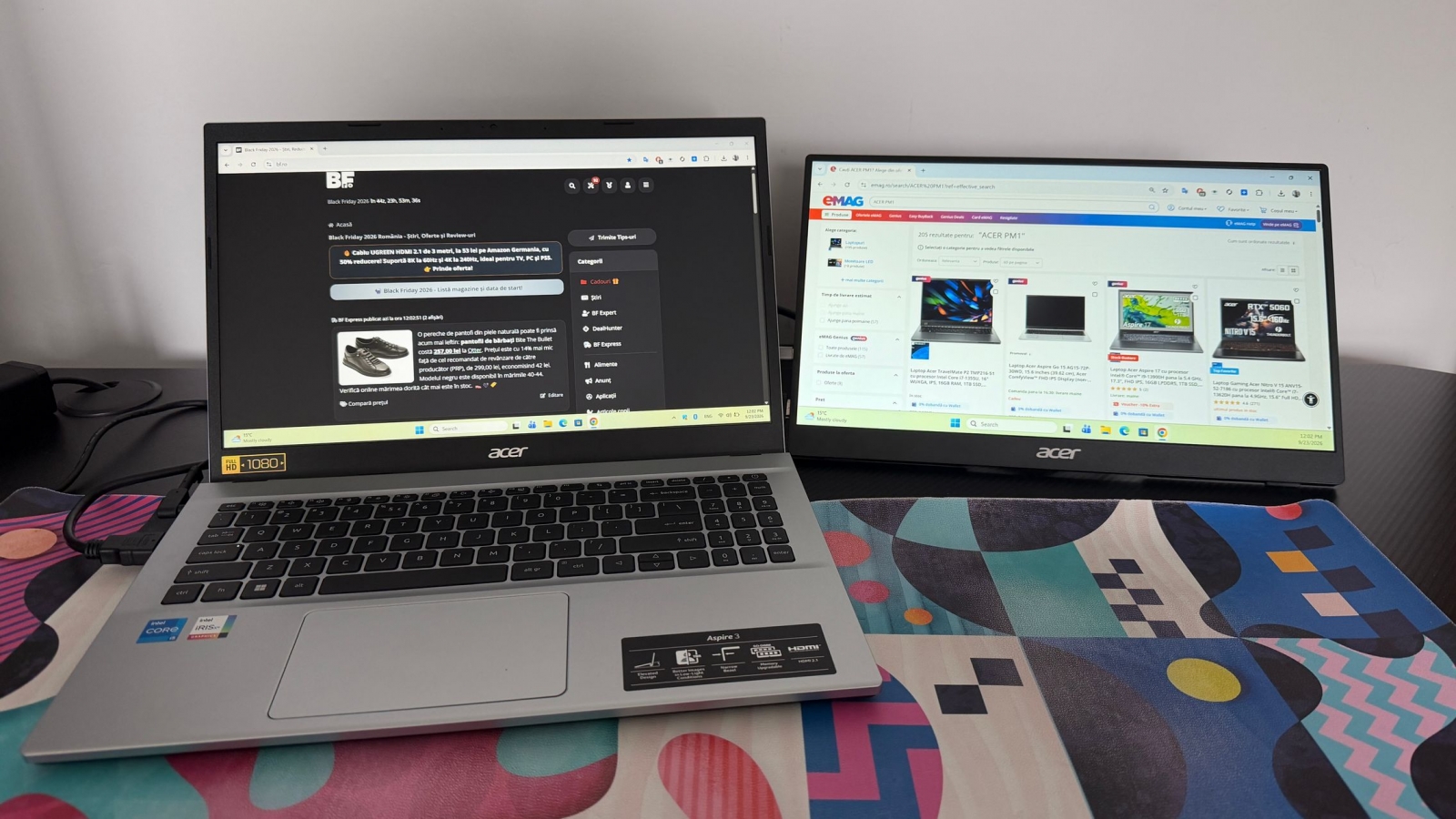
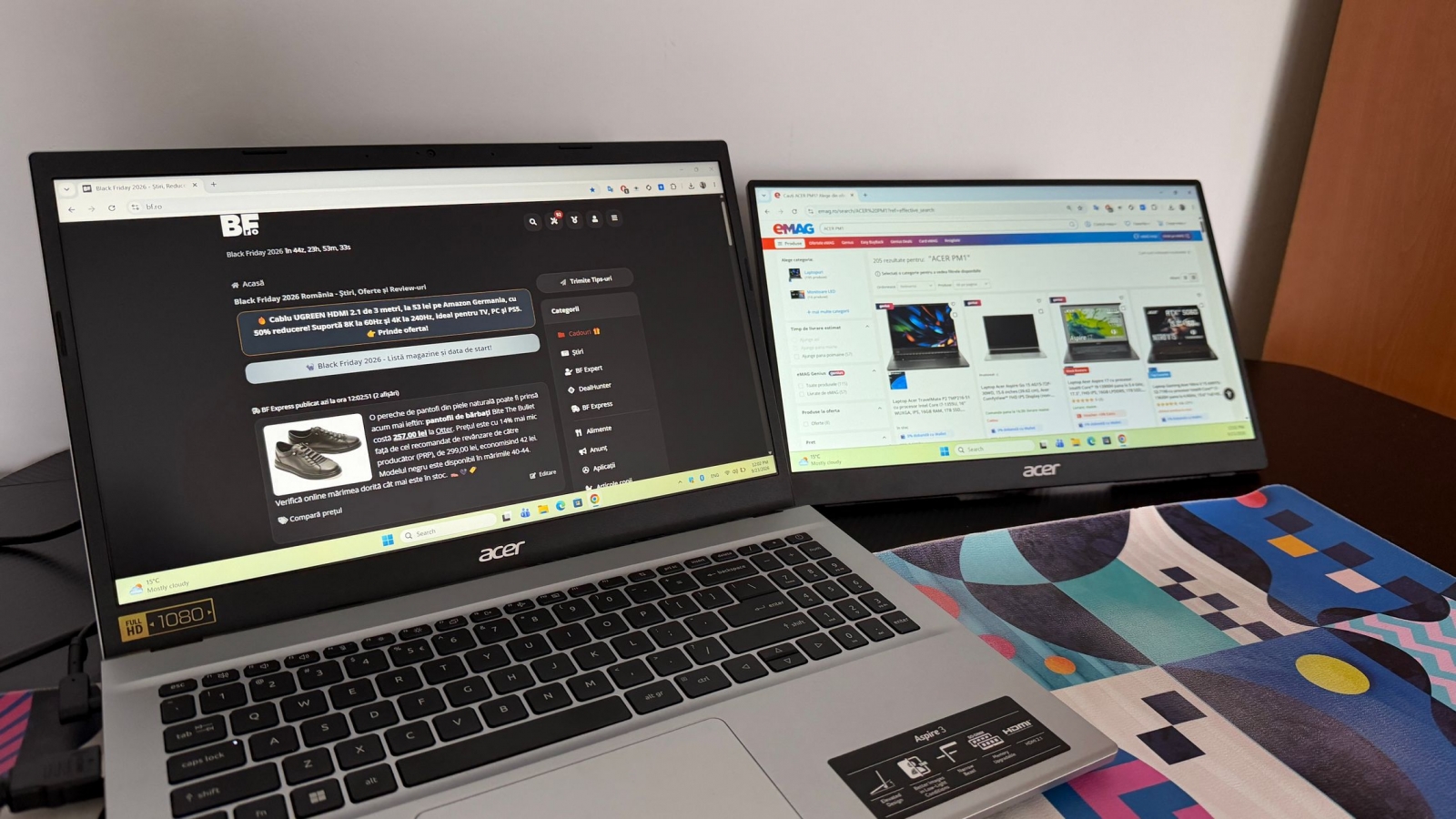
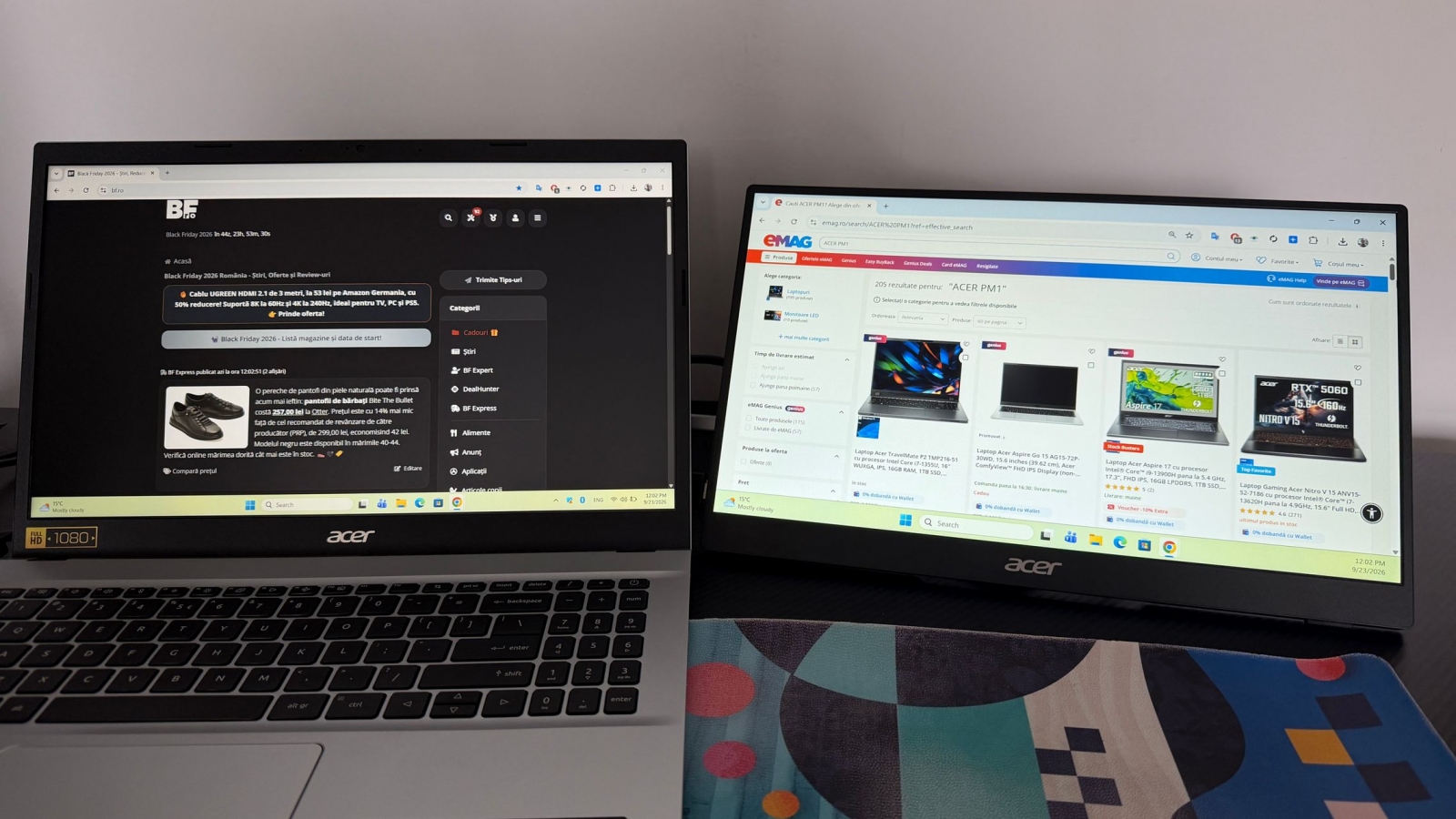
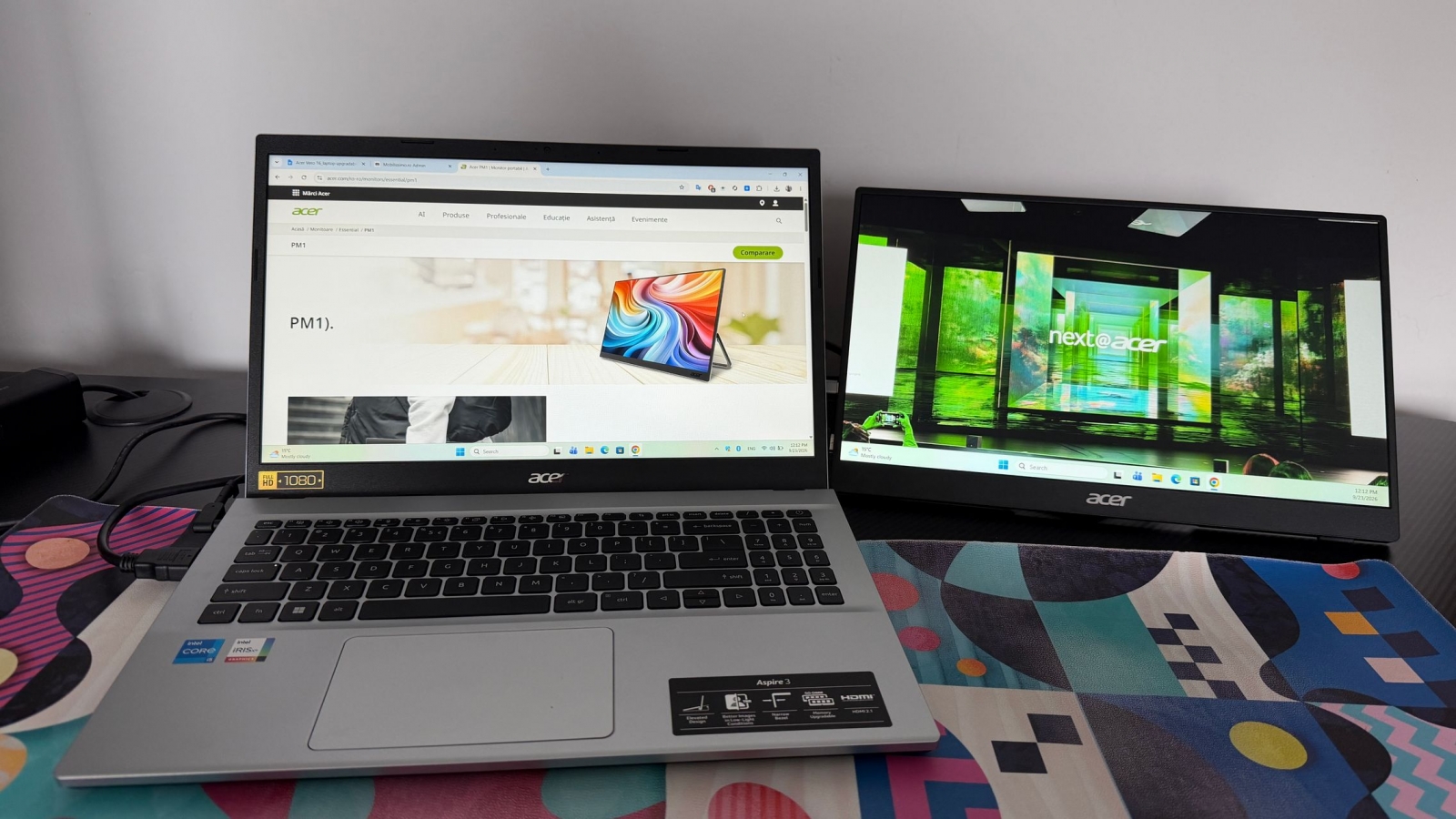
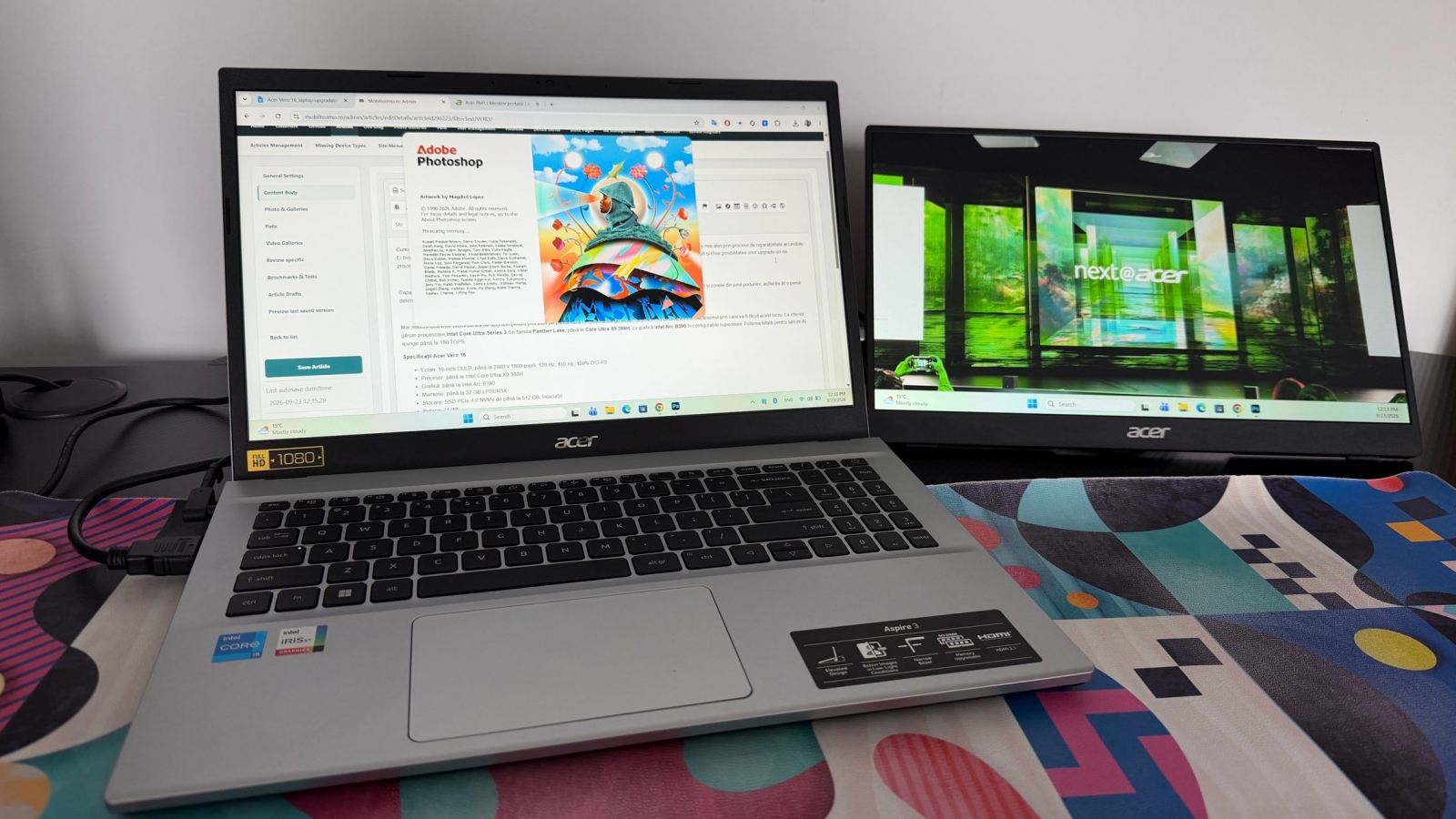
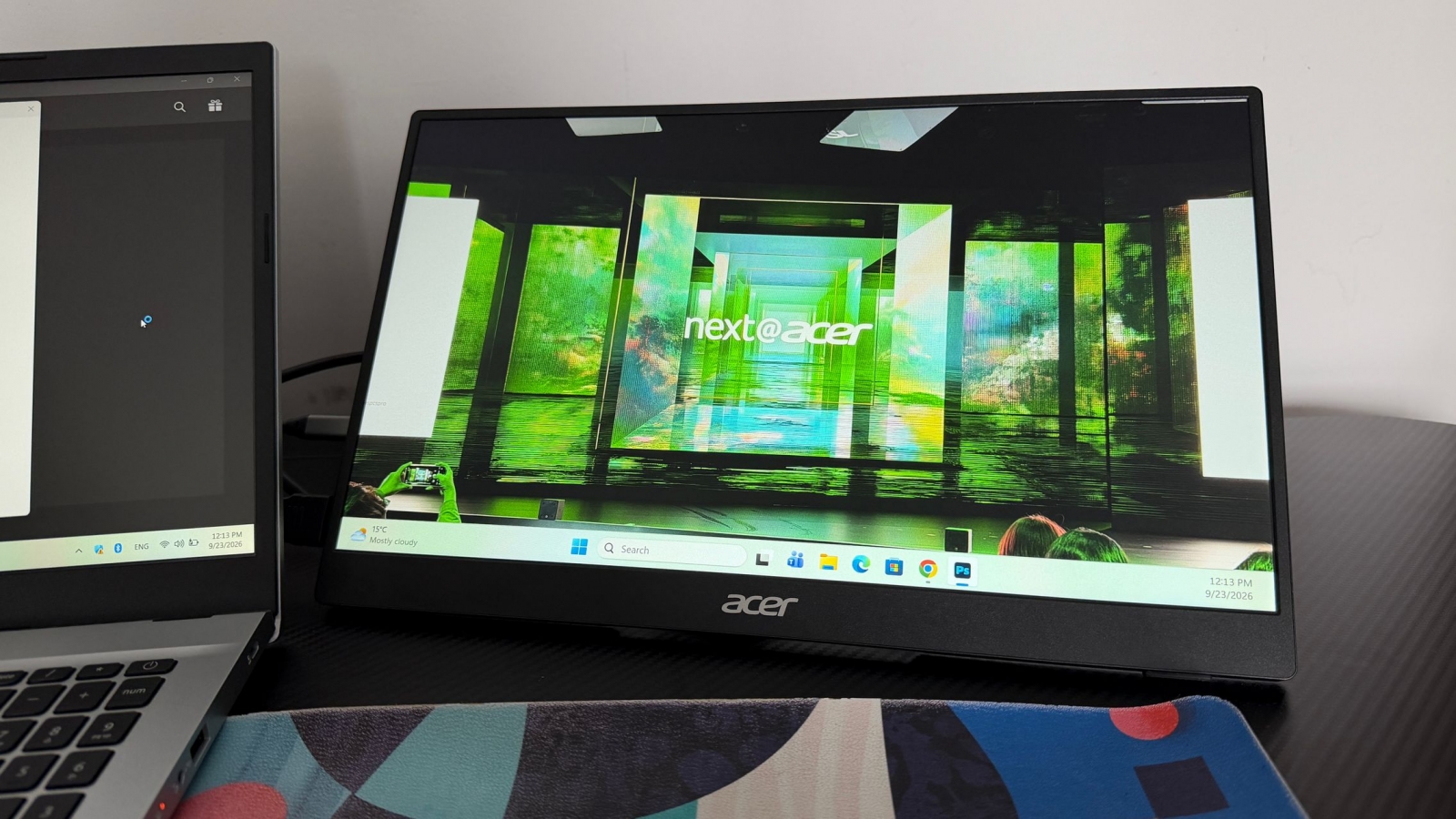
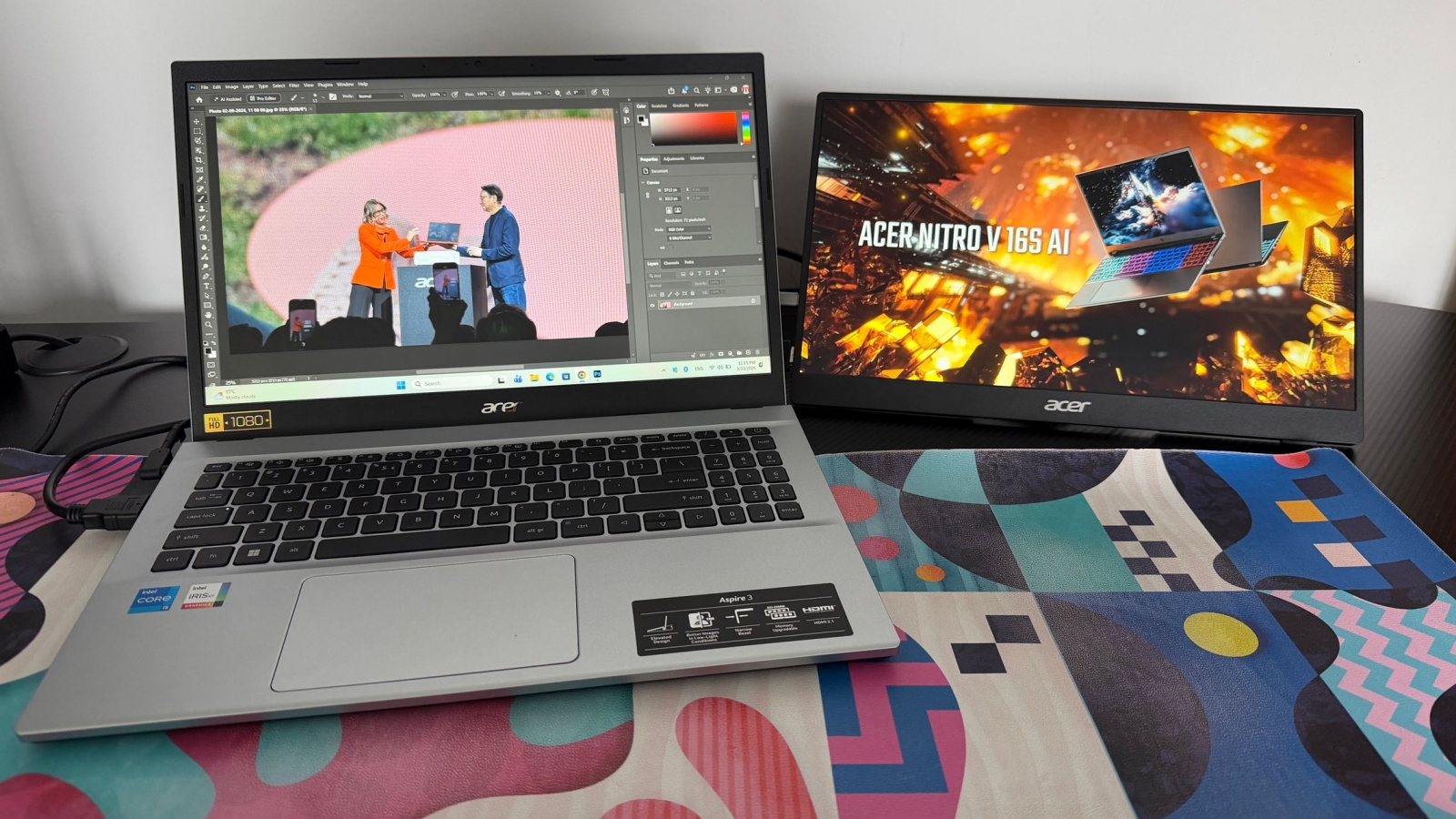
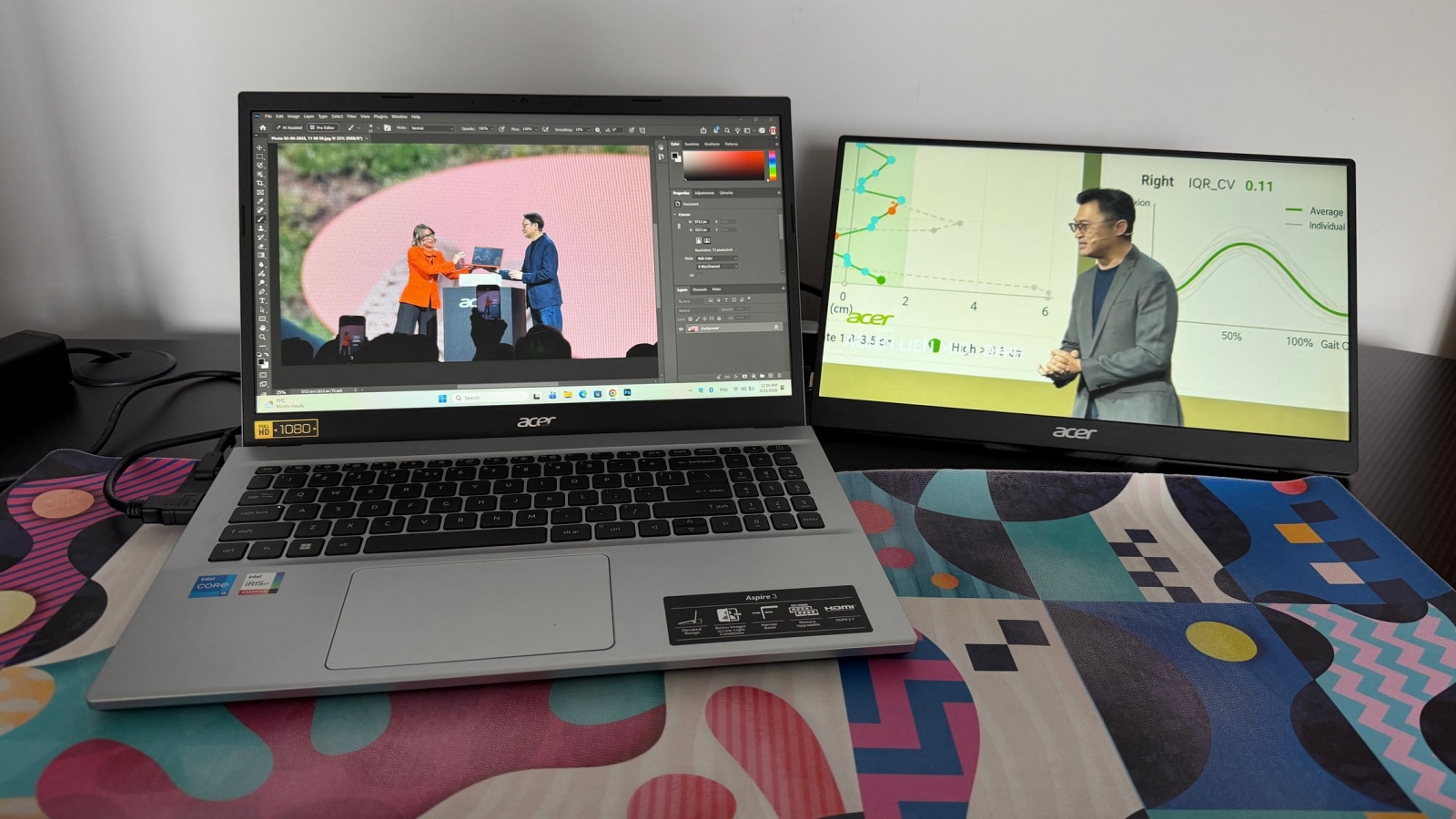
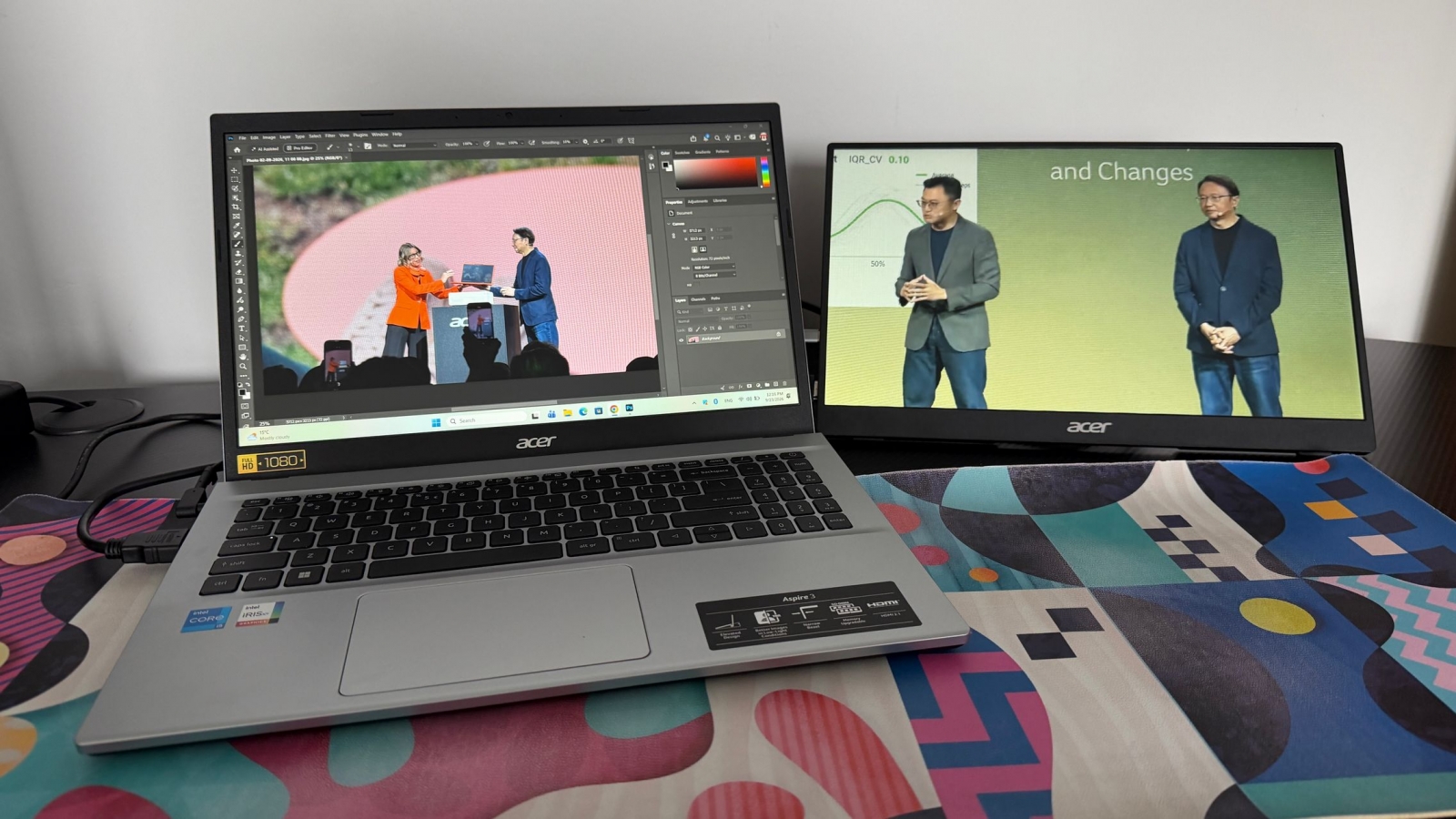

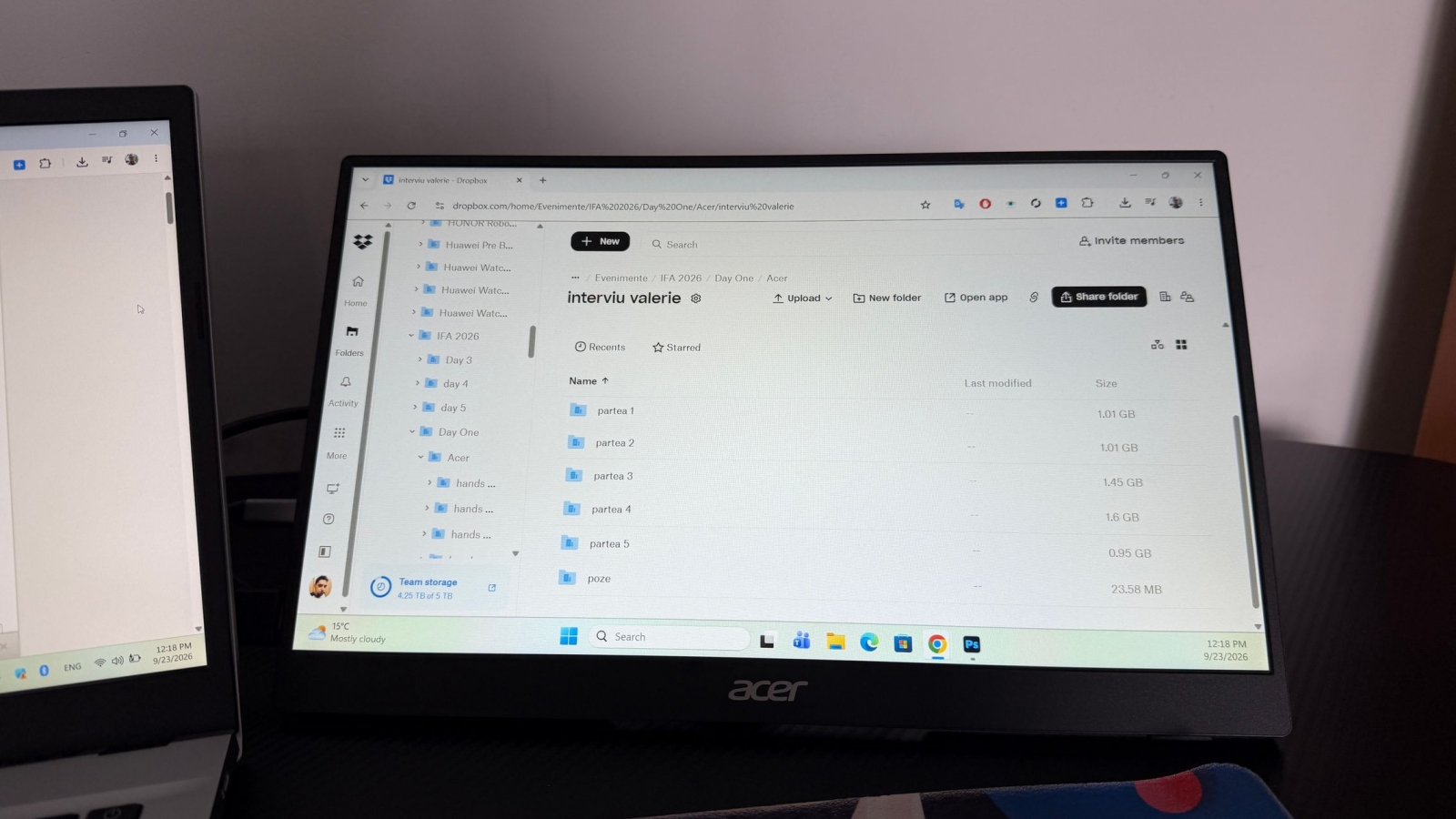
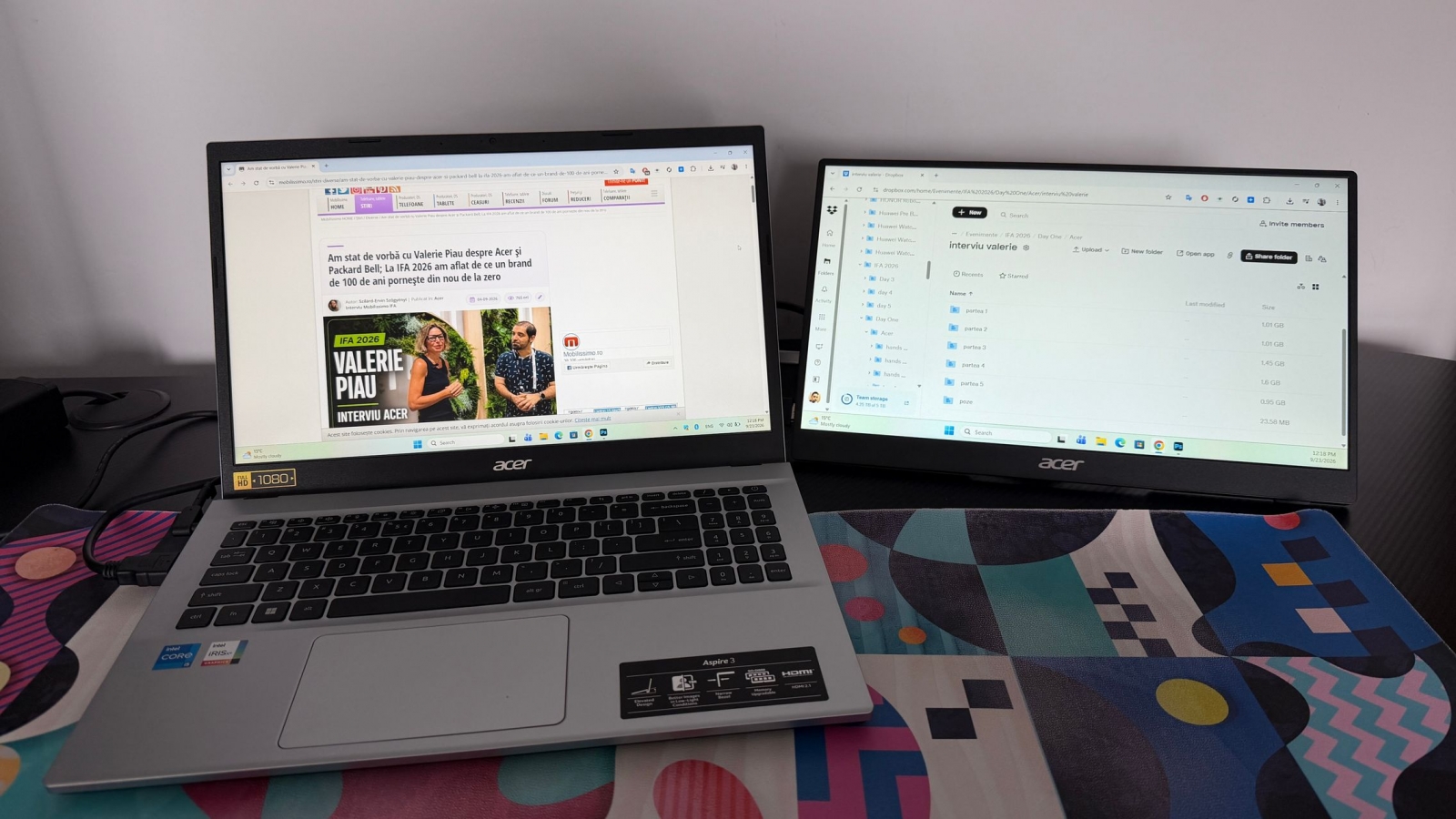
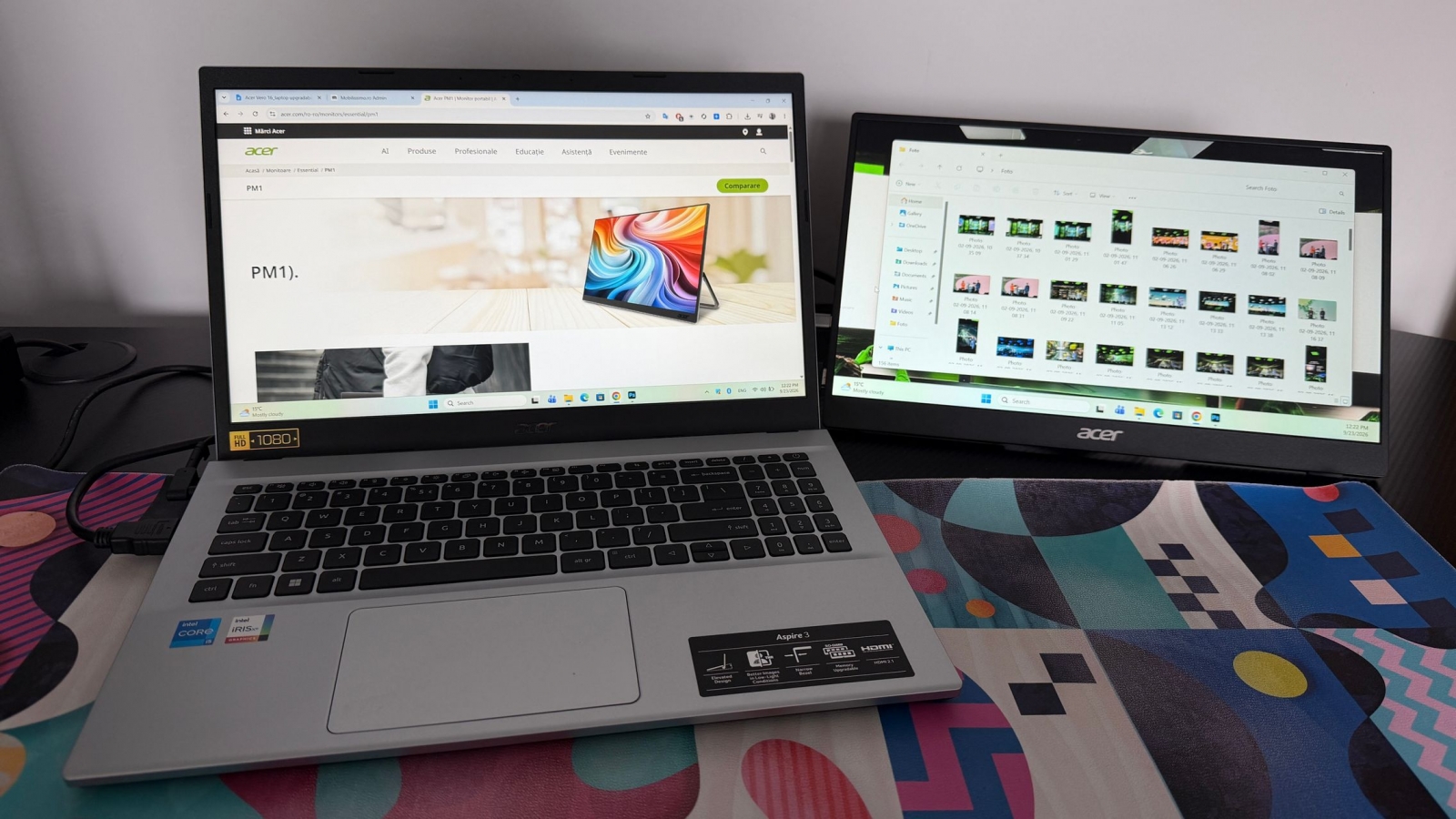
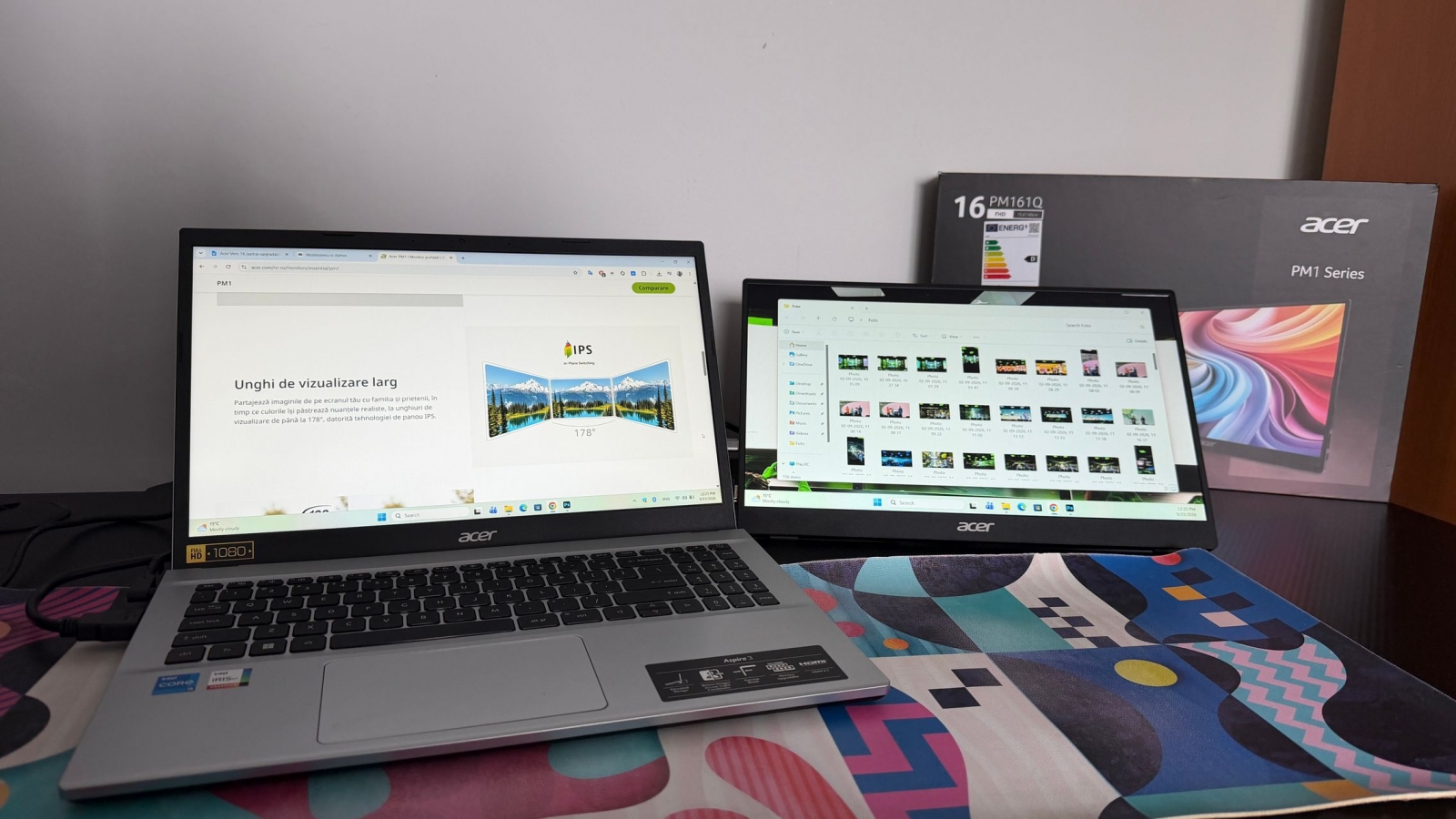

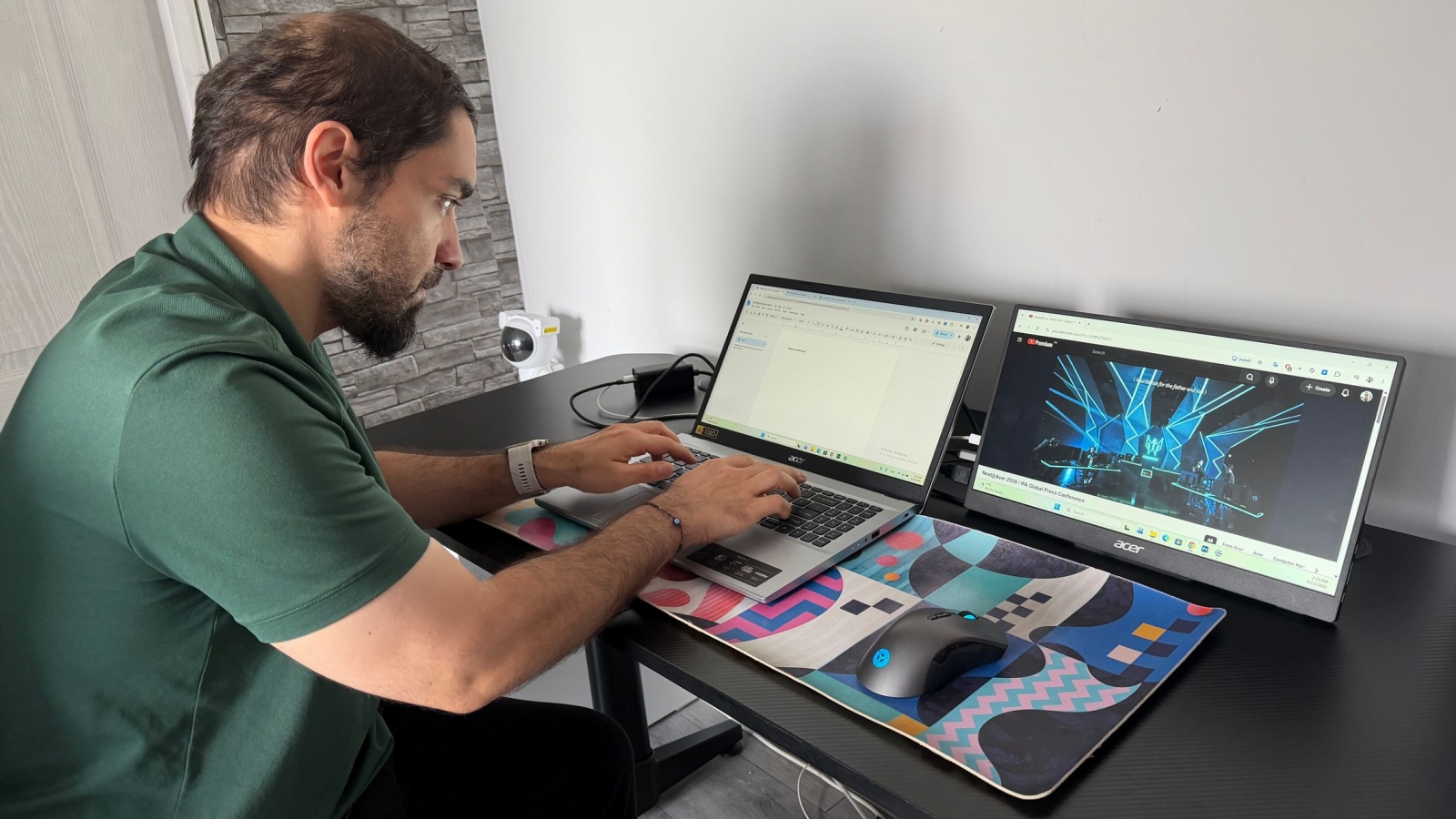
The PM161Q B is designed primarily for controlled indoor spaces such as a home office, hotel room, or press workspace. Its 250-nit brightness and matte finish help manage reflections, but this is not a display intended for sustained use in bright outdoor conditions. Its 45% NTSC color coverage also makes it a poor fit for color-critical grading, even if it is adequate for editing timelines, reviewing footage, and selecting clips.
- 15.6-inch anti-glare IPS panel with 1920 × 1080 resolution
- 60Hz refresh rate and 4ms gray-to-gray response time
- 250-nit brightness and 45% NTSC color coverage
- Two USB-C ports, HDMI 1.4, and a 3.5mm audio jack
- Two built-in 1W speakers
- 10.2mm chassis thickness
- VESA 75 × 75mm mounting support and stand tilt of up to 90 degrees
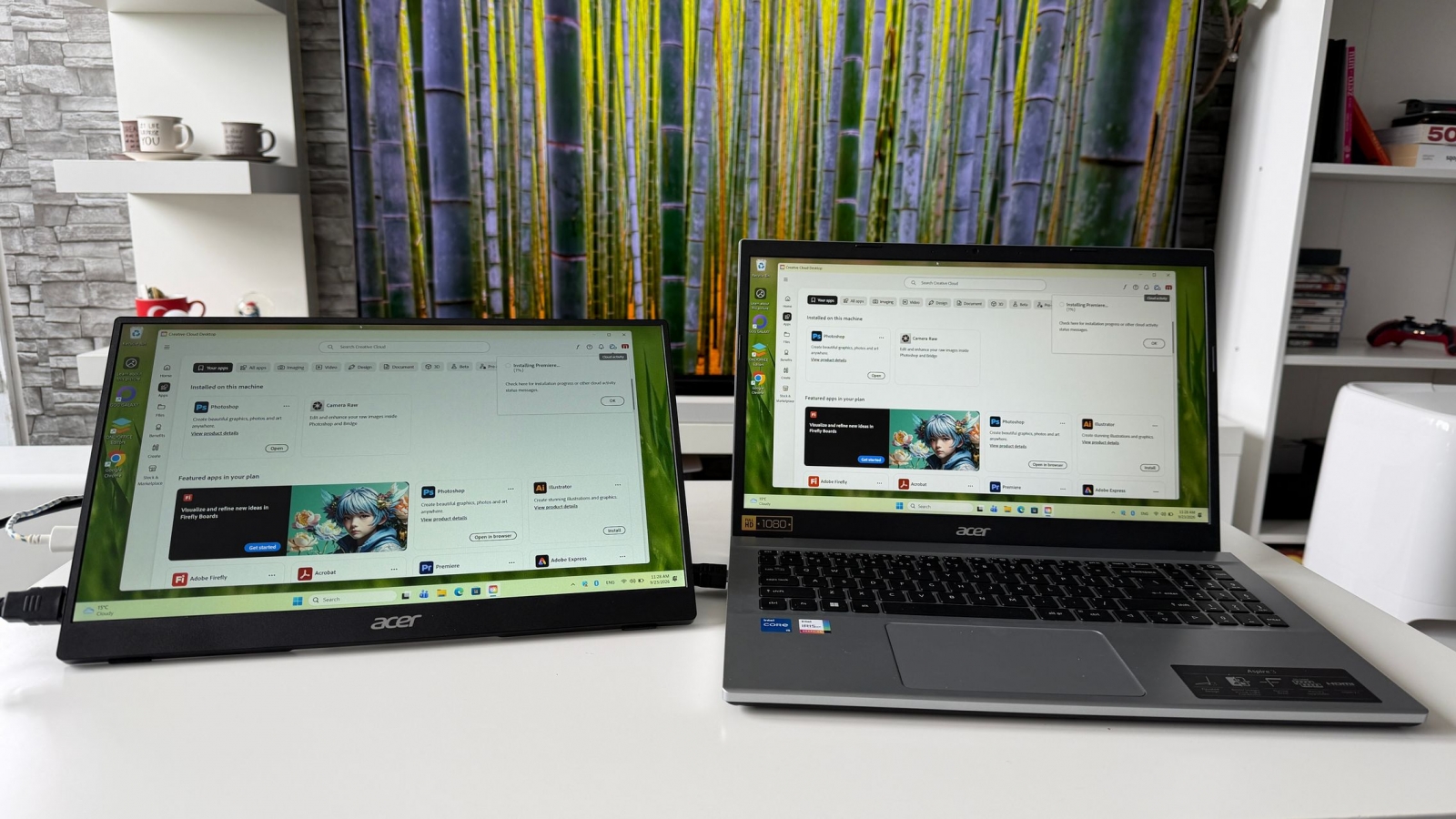
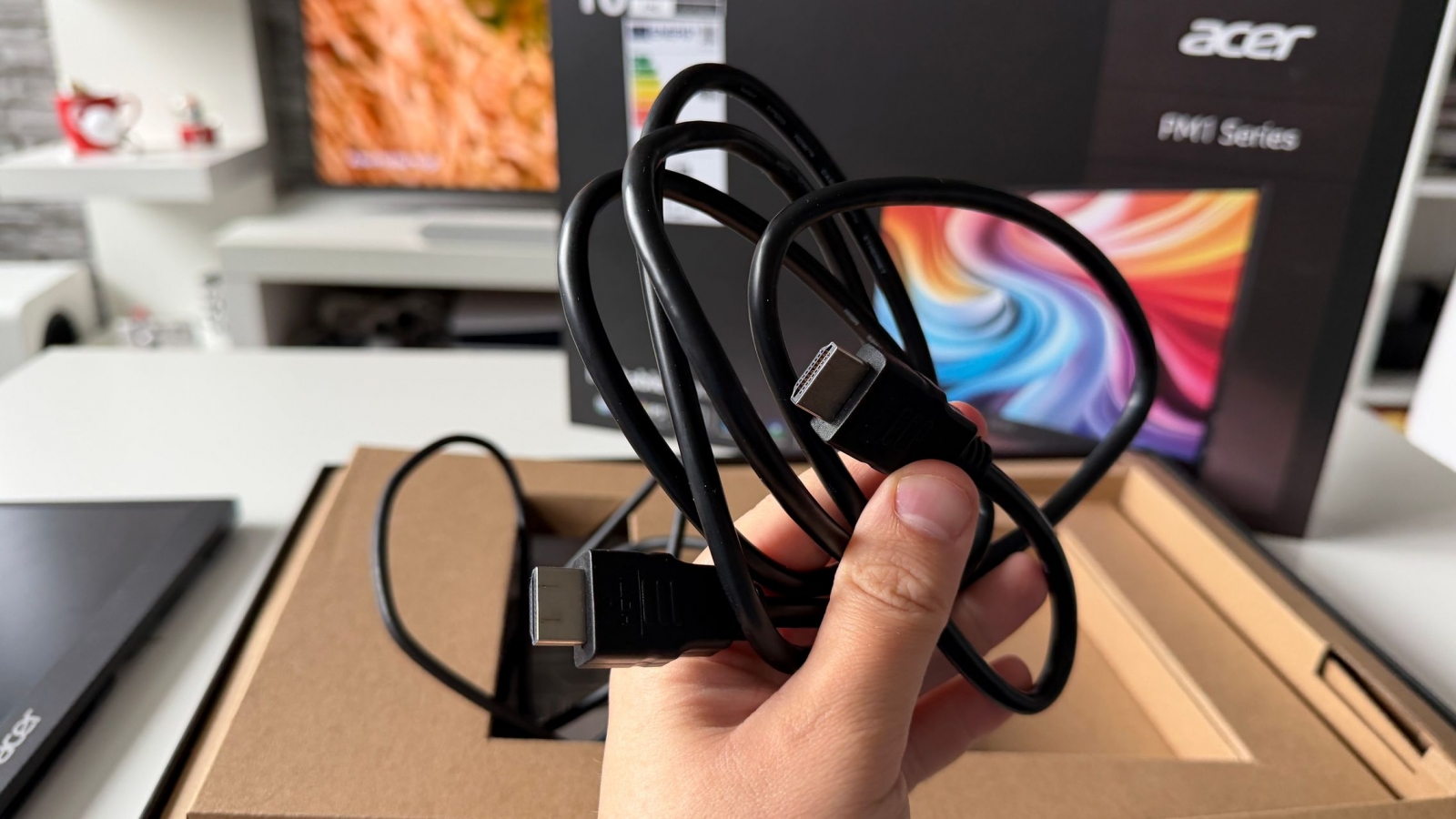
Acer includes both USB-C and HDMI cables, which is important for a portable display intended to move among devices. A USB-C connection can keep a laptop setup especially simple, but the source device’s USB-C port must support video output; the presence of a USB-C connector alone does not guarantee it. HDMI broadens the monitor’s usefulness with laptops, docks, consoles, and other video sources.
USB-C flexibility, with a 60Hz gaming ceiling

The same compatibility caveat applies to phones and tablets. Devices that output video over USB-C can use the PM161Q B for presentations, documents, photos, or games on a larger screen, but many mobile devices do not offer that capability. Buyers should verify video-output support on their specific device before planning around a single-cable connection.
For a handheld gaming PC or console setup at a table, the 15.6-inch Full HD panel can be a meaningful upgrade over a built-in display. Full HD is also less demanding than higher-resolution alternatives. The trade-off is the fixed 60Hz refresh rate: it cannot take advantage of games running at 120 fps or above. That is less consequential for single-player, strategy, indie, and casual titles than it is for competitive games.

Check the PM161Q suffix before buying
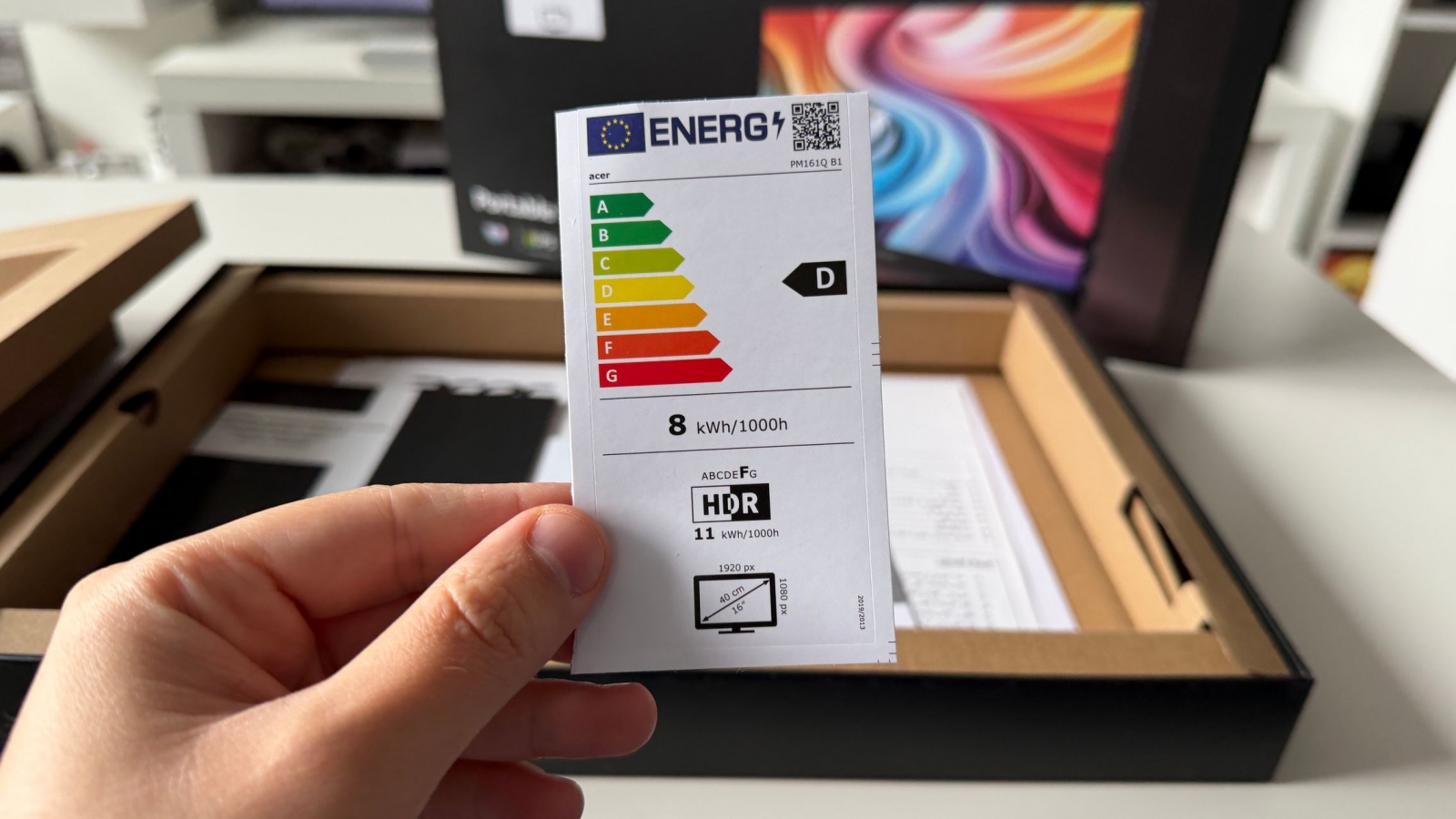
The PM161Q name covers more than one configuration, and the suffix matters. The PM161Q B1miuux reviewed here improves on an earlier PM161Q model in several mobility-oriented areas.
| Model | USB-C ports | Brightness | Thickness | Weight |
|---|---|---|---|---|
| Earlier PM161Q | 1 | 220 nits | 20mm | About 1.74 pounds |
| PM161Q B1miuux | 2 | 250 nits | 10.2mm | About 1.48 pounds without stand; about 2.40 pounds with stand |
Acer has also announced the PM161Q JB, a separate version with tripod support and European availability planned for the first quarter of 2027. U.S. availability and pricing for the PM161Q B1miuux were not confirmed in the available information.

The PM161Q B makes the most sense for frequent travelers, remote workers, and students who routinely hit the limits of one laptop screen. It does not compete as a high-refresh gaming display or a color-accurate creative monitor. Instead, it focuses on a straightforward advantage: a thin, easily connected Full HD workspace that can travel with the computer it expands.
Post Footer automatically generated by Add Post Footer Plugin for wordpress.