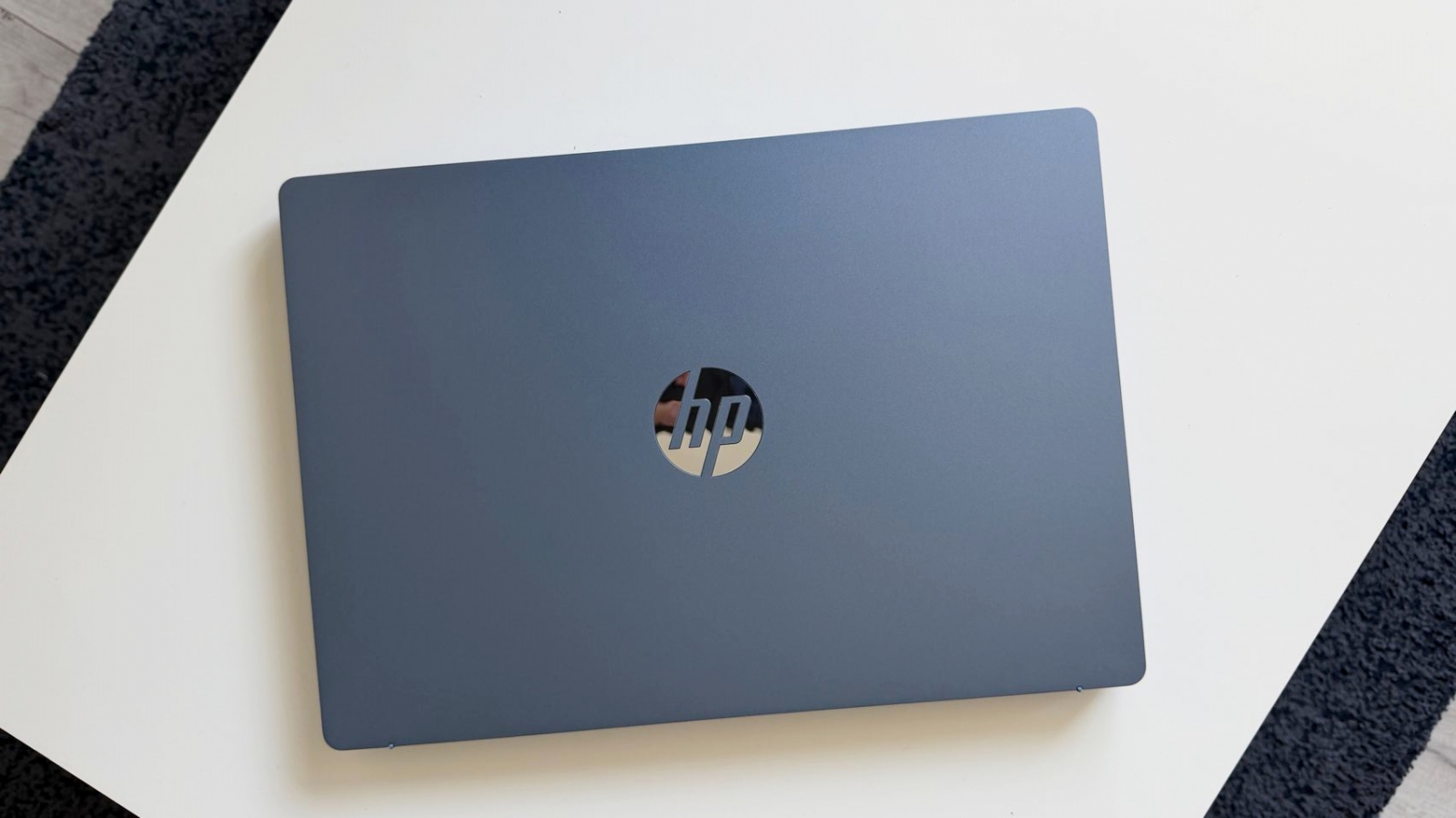
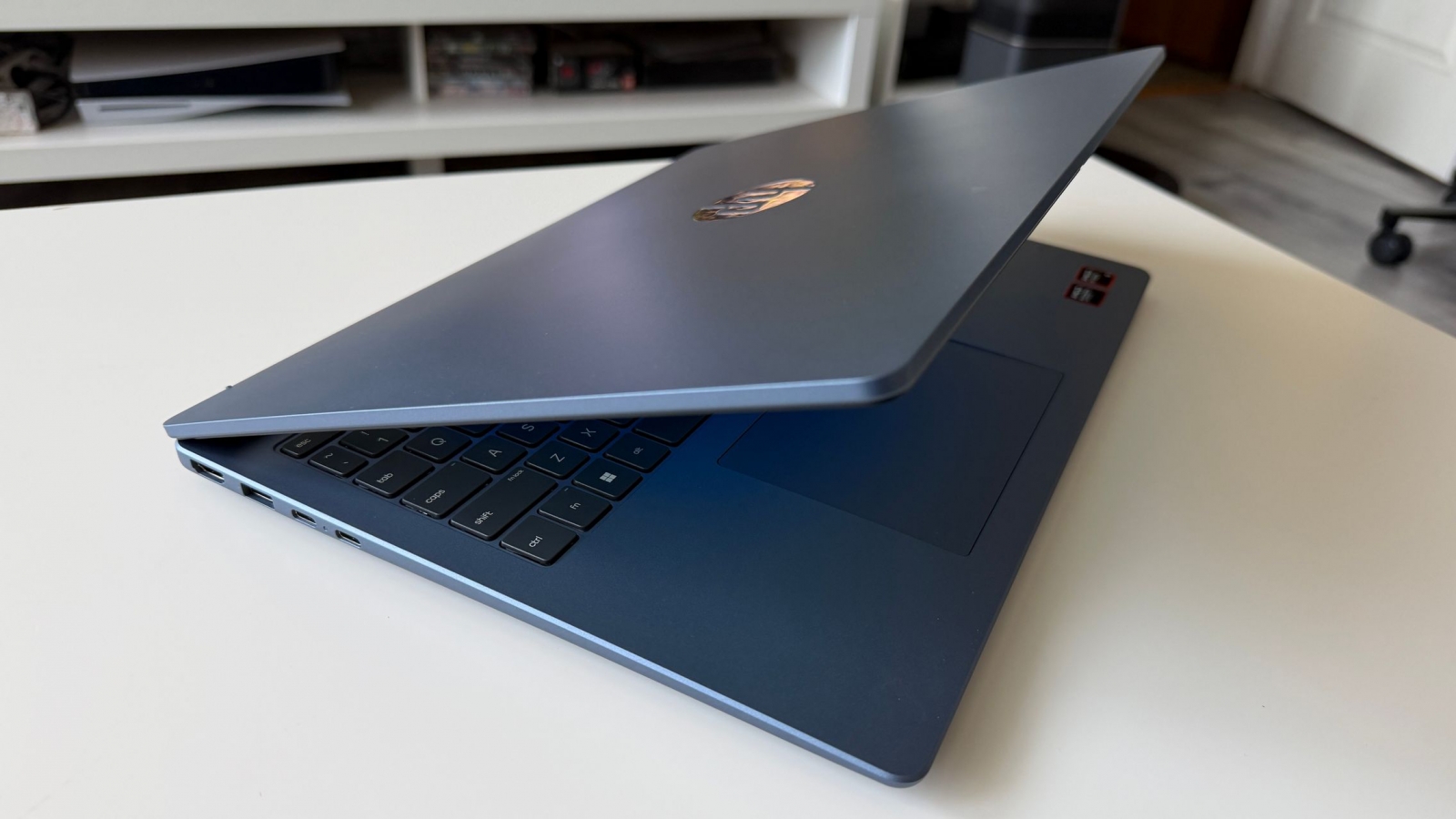
A 16-inch laptop usually asks users to trade portability for workspace. The HP OmniBook 3 makes a credible case for having both: its 16-inch, 1,920 x 1,200 display provides room for side-by-side windows, while the 3.62-pound (1.64 kg) chassis was easy to move between a desk, a chair, and work away from home. For people who want more space than a compact 14-inch machine without committing to a desktop replacement, that balance is the central appeal.
Built for a broad workday, not just a desk
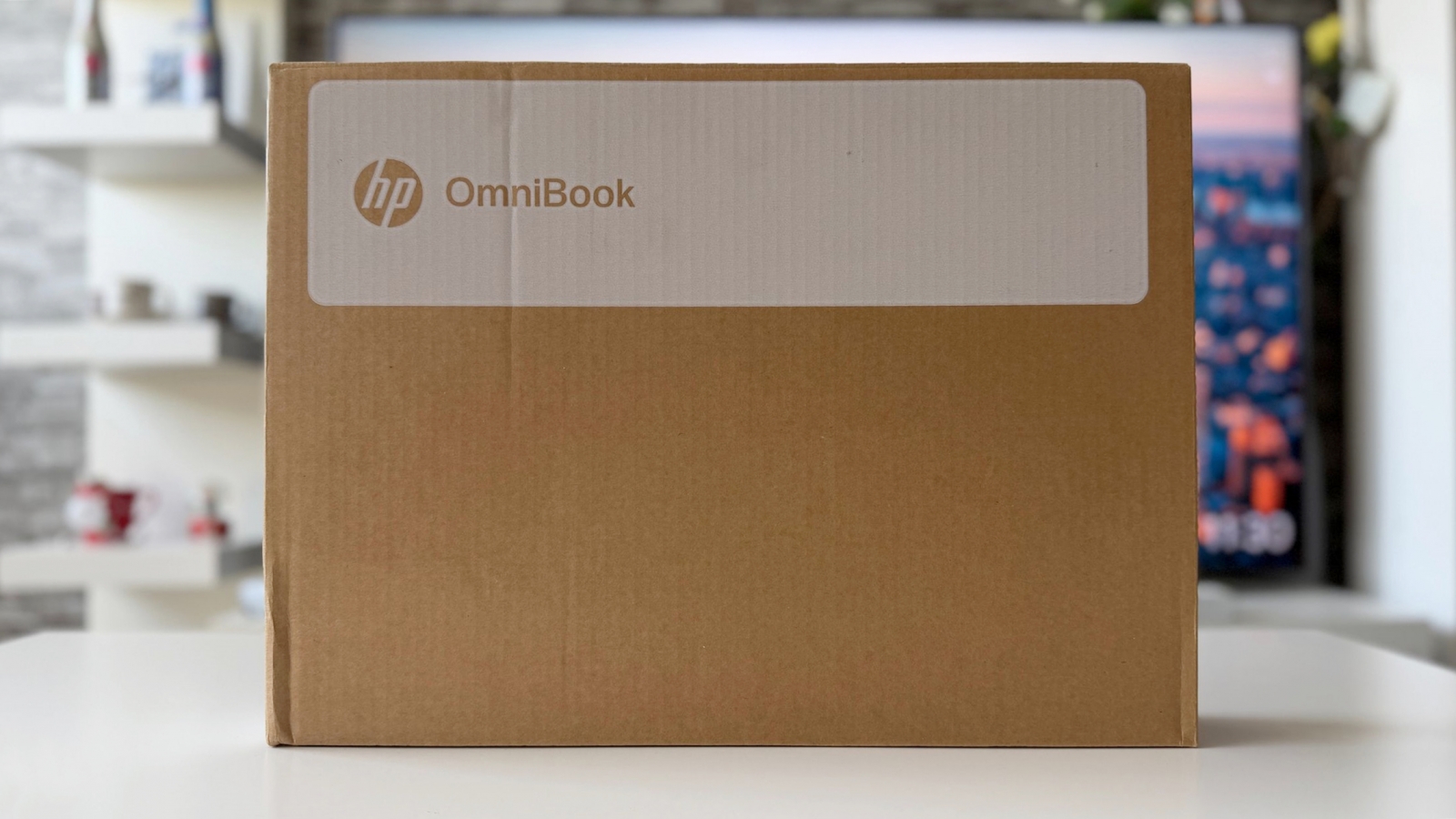
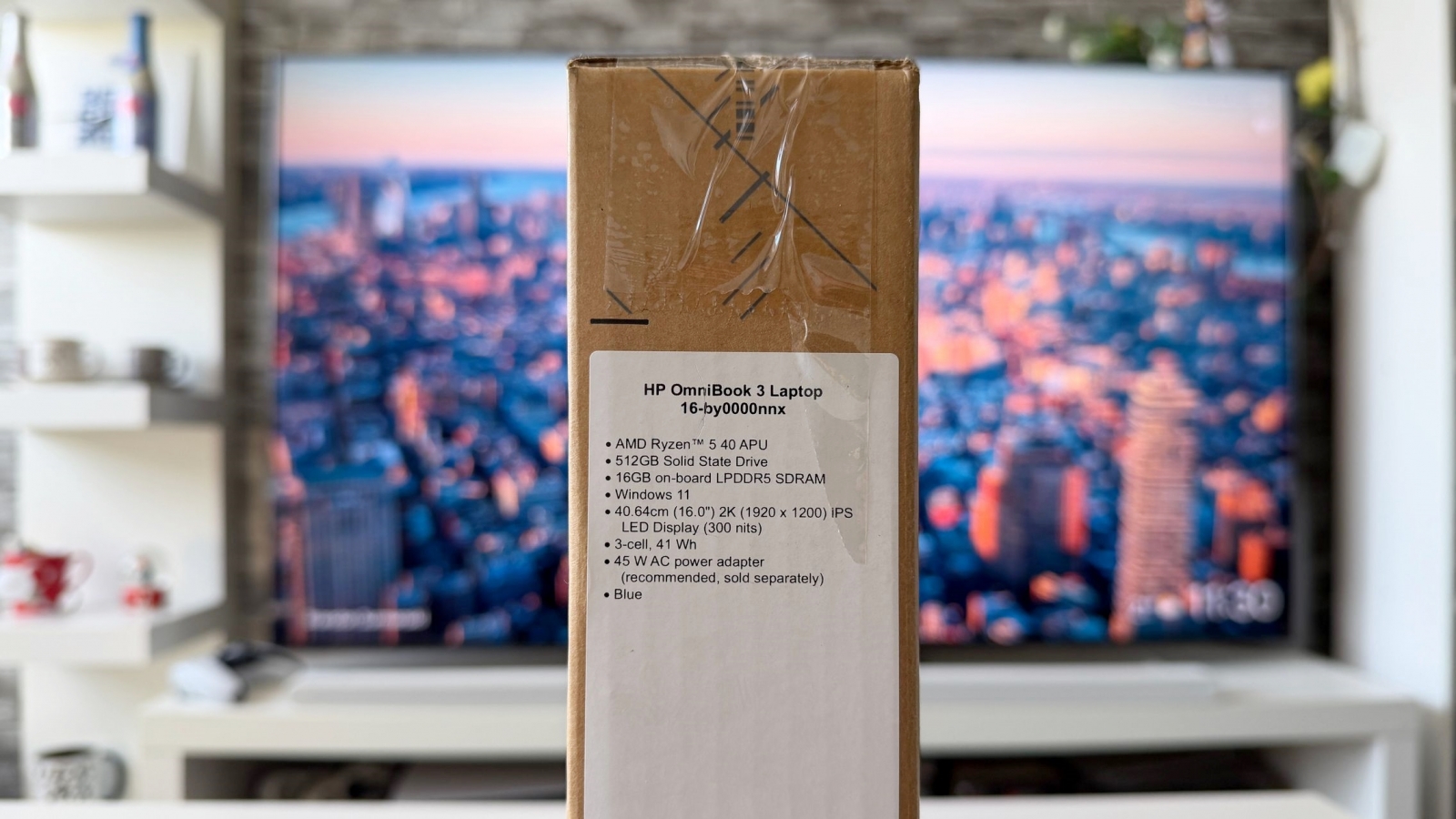
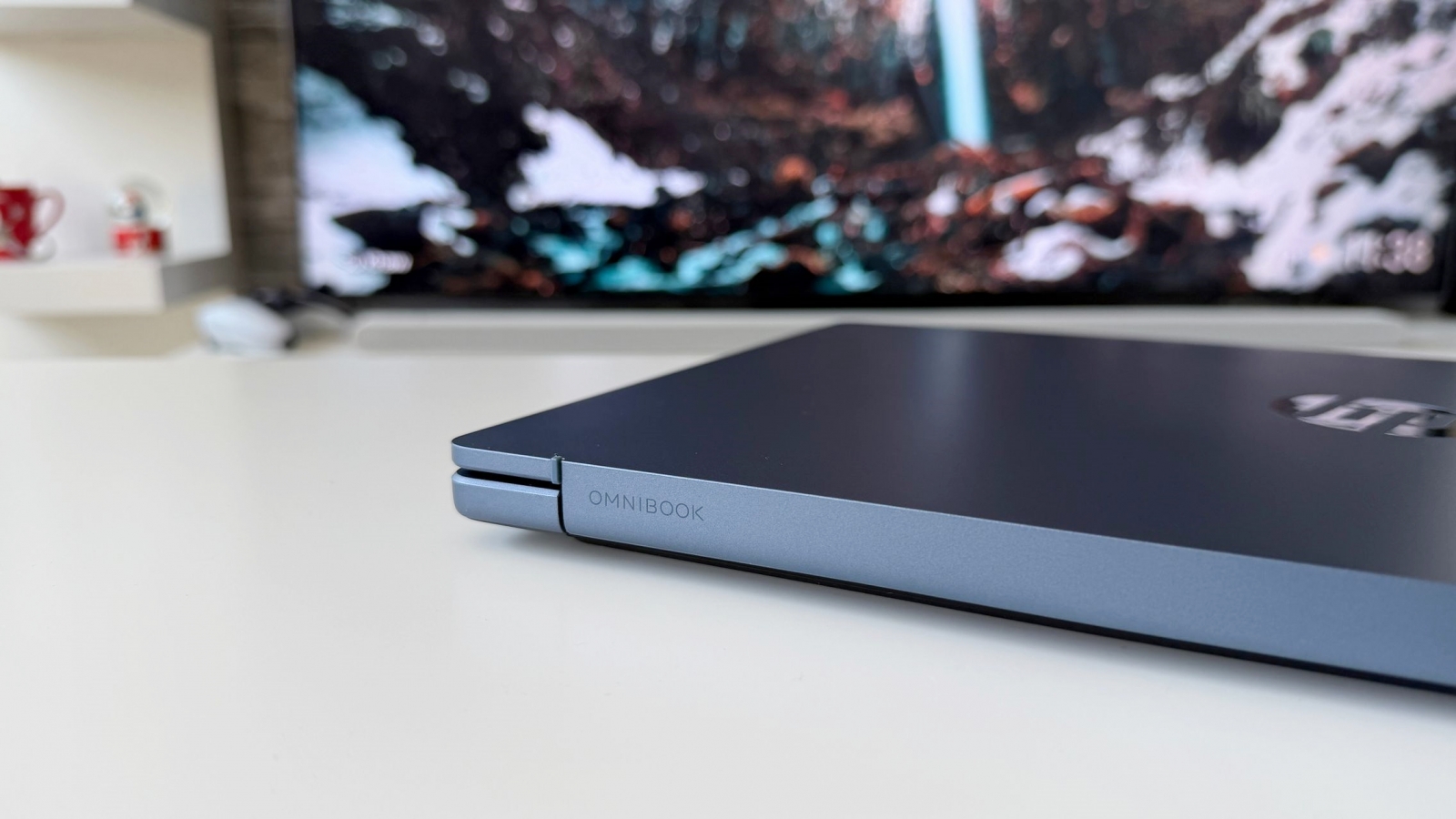


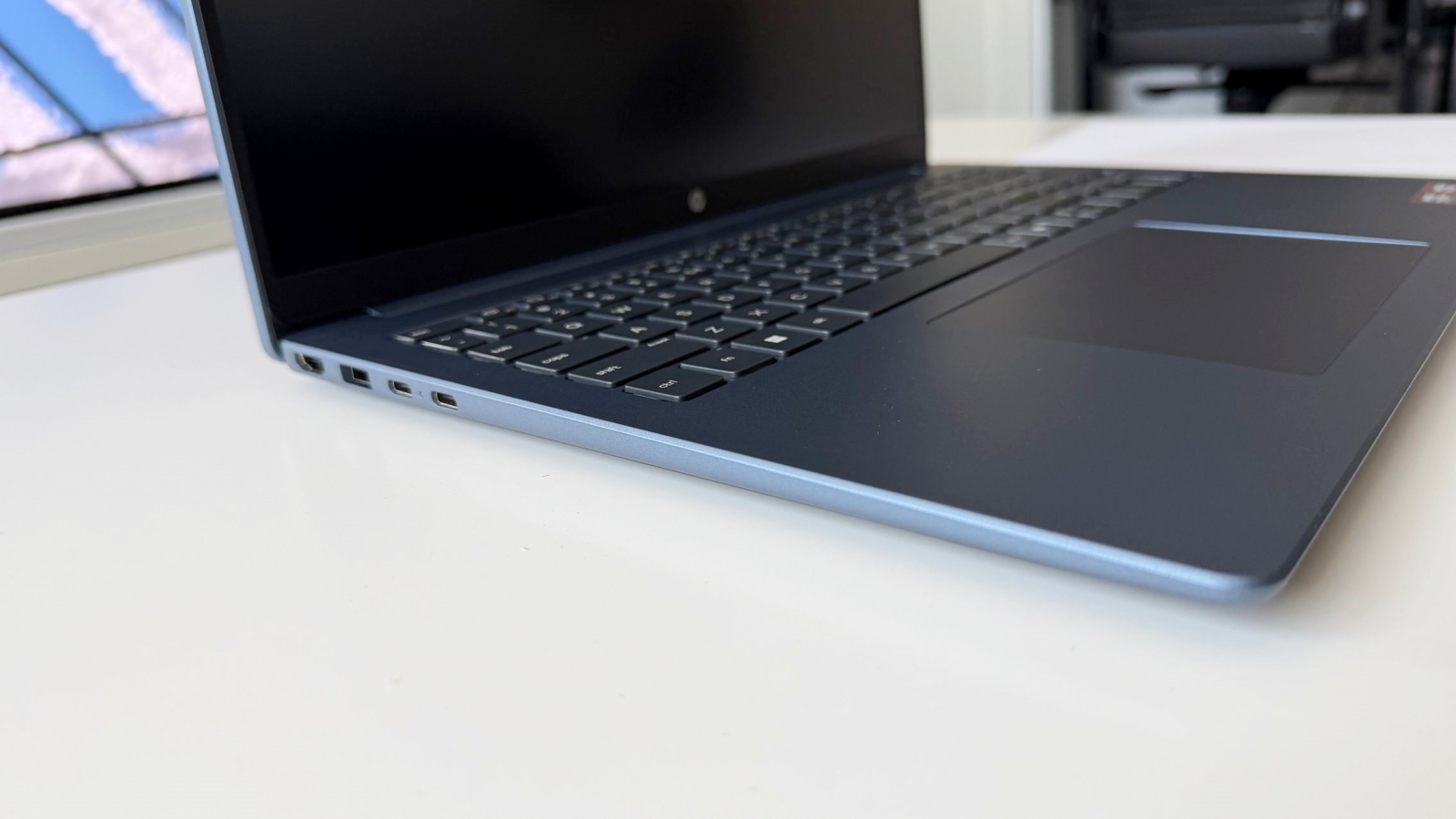



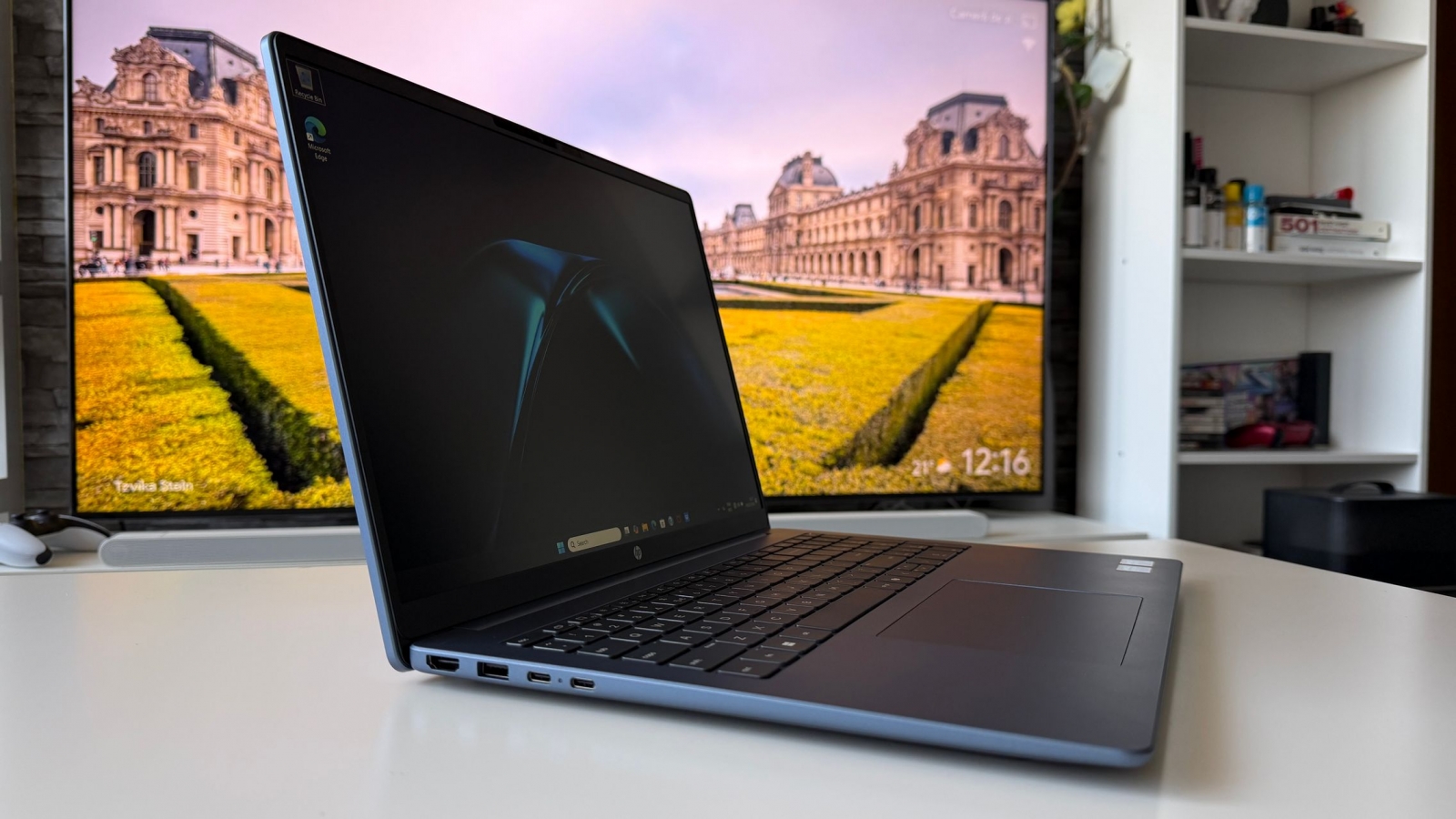
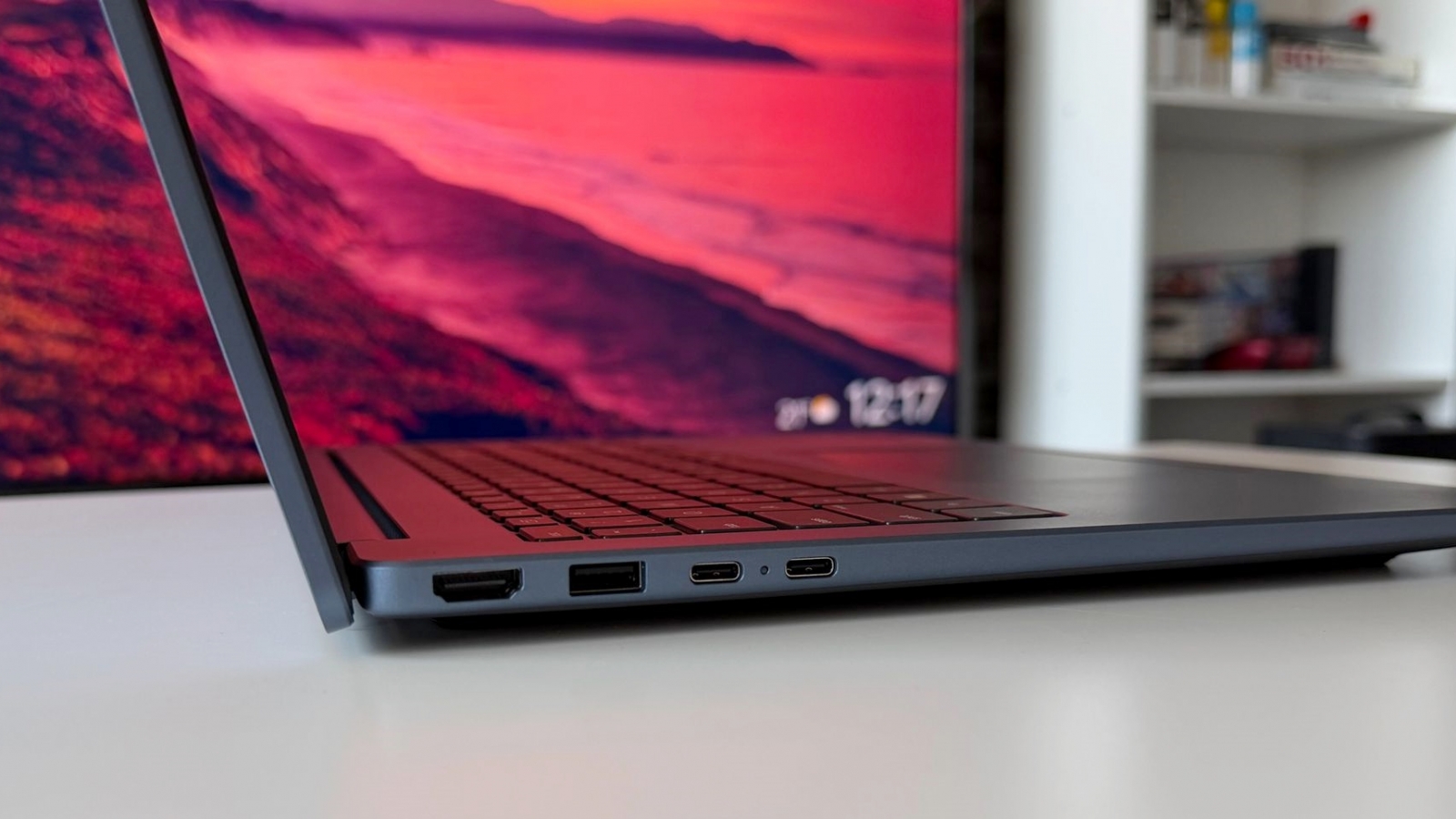


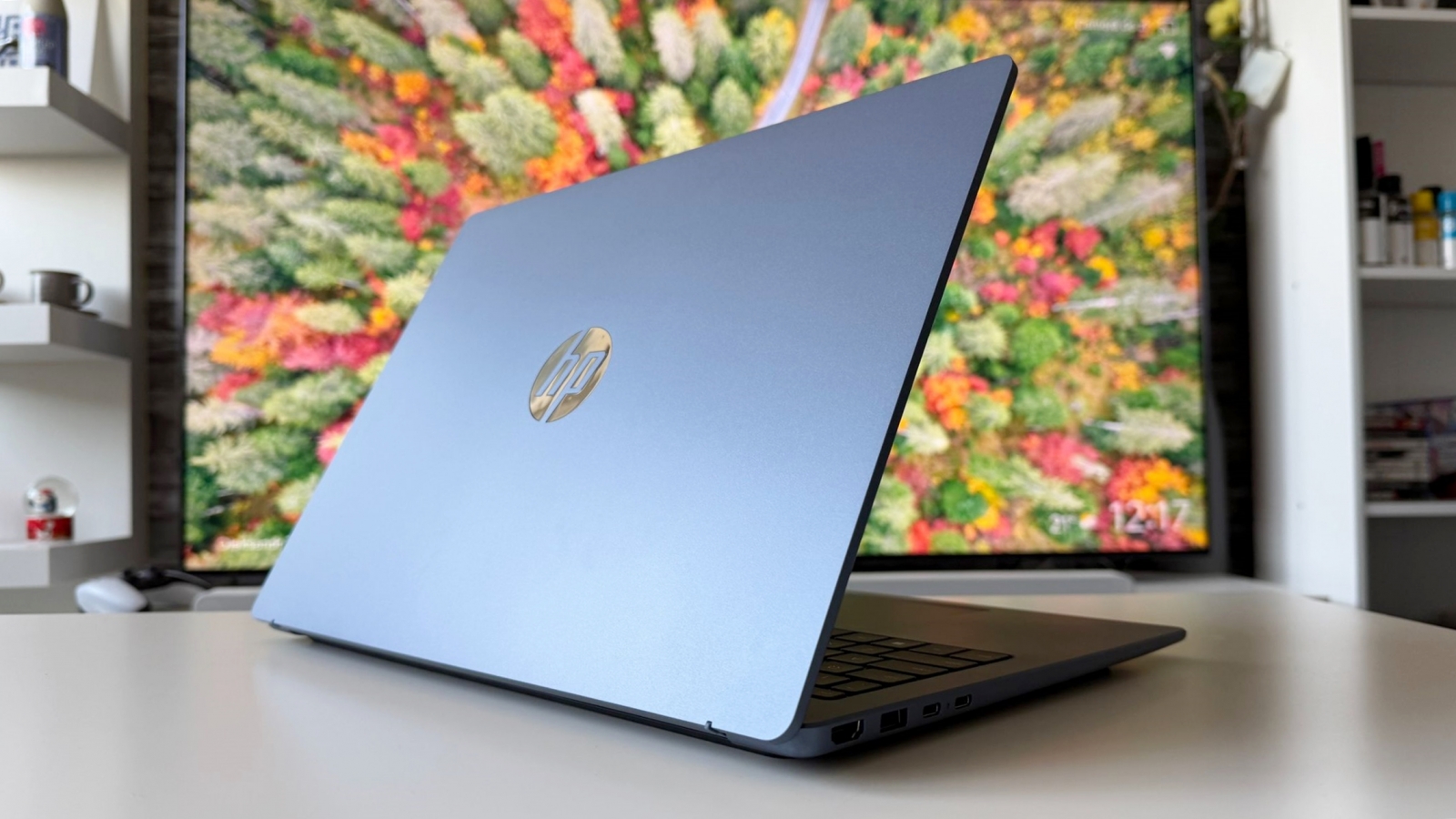
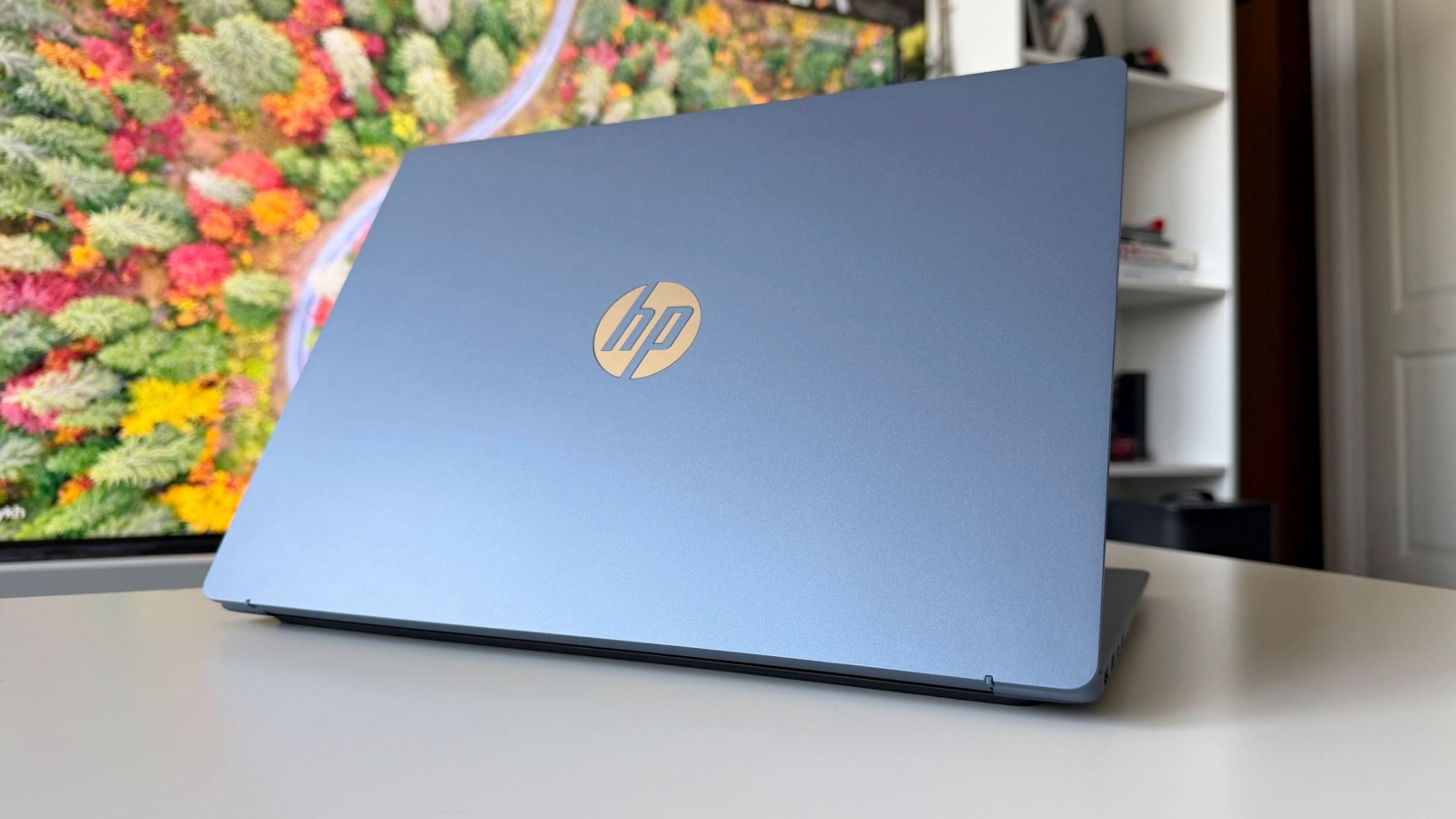


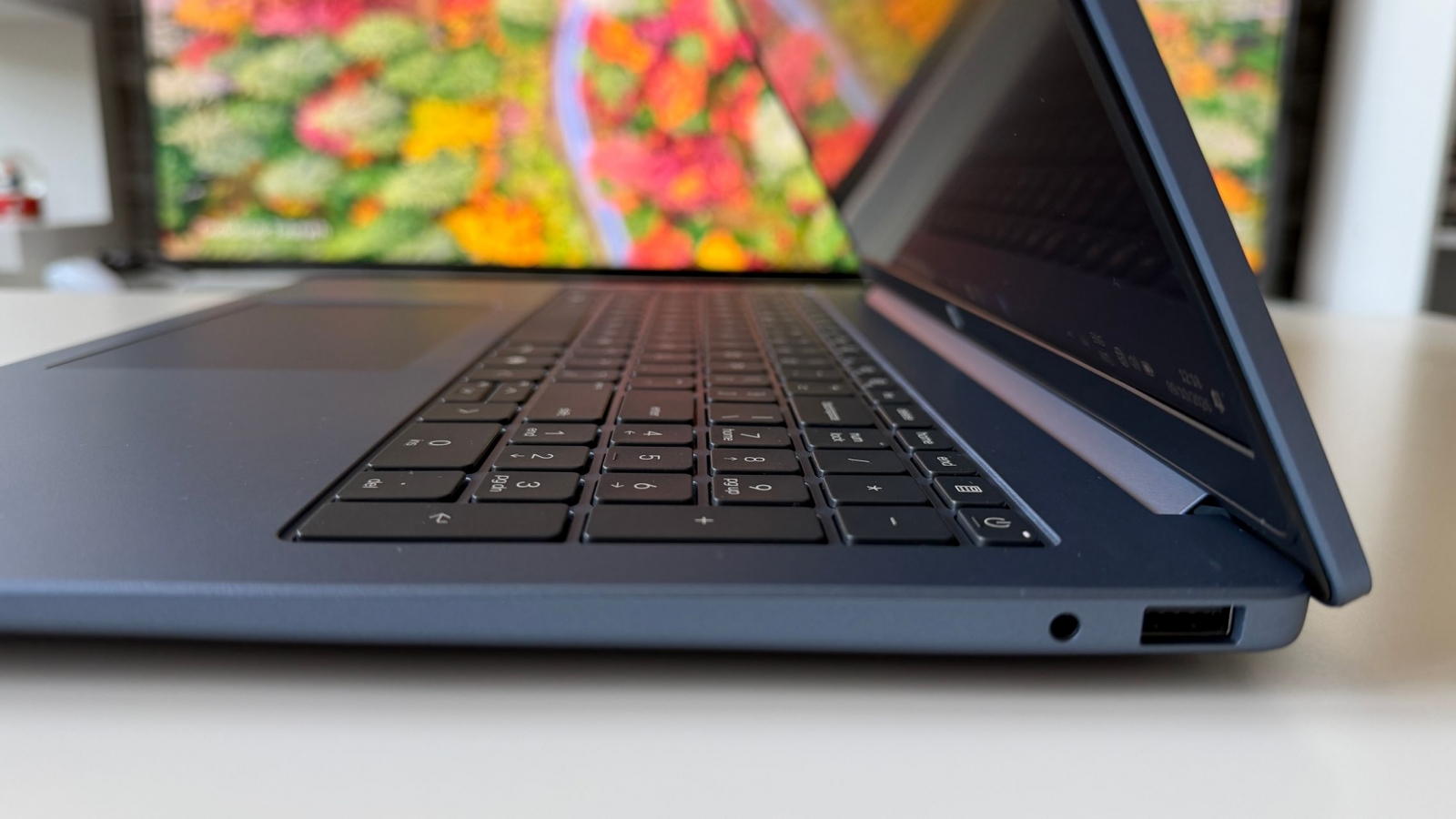


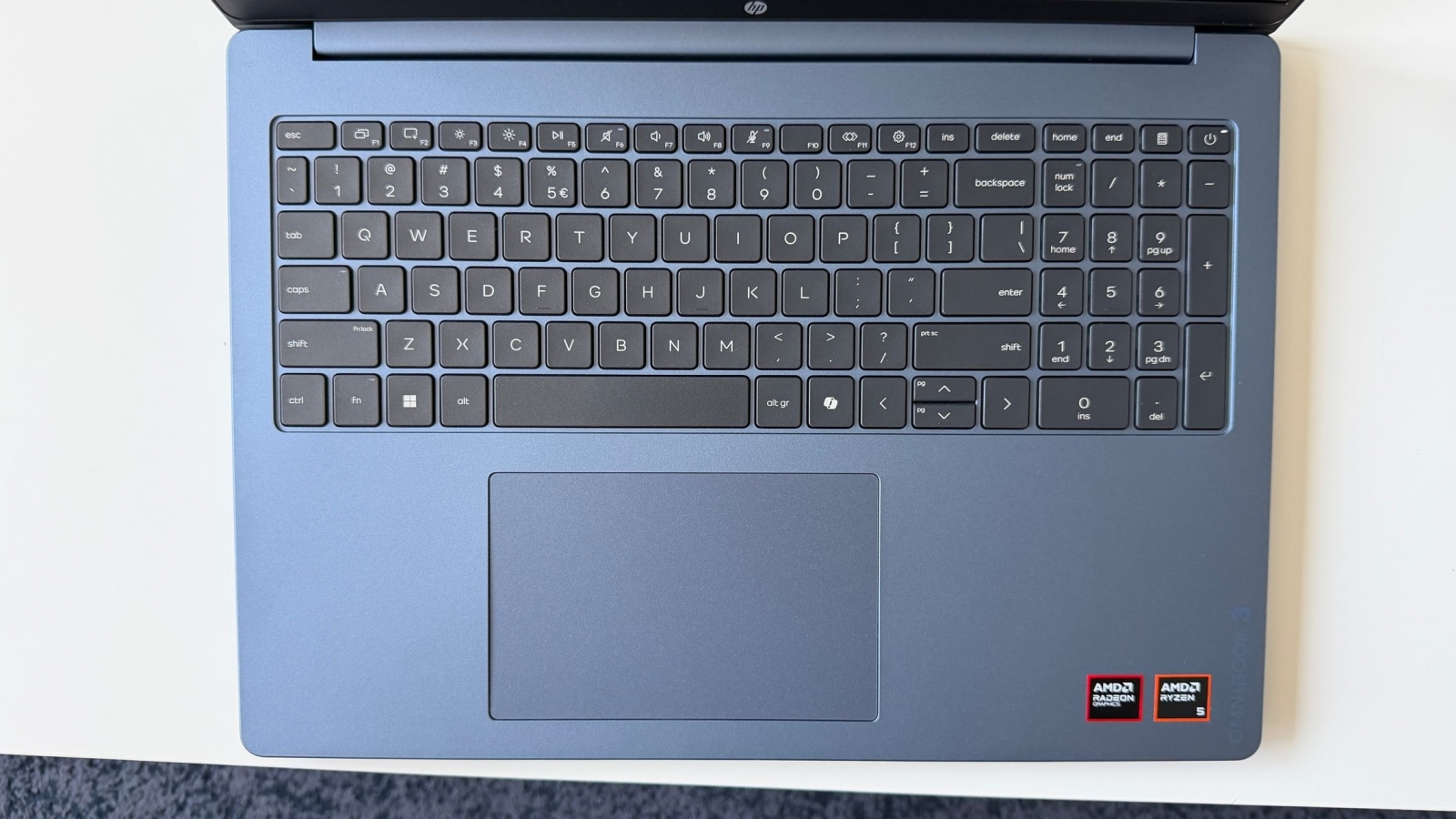


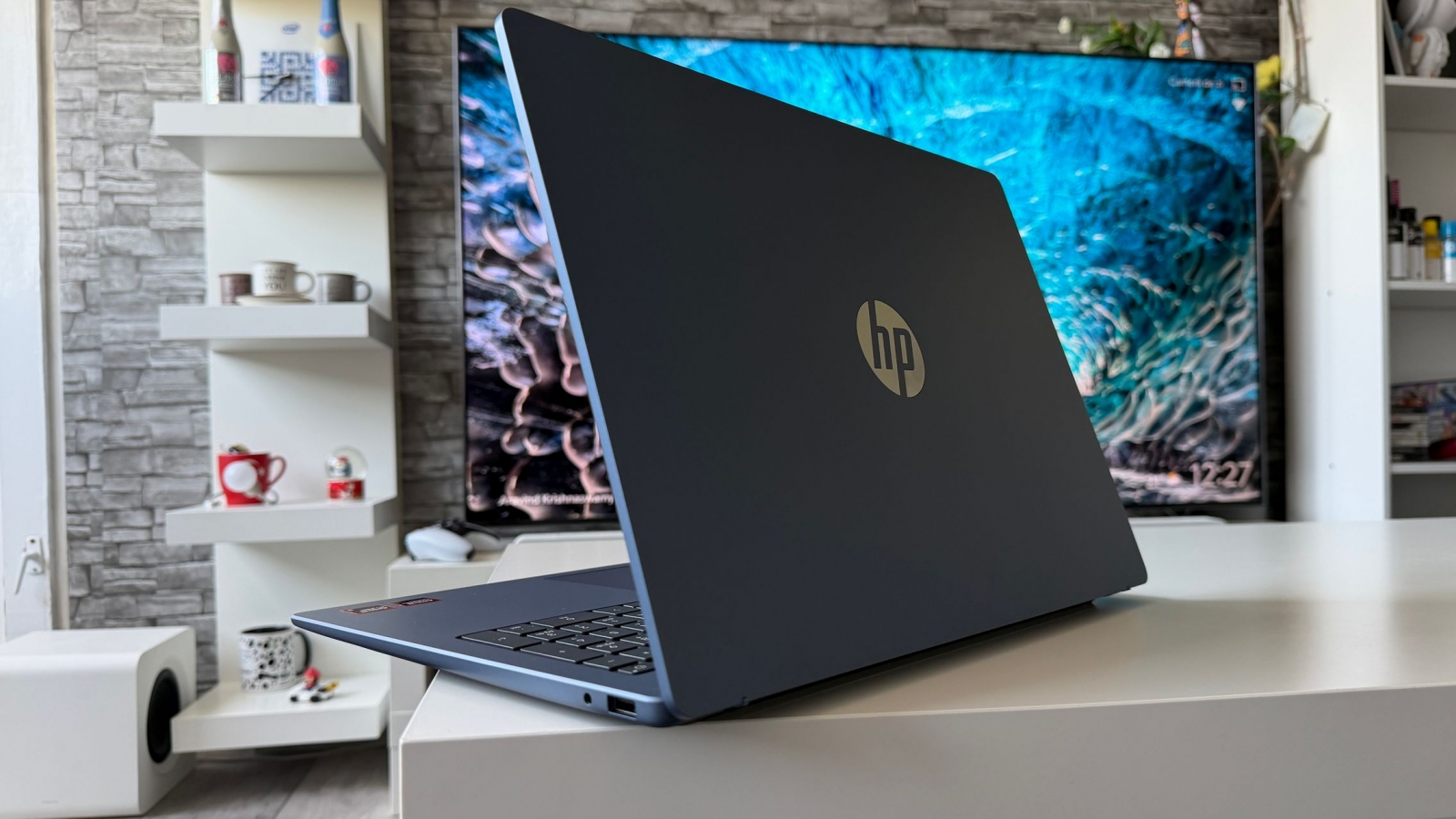

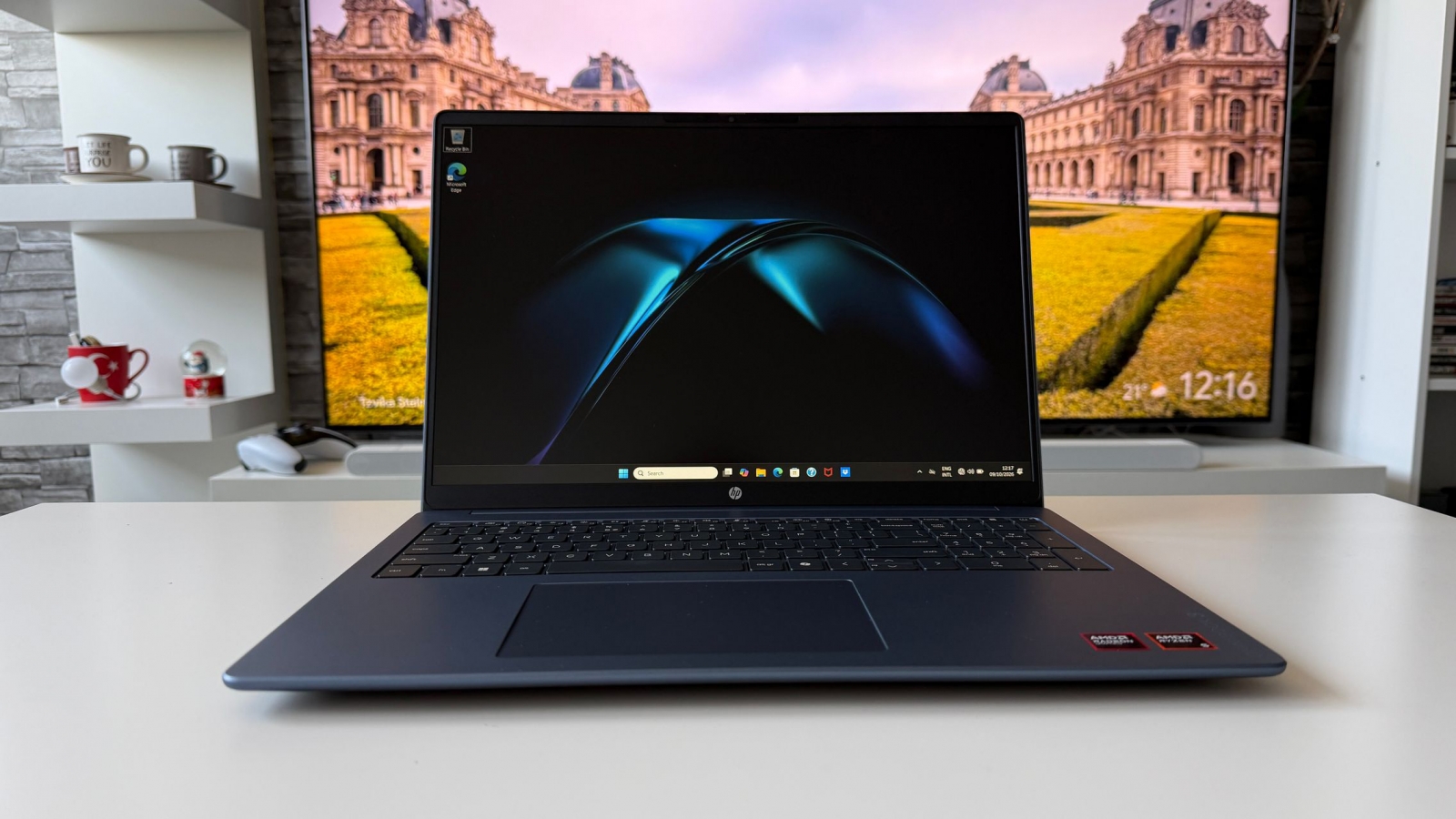
The tested configuration combines an AMD Ryzen 5 40 APU with integrated Radeon 610M graphics, 16GB of LPDDR5 memory, and a 512GB PCIe NVMe SSD. It handled a typical productivity load of browser tabs and extensions, photo-editing utilities, cloud downloads, file archives, music playback, and multiple open windows without noticeable lag during testing. The fan was seldom audible in routine tasks, and the palm-rest area remained comfortable over extended use.
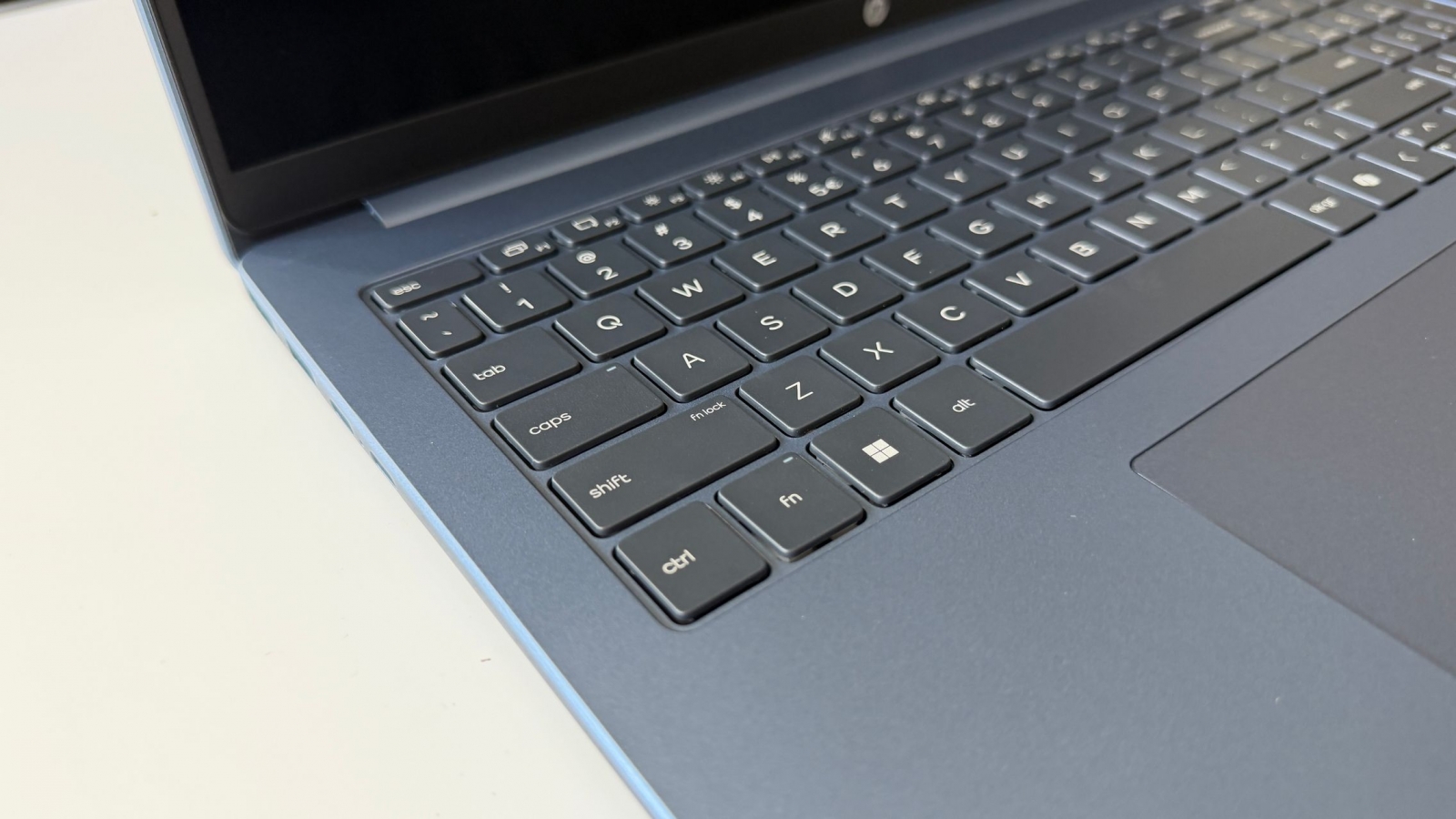
That makes this a machine aimed at writing, research, administration, and everyday content work rather than a laptop positioned around demanding gaming or workstation-class graphics. Windows 11 Home is installed, with Copilot available from the Windows interface. The reviewer also found the full-size keyboard quiet and comfortable for extended typing, while the large touchpad was useful when a mouse was not available.
- AMD Ryzen 5 40 APU quad-core processor with AMD Radeon 610M graphics
- 16GB LPDDR5 SDRAM rated at 5,500 MT/s
- 512GB PCIe NVMe SSD
- Windows 11 Home
- Three-cell, 41Wh battery

Screen space and connectivity matter here
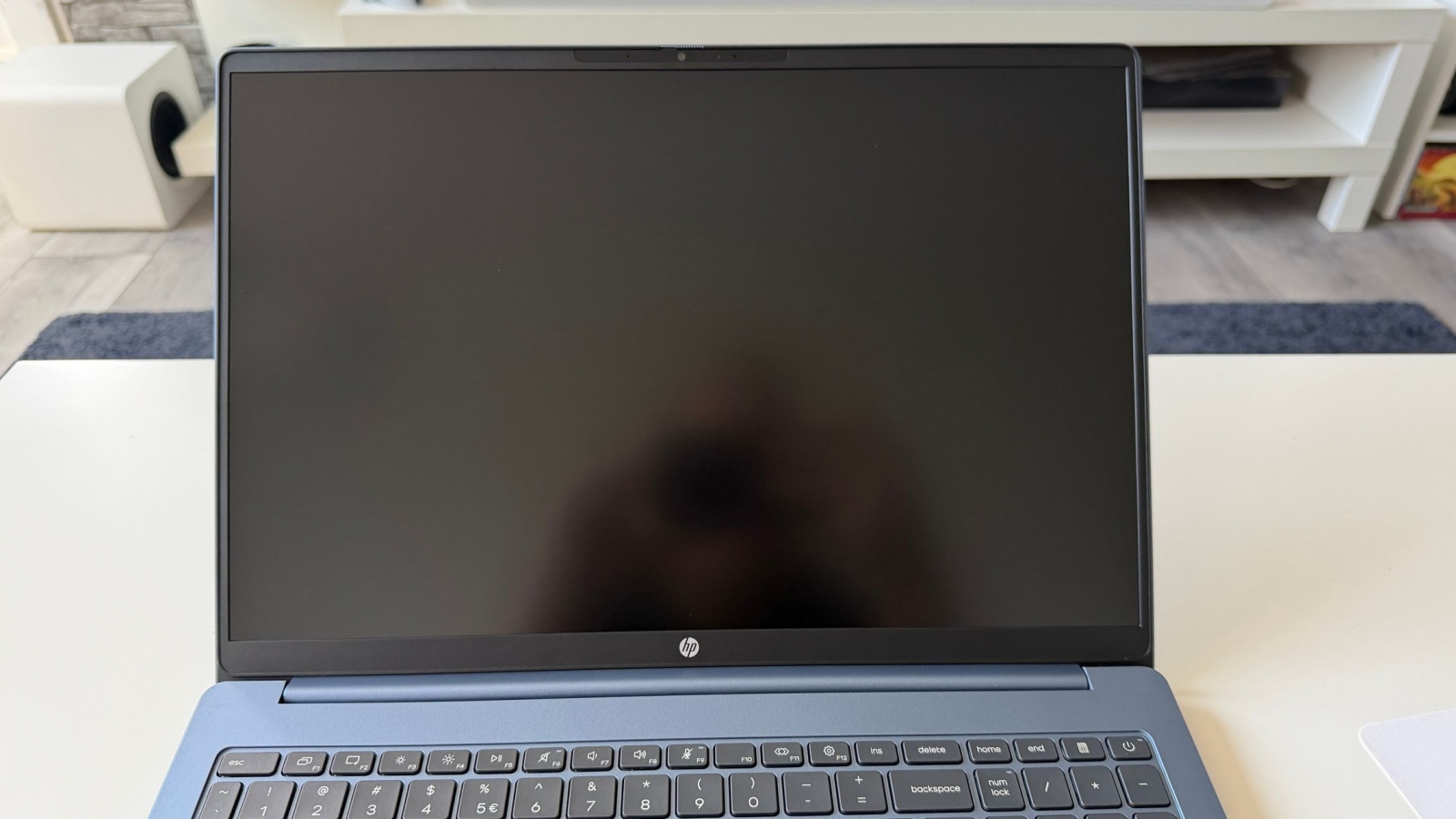
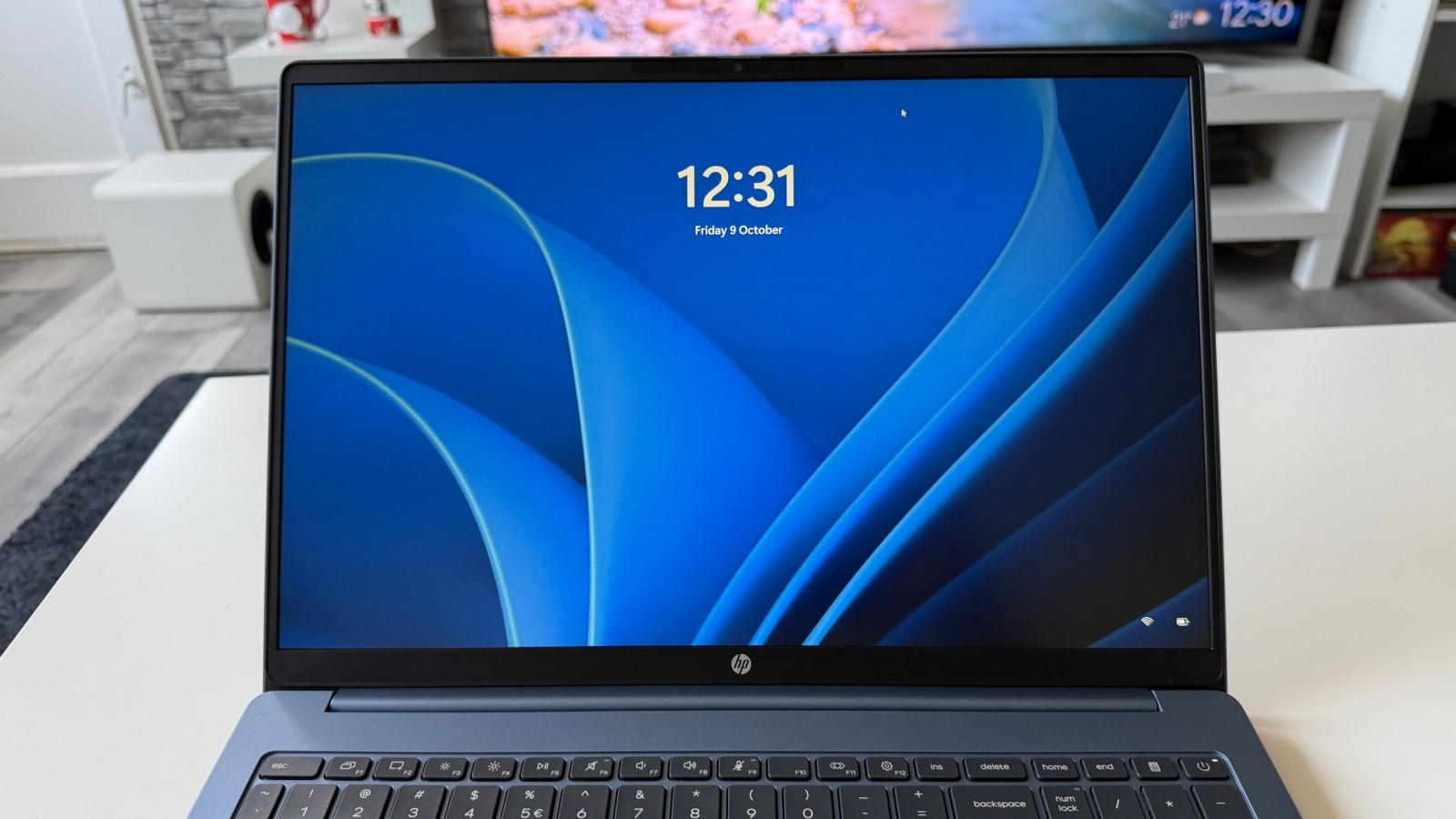
The IPS display uses a 16:10 1,920 x 1,200 resolution, a 300-nit brightness rating, 62.5% sRGB coverage, and an anti-glare finish. Its matte treatment was particularly helpful around direct window light and other reflective environments. The panel will not suit buyers who need wide-gamut color work, but its larger canvas and reduced glare are more directly useful for spreadsheets, browser research, documents, and two- or three-window multitasking.

Wireless connectivity comes from a MediaTek Wi-Fi 6 MT7920 2×2 card alongside Bluetooth 5.4. In testing on a gigabit internet connection, downloads approached 800 Mbps and uploads reached about 550 Mbps. That speed helped with large cloud-hosted photo and video archives, while Bluetooth supported wireless headphones and peripherals.
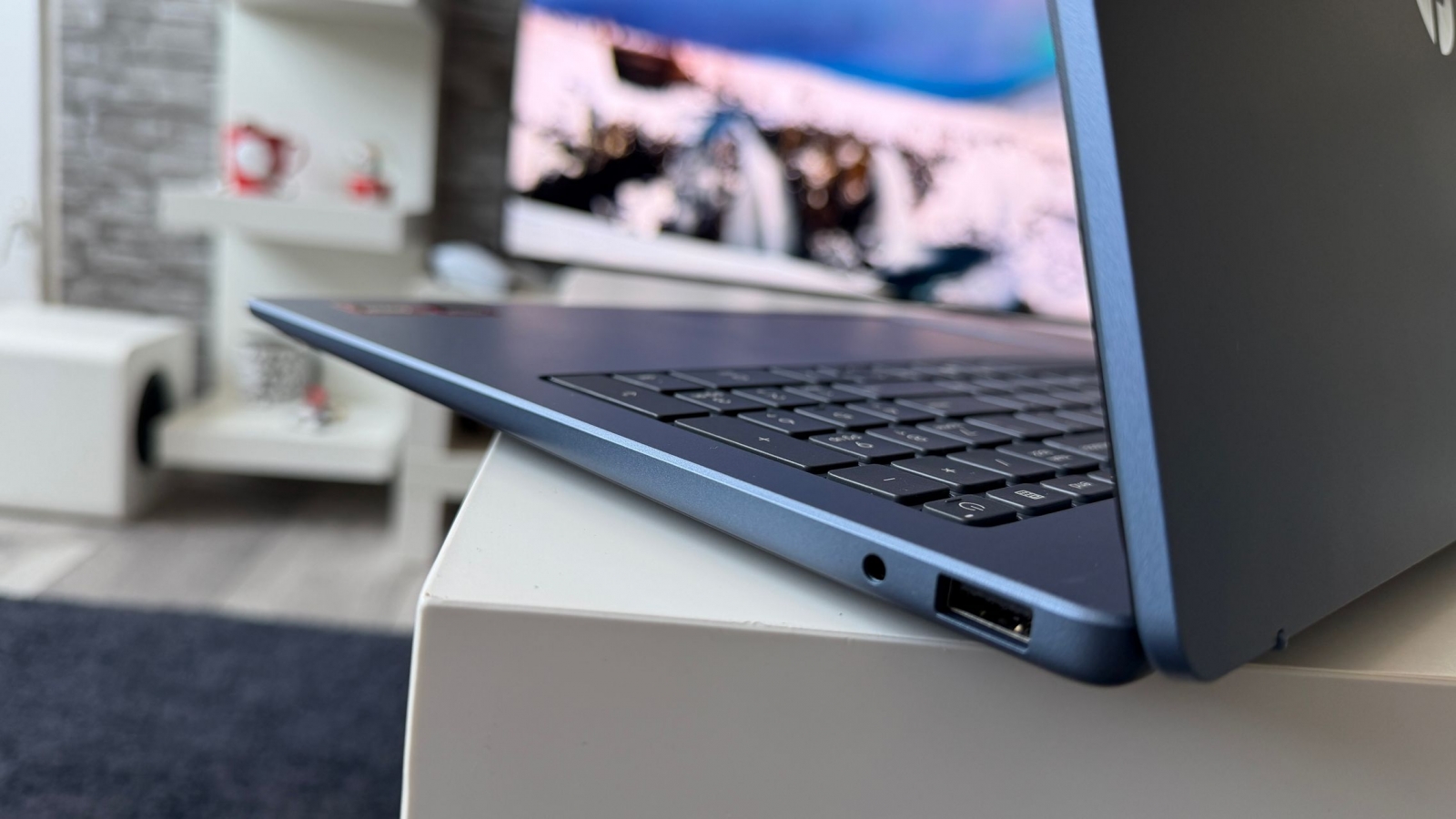
- USB-A ports for data transfers and legacy accessories
- USB-C ports with up to 10Gbps data transfers and DisplayPort support for an external monitor
- Wi-Fi 6 via the MediaTek MT7920 2×2 adapter
- Bluetooth 5.4 for wireless accessories
- A webcam privacy shutter

A few practical caveats

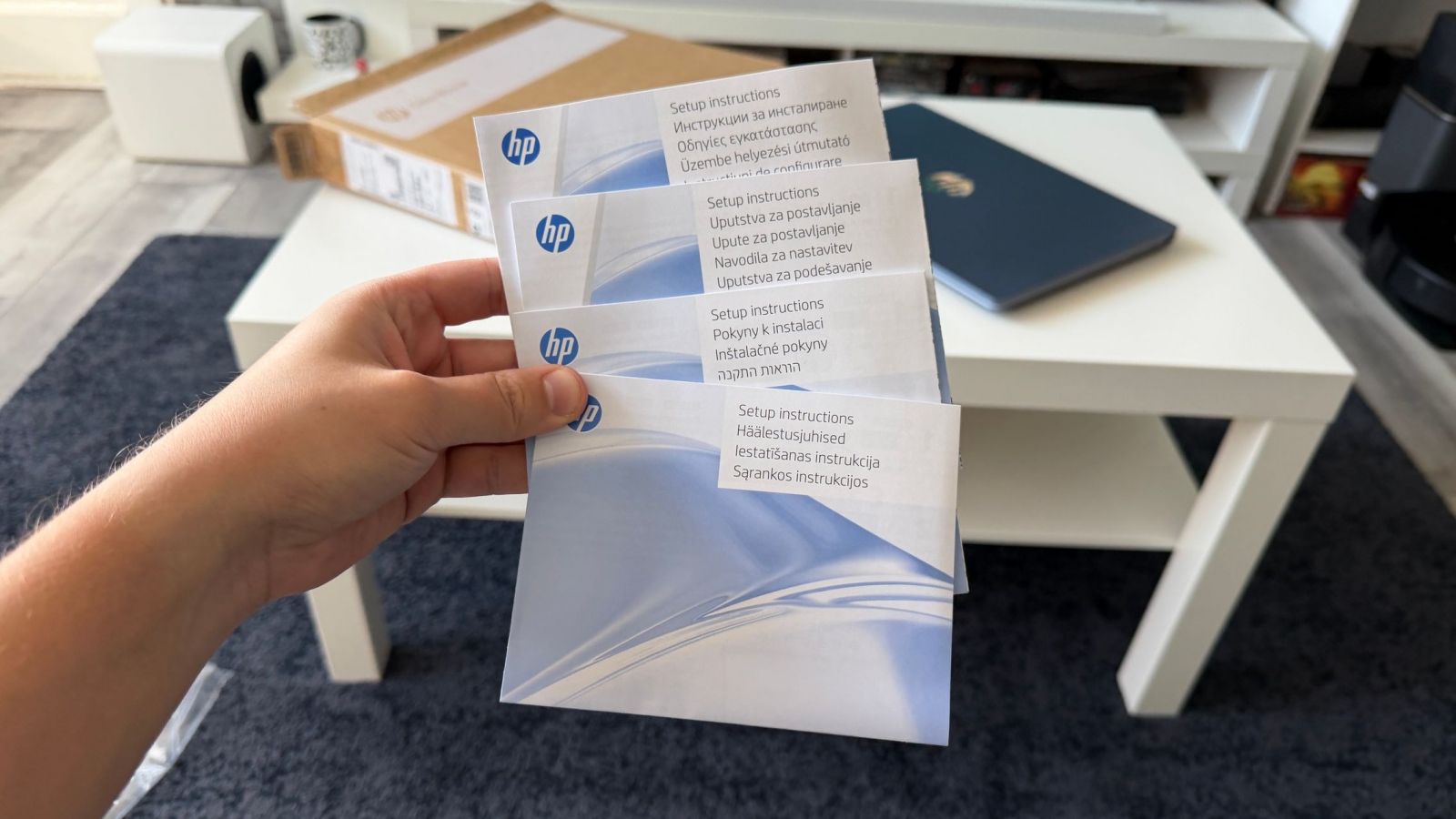
HP ships the laptop with documentation but no power adapter or charging cable in the reviewed package. The company recommends a 45W AC adapter, and charging is handled through USB-C. That can be convenient for users who already own a compatible USB-C charger for a phone, tablet, or other device, but it is an important extra expense to account for if they do not.
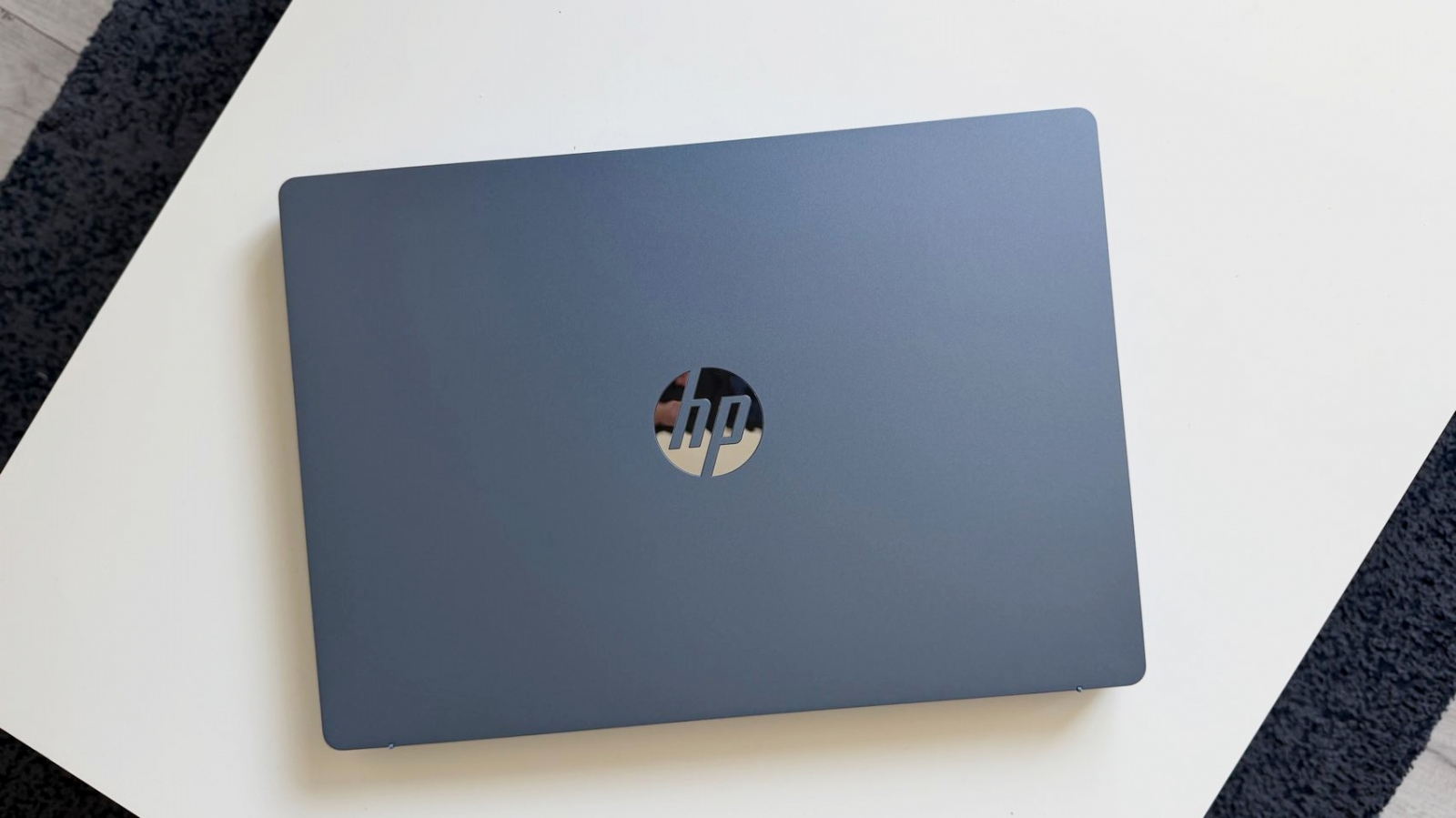
The 41Wh battery delivered enough runtime for a workday in the reviewer’s usage with the screen brightness kept relatively low, though battery life will vary substantially with brightness, applications, wireless activity, and connected accessories. The review unit had a metallic blue finish that appeared resistant to visible fingerprints; other listed color options include gold, silver/gray, and dark gray.
The OmniBook 3 is best suited to students, remote and hybrid workers, freelancers, and small-business users who prioritize a roomy screen and smooth day-to-day multitasking in a laptop that can still travel. U.S. pricing and availability for the tested configuration were not confirmed in the available information, so prospective buyers should also verify the bundled charger, storage capacity, operating system, and screen specification before ordering.
Post Footer automatically generated by Add Post Footer Plugin for wordpress.