For a tablet, phone, or laptop to serve as a complete work tool, getting a document onto paper should not require moving files between devices or making an emergency trip to a print shop. The HP Smart Tank 725 is designed around that idea: it is a refillable-ink all-in-one for frequent home and small-office printing, with wireless controls, scanning, copying, and automatic two-sided printing.
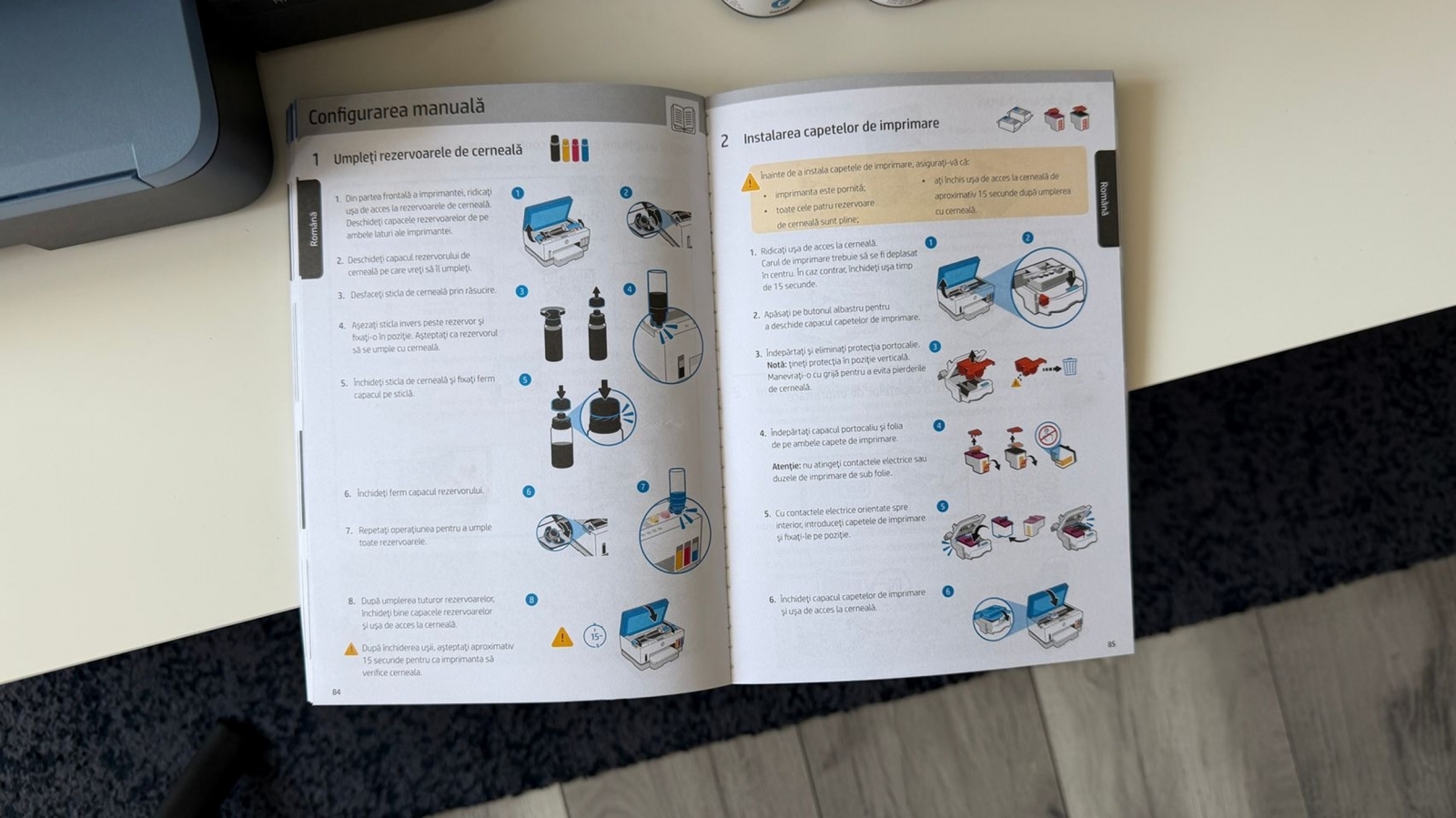
After several weeks of use, the key advantage is less about a single print job than the reduced friction around ongoing ownership. Rather than relying on conventional cartridges, the printer uses integrated reservoirs that are filled with bottles. The process involves seating a bottle in its matching tank and waiting less than a minute for each fill; the bottles have an anti-spill valve intended to keep ink off hands and desks.
Designed for frequent printing, not industrial duty


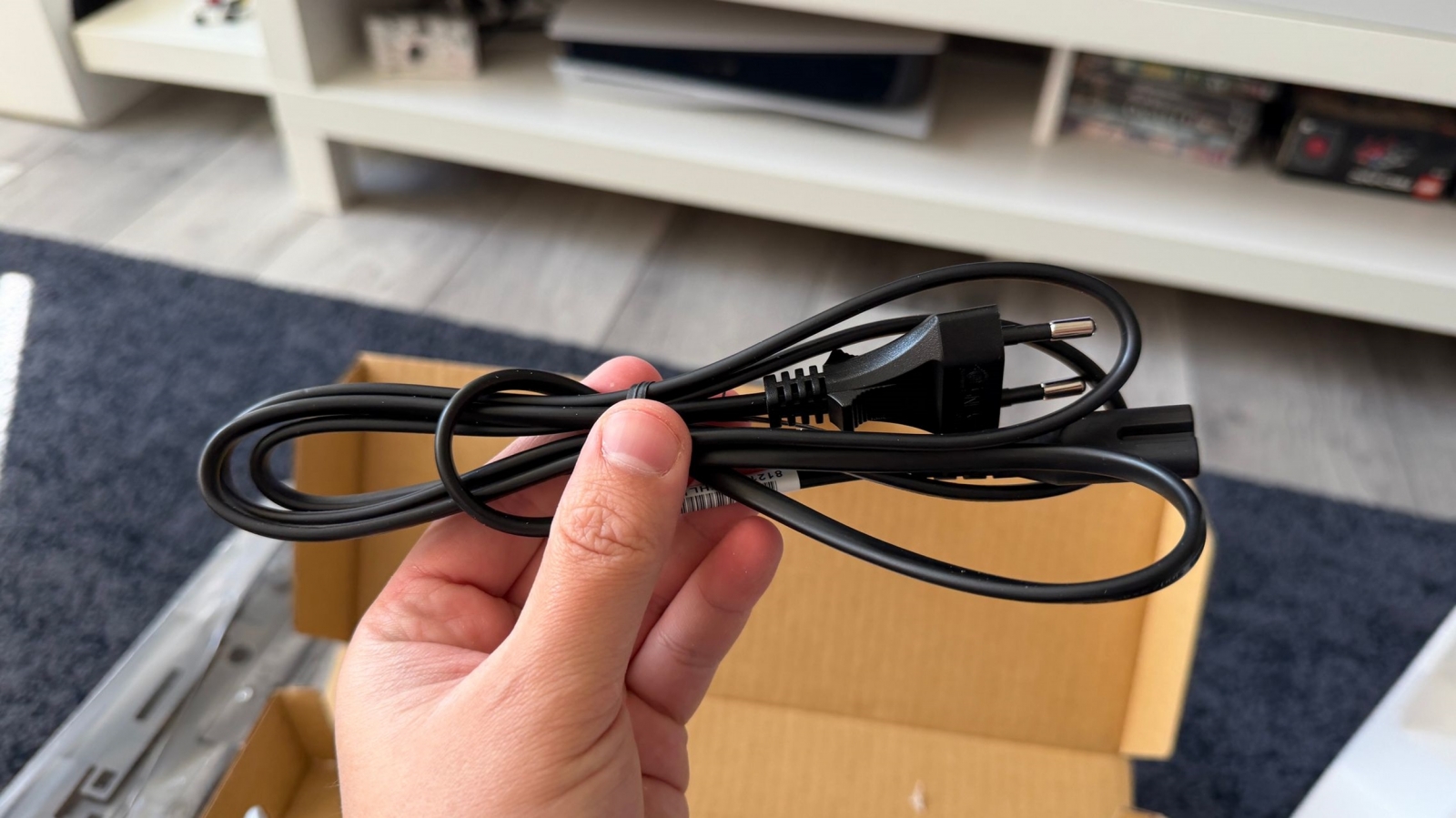


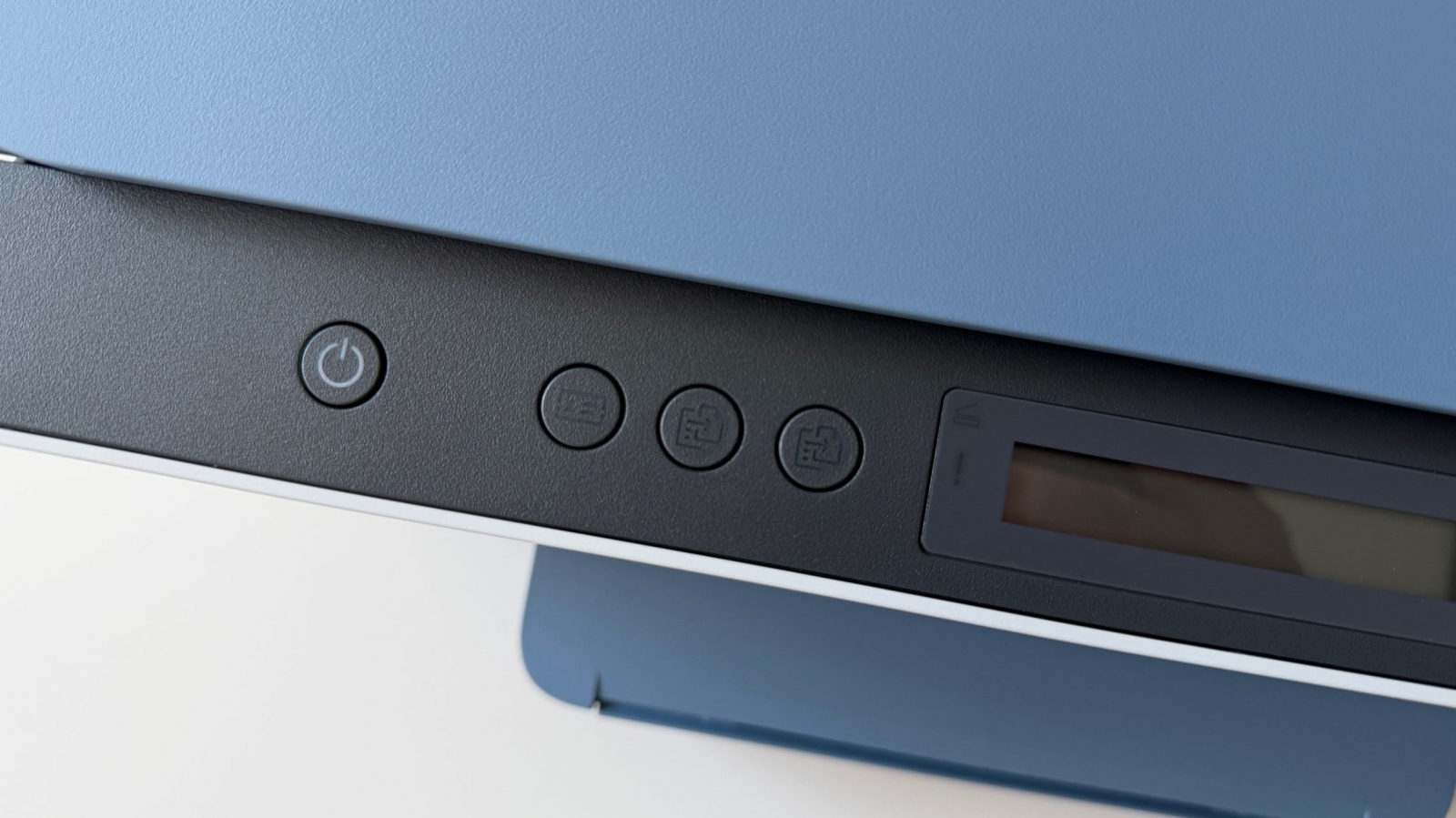


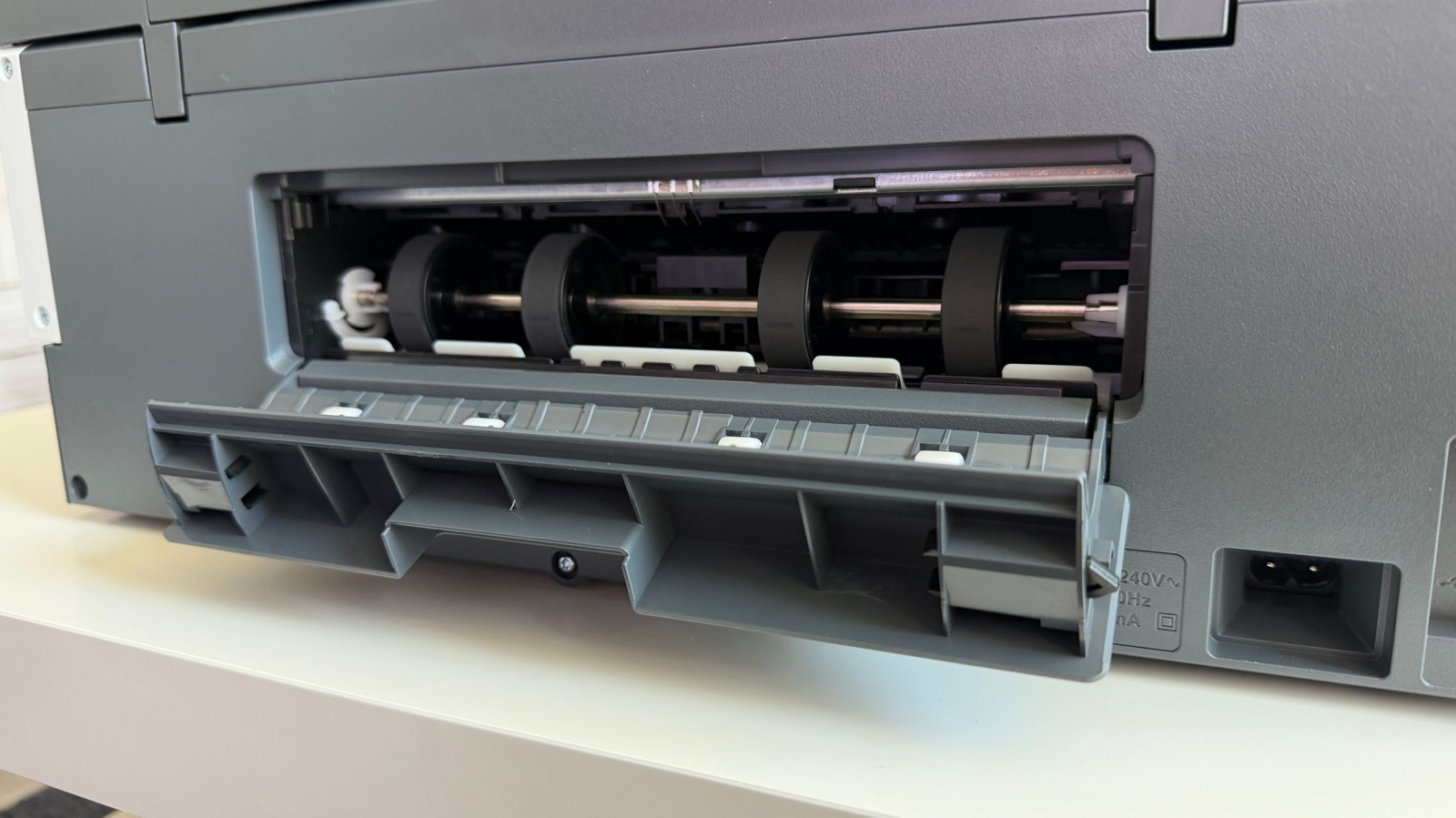

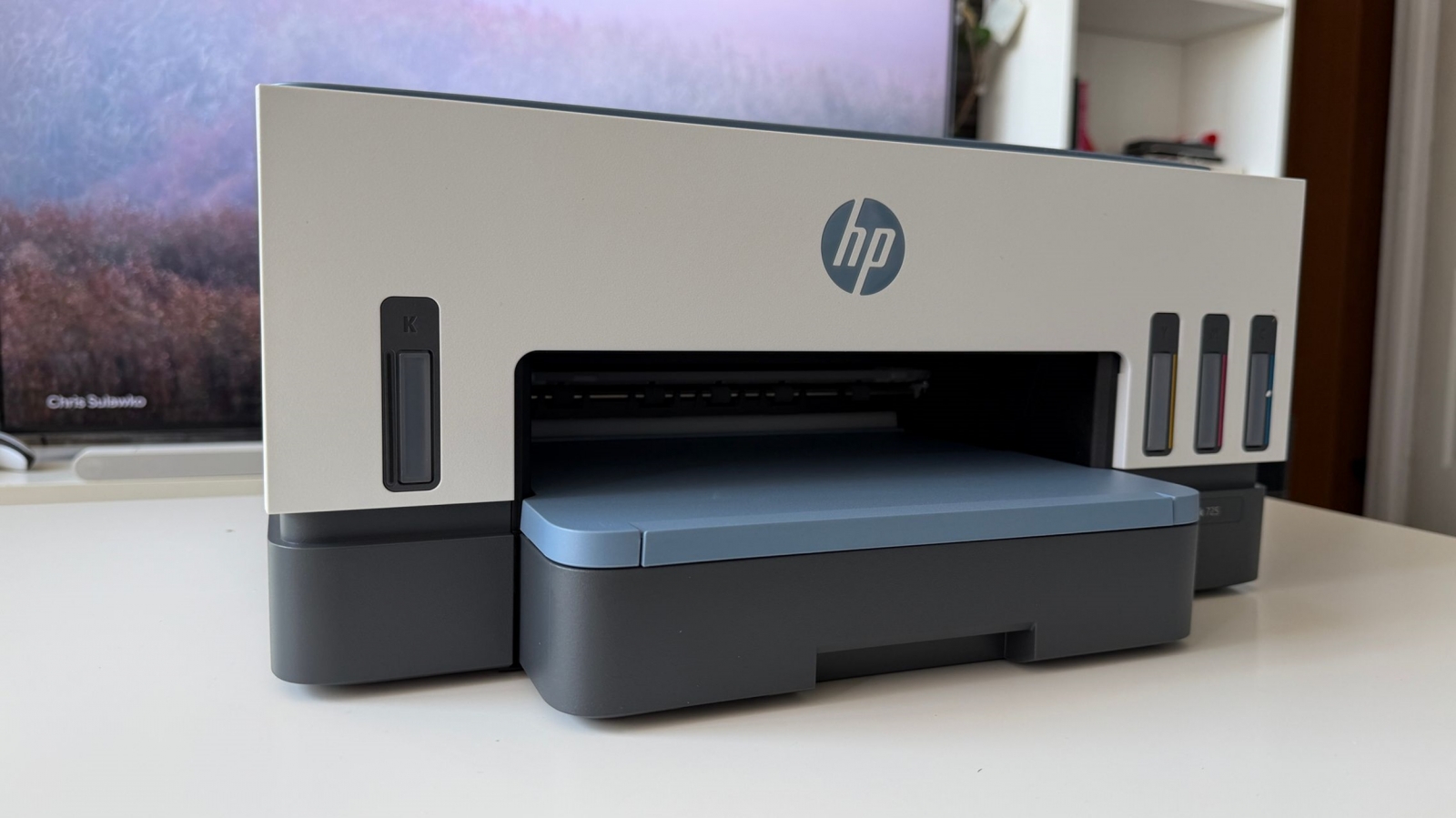


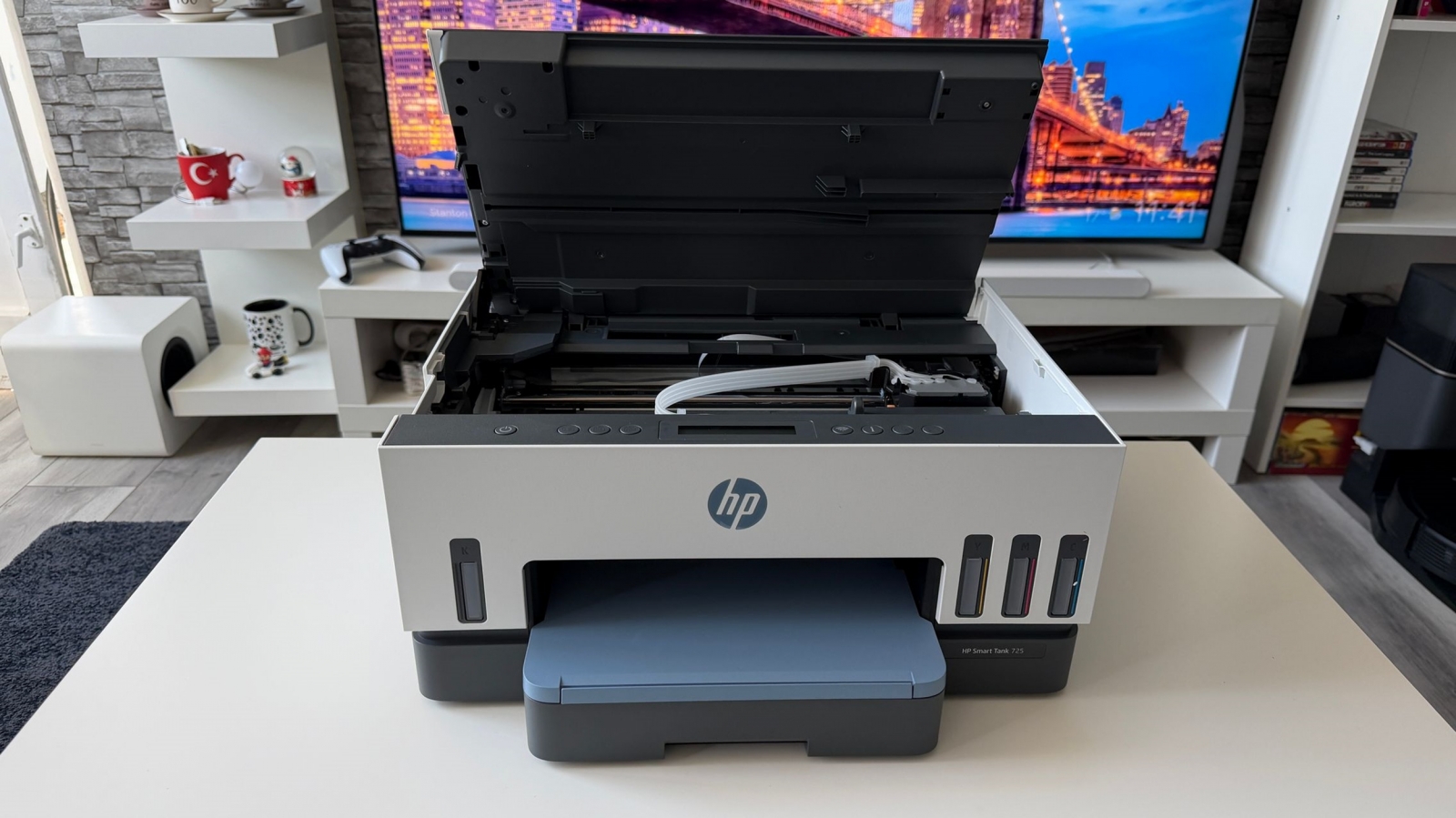




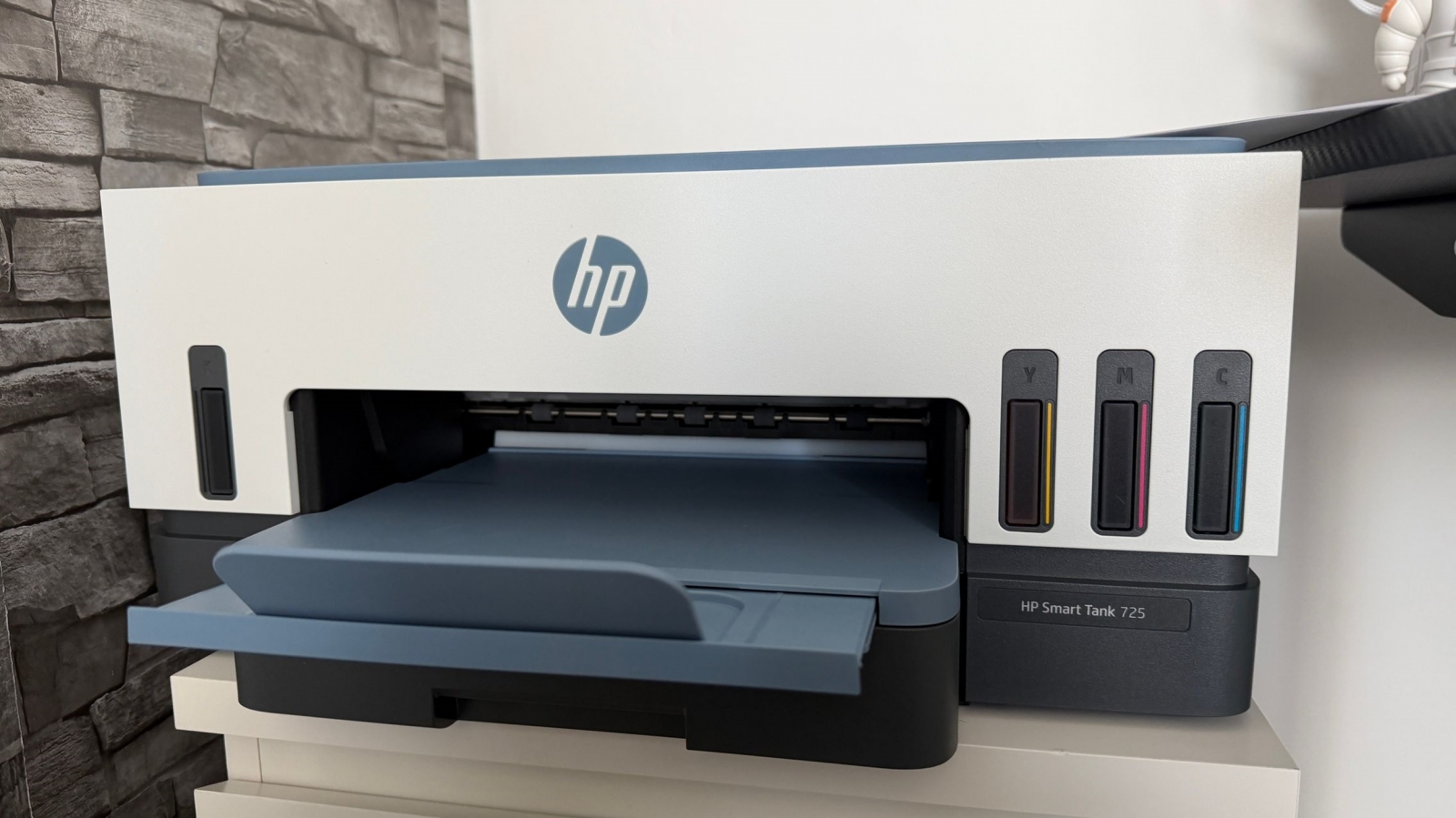


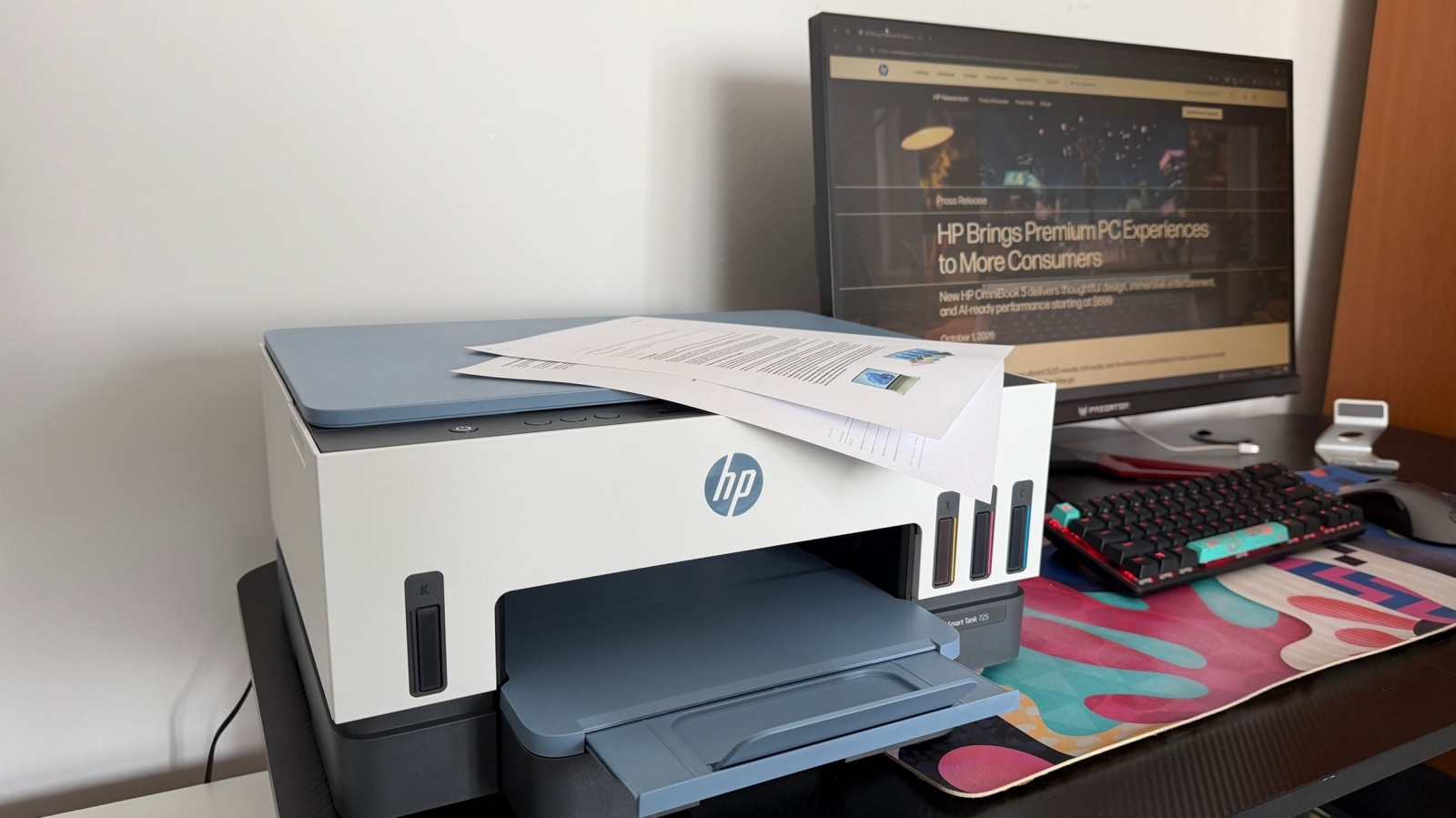


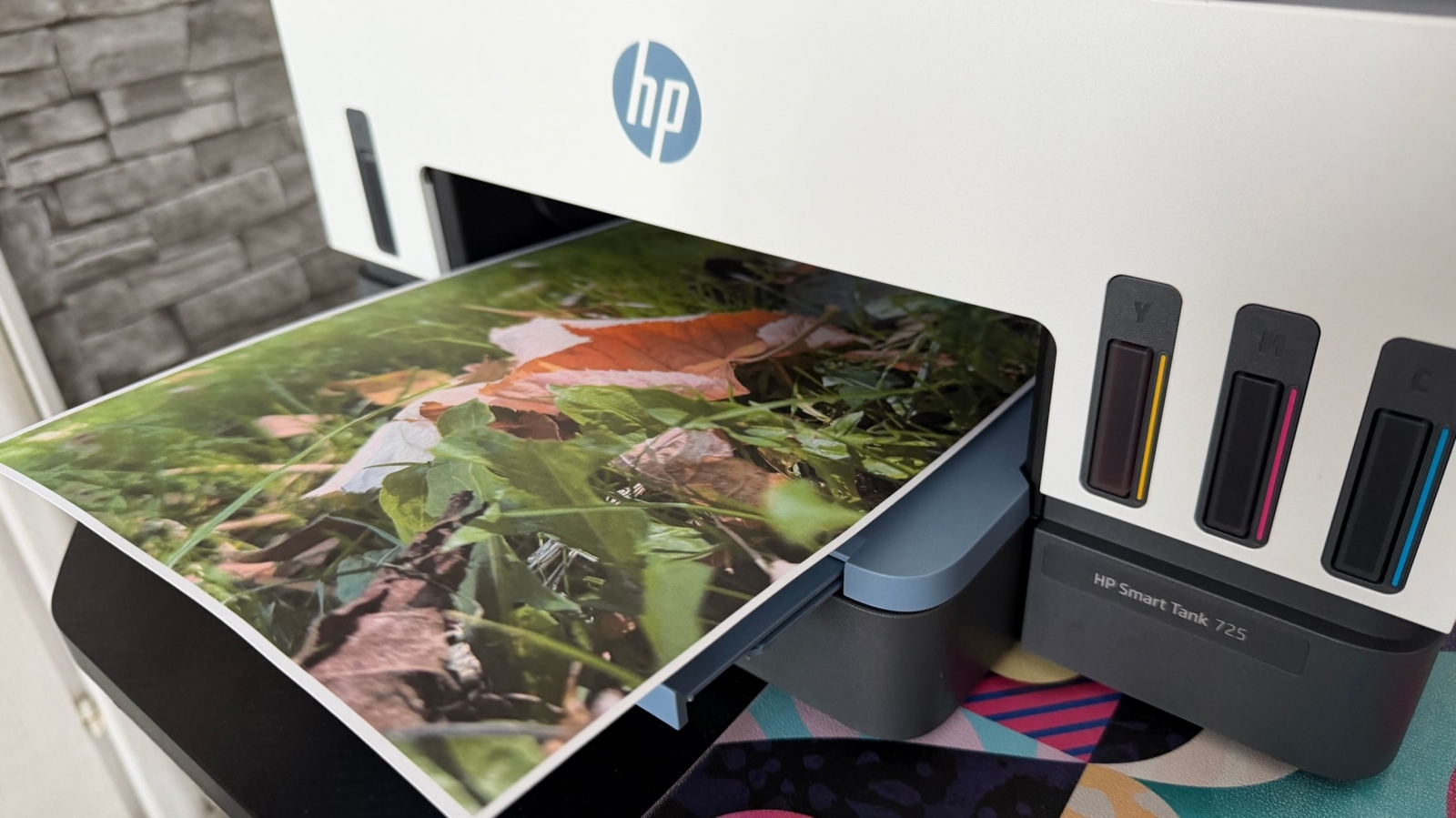
The Smart Tank 725 is positioned for a home, family business, or midsize office with recurring document needs rather than a large enterprise environment. HP rates the included ink supply at up to 18,000 black-and-white pages or 8,000 color pages, with an estimated lifespan of as much as three years. Actual results will vary with the kind of pages printed and usage patterns.
The supplied ink set includes three 135 mL GT53XL black bottles plus one 50 mL GT52 bottle in each of cyan, magenta, and yellow. That large initial supply is the central value proposition, particularly for households that print schoolwork, work documents, photos, and forms often enough to make replacement cartridges a recurring concern.

- Print, scan, and copy functions in one unit.
- Automatic duplex printing for two-sided documents.
- Up to 15 ppm black-and-white and 9 ppm color at ISO speeds; draft-mode figures are up to 23 ppm black-and-white and 22 ppm color.
- A 250-sheet input tray and 100-sheet output capacity.
- A monthly duty cycle of up to 5,000 Letter/A4 pages.
A better fit for phone and tablet printing

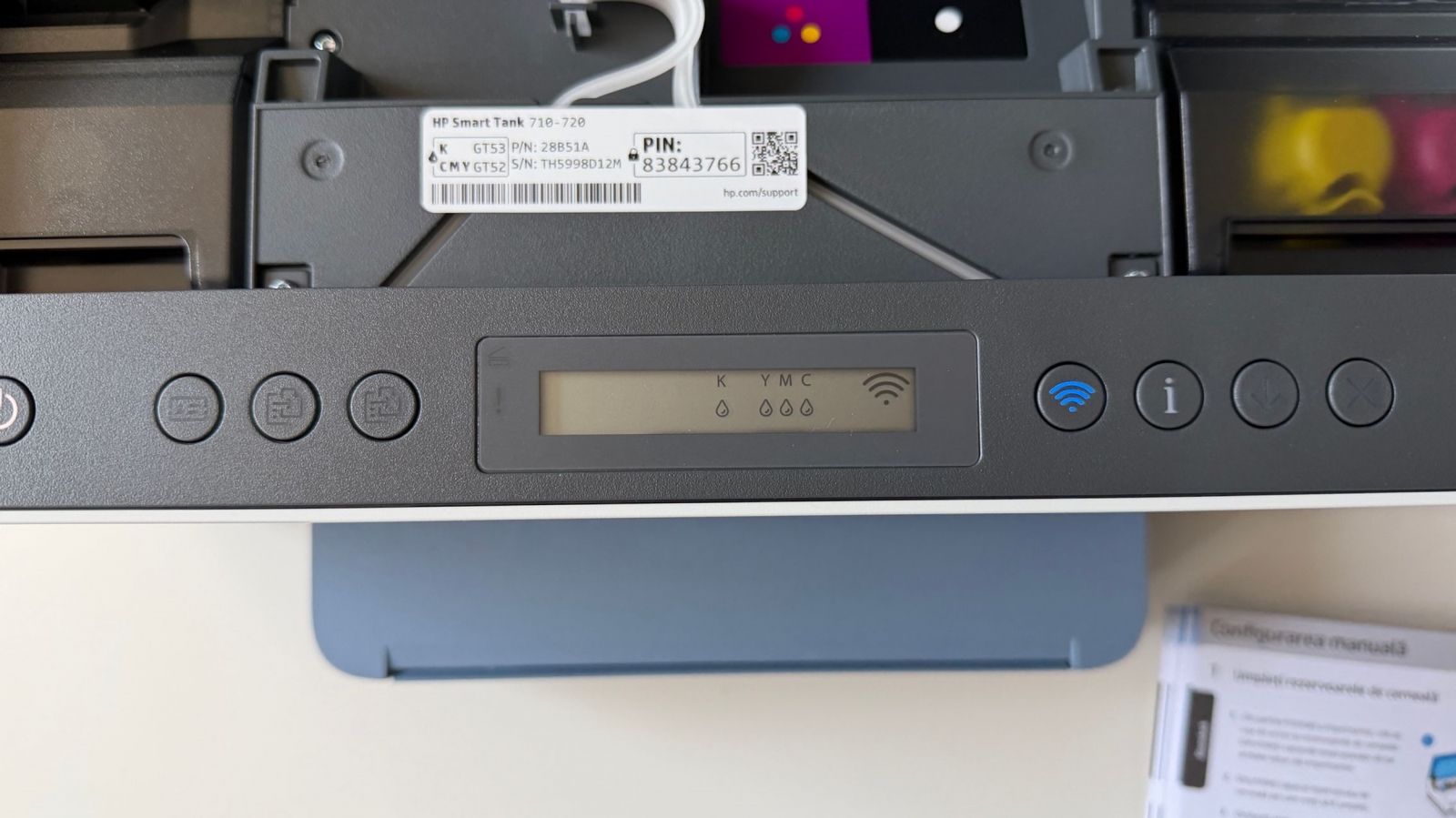
For mobile-computing households, the wireless connection and HP app are more consequential than the printer’s boxy desktop footprint. The 725 supports dual-band Wi-Fi, Wi-Fi Direct, and 802.11a/b/g/n/ac networking, so it can be placed away from the computer desk as long as power is available. A 70 x 12 mm LCD and illuminated guidance buttons provide on-device feedback when a phone is not the primary control surface.
An HP account is not required to print. Creating a free account in the HP app adds faster setup, direct mobile printing and scanning, estimated ink-level monitoring, and remote-management features. The app also offers document scanning with a phone camera, photo printing, mobile fax, and a library of more than 2,500 printable items such as worksheets, cards, and coloring pages.


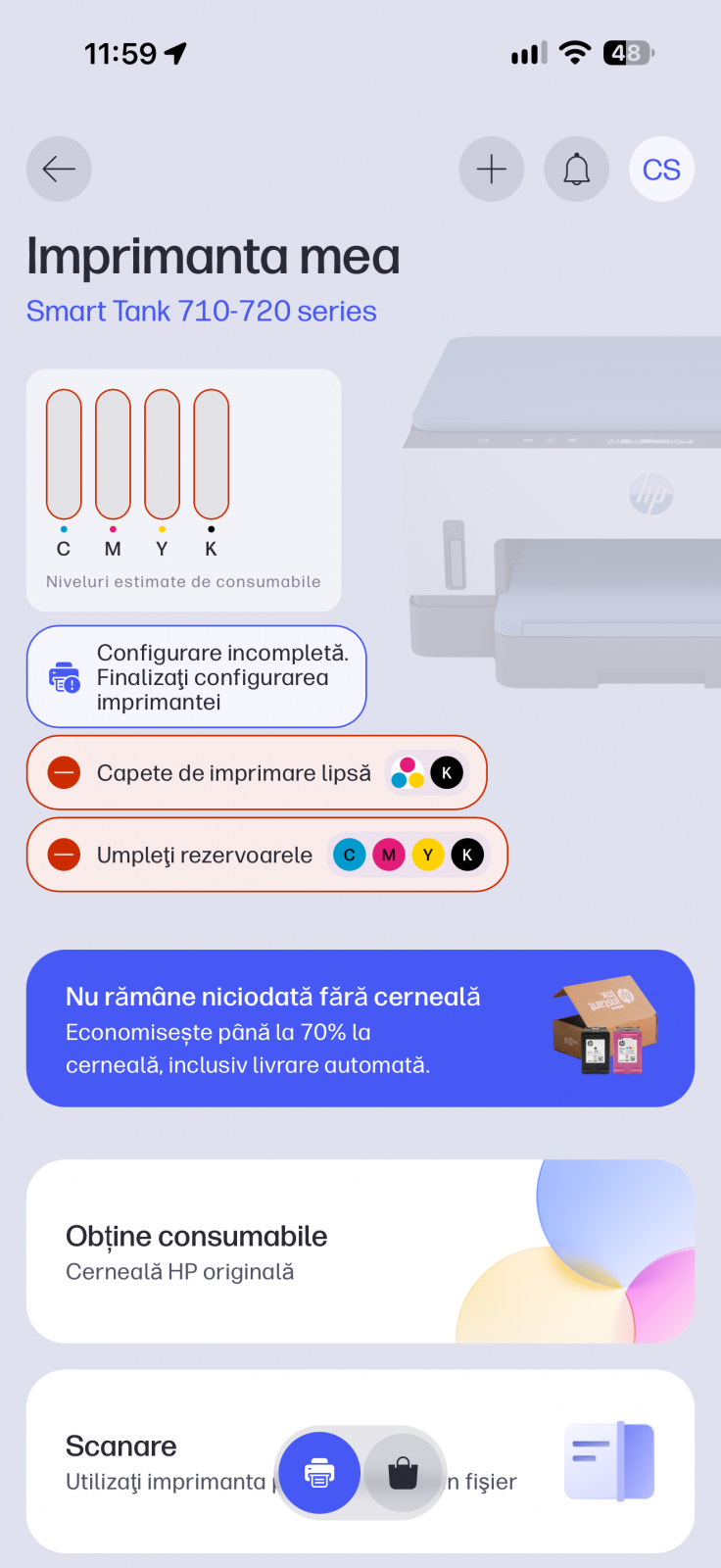



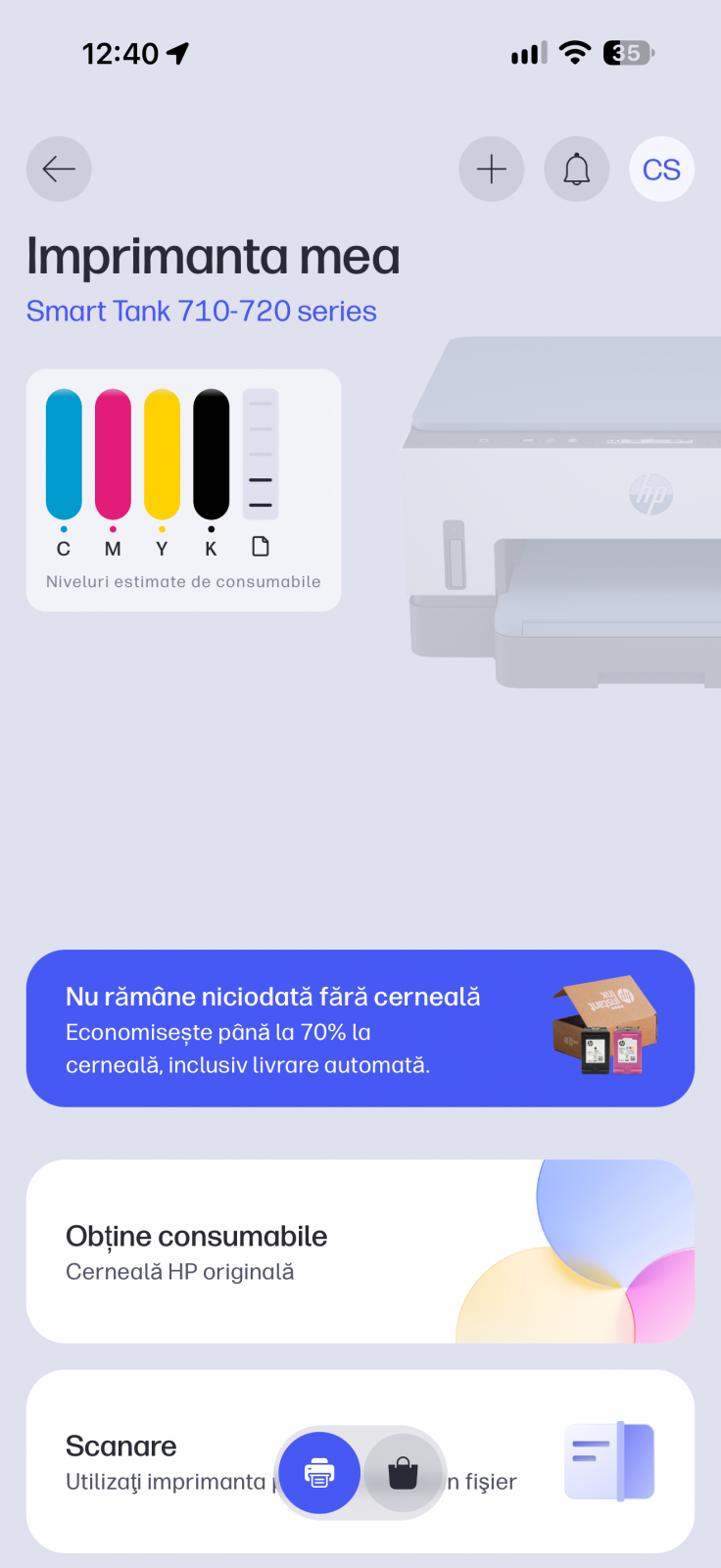





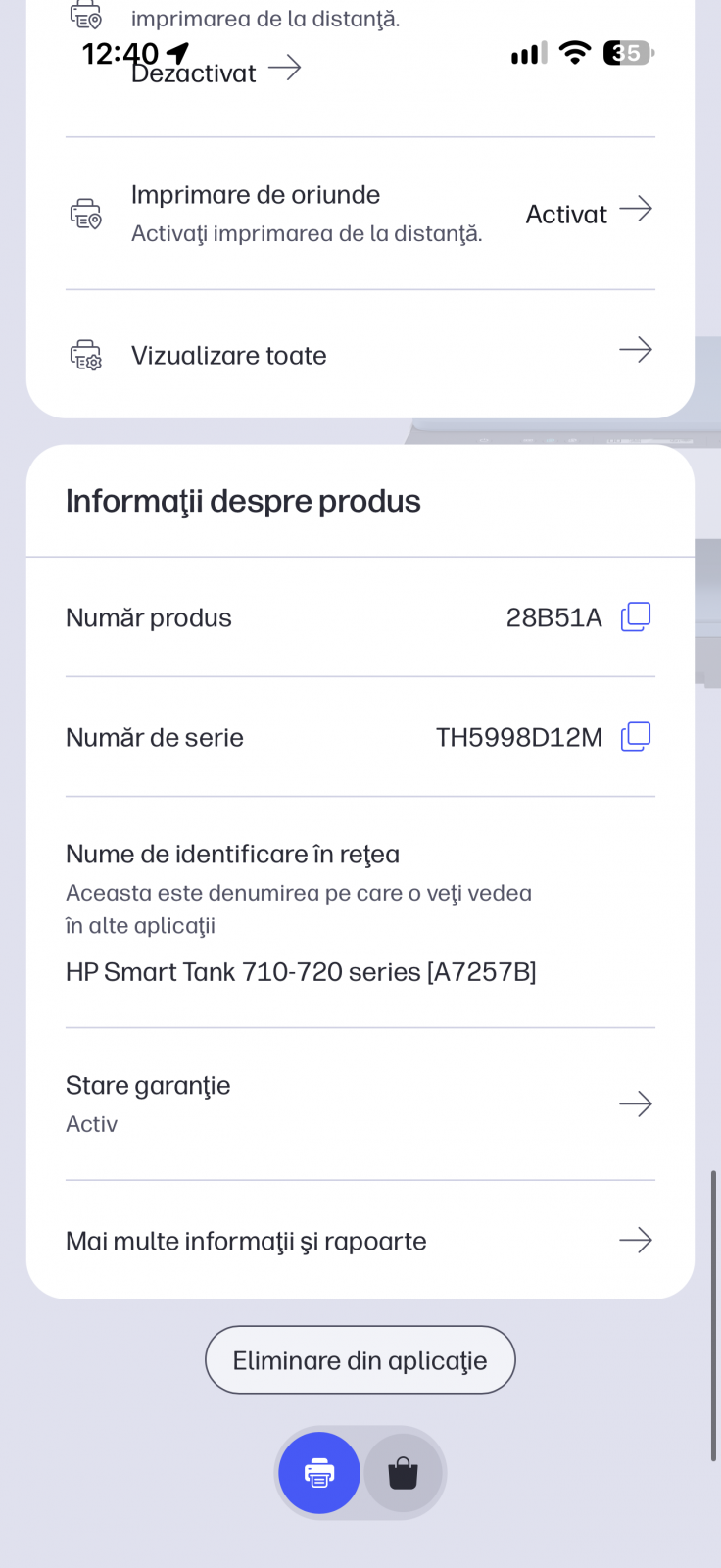



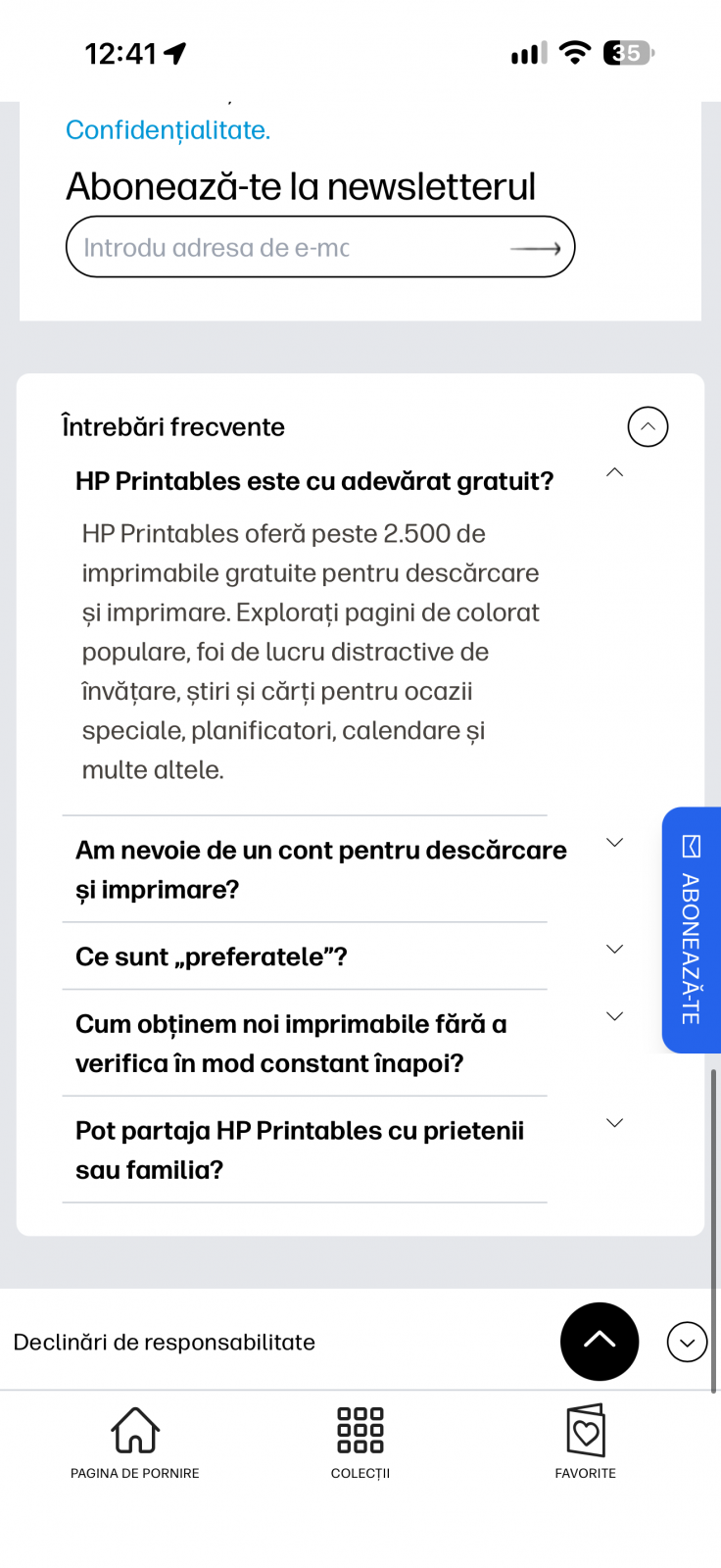







Supported mobile-printing options include:
- HP app
- Apple AirPrint
- Mopria
- HP Print Service
- Wi-Fi Direct printing

The printer can also scan standard A4 pages using a Contact Image Sensor. HP lists scan times of up to 19 seconds for a color page at 200 ppi and up to 10 seconds for monochrome at the same resolution. Black text was reported to be sharp in testing, and the pigment-based black ink is described as water-resistant.
Practical trade-offs

Setup still requires more than joining a Wi-Fi network. Owners must remove transport protections, fill the black and color tanks, install the black and color printheads, load paper, and run the alignment sheet through the scanner. Once configured, however, the printer can serve both a desktop computer and an iOS device without manually transferring documents between them.
The Smart Tank 725’s automatic printhead maintenance is another practical consideration for a printer meant to remain ready for periodic jobs: it should be left plugged in for that maintenance to operate. Its combination of large bundled ink reserves, duplex capability, and phone-first controls makes the most sense for people who print regularly from several devices. U.S. pricing and availability were not confirmed in the available information.
Post Footer automatically generated by Add Post Footer Plugin for wordpress.