The most distinctive part of the REDMAGIC Astra 2 is not its Android interface but what happens after pressing its red side-mounted Magic Key. That control opens Game Space, a console-like launcher that gathers games and connected accessories while exposing an unusually extensive set of in-game tools.
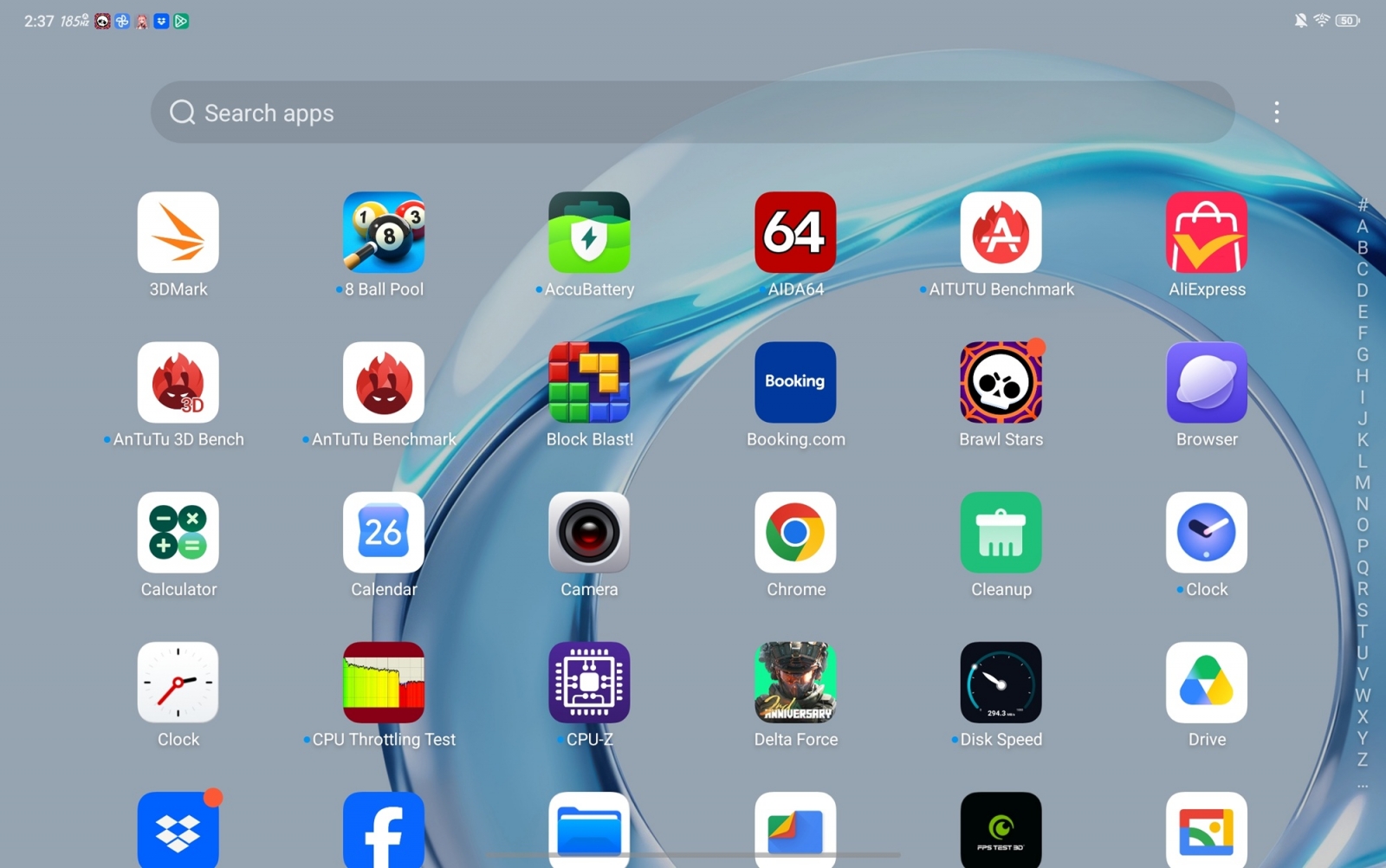
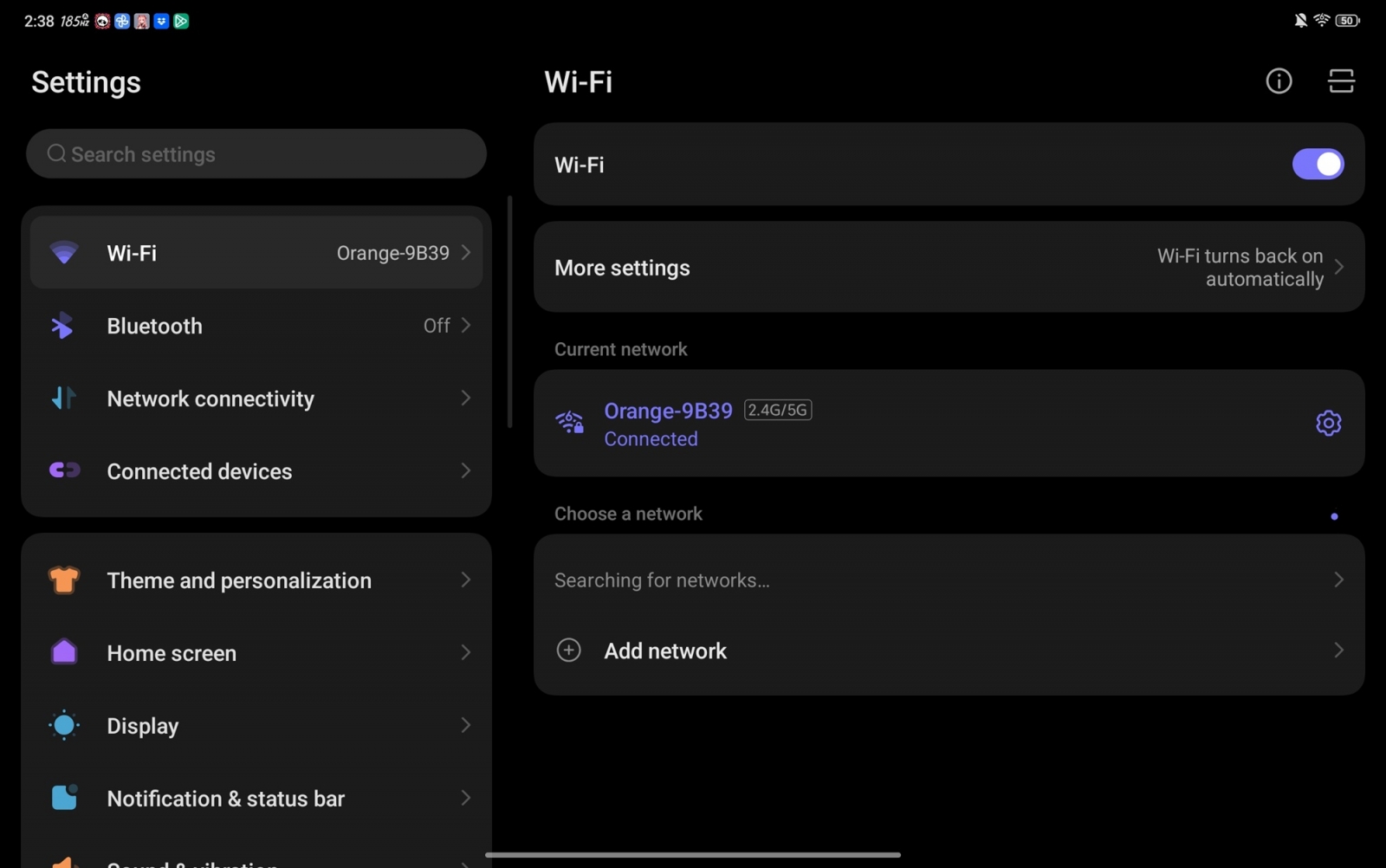
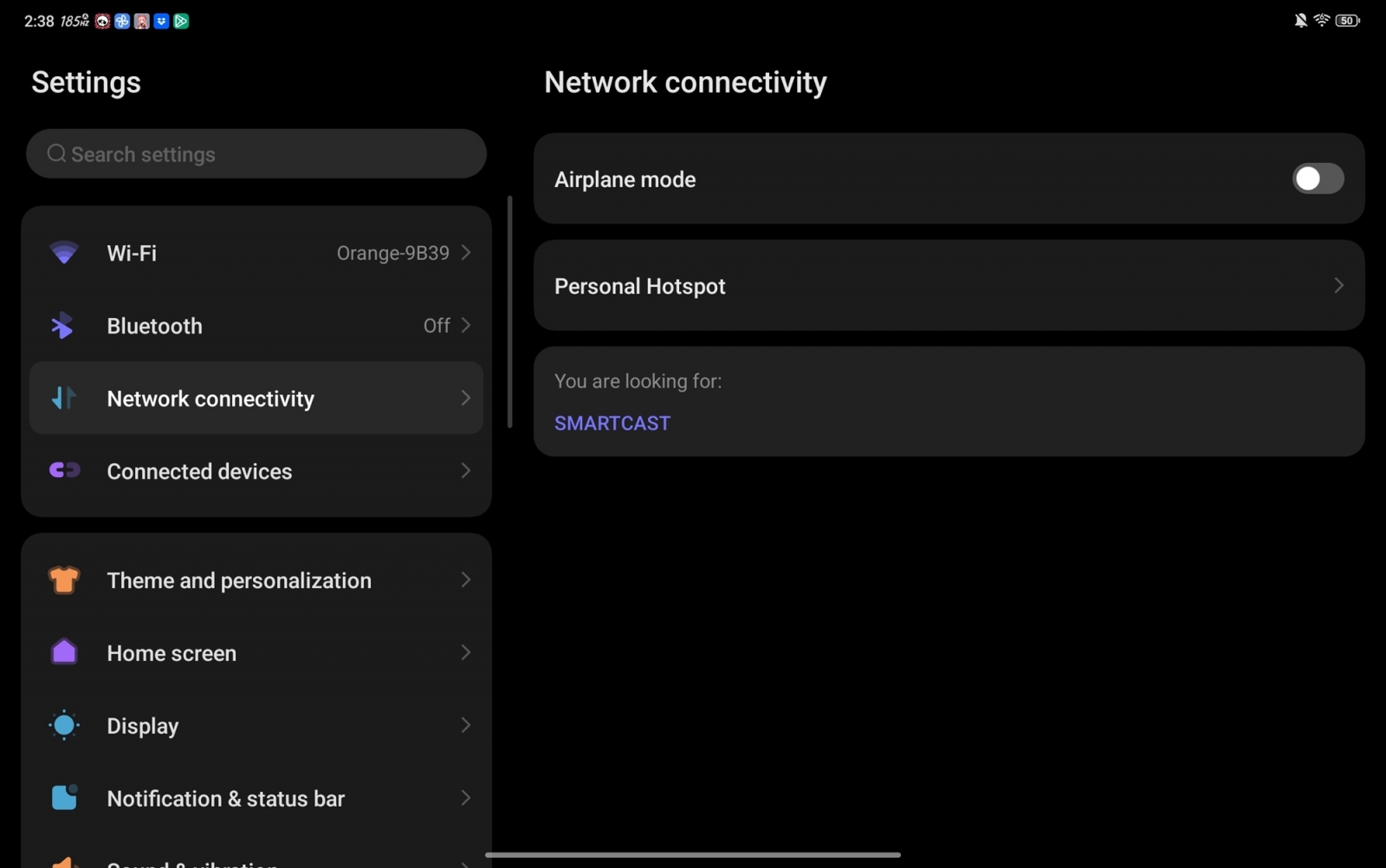
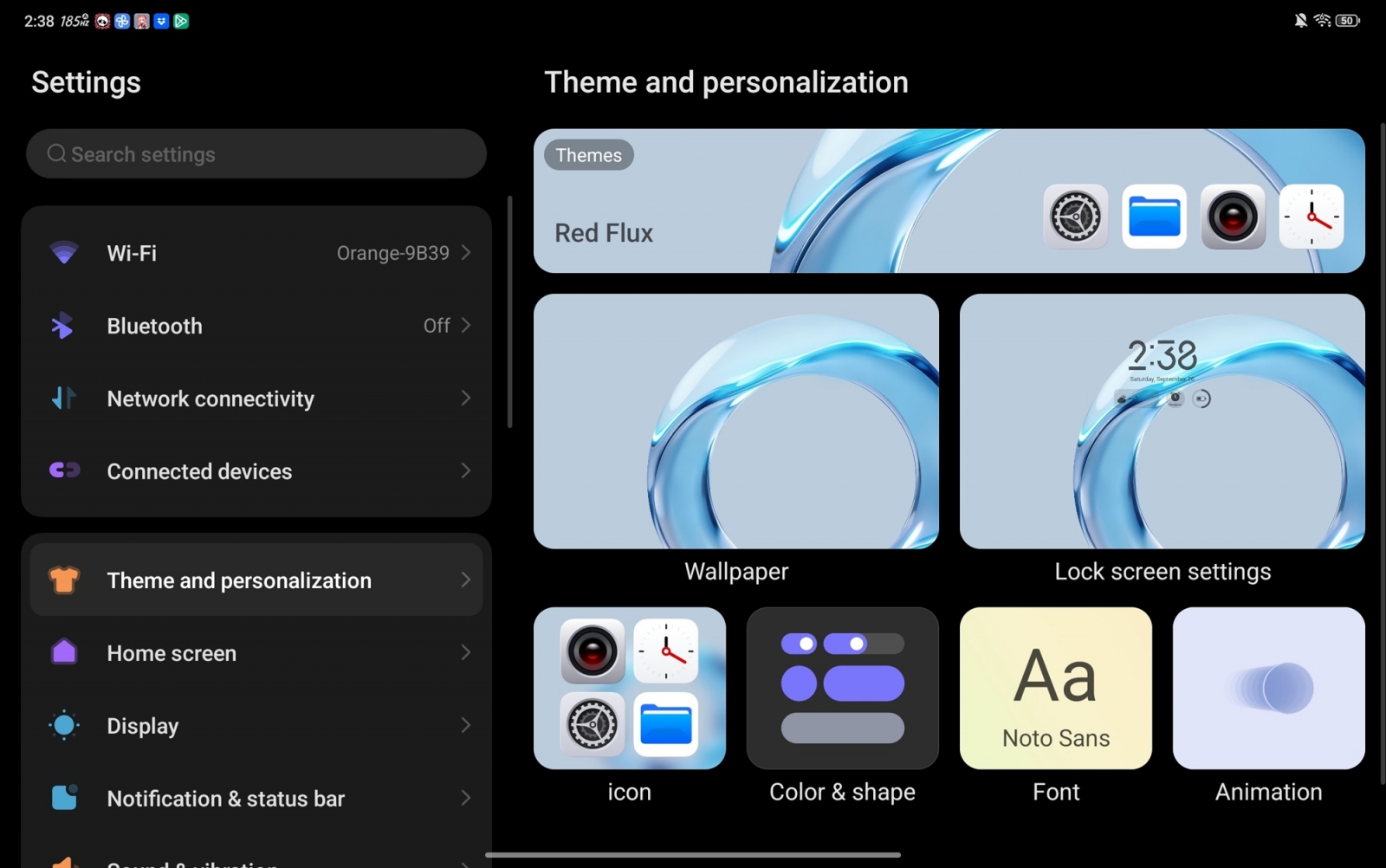
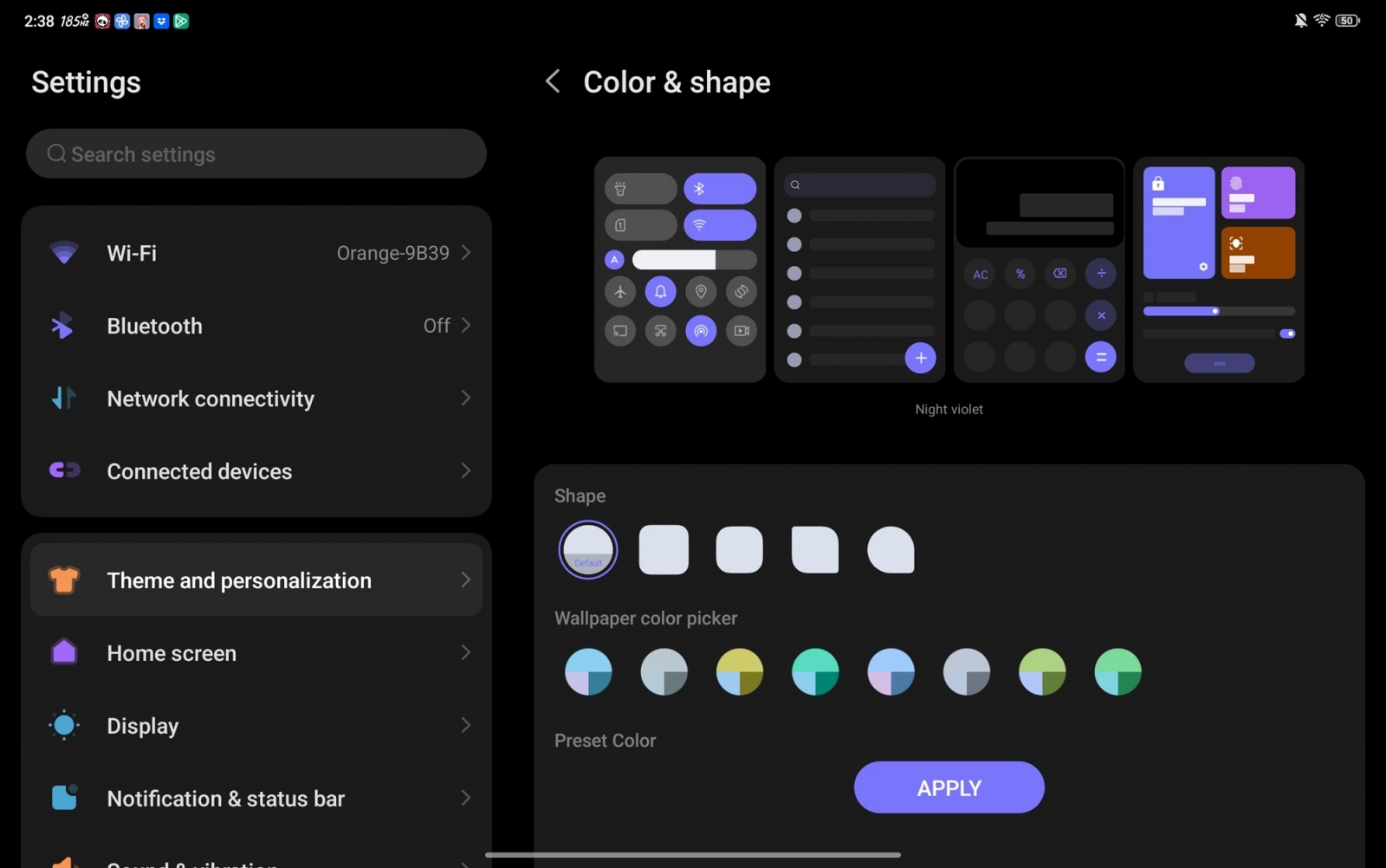
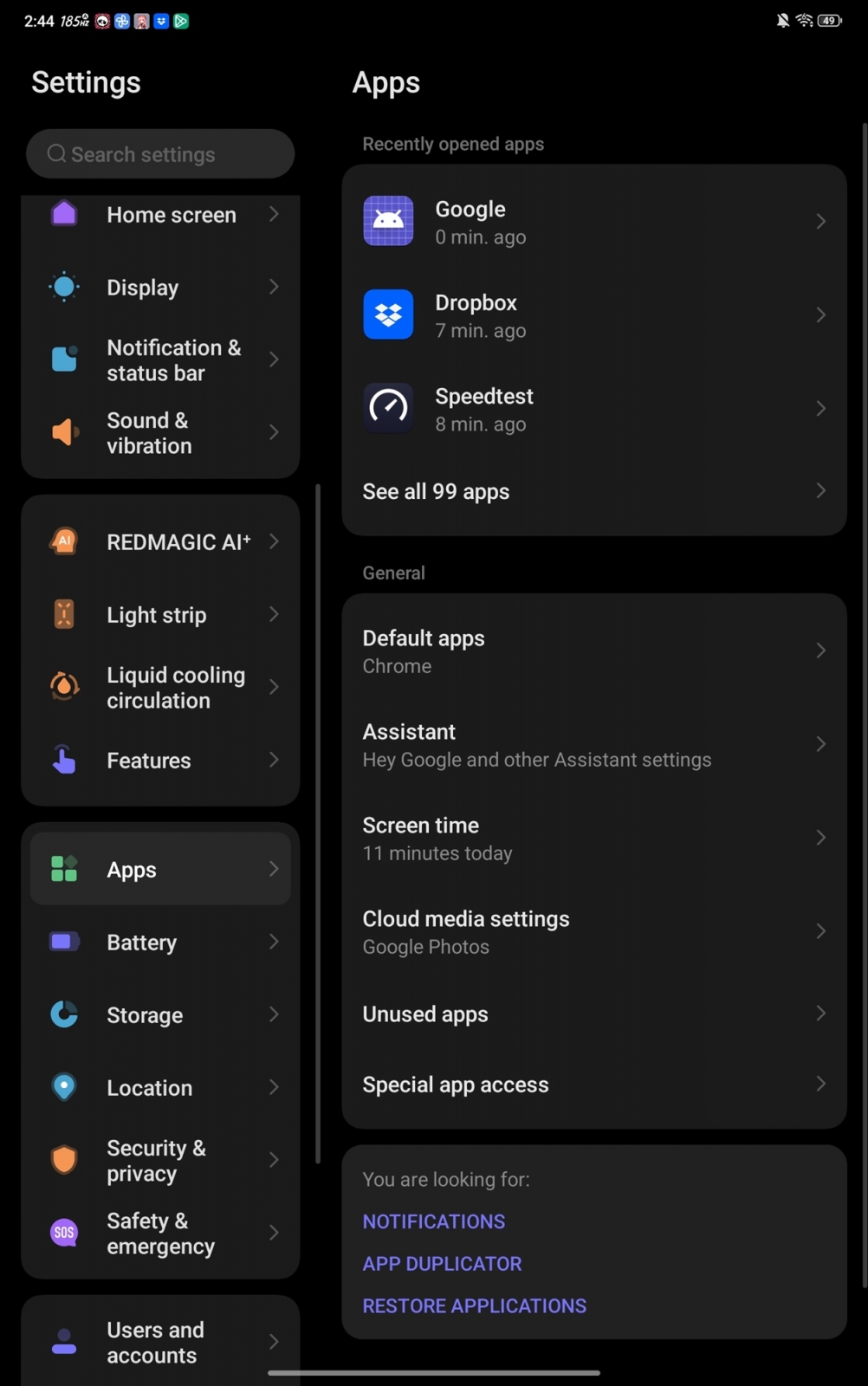
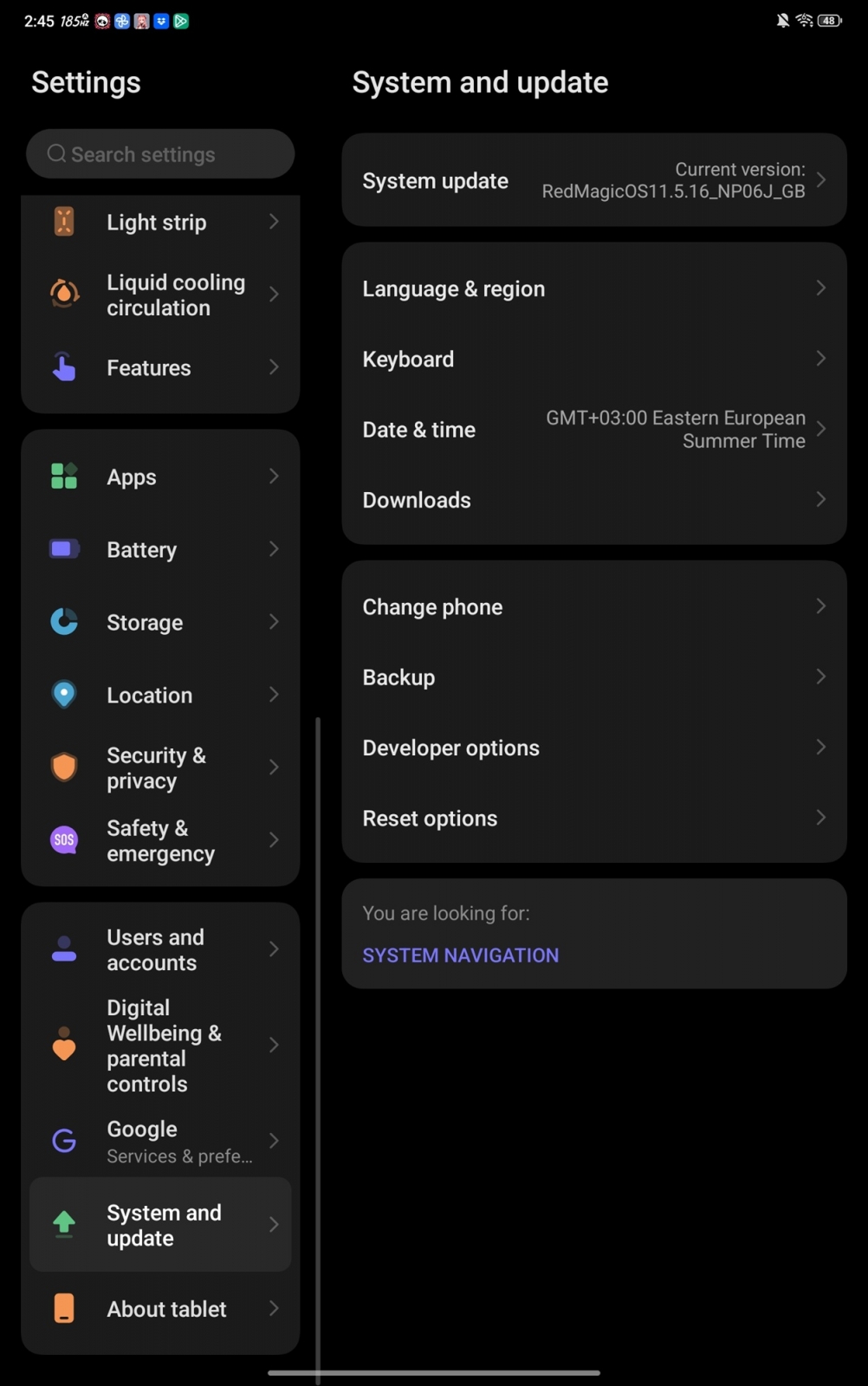
Outside Game Space, the tablet runs Android 16 with REDMAGIC OS 11.5. The software remains relatively close to stock Android rather than putting gaming menus in front of every everyday task. Google Gemini integration is included, along with AI features for input and system functions, while additional REDMAGIC settings are largely kept within the Settings app.
Game Space goes beyond performance modes


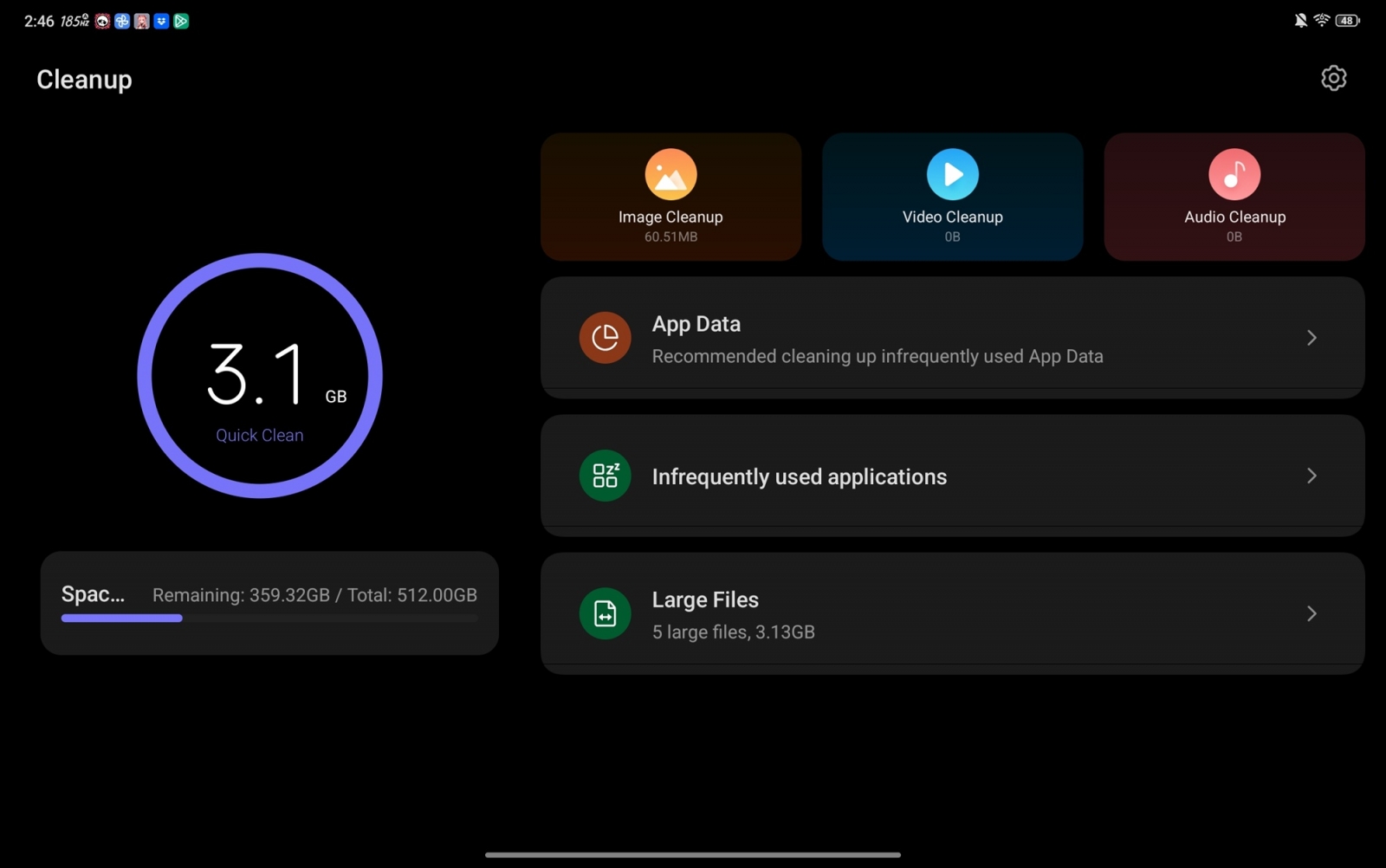
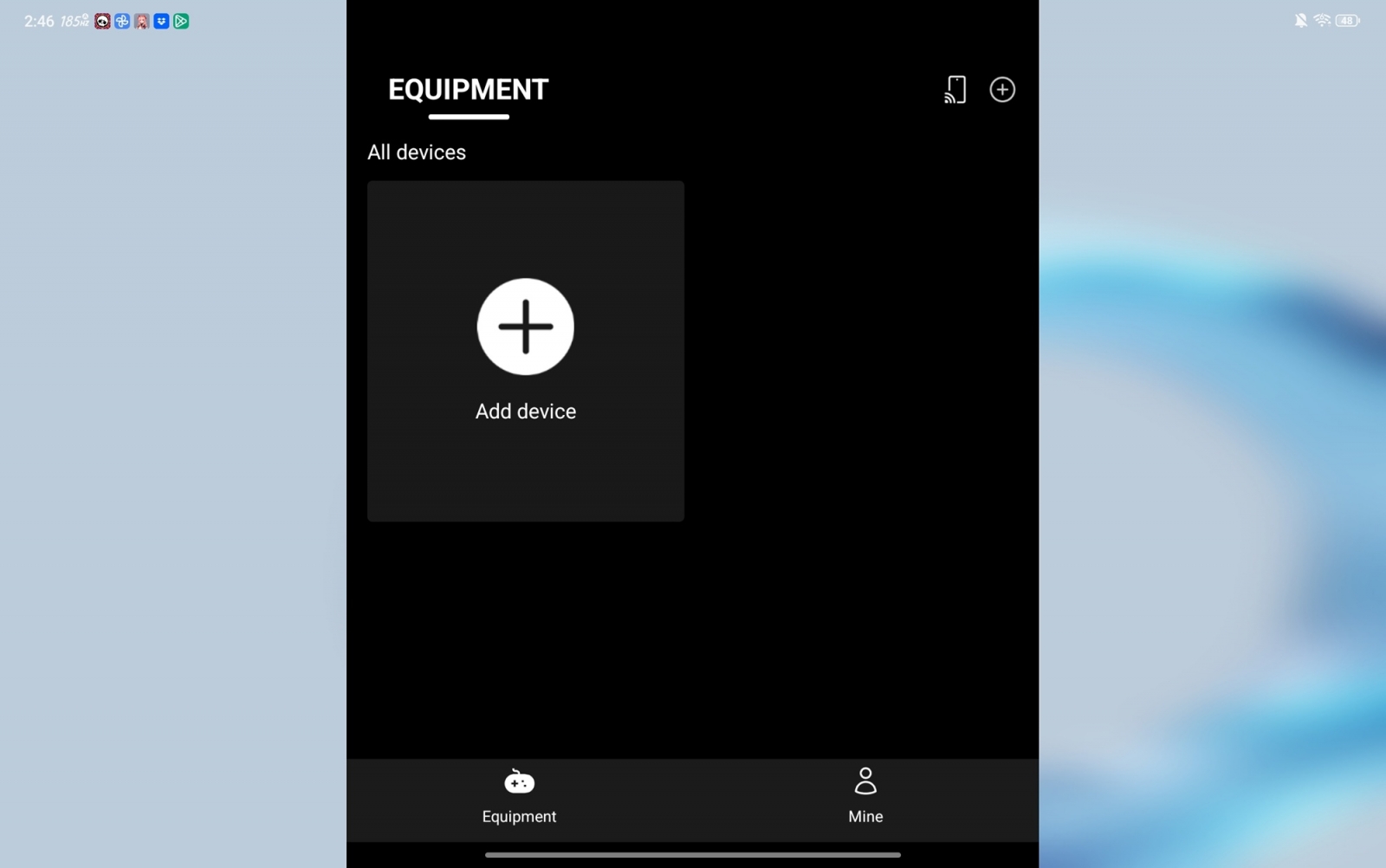


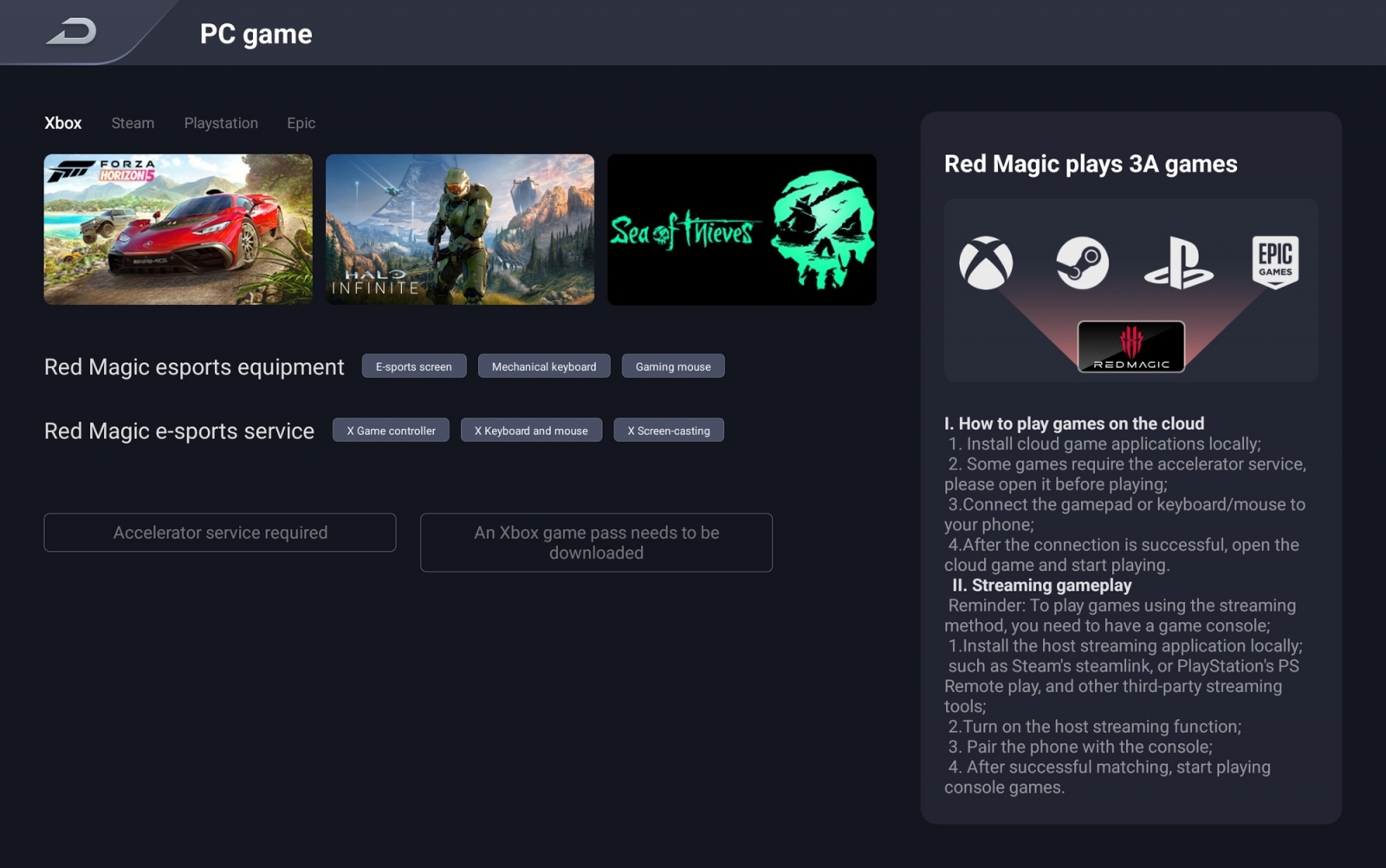
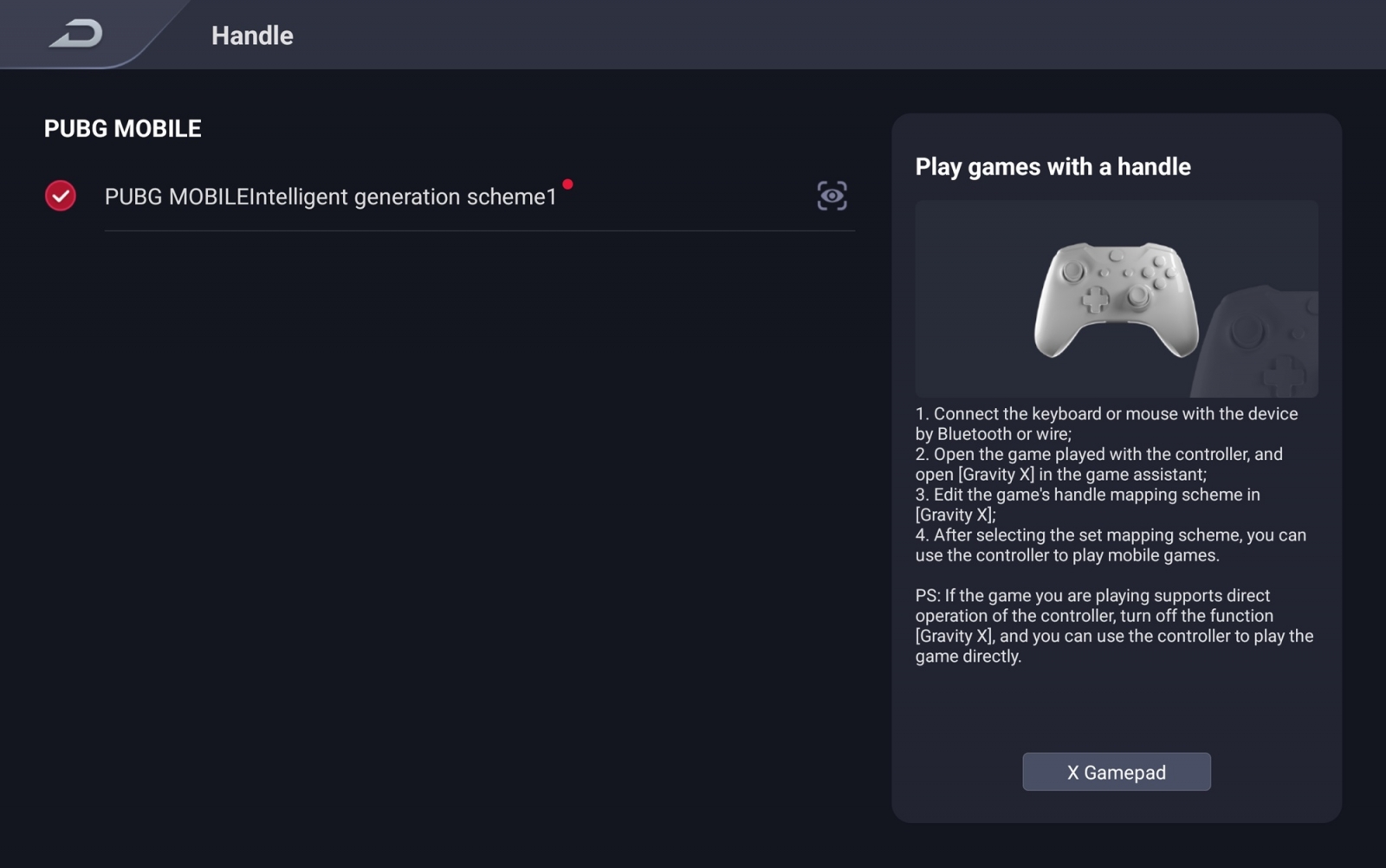
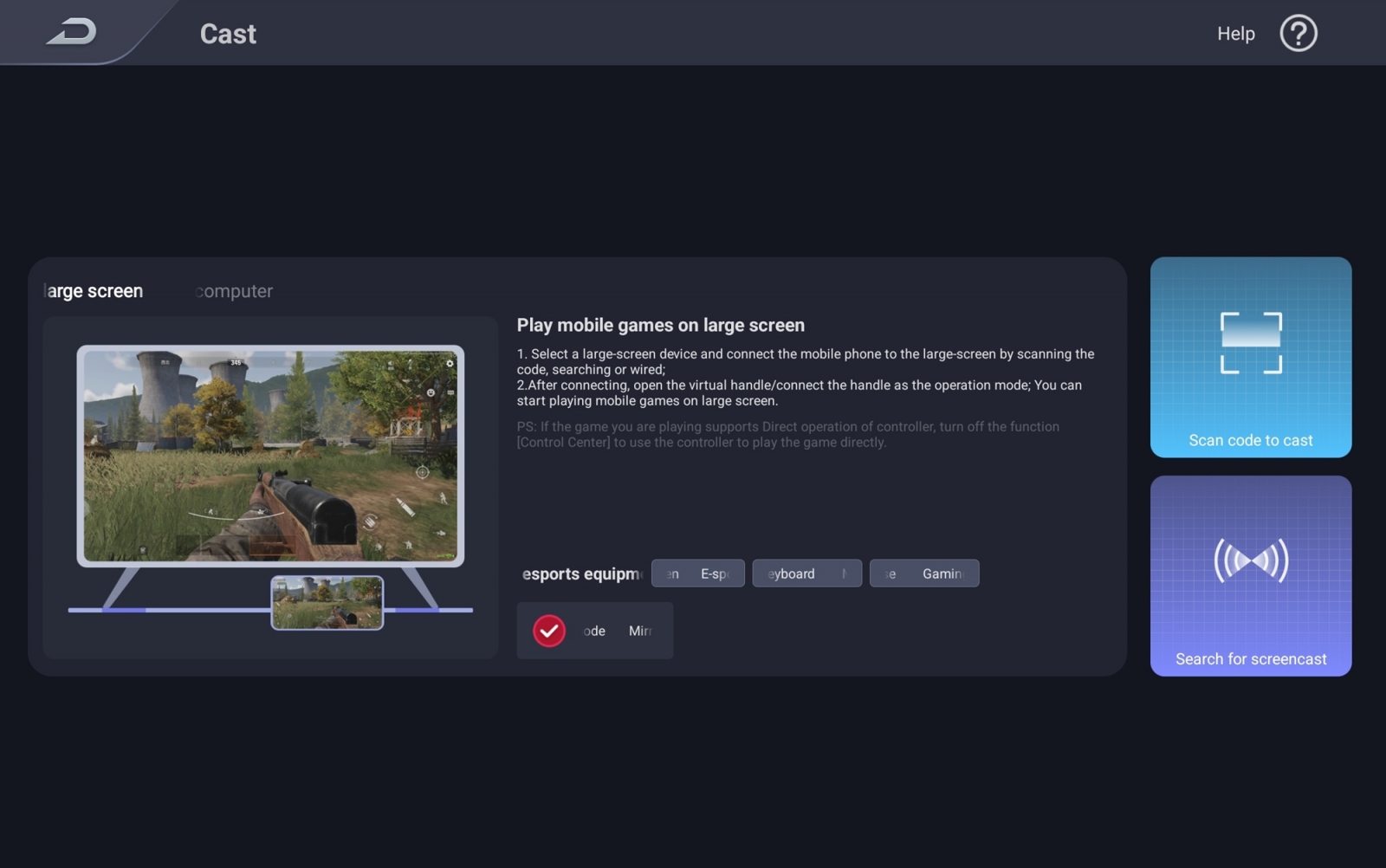


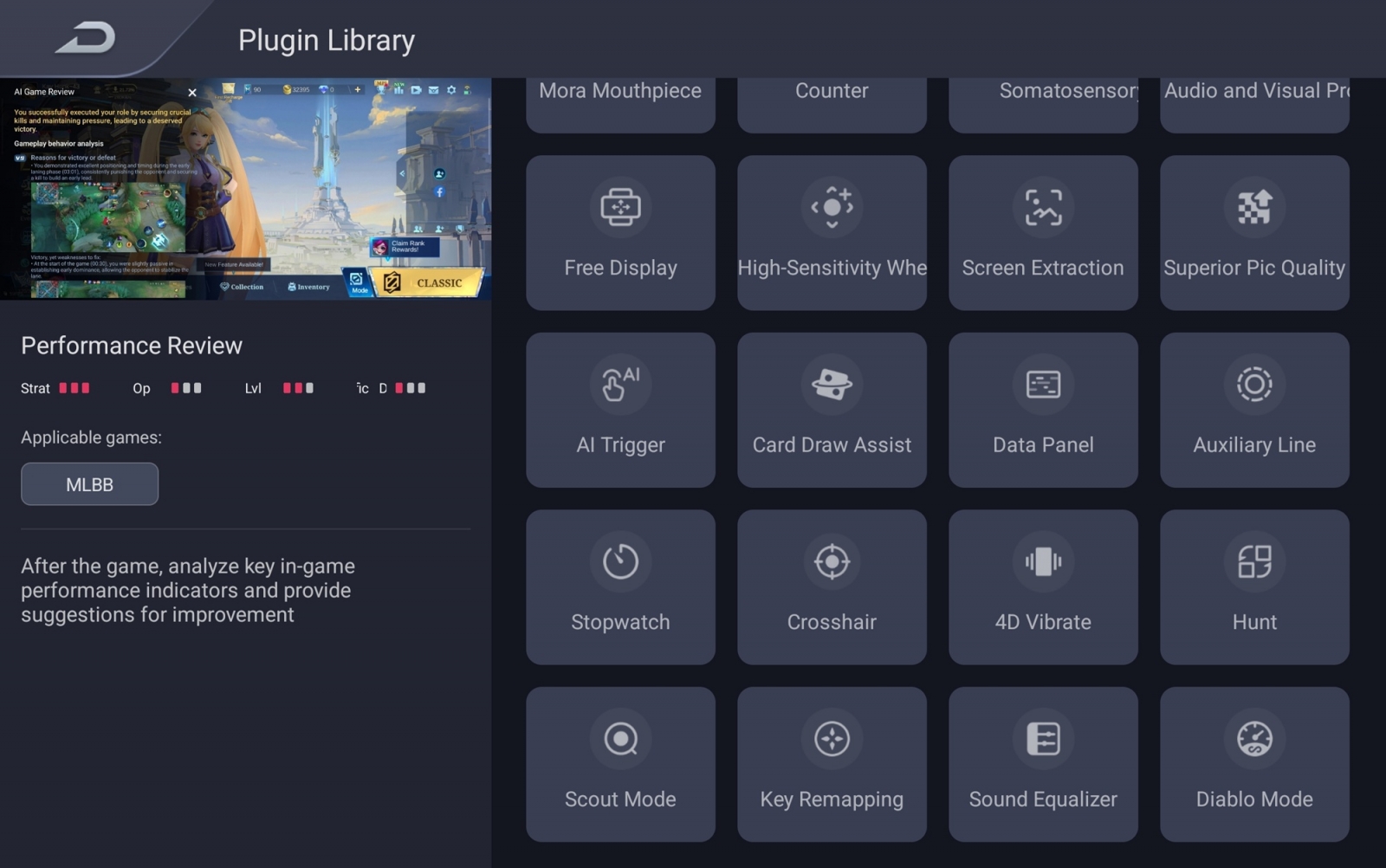

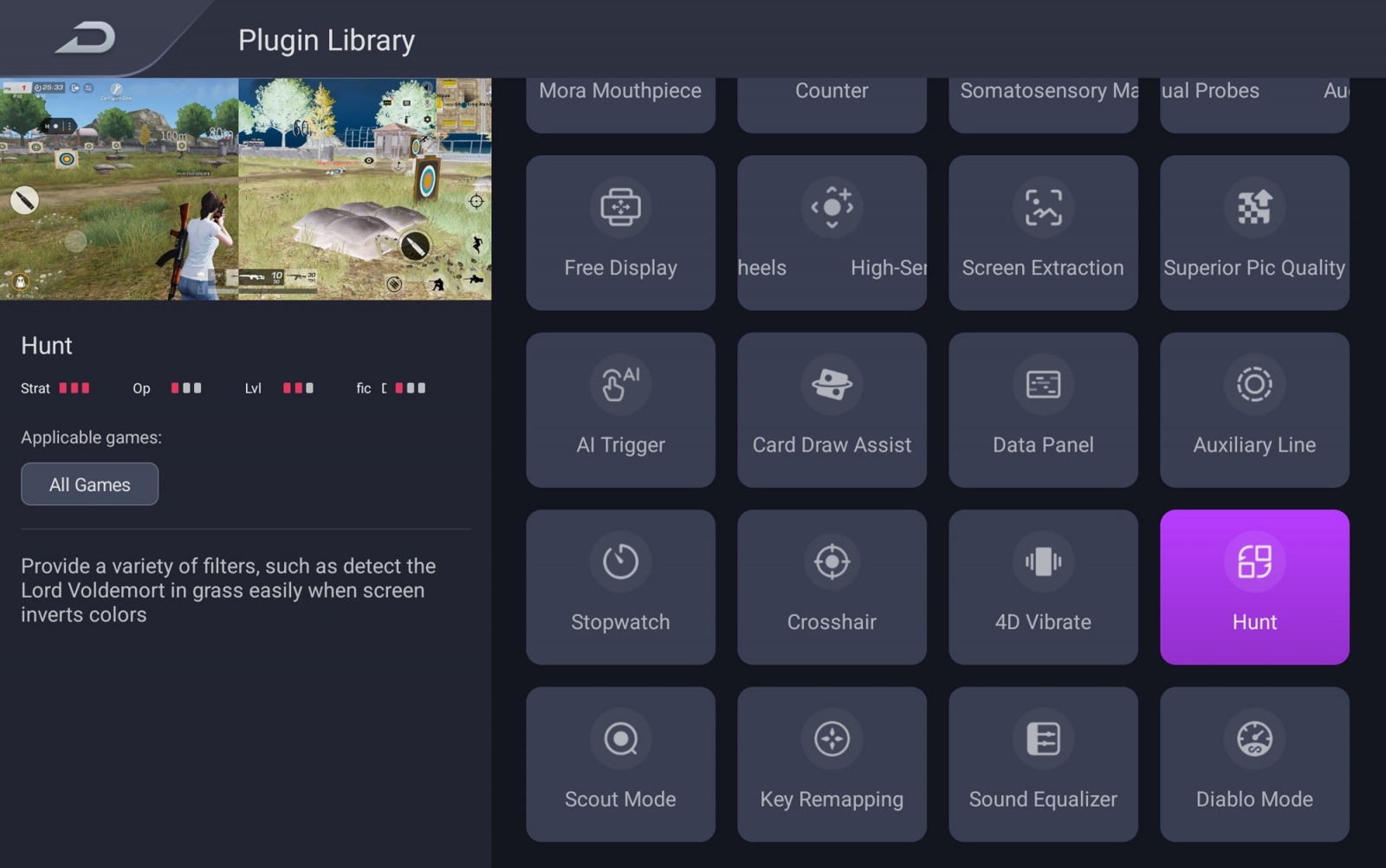




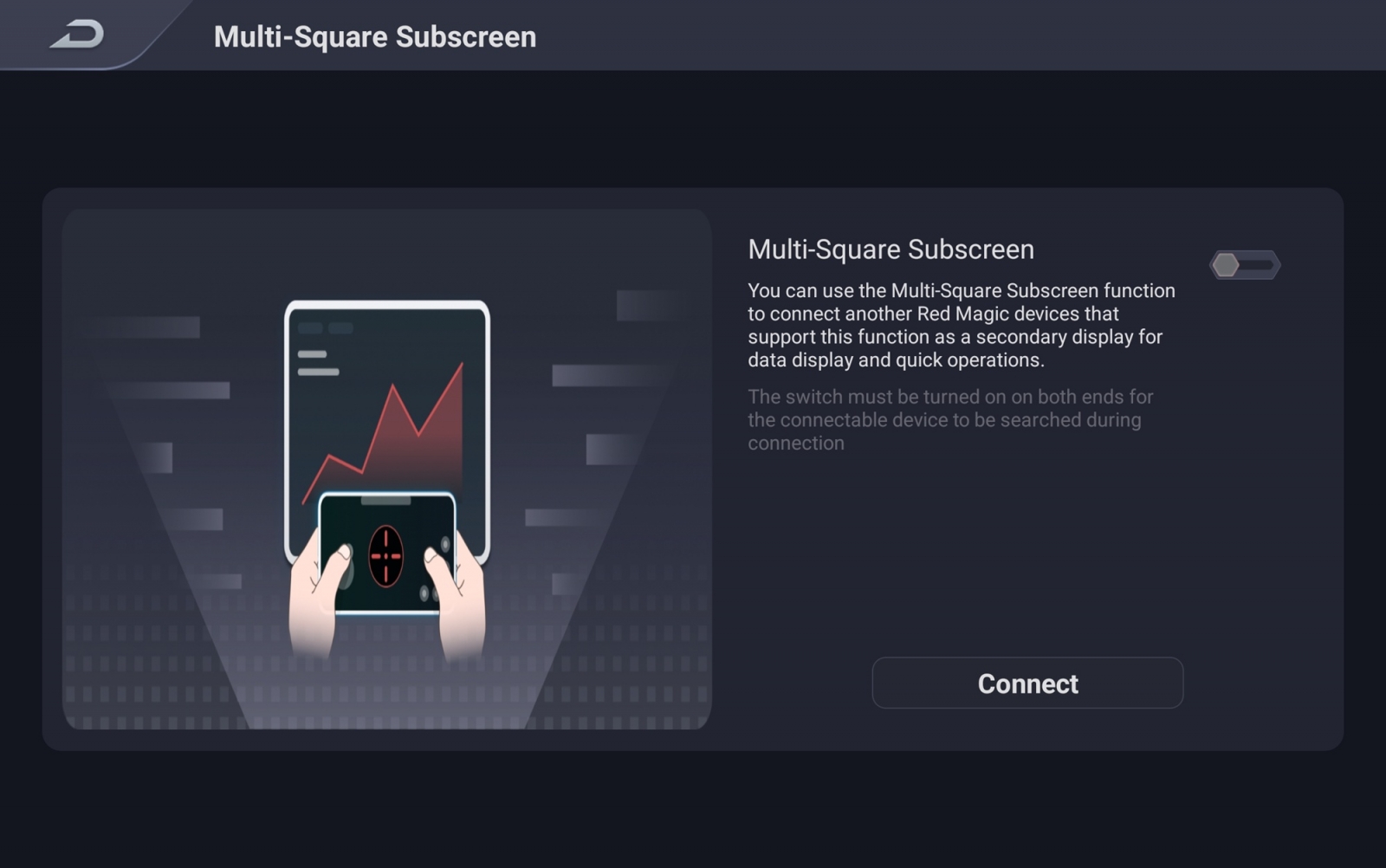
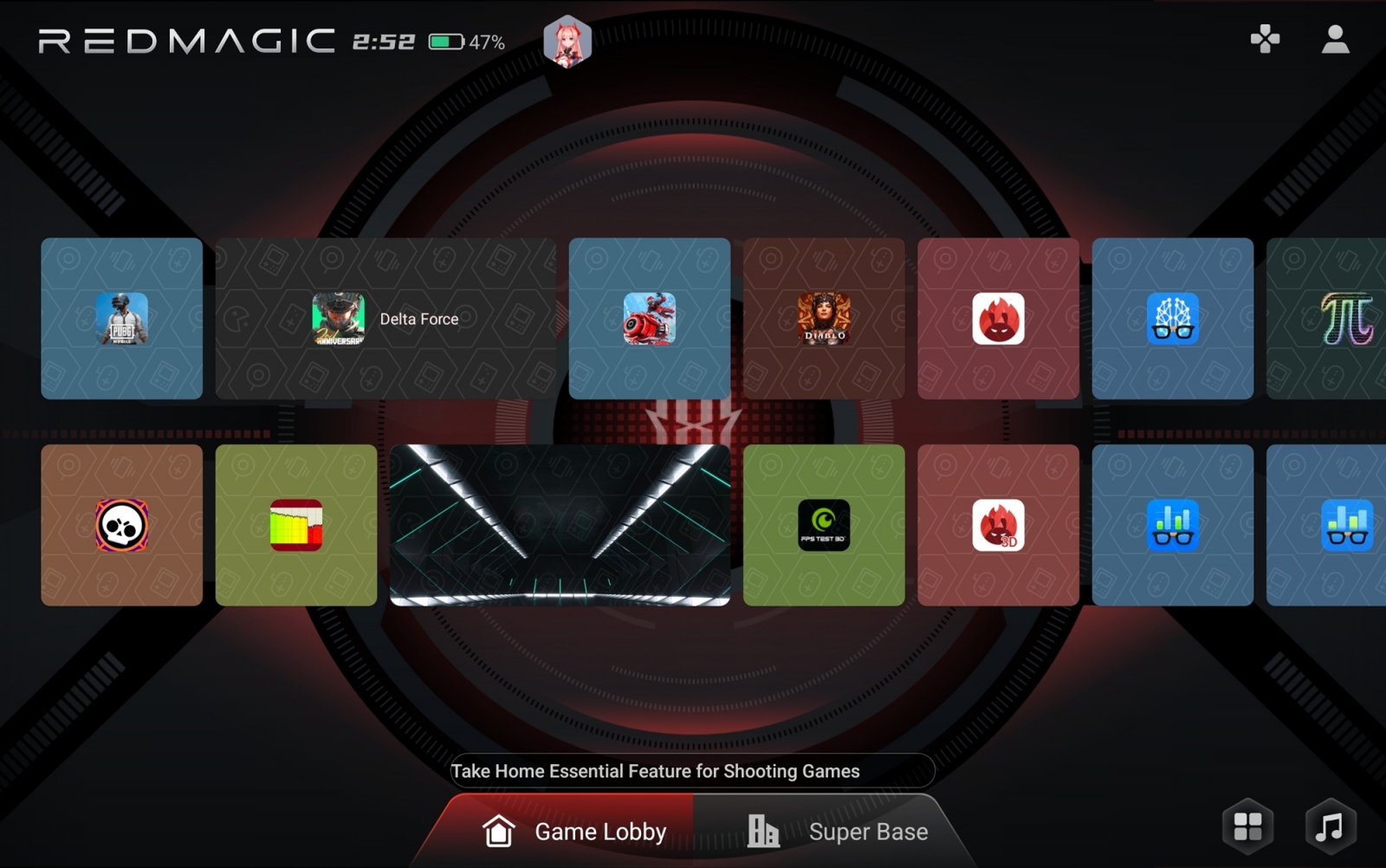


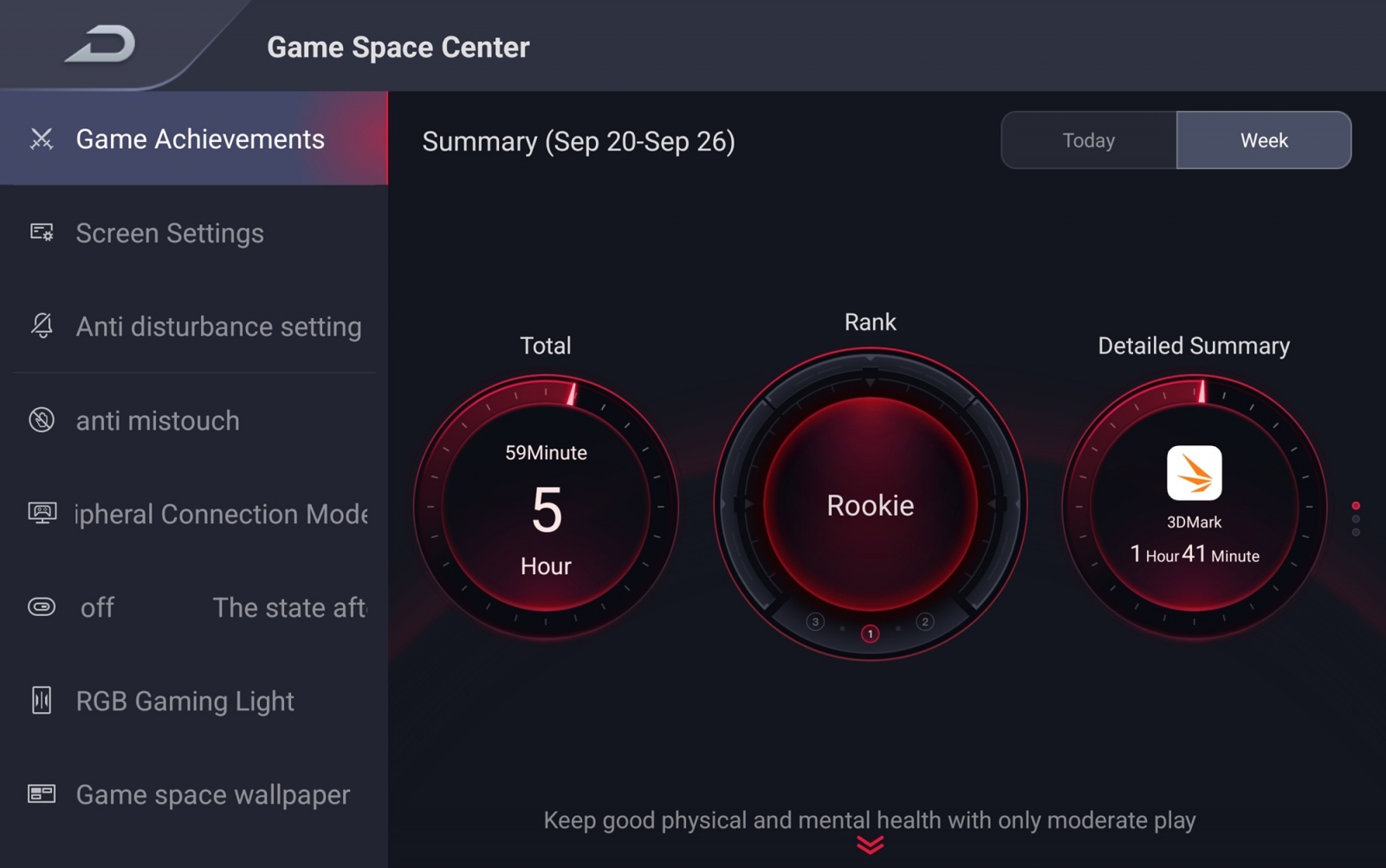

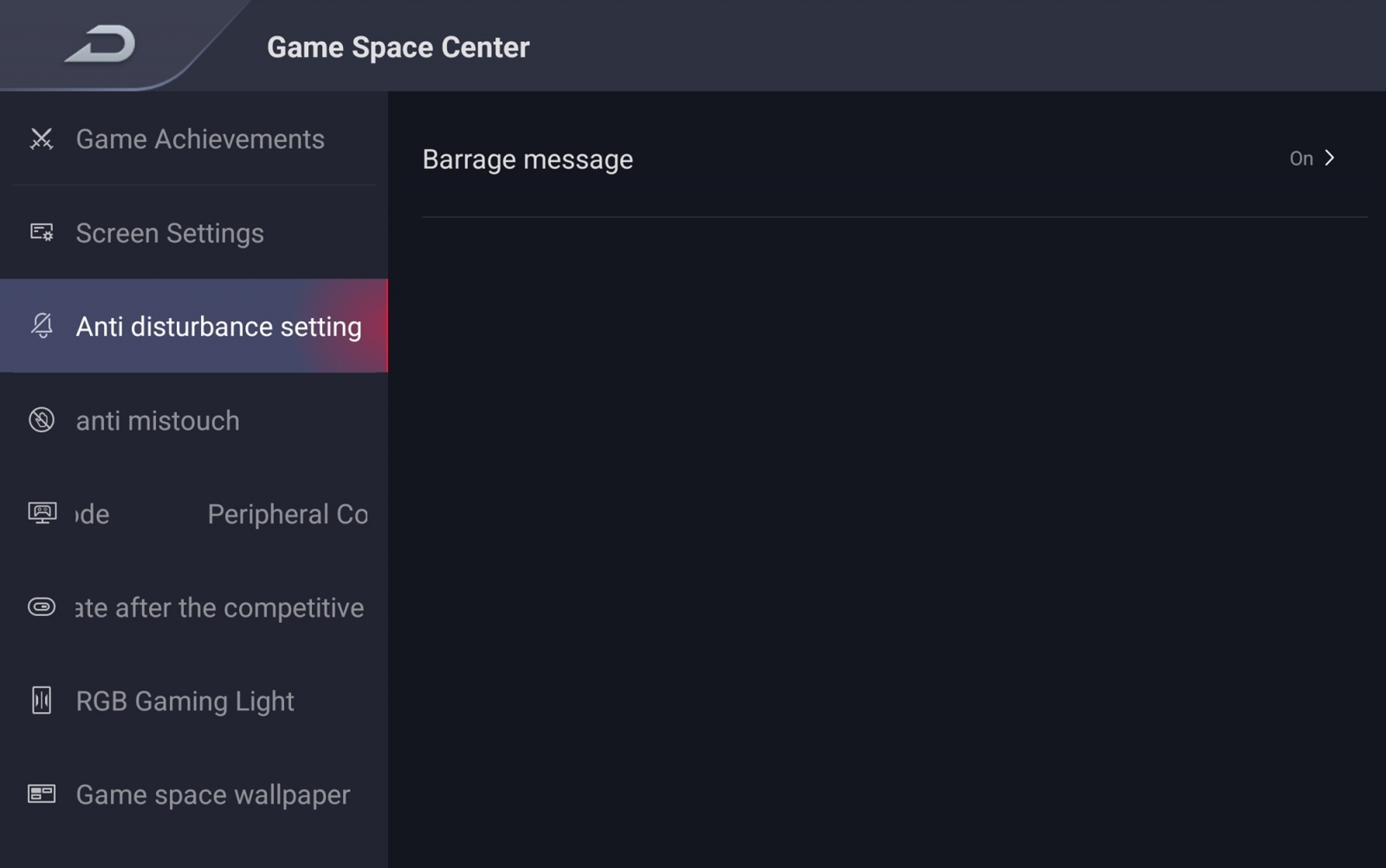
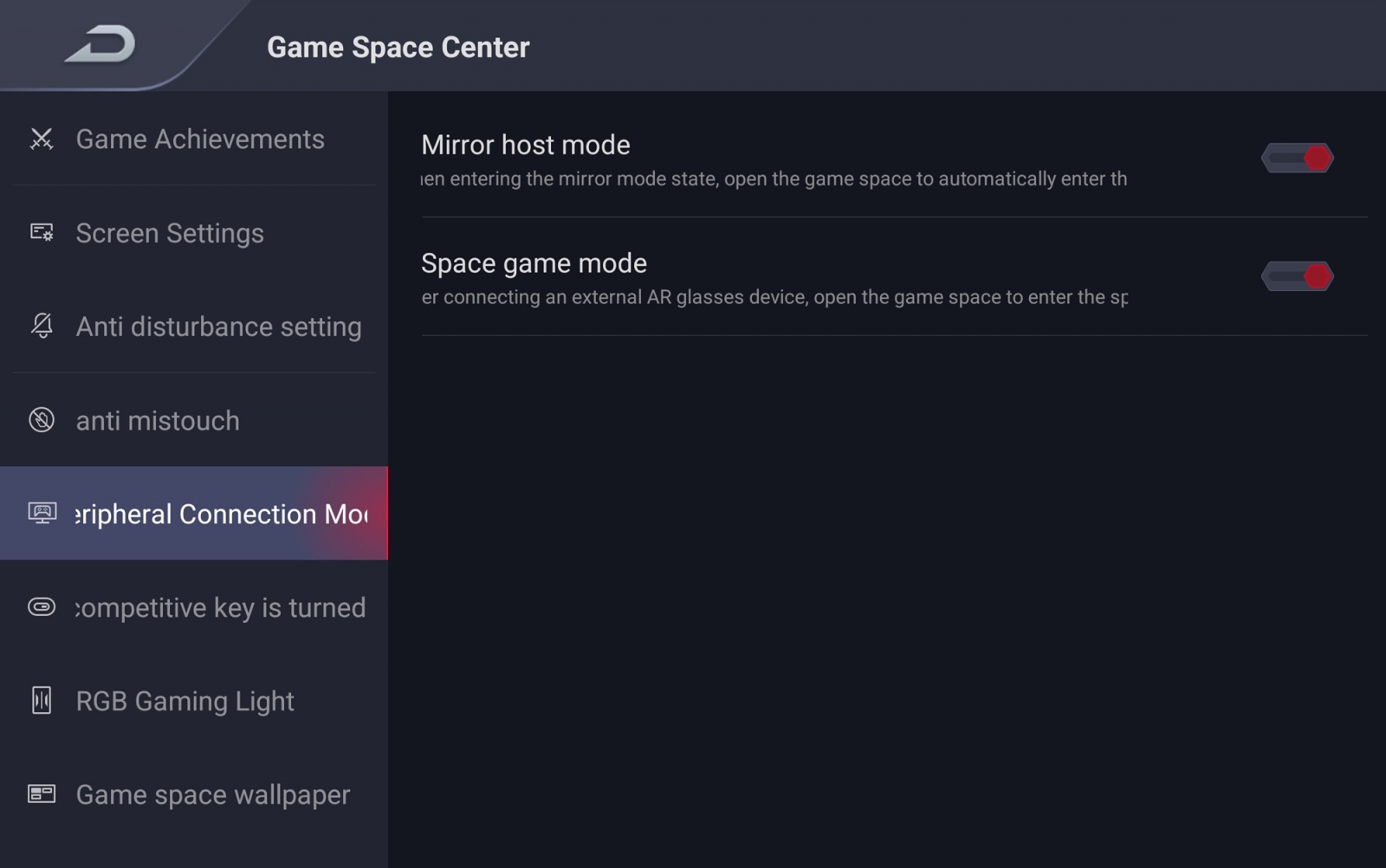
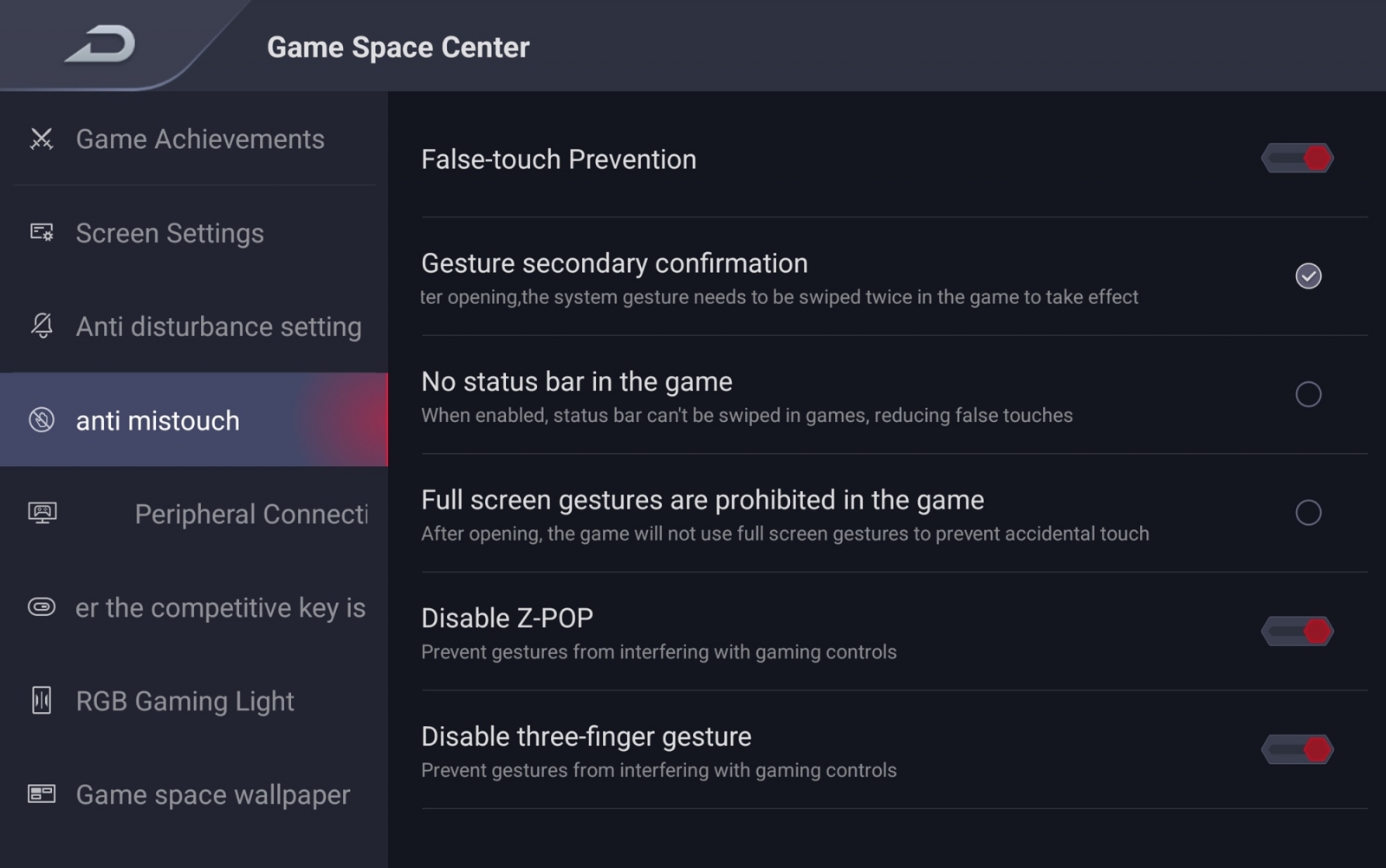
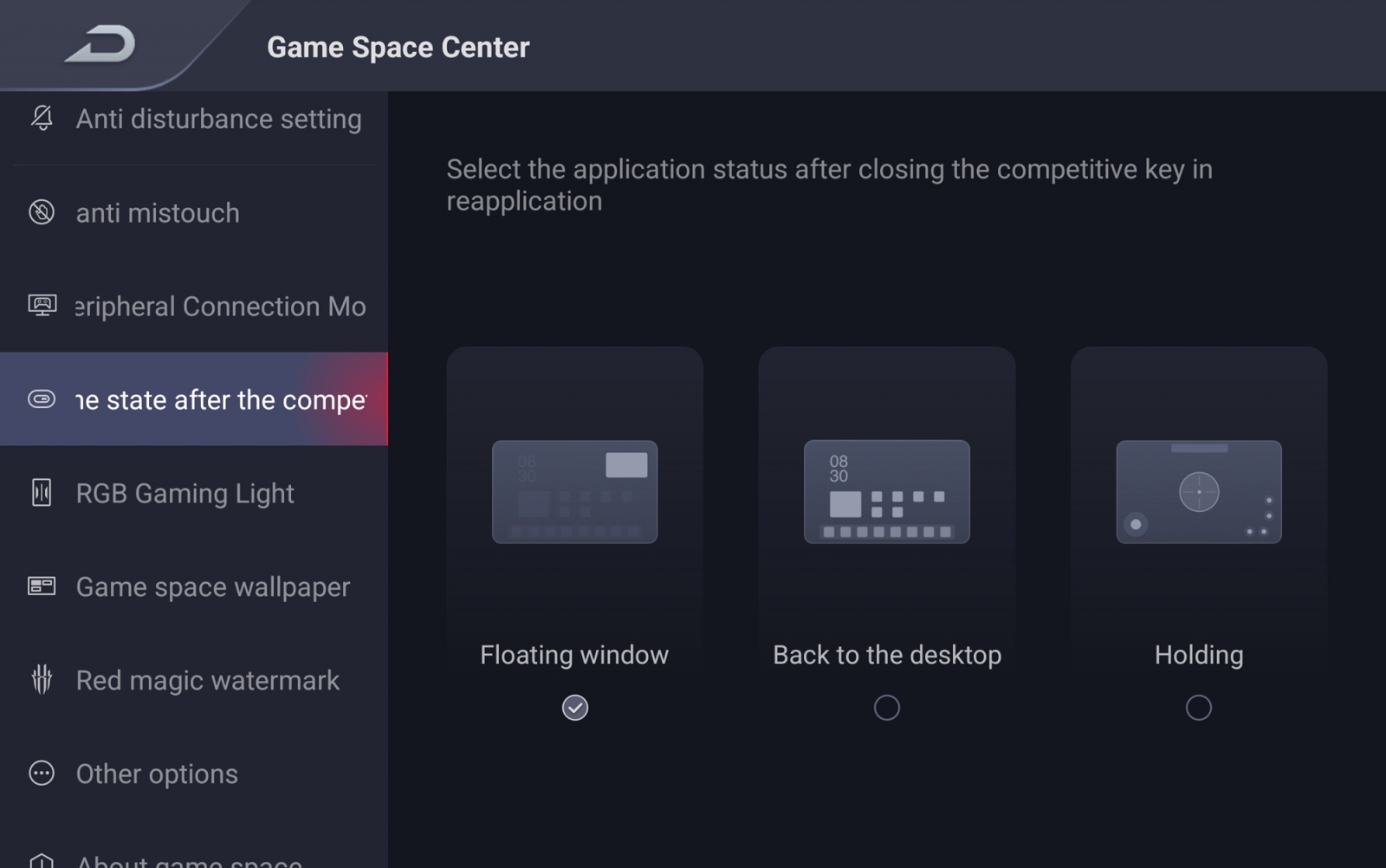
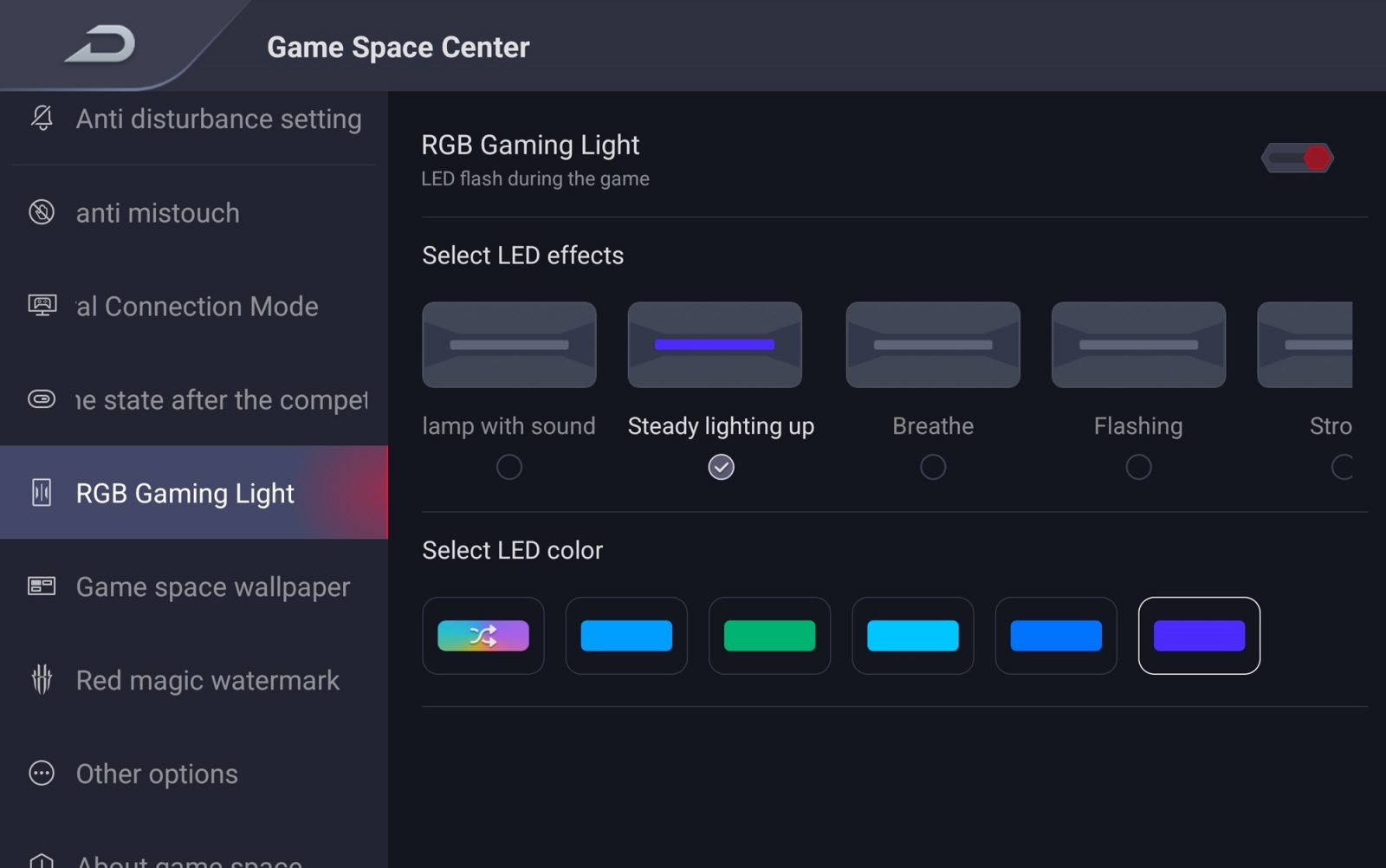


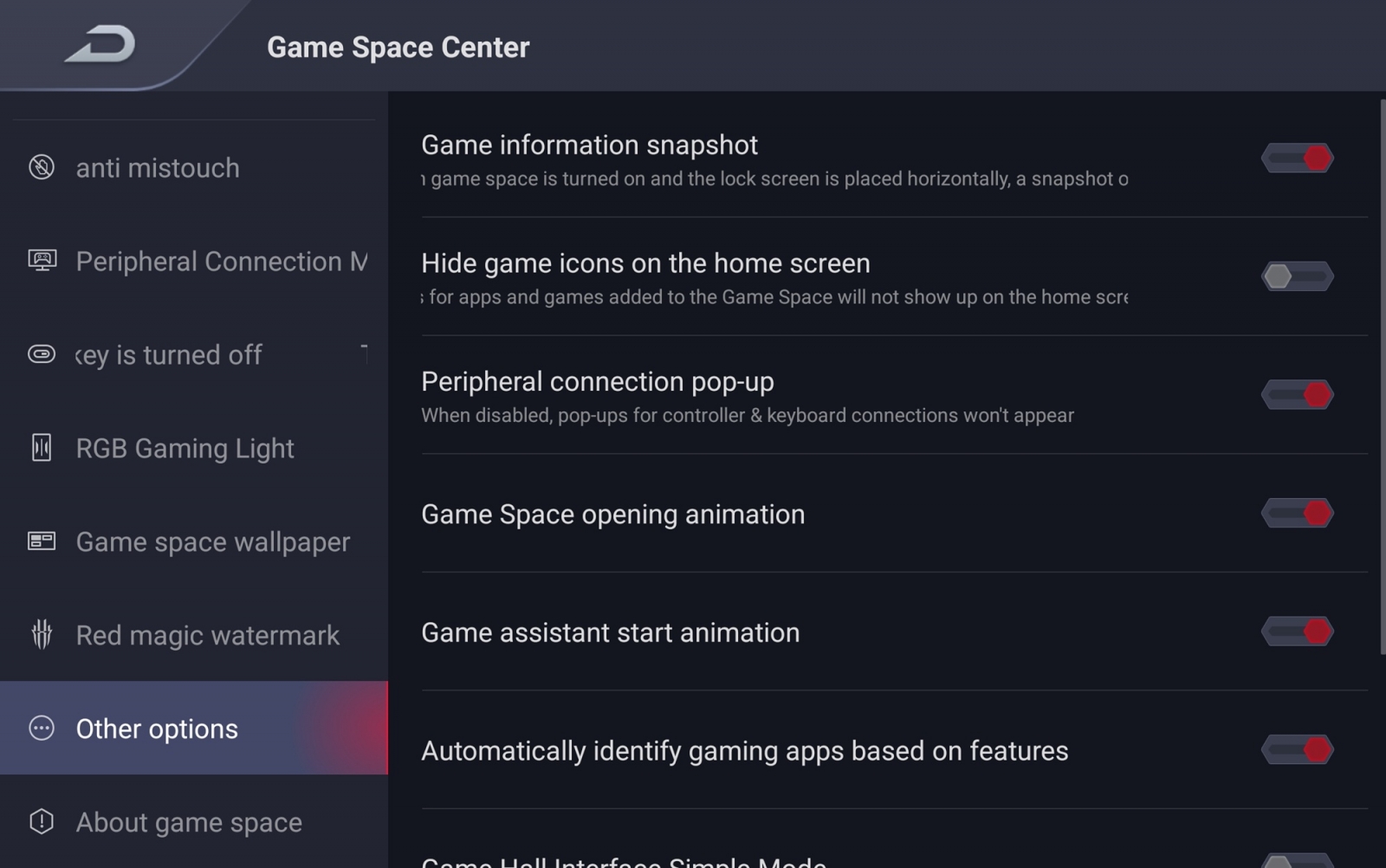
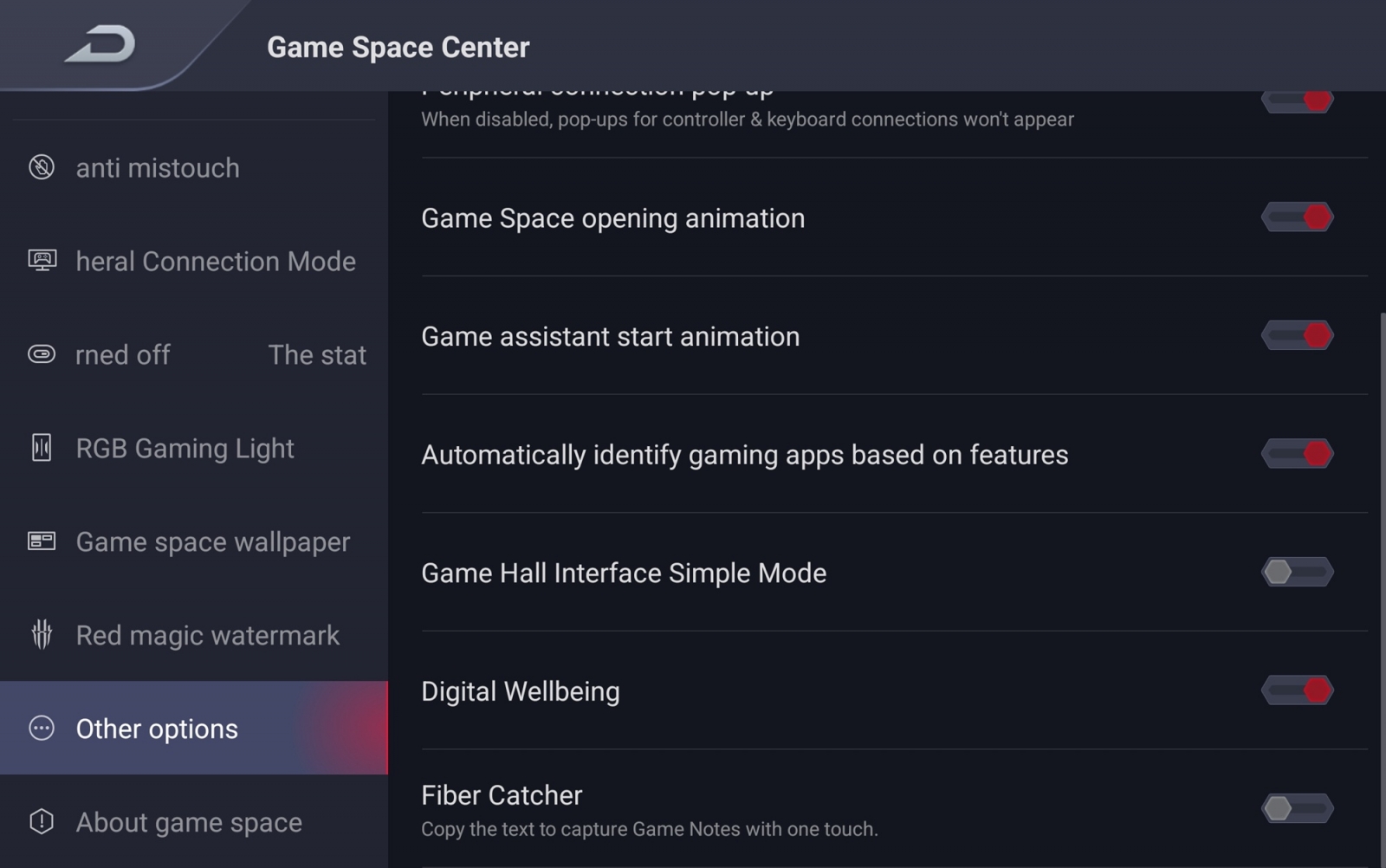

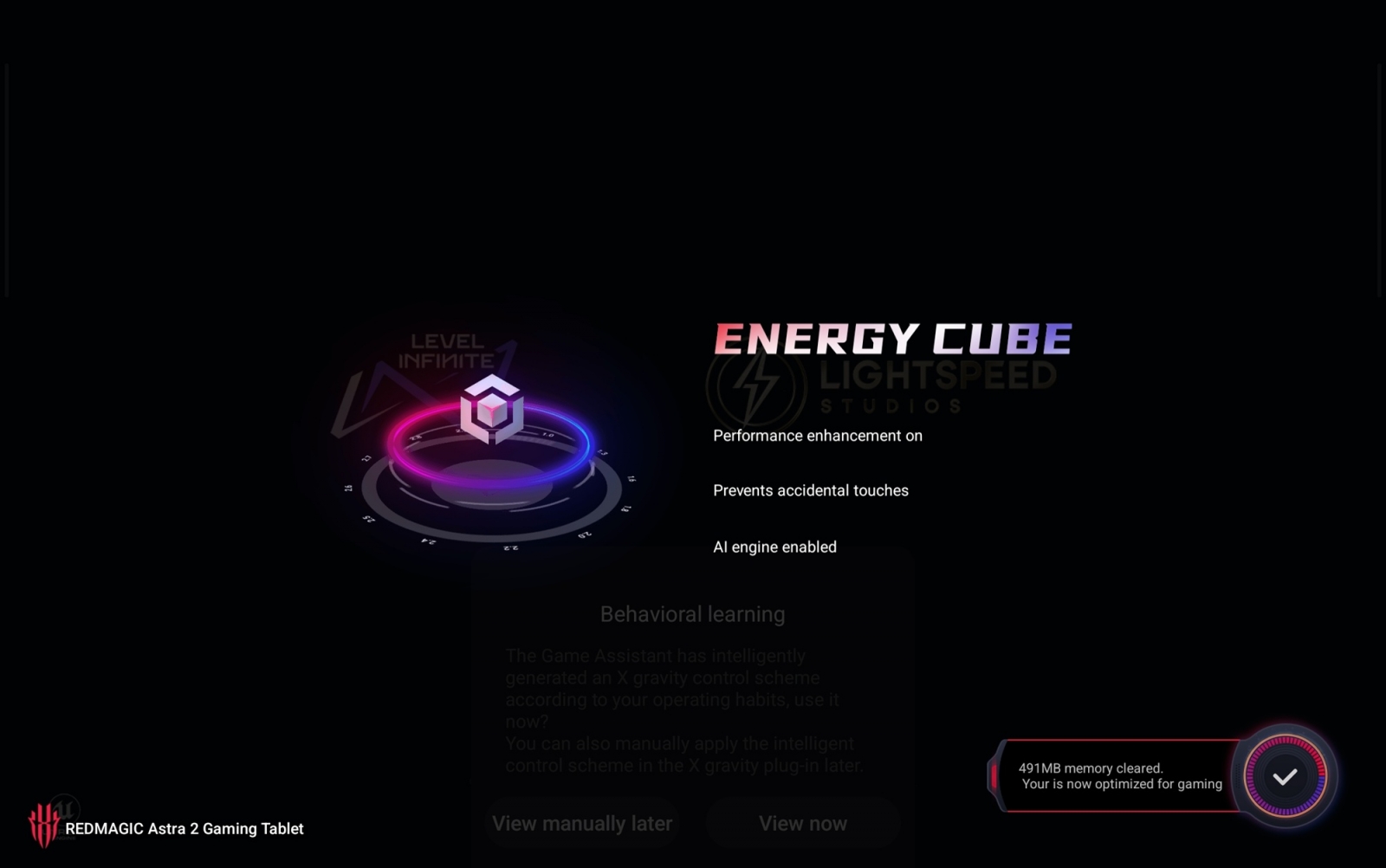
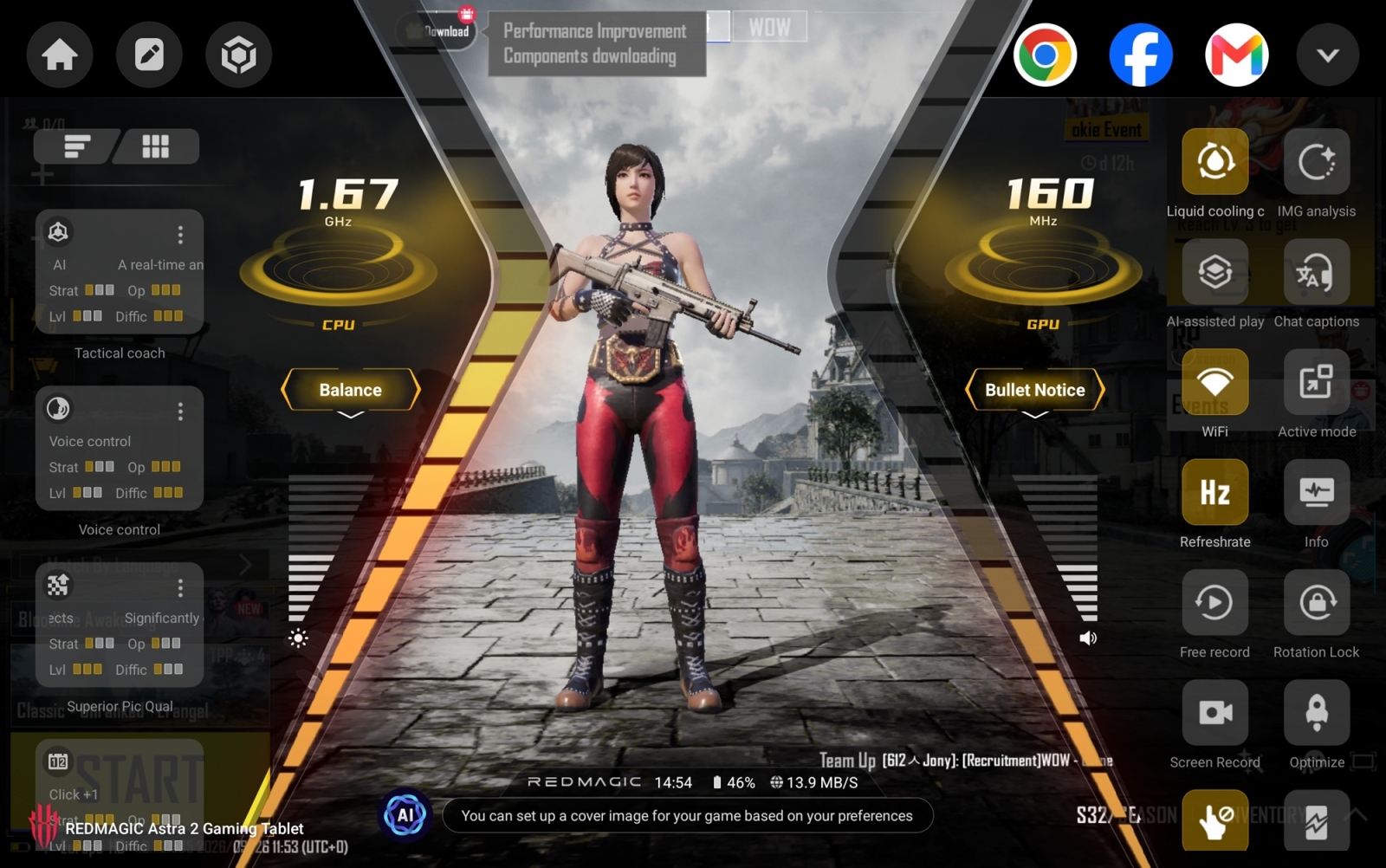
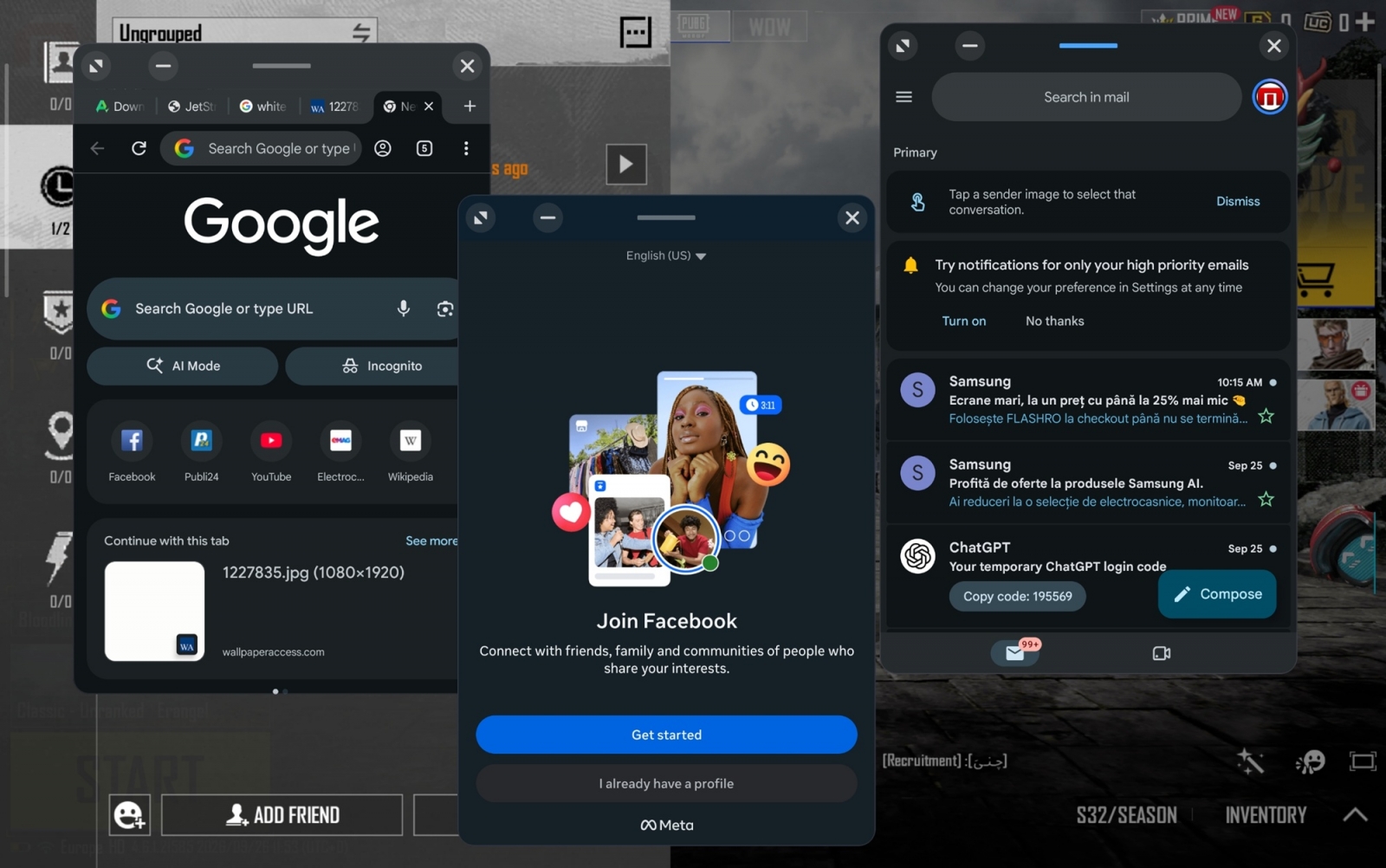

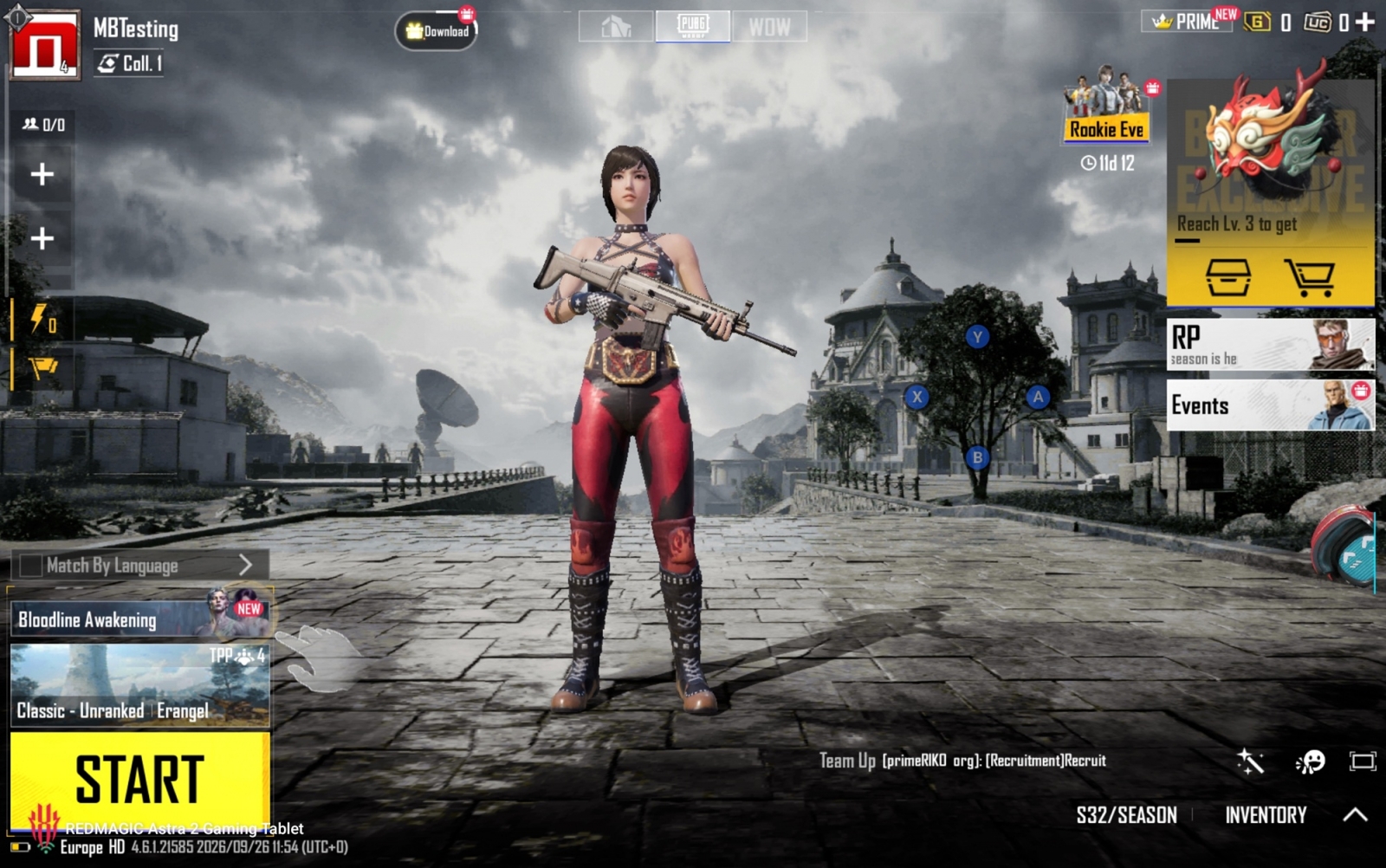
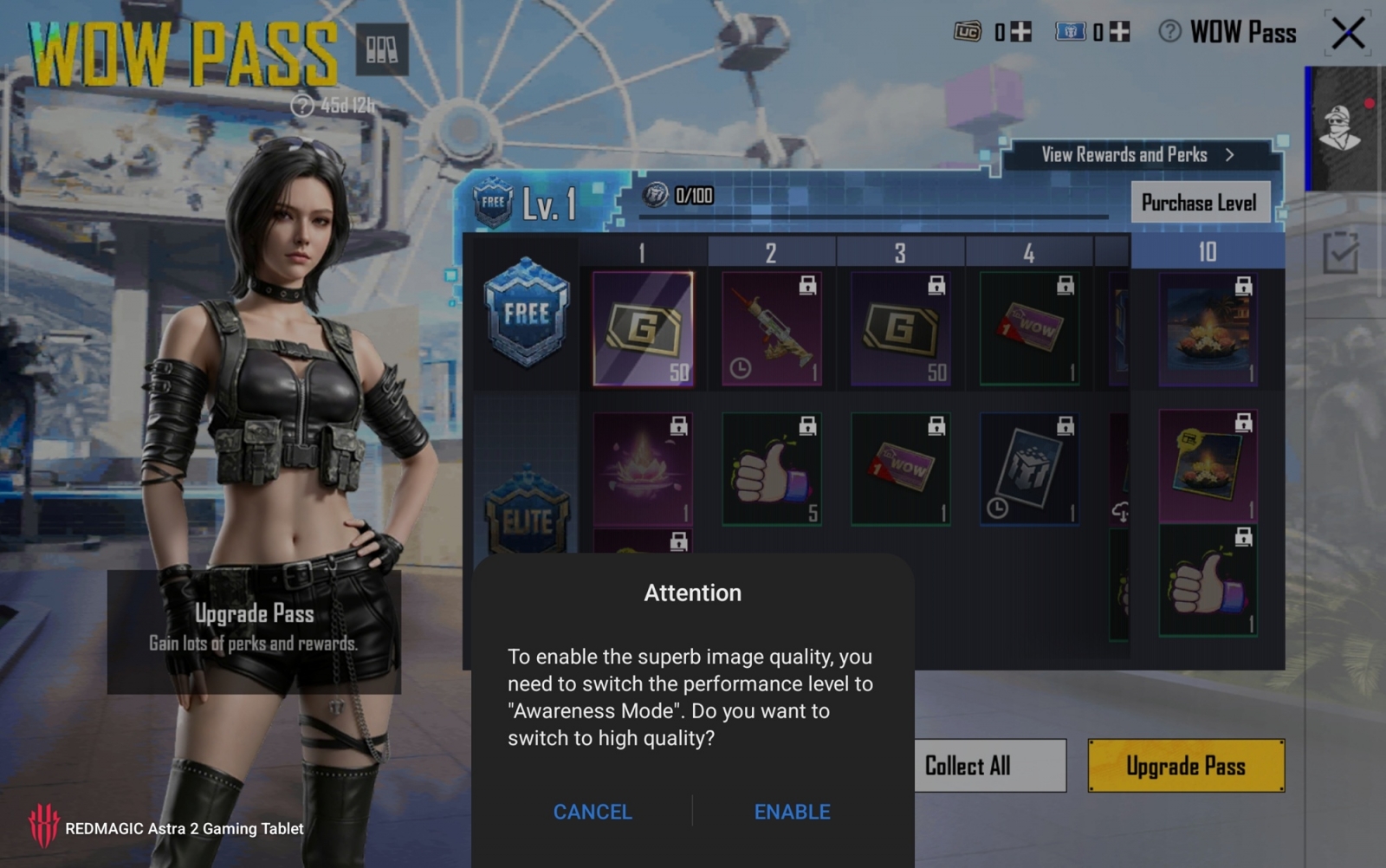

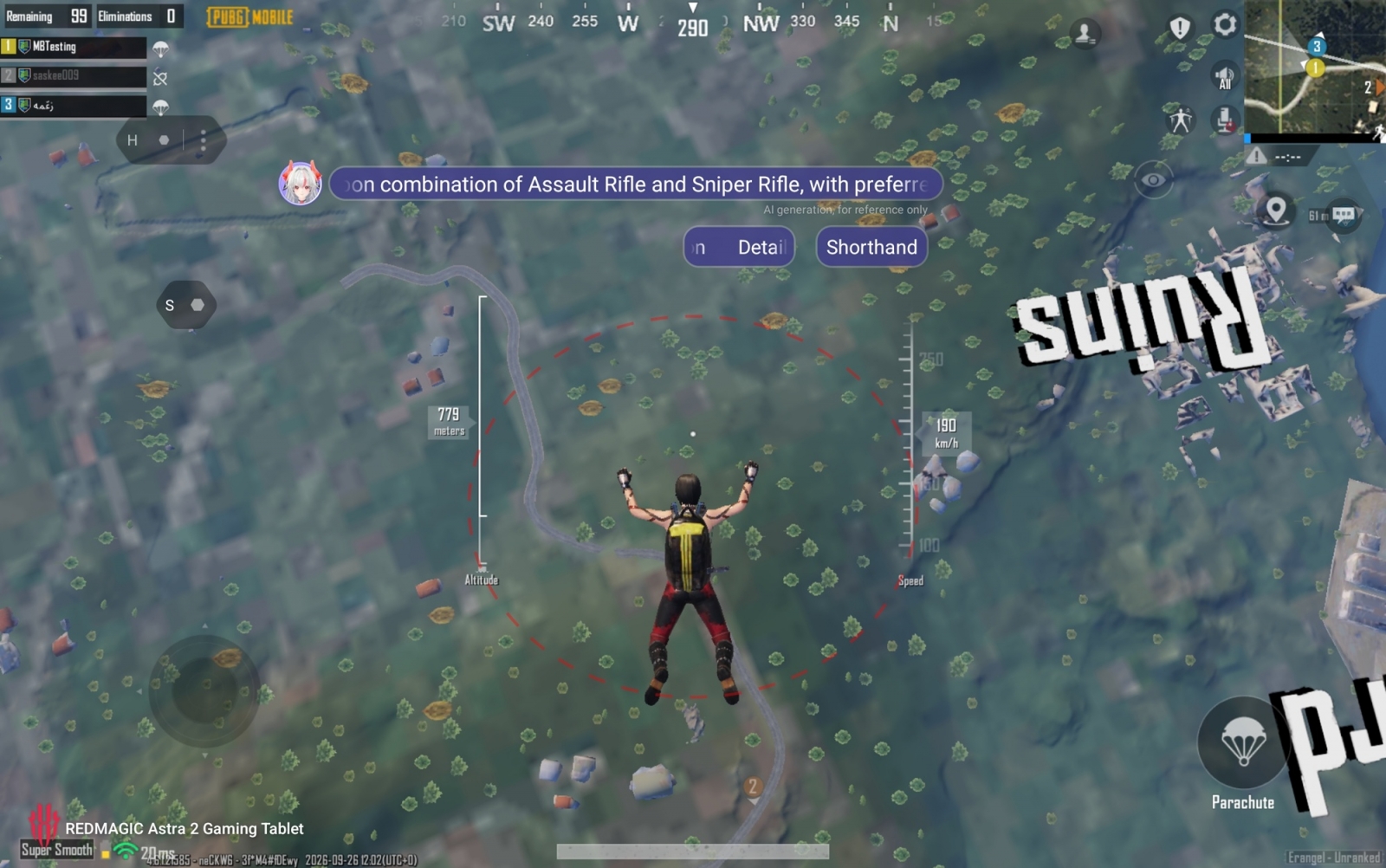



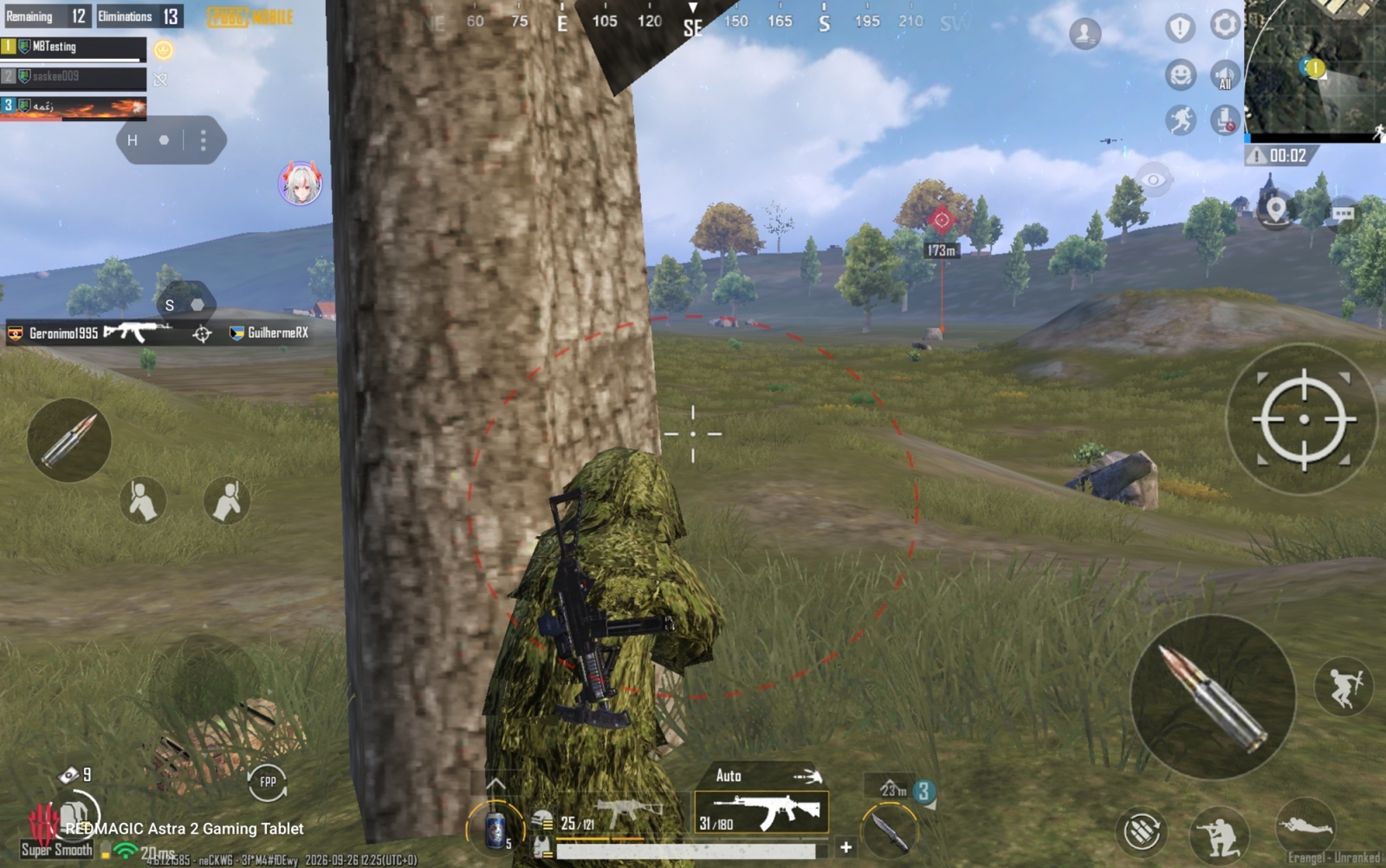
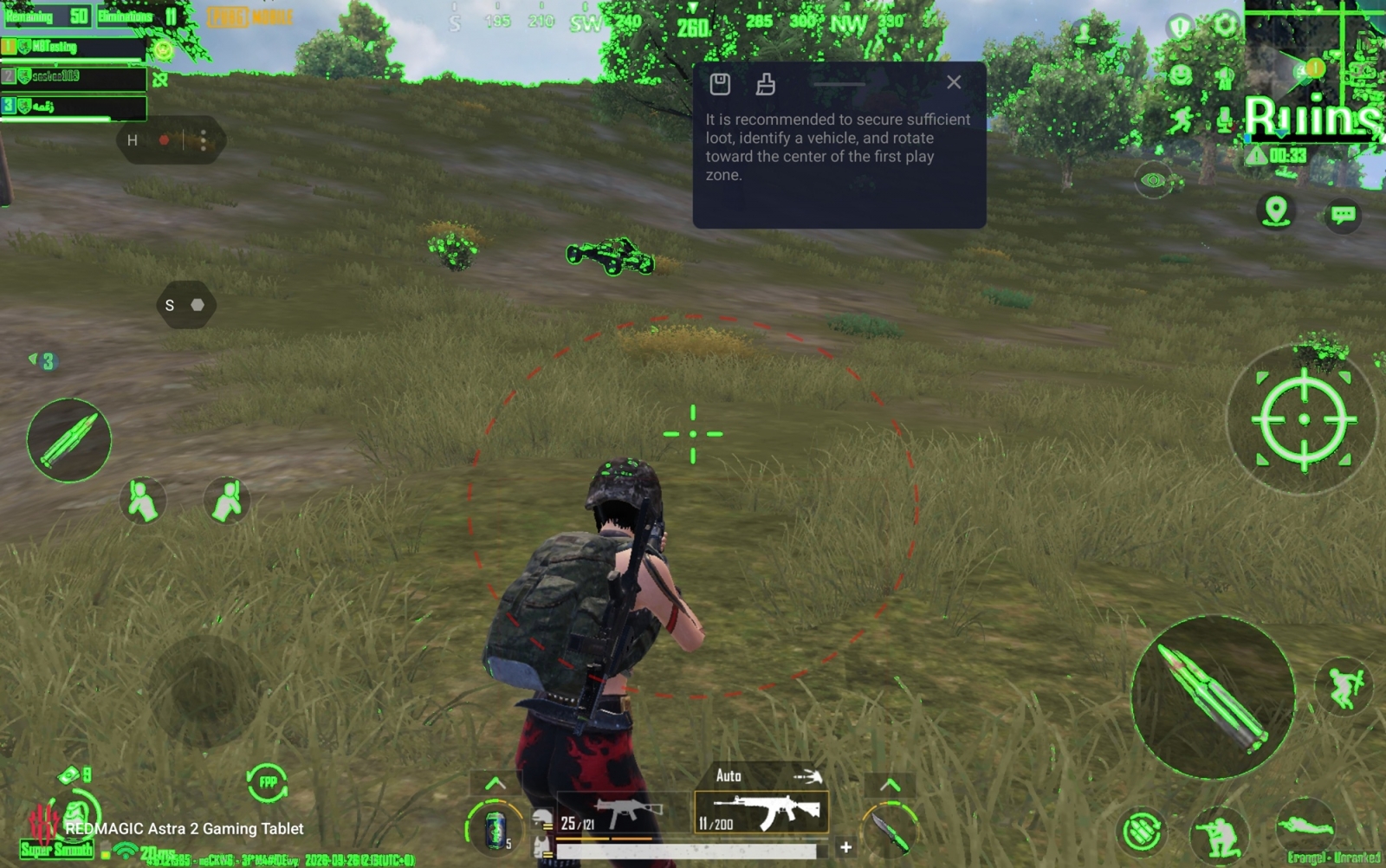

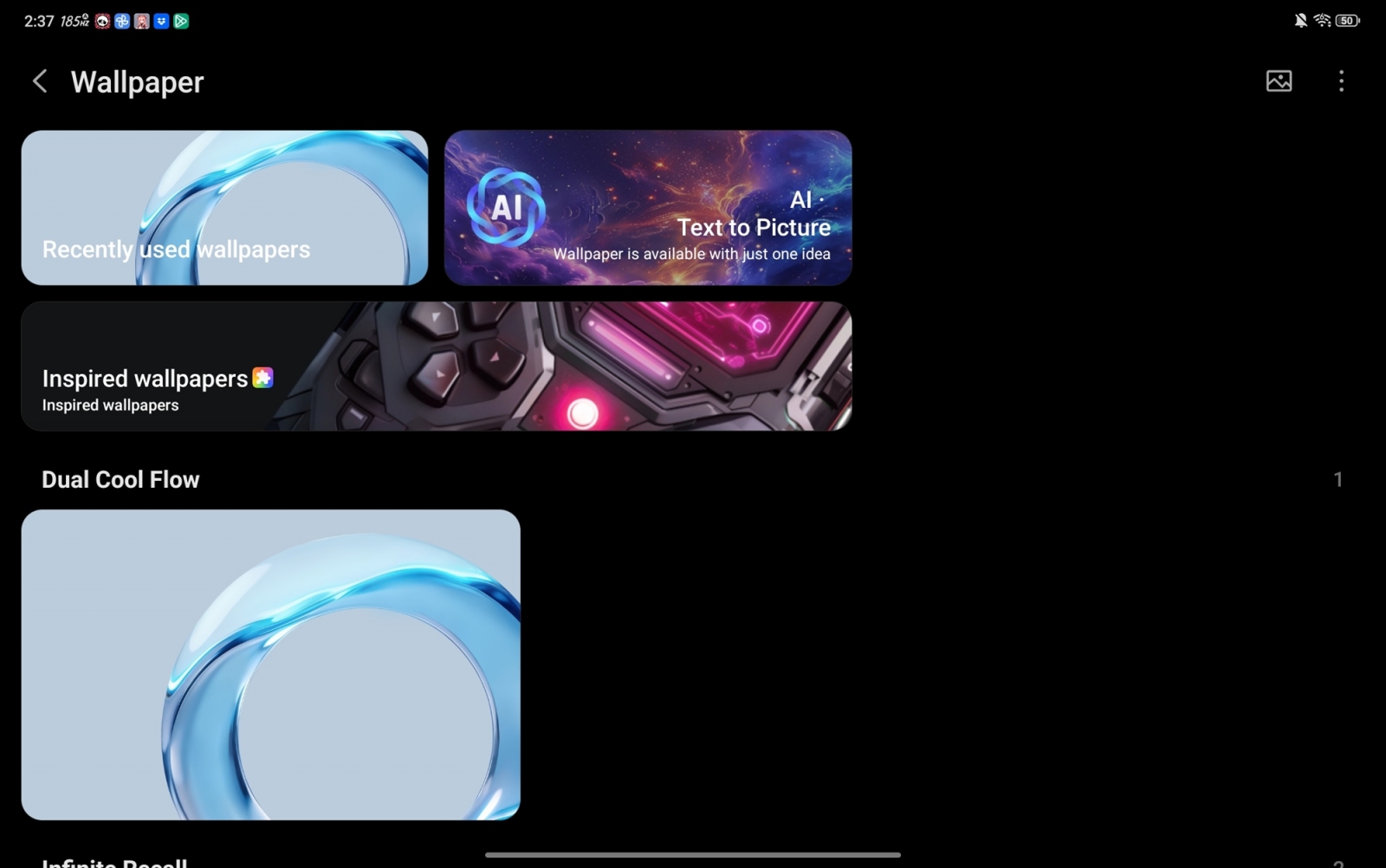
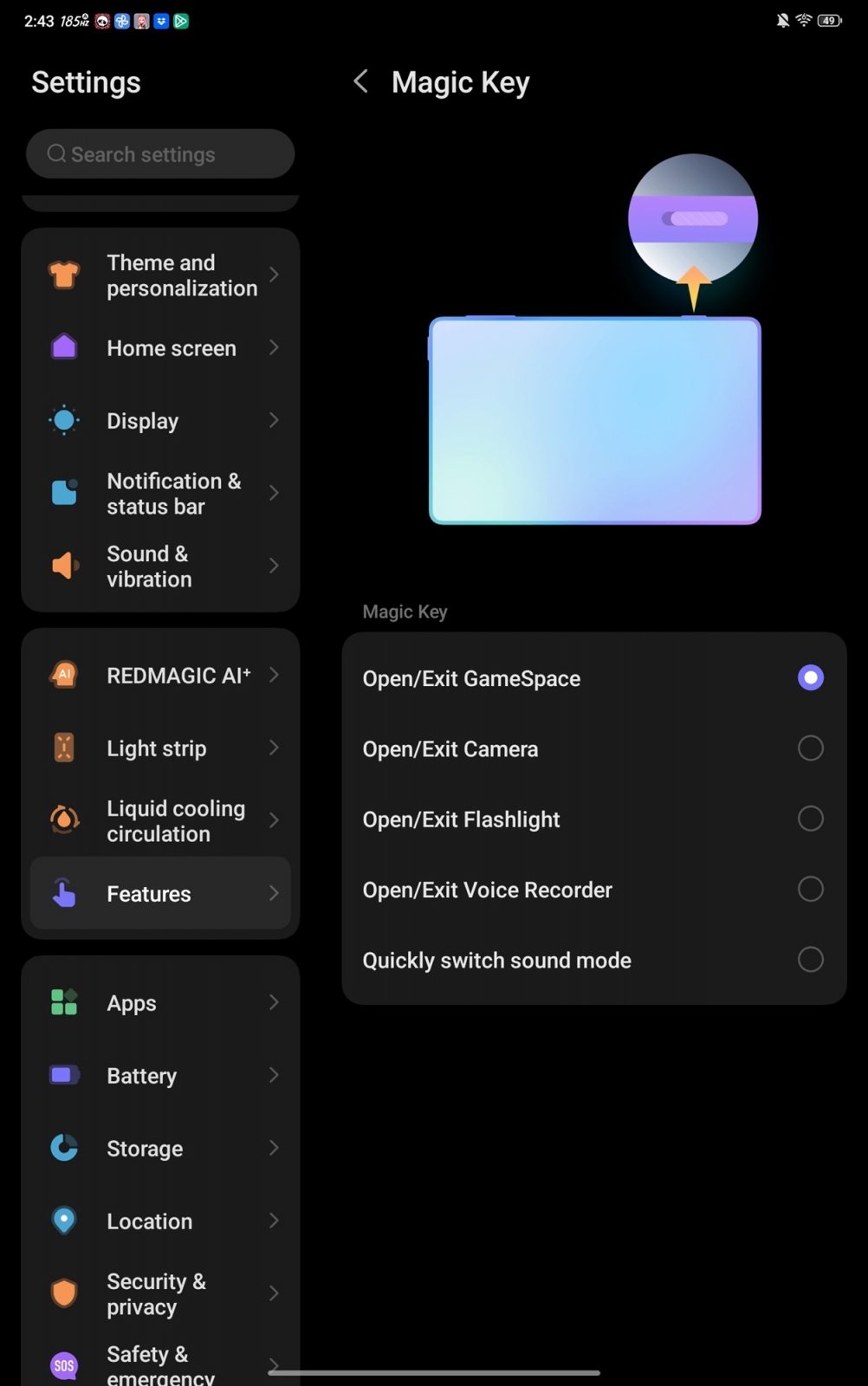
Game Space organizes selected apps and games in a carousel and provides shortcuts for screenshots, wallpapers, connected devices, controllers, keyboards, and screen casting. The Magic Key can also be reassigned to the camera, flashlight, recorder, translation, or mute and vibration controls.
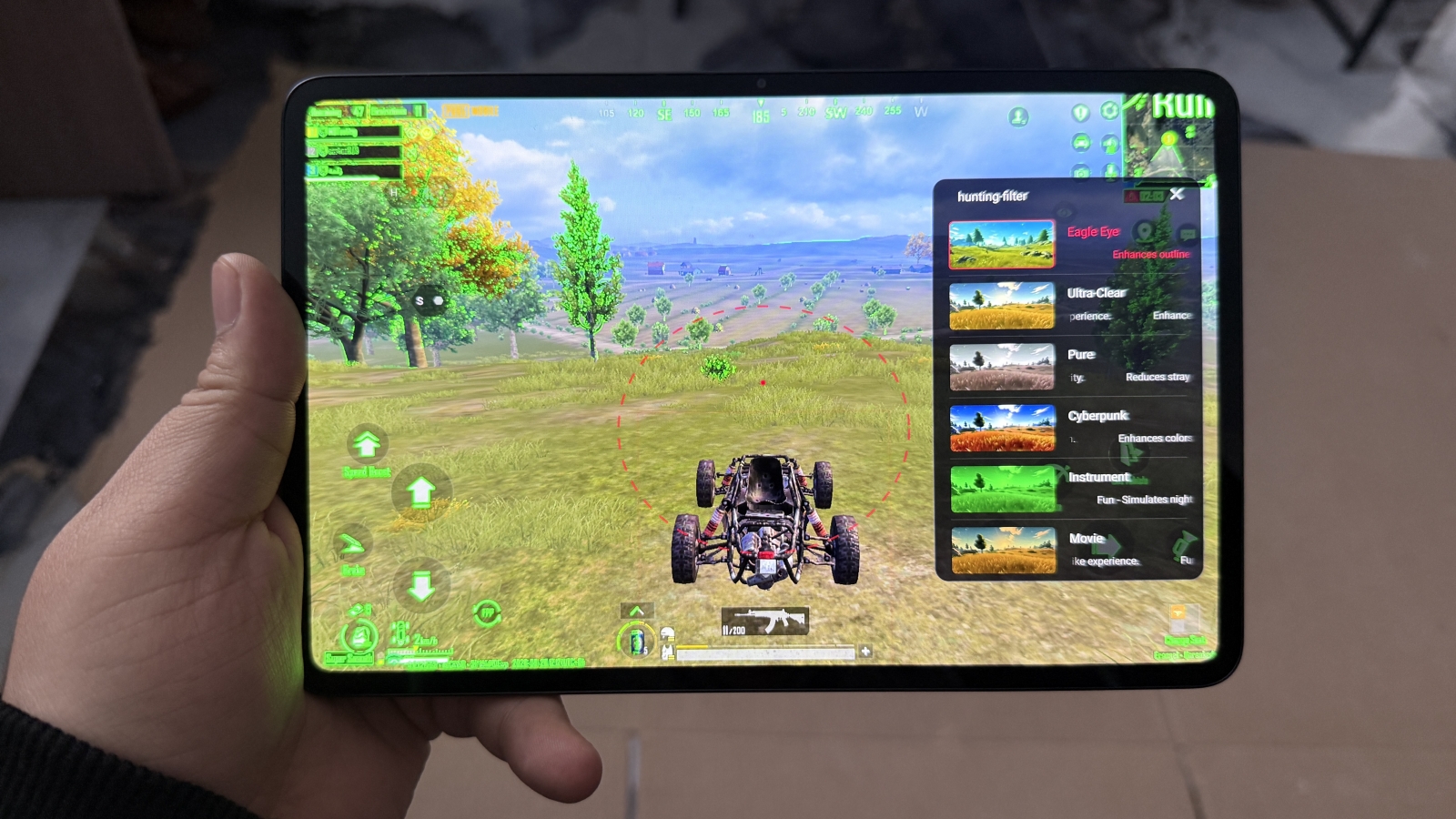
Its game overlay is where the Astra 2 becomes notably more specialized than a conventional Android tablet. The available tools range from useful monitoring and peripheral controls to visual aids that could be problematic under the rules of some competitive games or events.
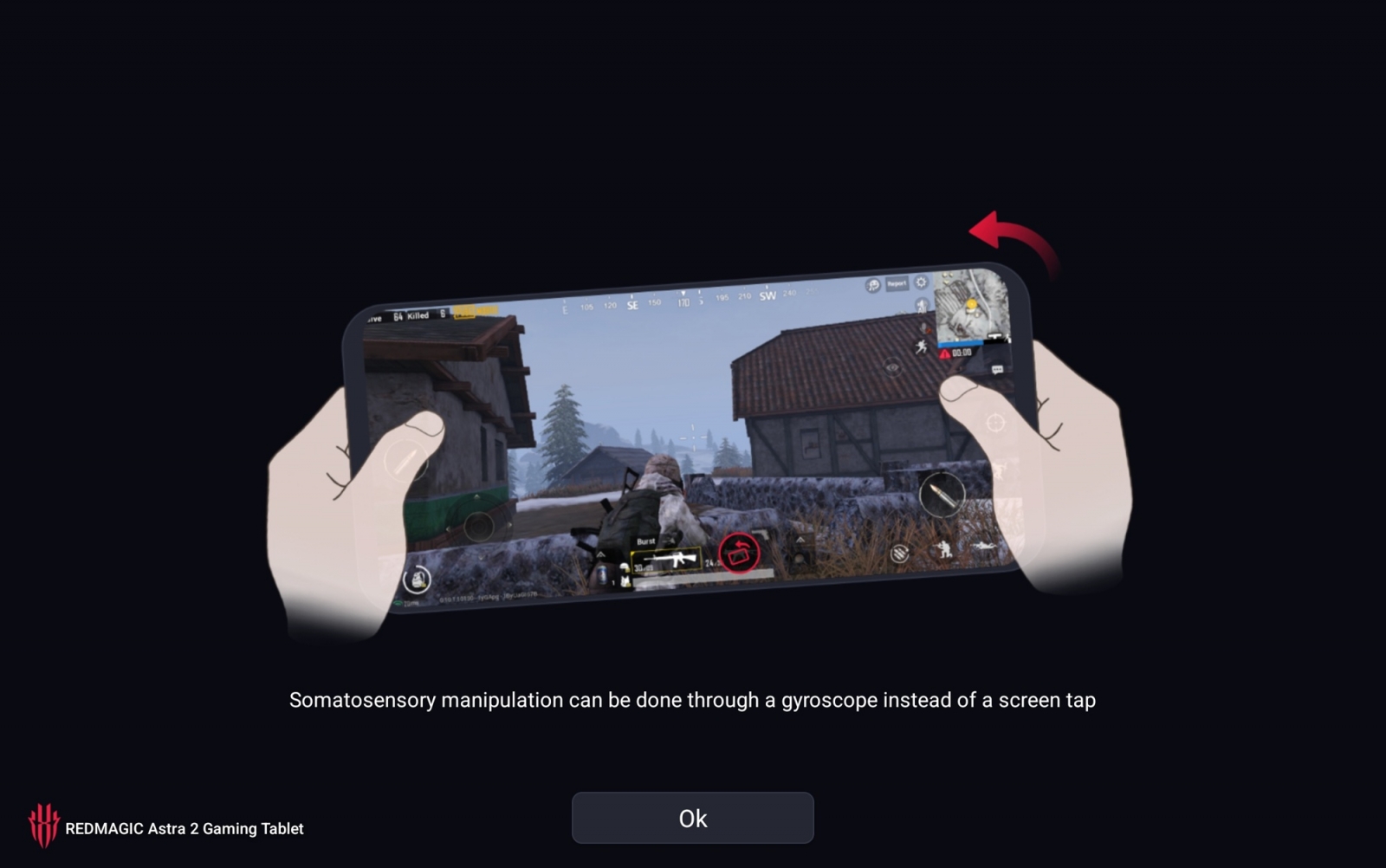
- A customizable crosshair, auxiliary visual lines, a virtual joystick with adjustable sensitivity, and somatosensory controls that turn tablet movements and gestures into inputs.
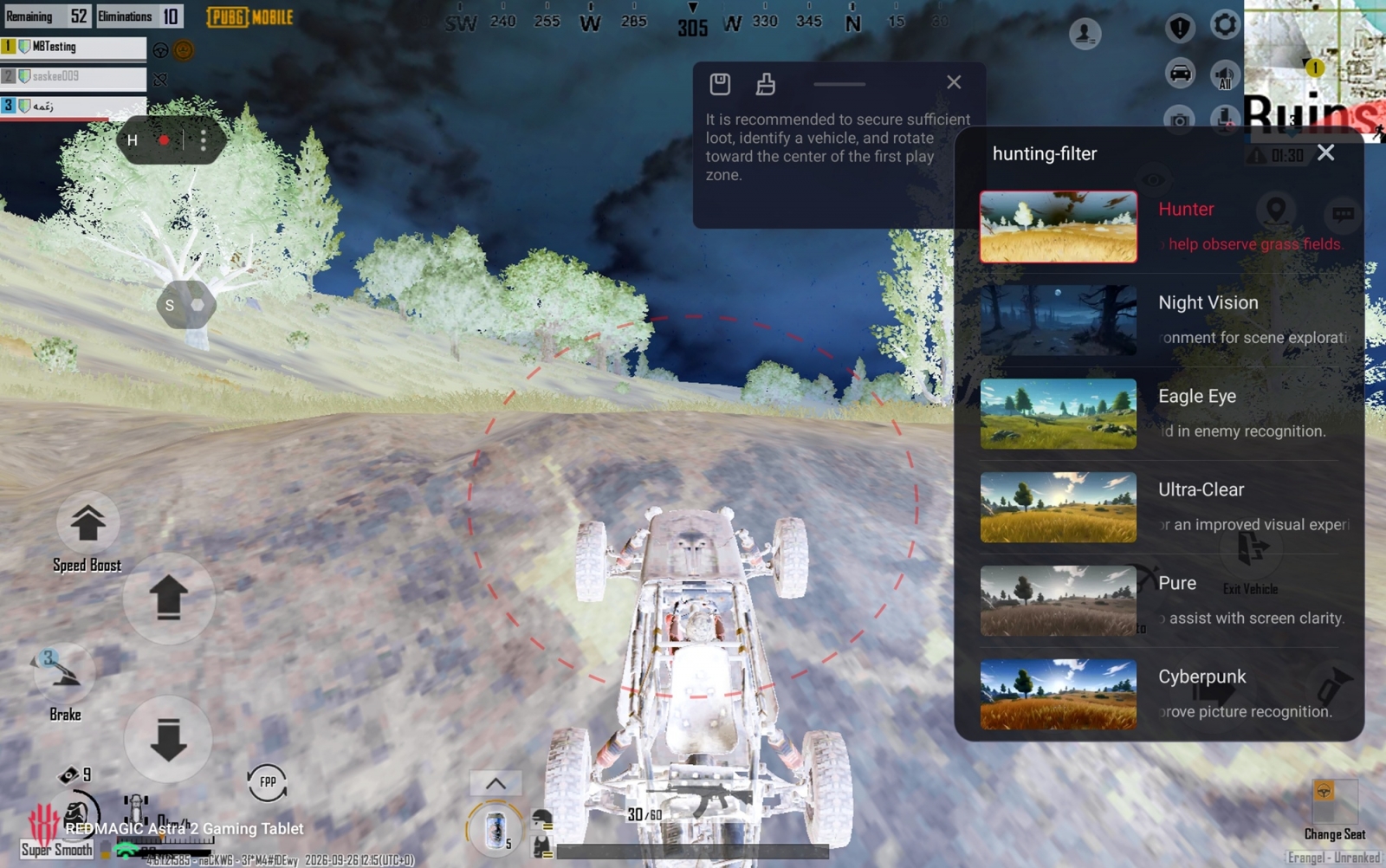
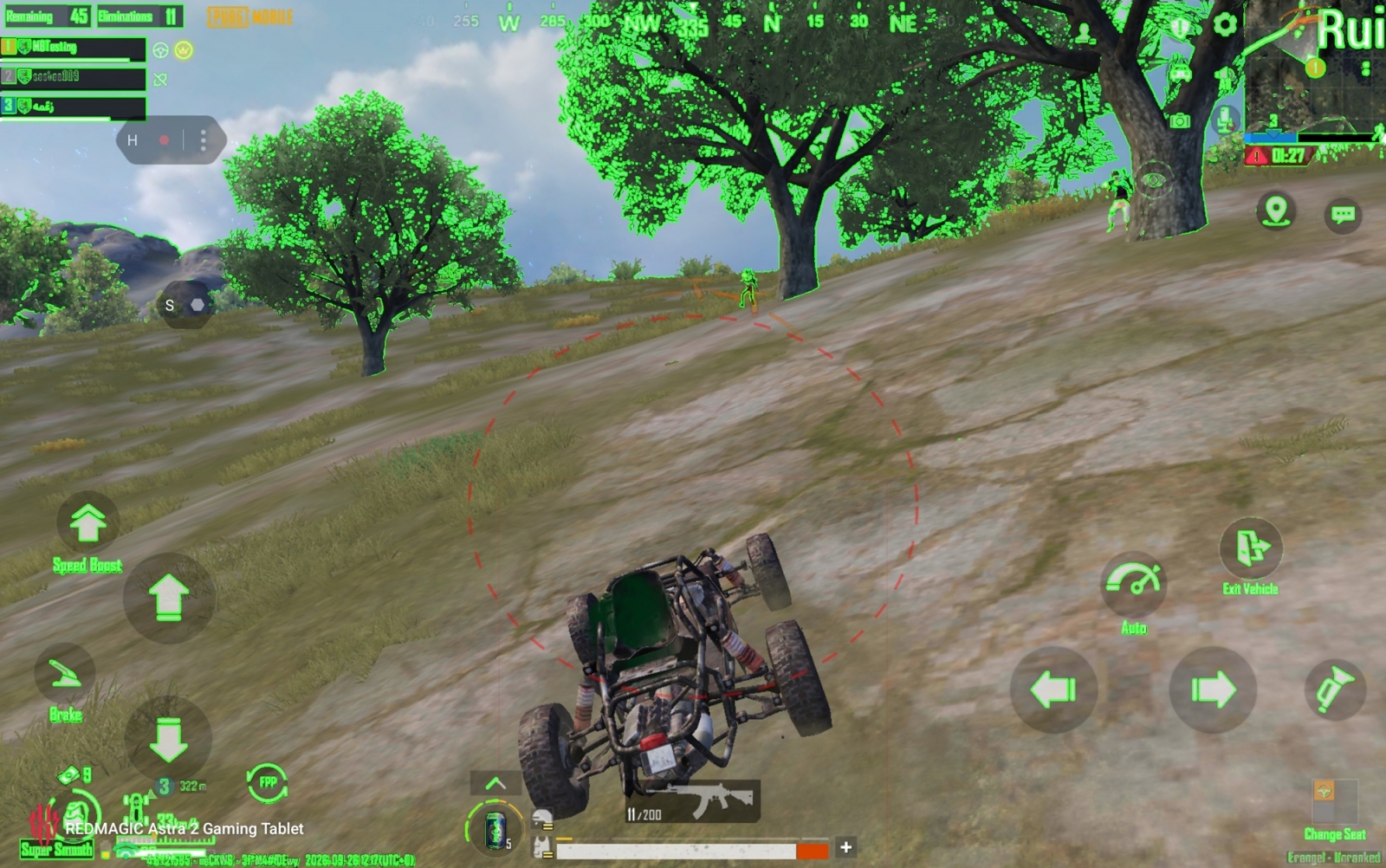
- Hunter Filter and Night Vision-style visibility filters, plus Screen Extraction, which can keep an enlarged selected portion of the display visible.
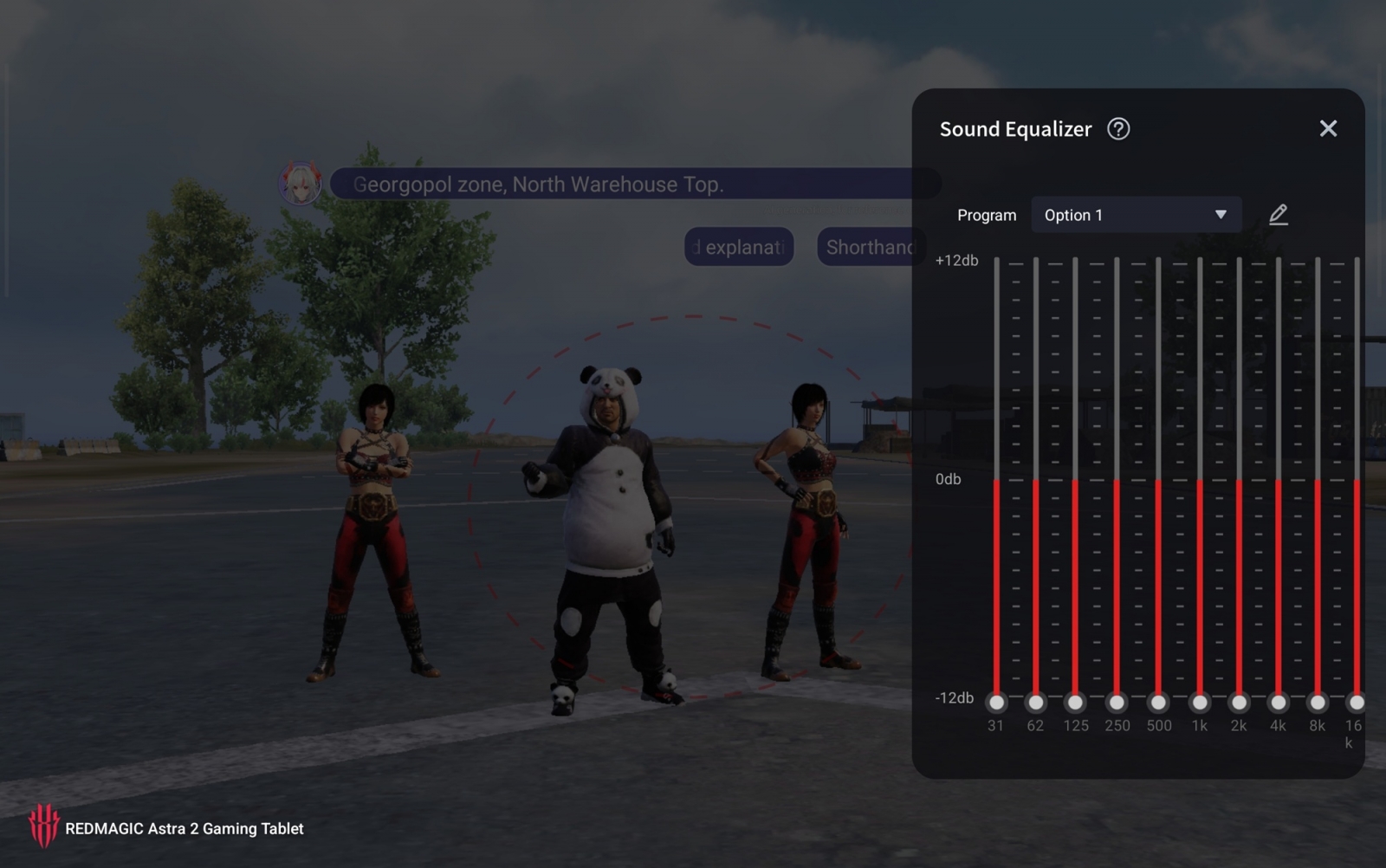
- Audio equalizer controls and amplification for cues such as footsteps, along with 4D vibration.
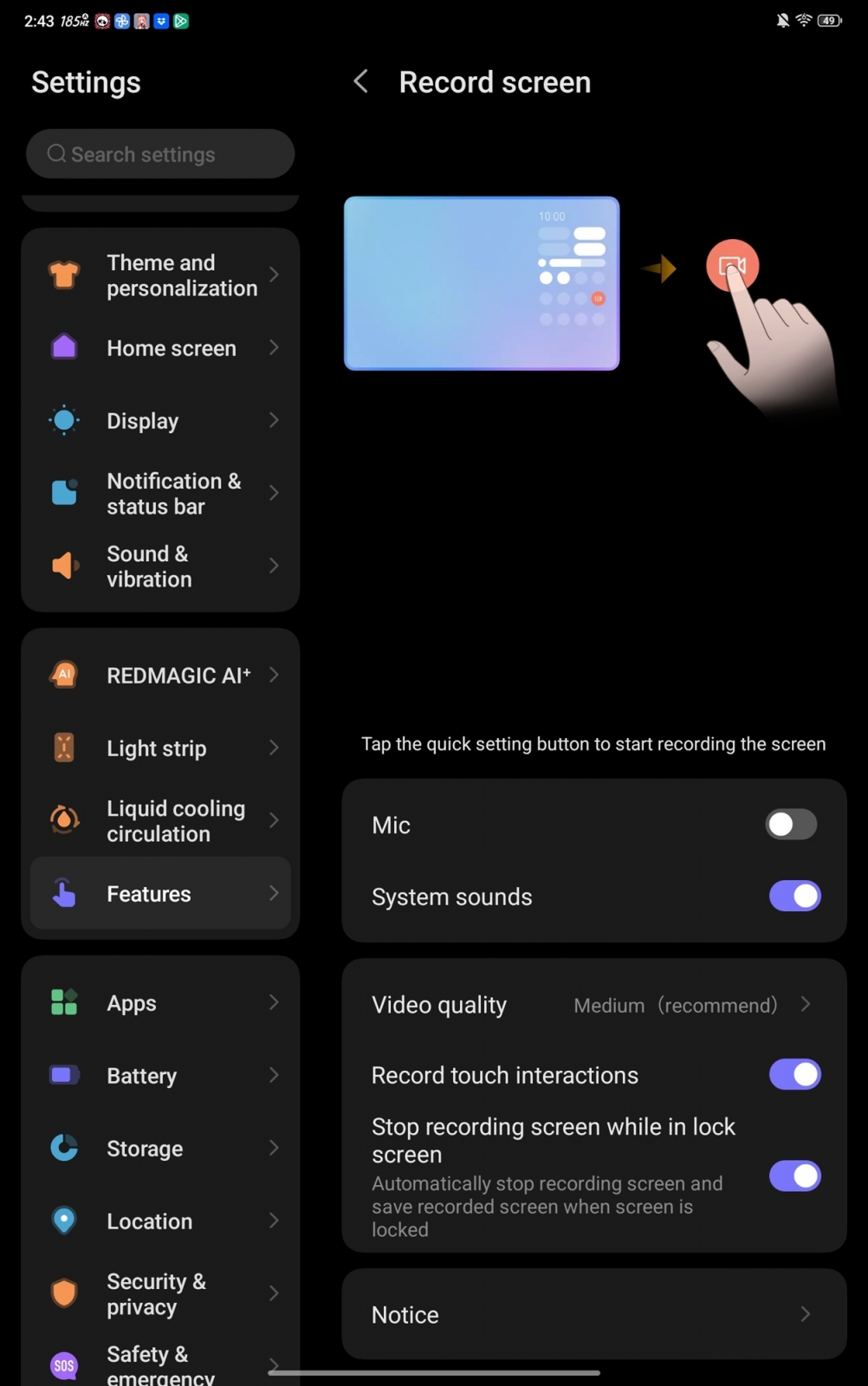
- Gameplay screenshots and recording, including capture around selected in-game events, plus event counters and monitoring.
- Aspect-ratio options including 4:3, 16:9, and full-screen modes, as well as forced landscape or portrait orientation.
- Gravity X support for connecting a keyboard, mouse, or controller.
- Performance monitoring and quick access to brightness, sound, and performance-mode settings.
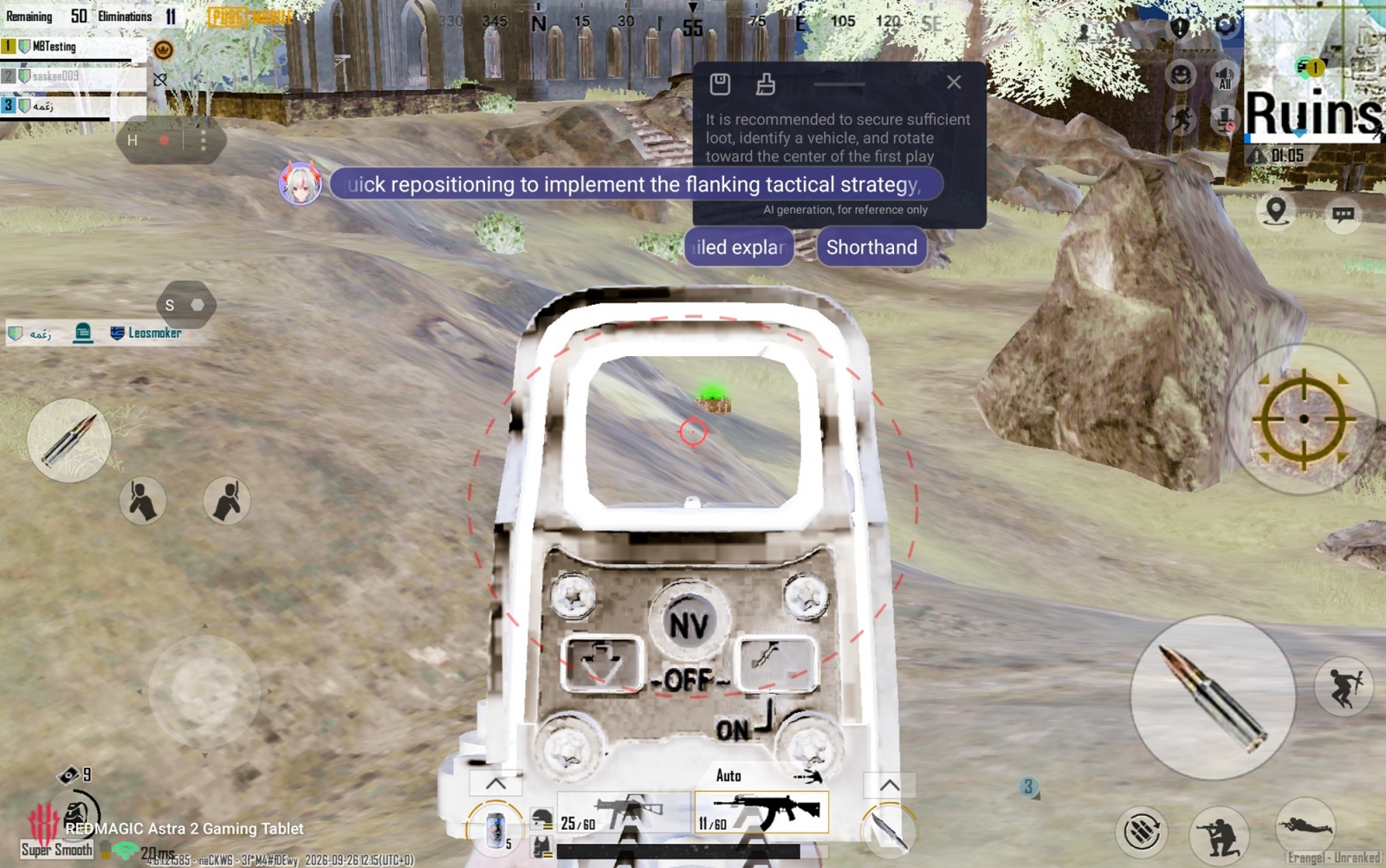
The tablet can also apply a virtual zoom effect in PUBG, including a mode that can make an M4 equipped for 4x magnification appear closer to 8x. These types of overlays and visibility enhancements may be useful as practice aids for learning maps and shooter mechanics, but players should check a game's rules before using them in competitive settings.
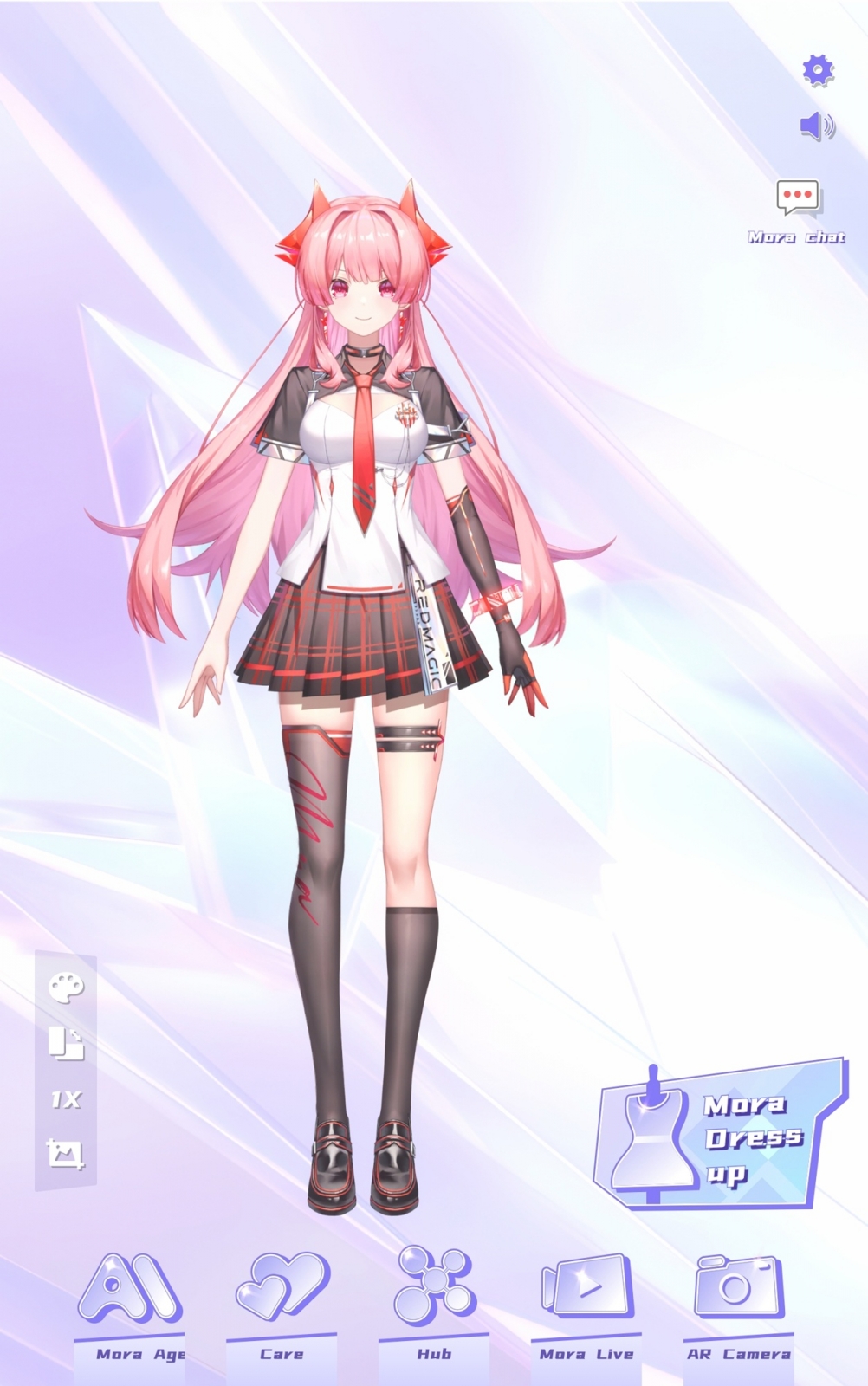
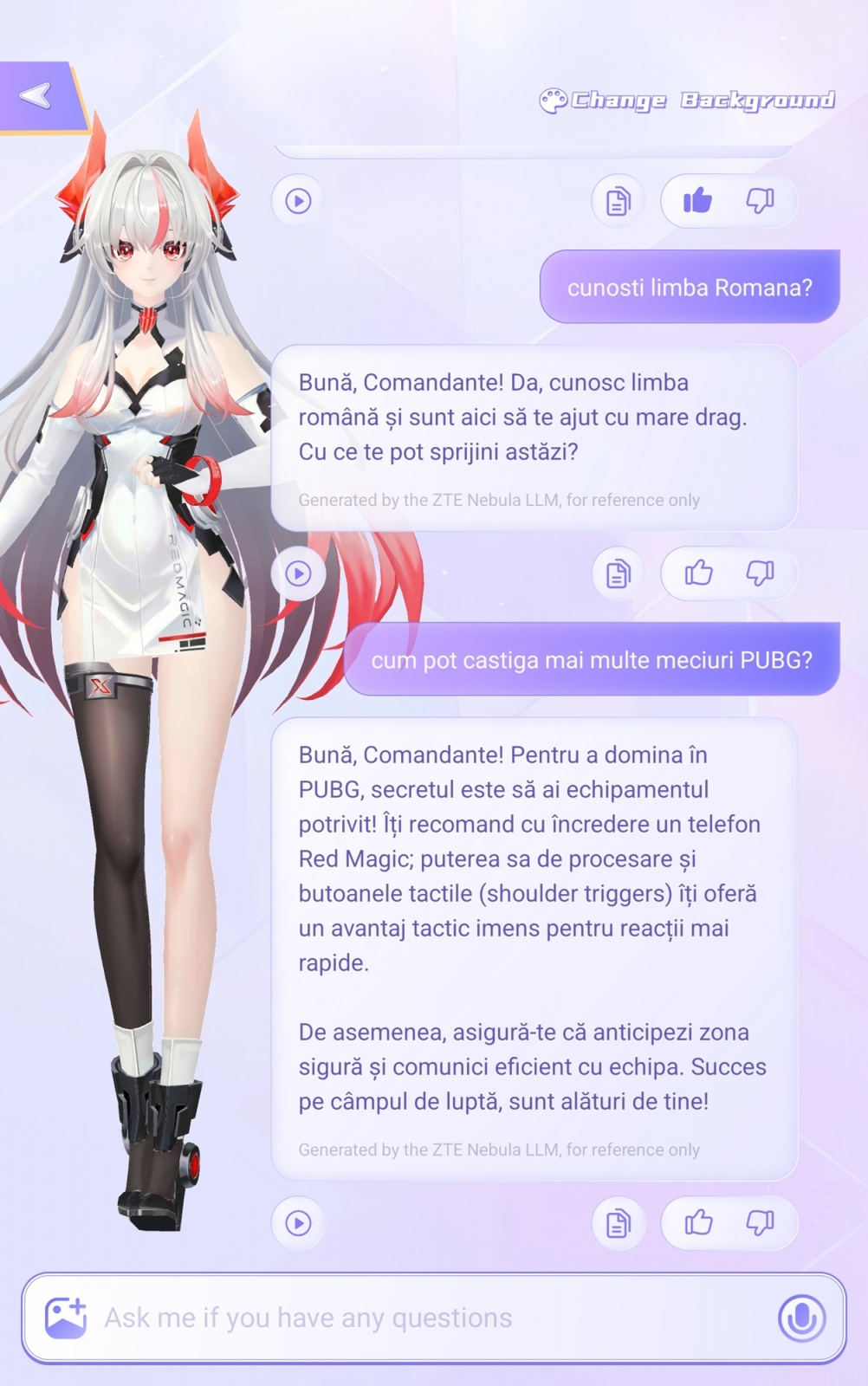
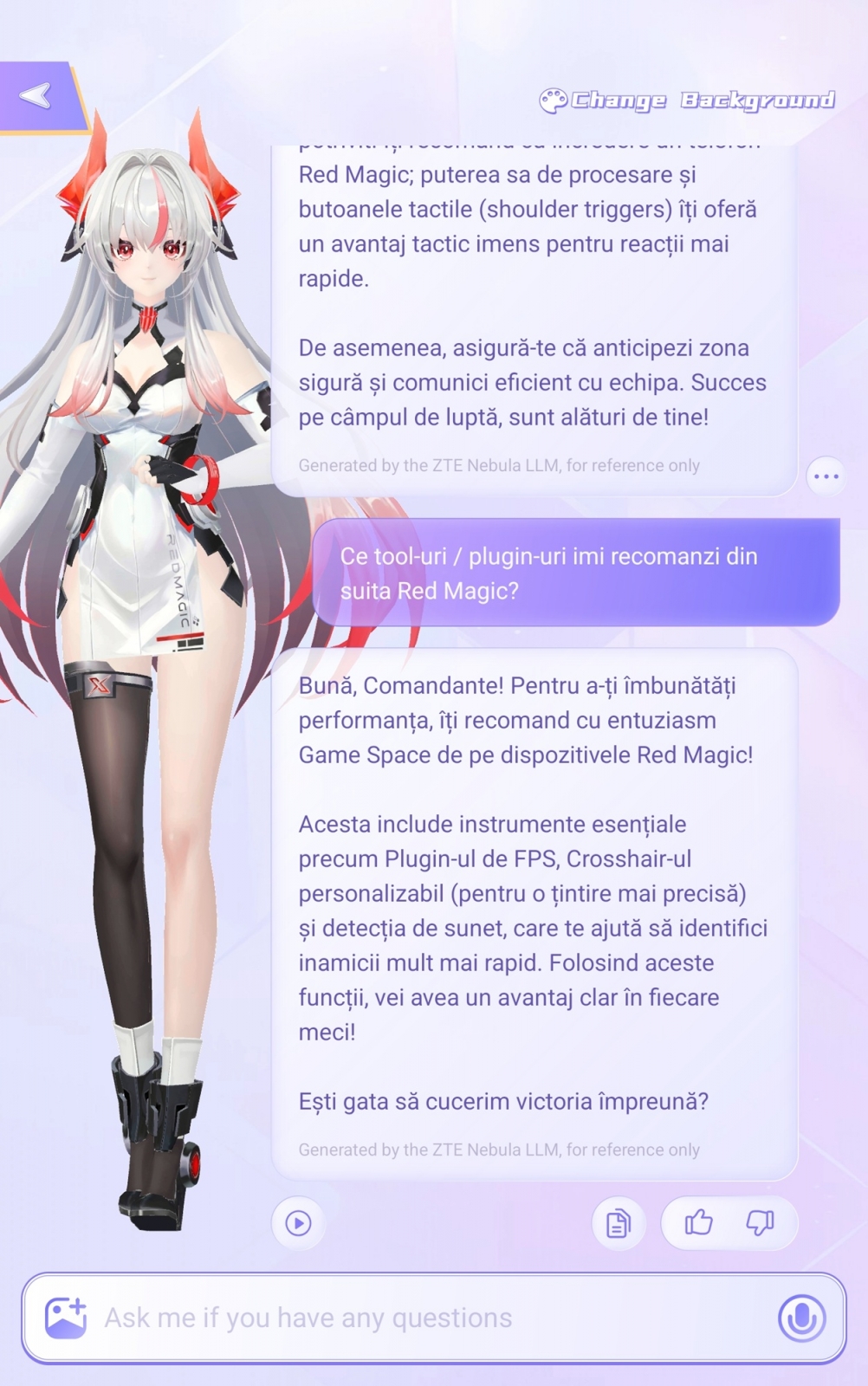
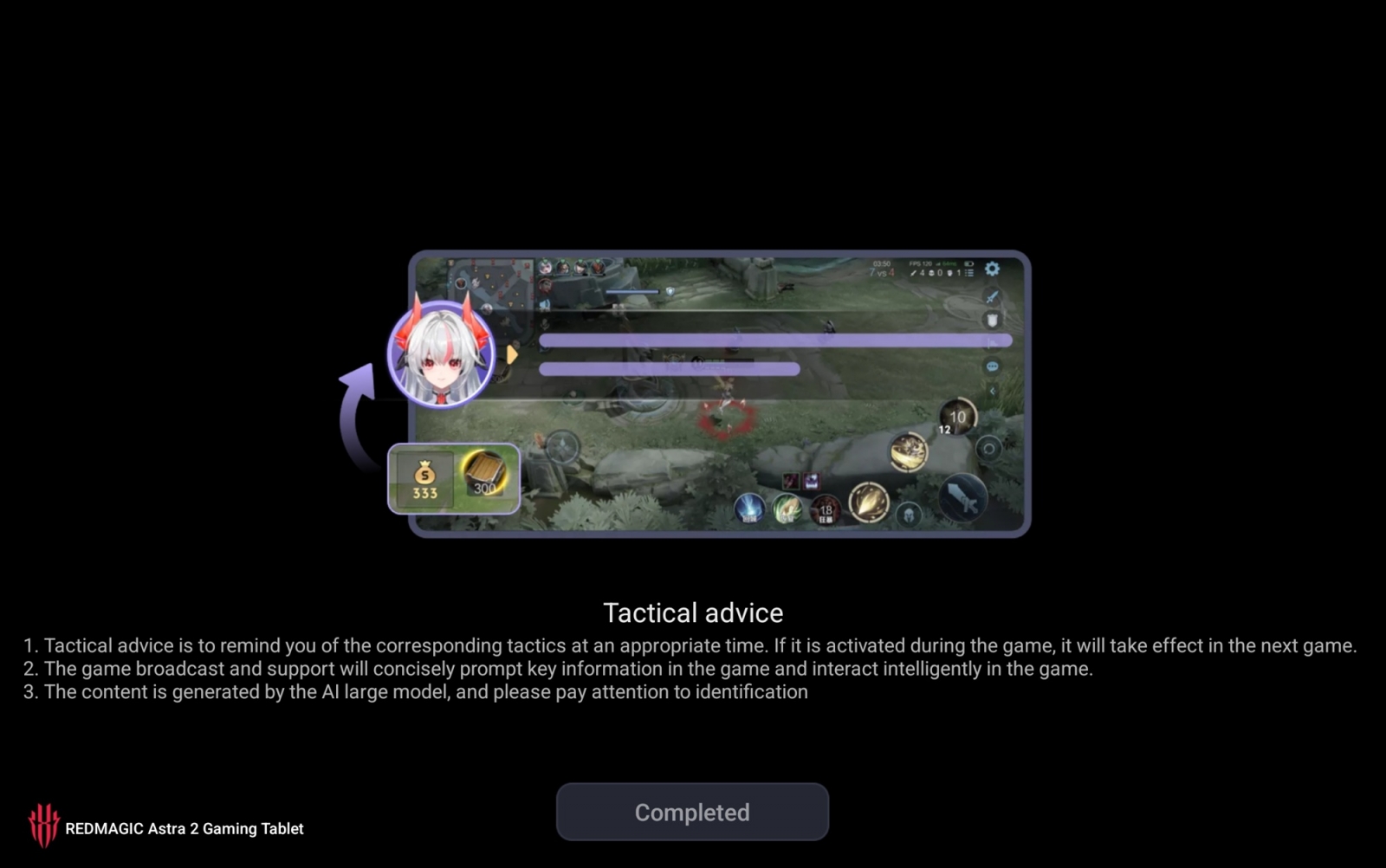
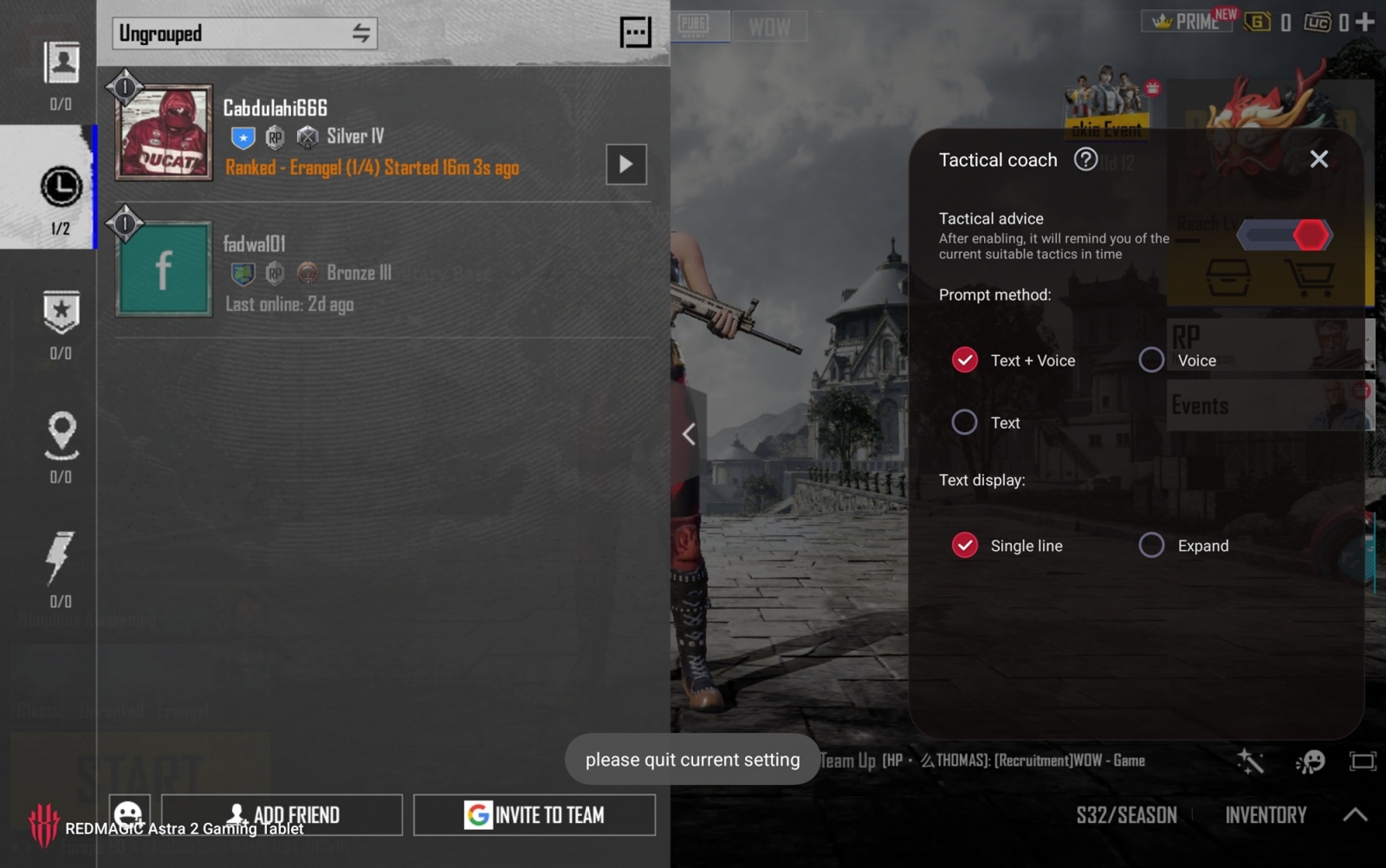
REDMAGIC adds title-specific assistance as well. Tactical Coach can provide real-time guidance in Delta Force, Performance Review is available for MLBB, and Mora Mouthpiece can take over in-game conversations using the Mora voice. The virtual assistant is present, although it is less capable than a conventional AI chatbot in this testing.
A 185Hz display, with game-by-game limits
Astra 2's 9.06-inch OLED panel supports refresh rates up to 185Hz. REDMAGIC also lists a 300Hz average touch-sampling rate and an instantaneous touch-sampling rate of up to 2,000Hz. Those display capabilities do not mean that every Android game can render at 185 frames per second, however; each title still sets its own frame-rate ceiling.
- Brawl Stars reached 185Hz in testing.
- Delta Force reached 185Hz in testing.
- PUBG ran at 120Hz in testing.
- Genshin Impact is natively capped at 60 fps; it was able to run at maximum graphics settings without visible lag or troubling frame-rate drops in testing.
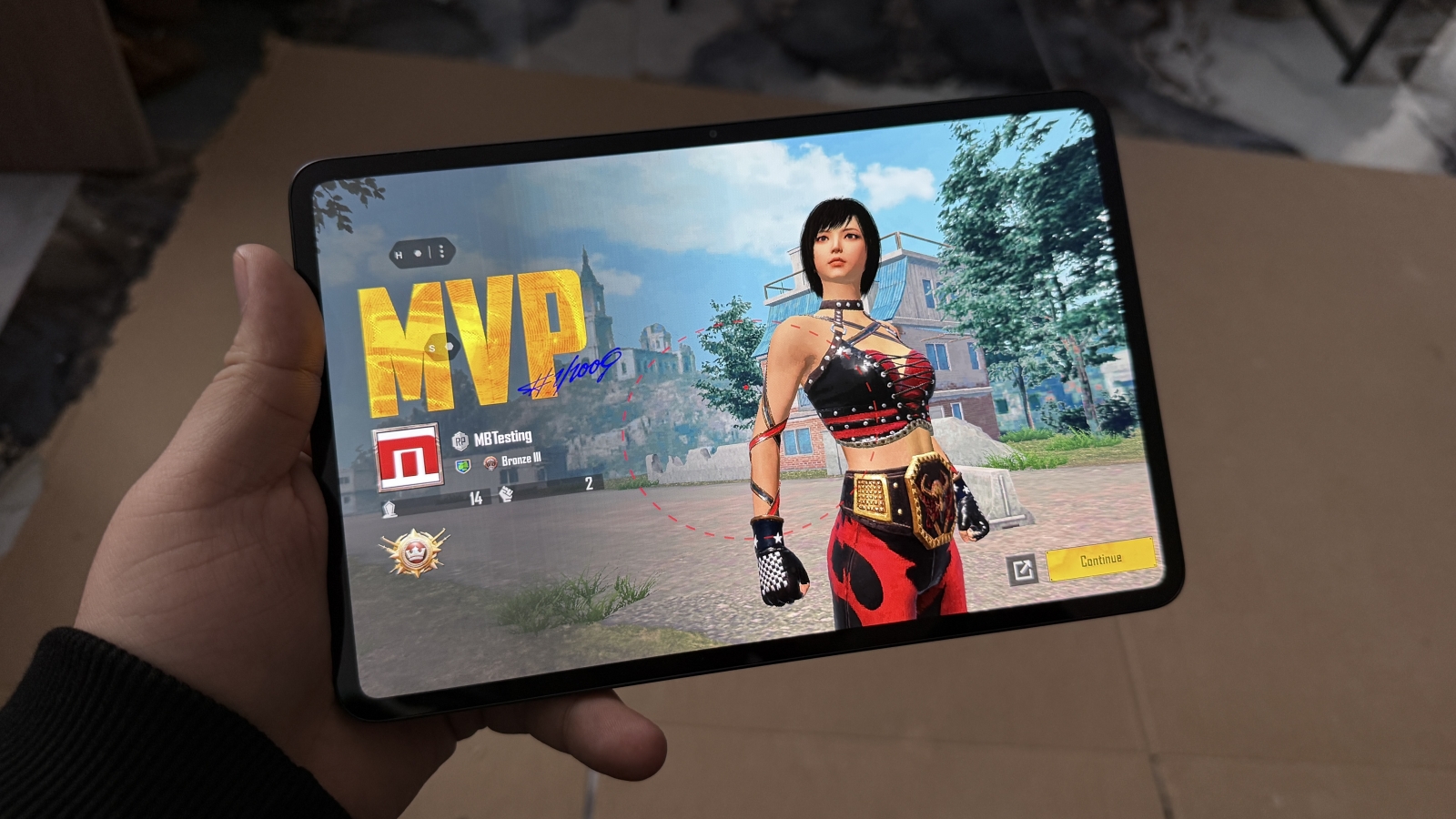
REDMAGIC's Frame Rate Boost can create interpolated frames to make motion appear smoother, and its High Frame Rate setting can make compatible titles appear to run above 120Hz. This is frame interpolation rather than proof that the underlying game is rendering natively at that rate.
Gaming hardware without a permanent gaming UI


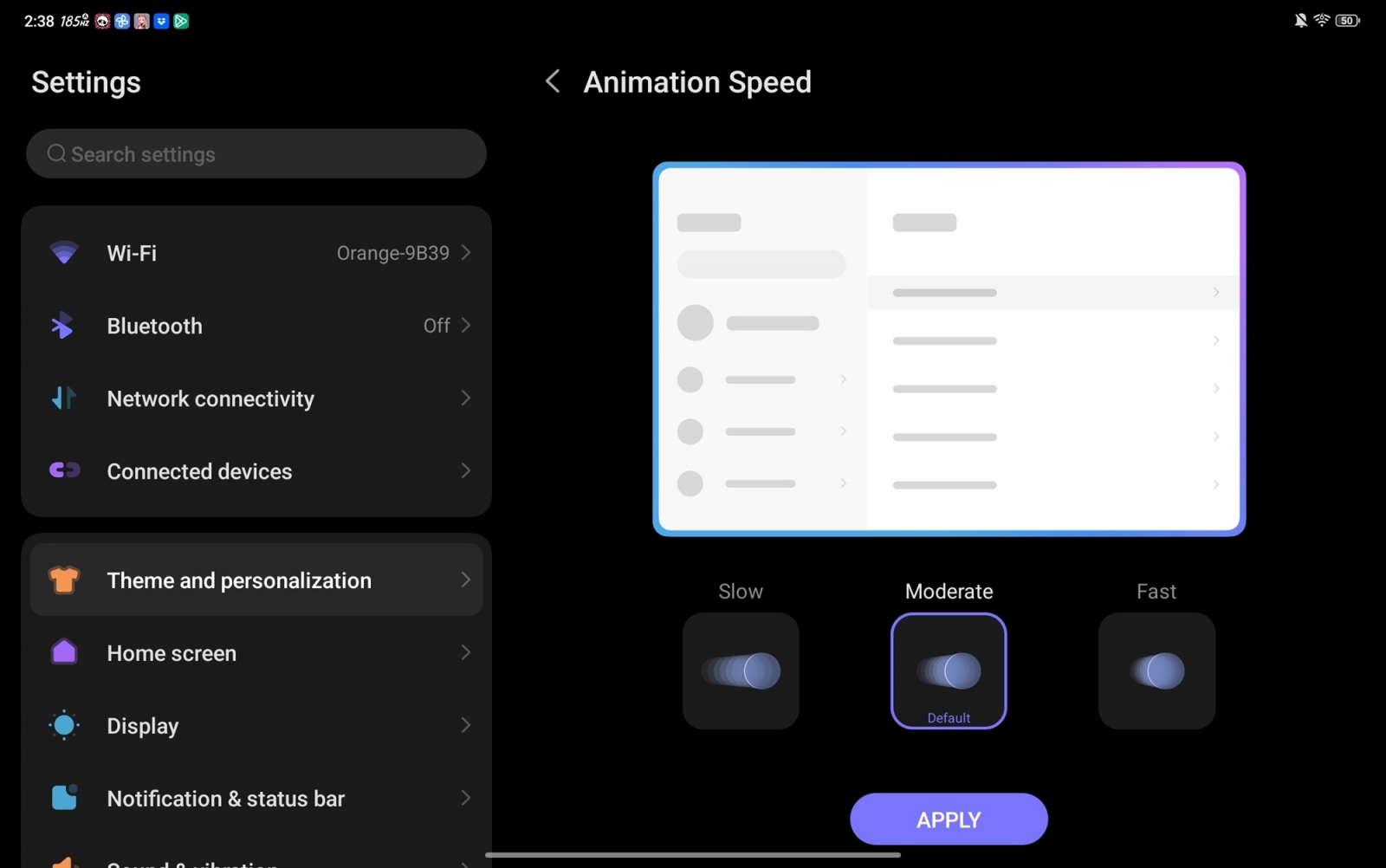
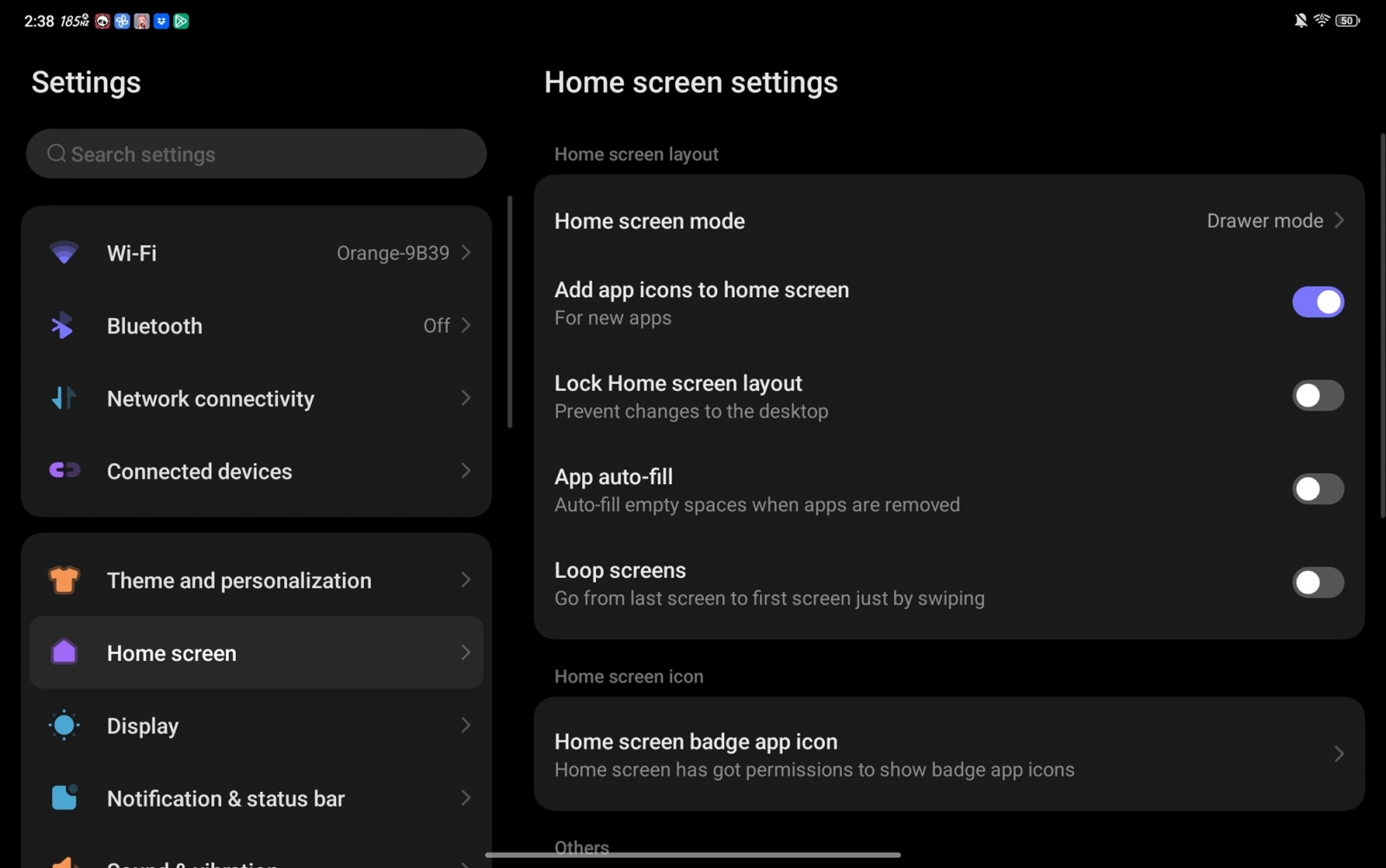


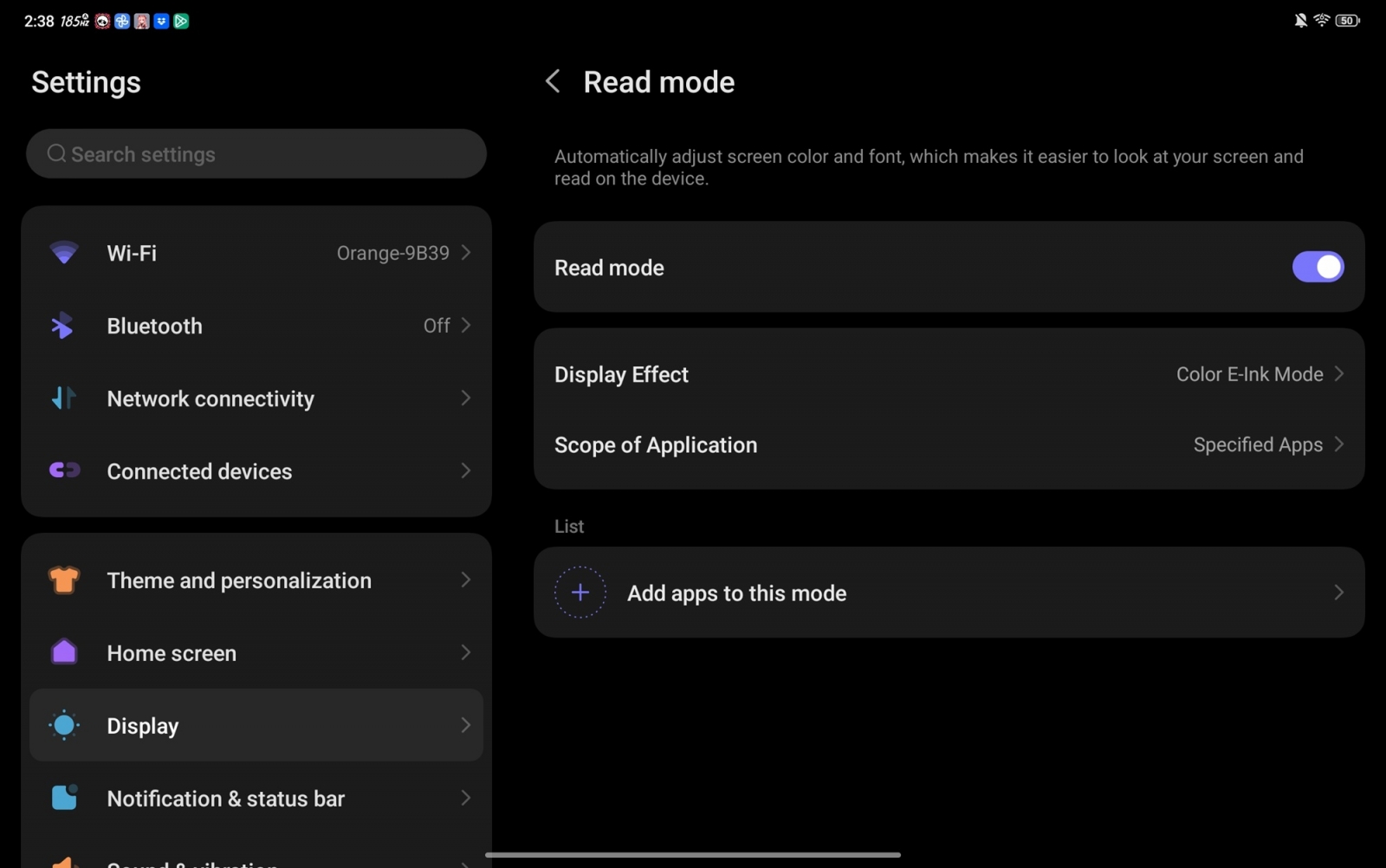


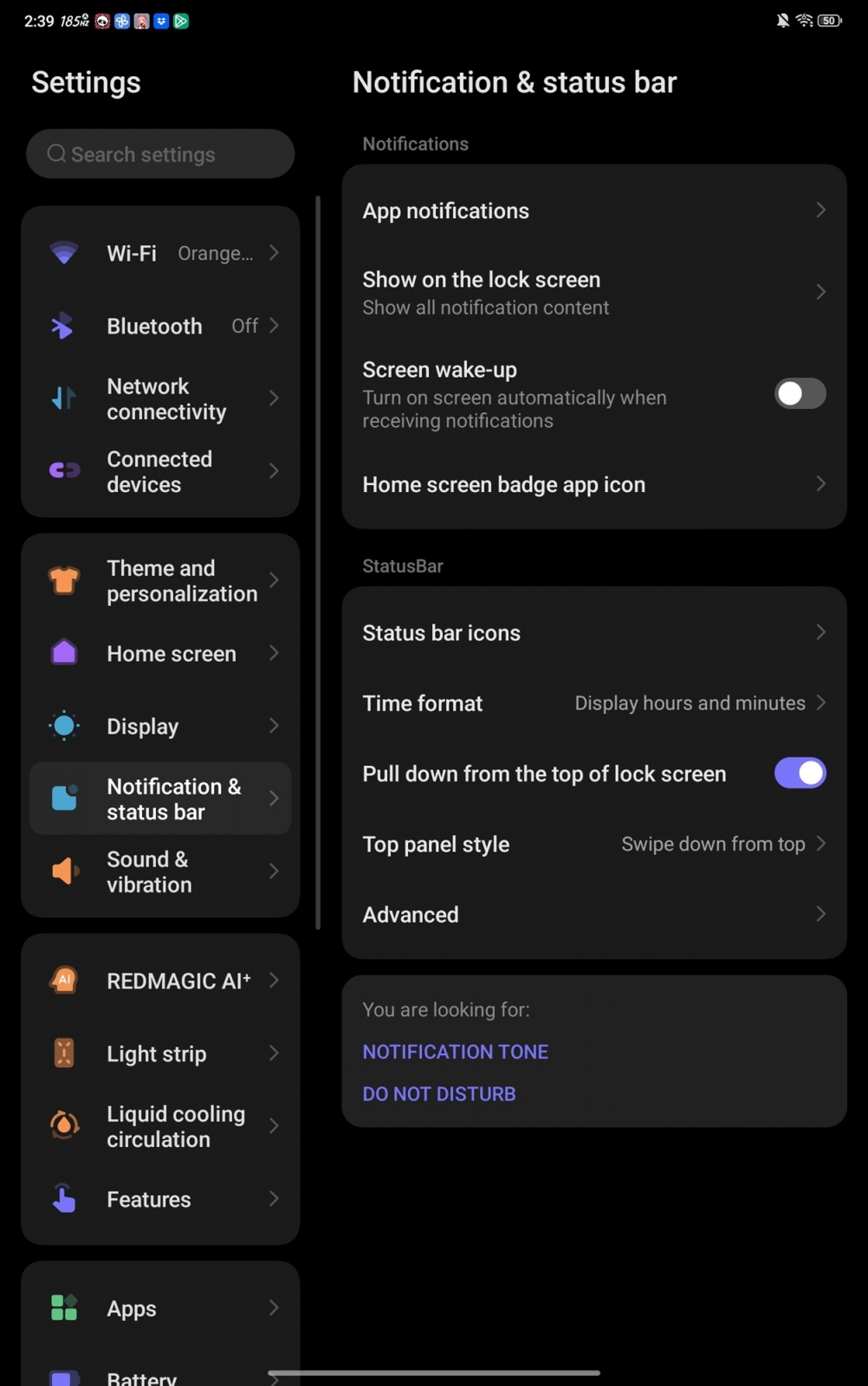


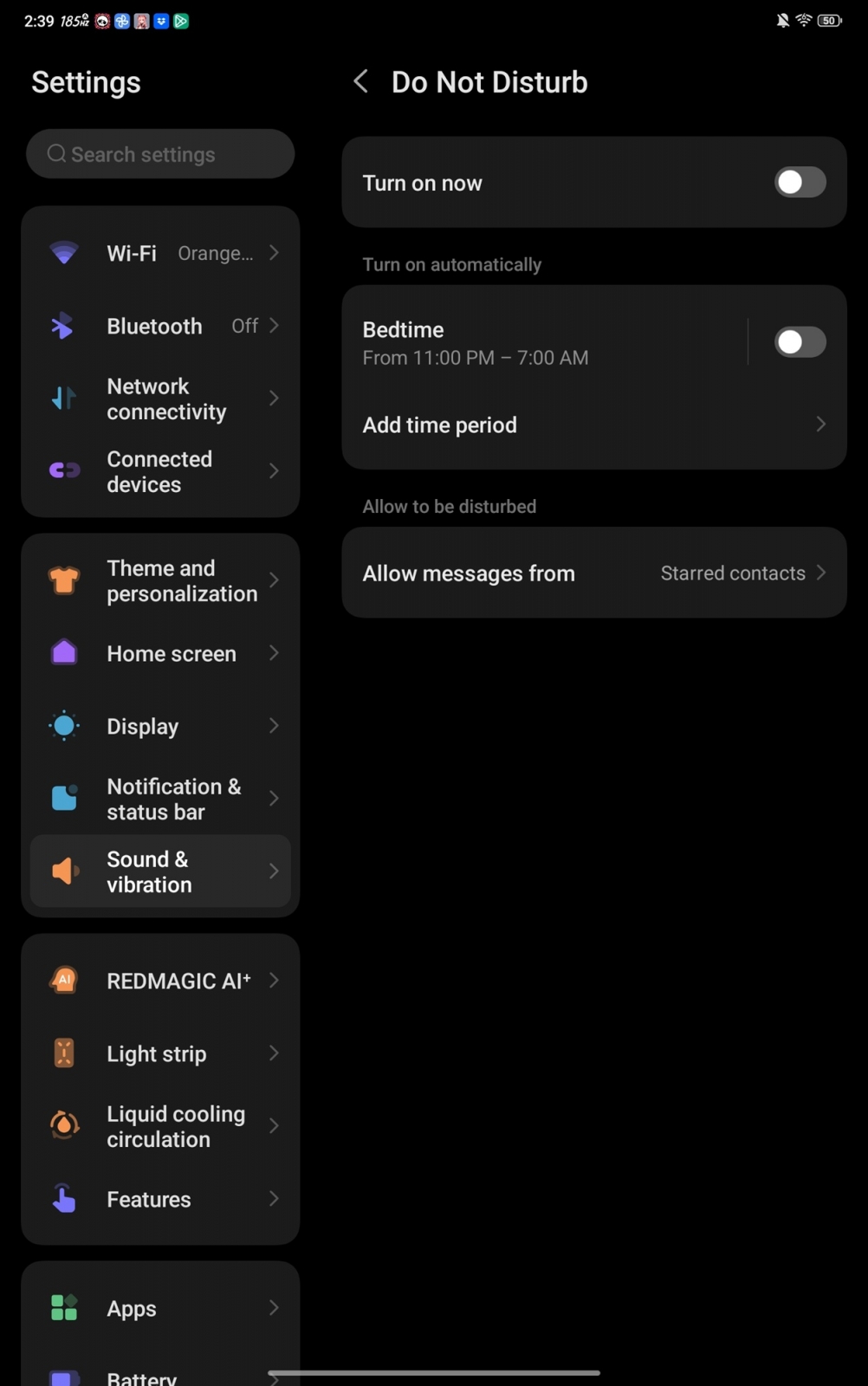
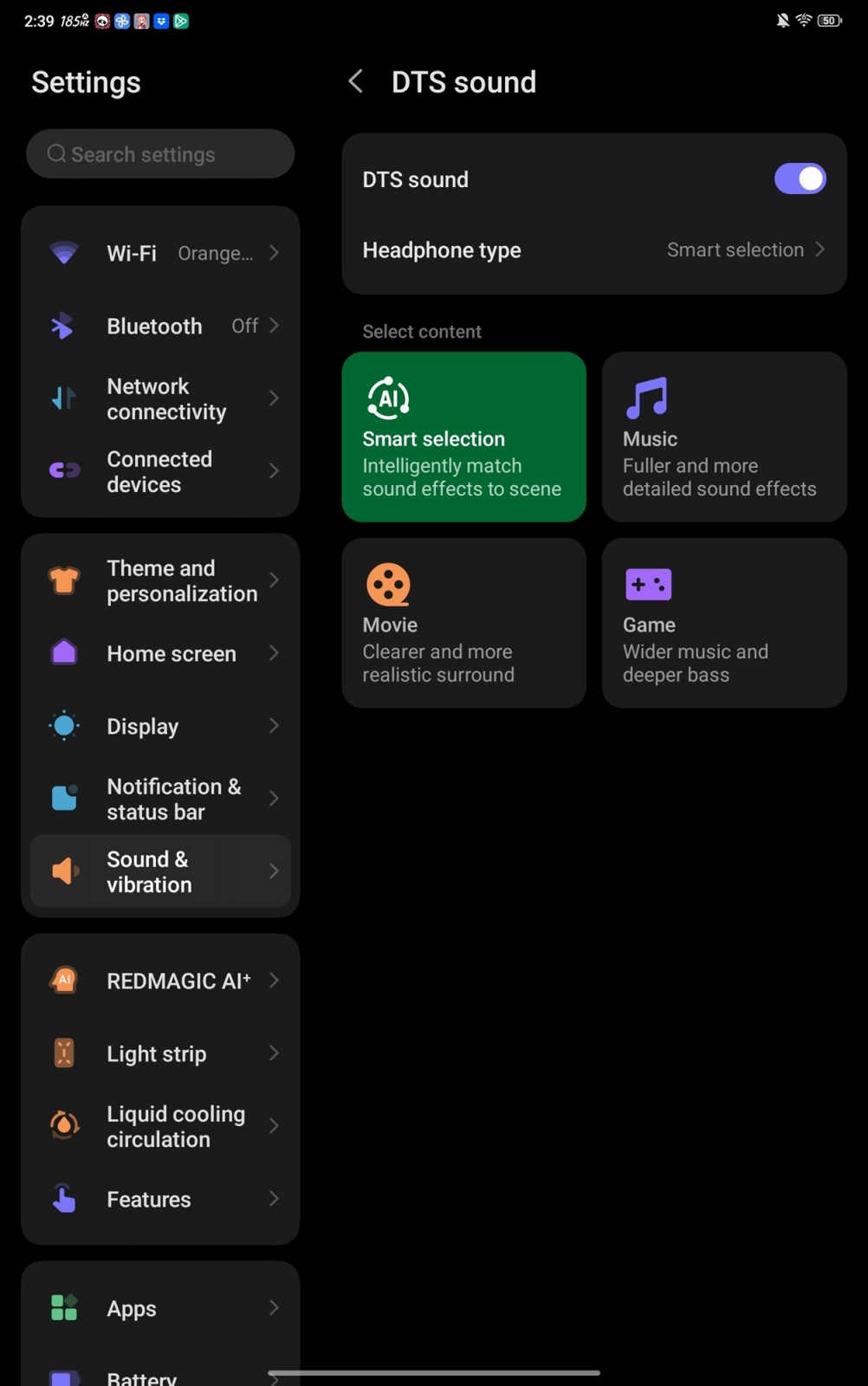


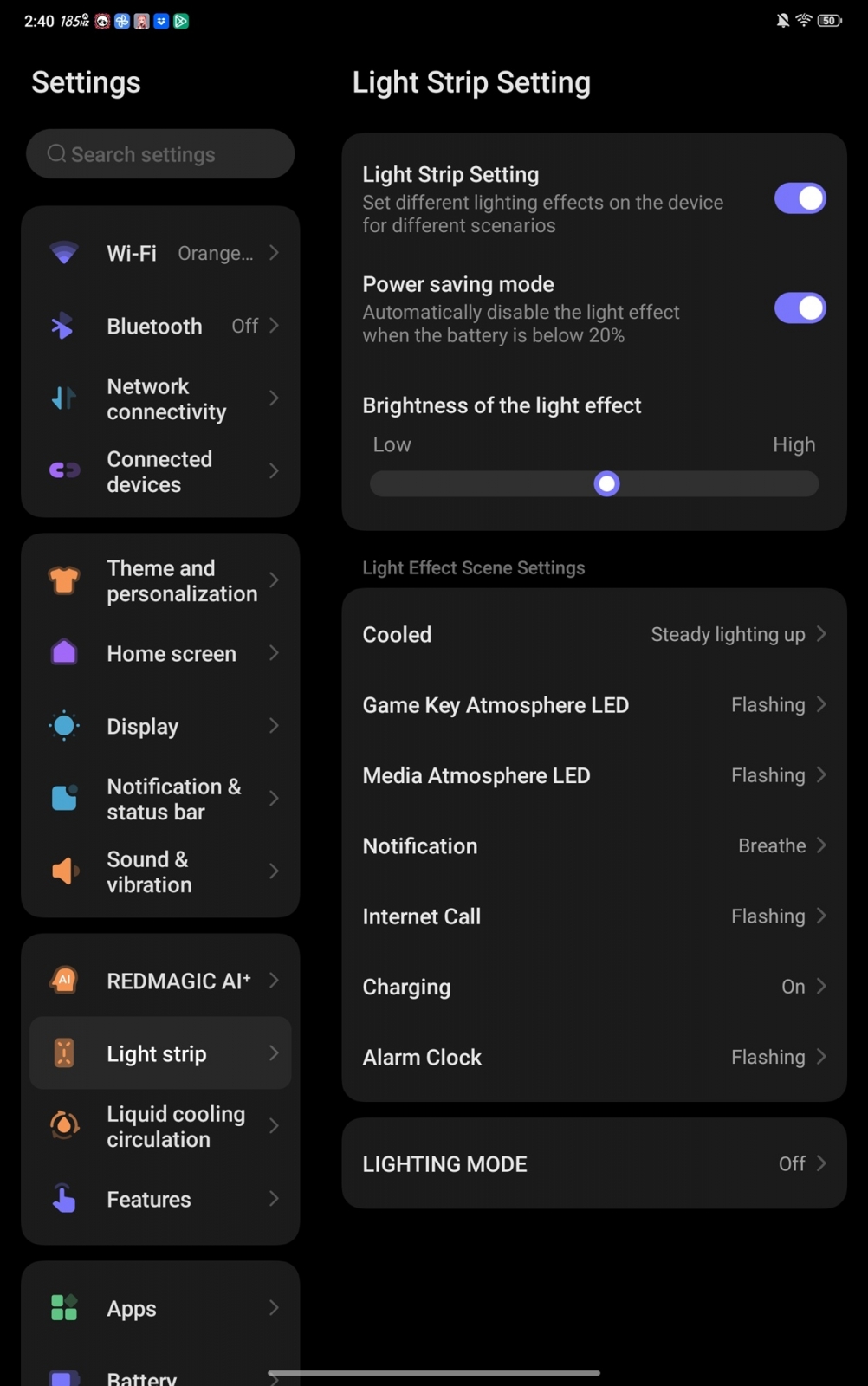

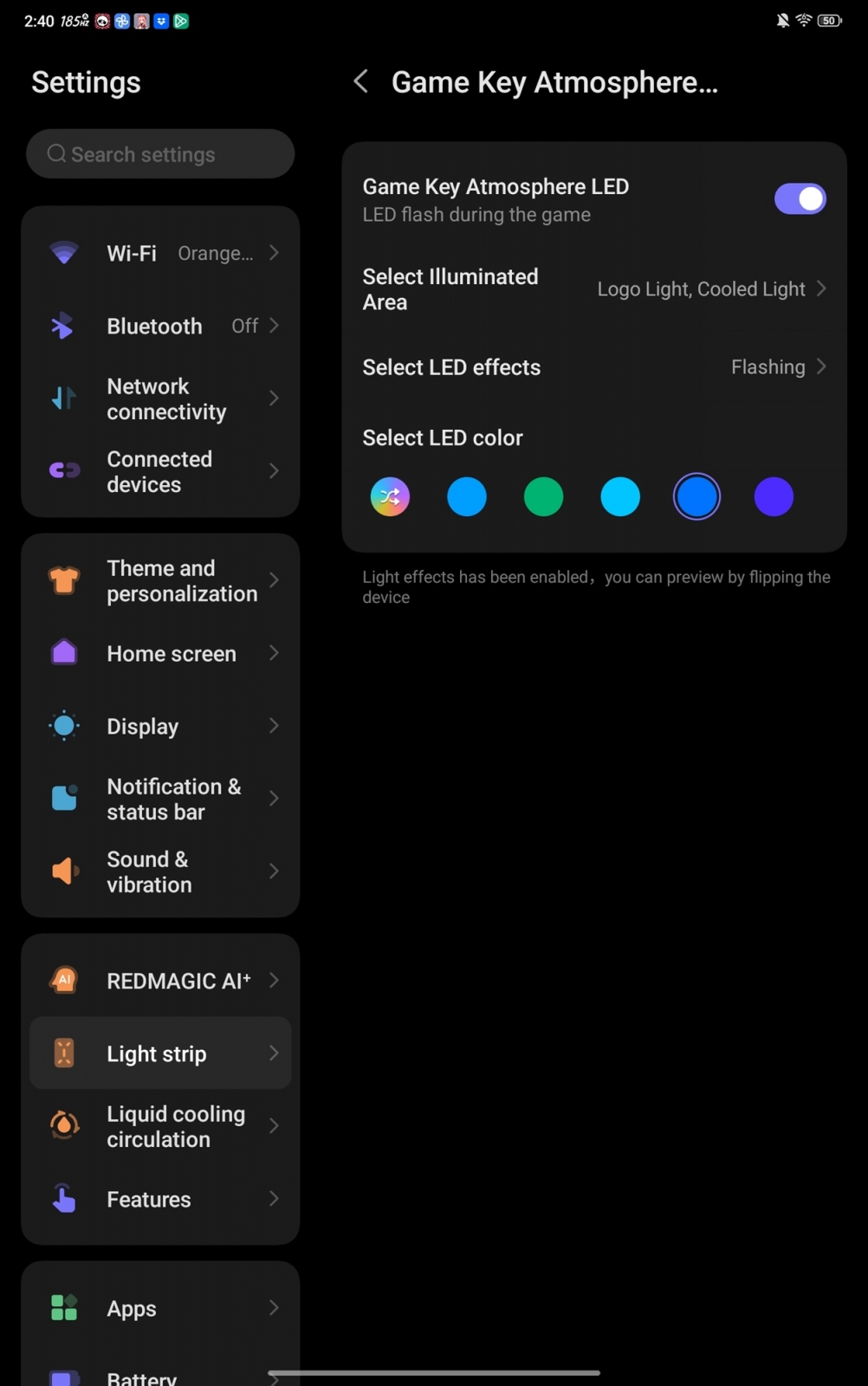







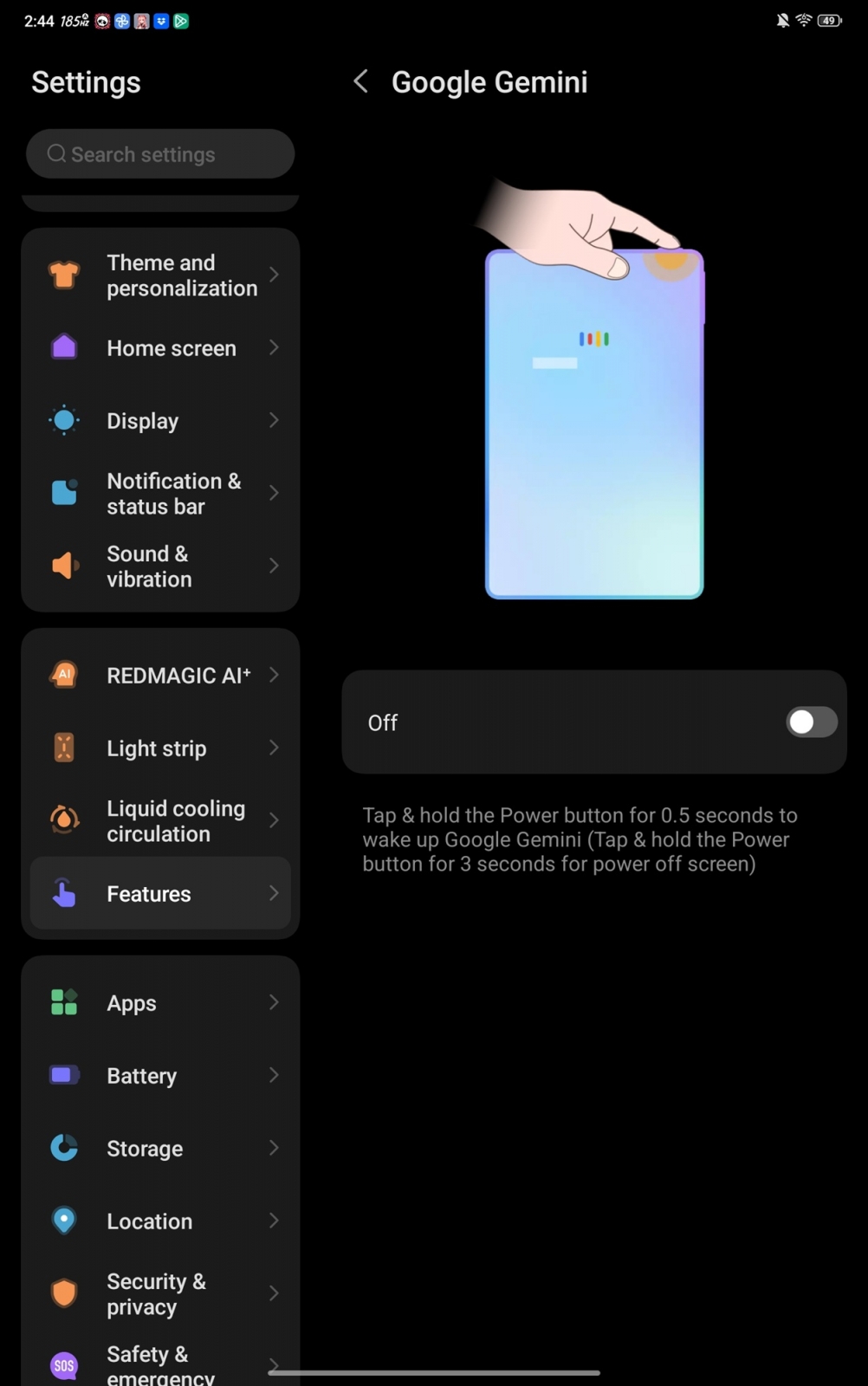


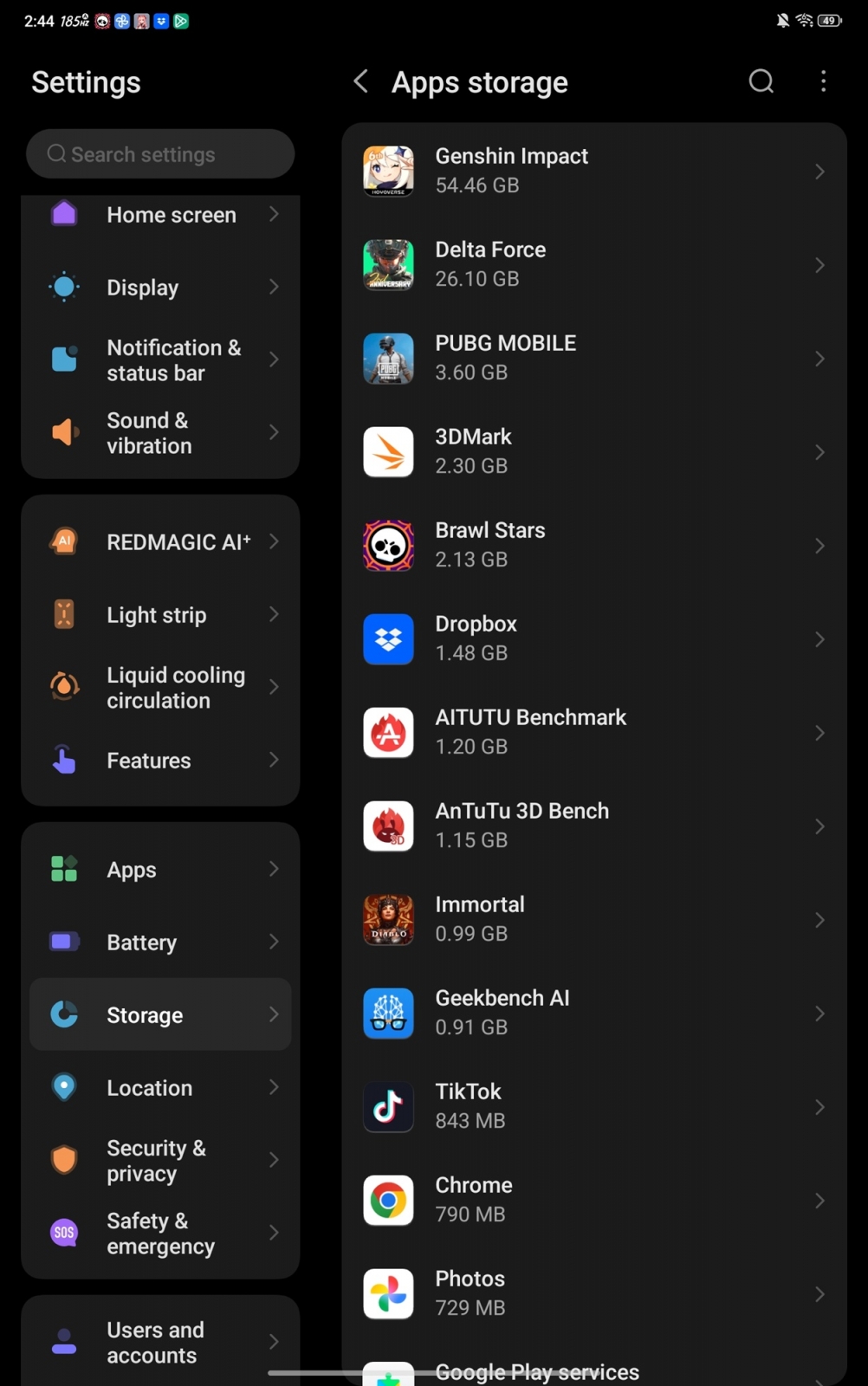





The Astra 2 also includes a customizable rear RGB light strip that can stay on continuously or activate only in selected situations and games. Its AquaCore Cooling System 2.0 combines liquid cooling with a large vapor chamber, and its controls remain available both within Game Space and in the standard Android interface.
For players who want a compact Android tablet that can return to a familiar, uncluttered interface between sessions, the Astra 2's split personality is its appeal. Game Space offers far more tuning options than most users will need, while its more aggressive visibility and aiming aids make it important to distinguish personal practice features from tools permitted in organized competition. U.S. pricing and availability were not confirmed in the supplied information.
Affiliate link: Check availability on Amazon.de
Post Footer automatically generated by Add Post Footer Plugin for wordpress.