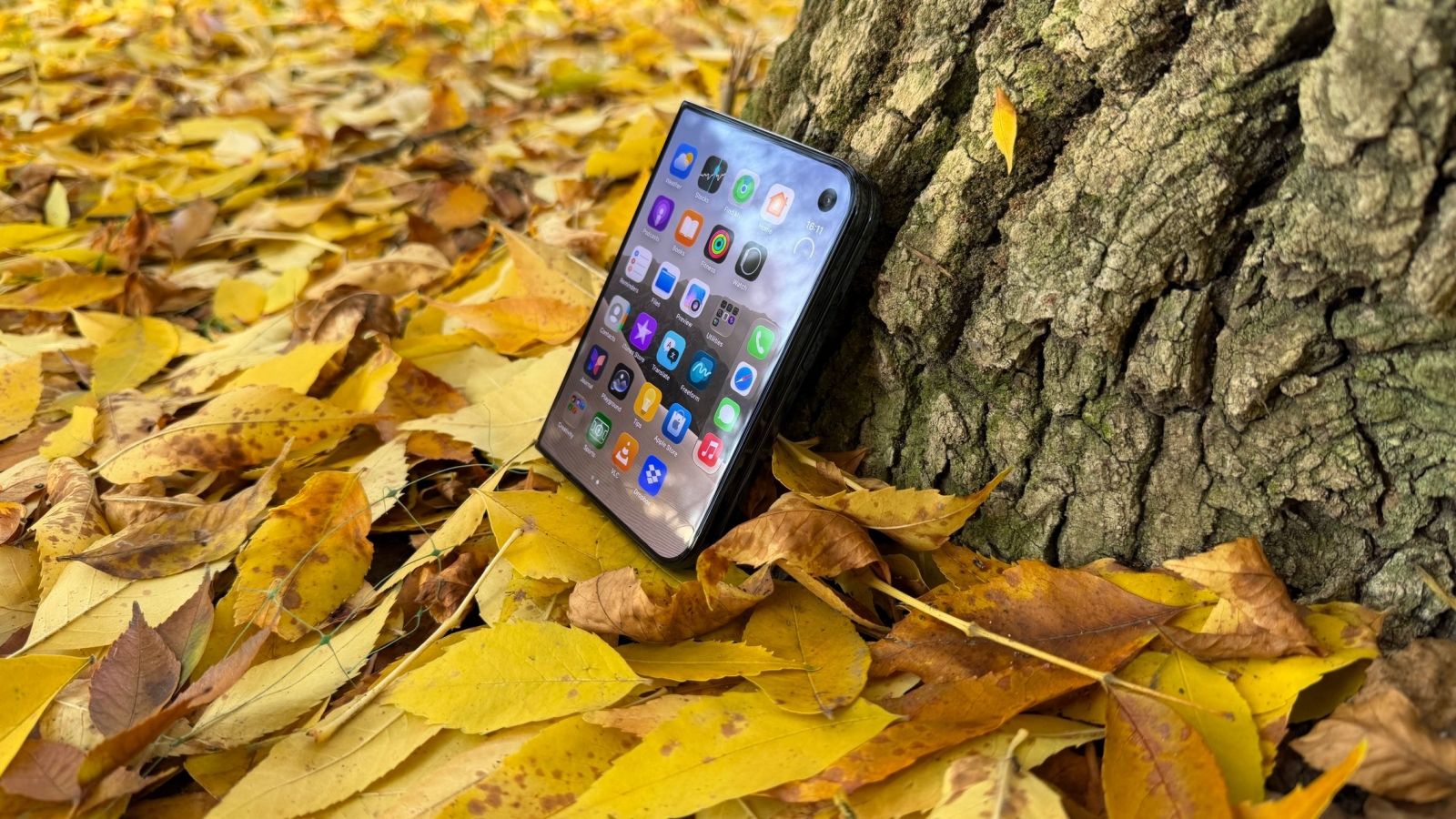
The Apple iPhone Duo is gaining a more convenient way to check notifications while folded. In the second iOS 27.3 beta, Apple has added 2D facial recognition using the front camera on the phone’s exterior display, giving owners an alternative to pressing the side-mounted Touch ID button or unlocking with an Apple Watch.
The setting is available under Settings > Touch ID & Passcode. It is not a substitute for Face ID, however: the foldable does not have the dedicated hardware used by Apple’s TrueDepth system, and the new recognition method is limited to unlocking the Lock Screen.
Convenience unlock, not biometric replacement
Apple continues to reserve security-sensitive actions for Touch ID or a passcode. The 2D facial option also works only on the exterior display, not the inner folding screen, whose under-display camera has lower resolution.
- 2D face recognition can unlock the Lock Screen from the exterior display.
- Apple Pay payments still require Touch ID or a passcode.
- Saved passwords remain protected by Touch ID or a passcode.
- Protected apps continue to require Touch ID or a passcode.
- Touch ID confirmation is required if the iPhone Duo has not been unlocked for roughly 45 minutes.
That makes the addition closer to the lower-security 2D face-unlock systems long used on Android phones than to full Face ID. Still, it could make the iPhone Duo more practical for quick, one-handed checks of the cover screen without weakening authentication for payments, credentials, and app access.
A more complete biometric experience may have to wait for a later iPhone Duo generation. Recent rumors indicate that Apple is testing dedicated Face ID sensors in second-generation prototypes, along with an Action button and a telephoto camera, but those features remain unconfirmed. For current iPhone Duo owners, iOS 27.3’s new facial option appears aimed at improving day-to-day folded use rather than replacing Touch ID.
Post Footer automatically generated by Add Post Footer Plugin for wordpress.