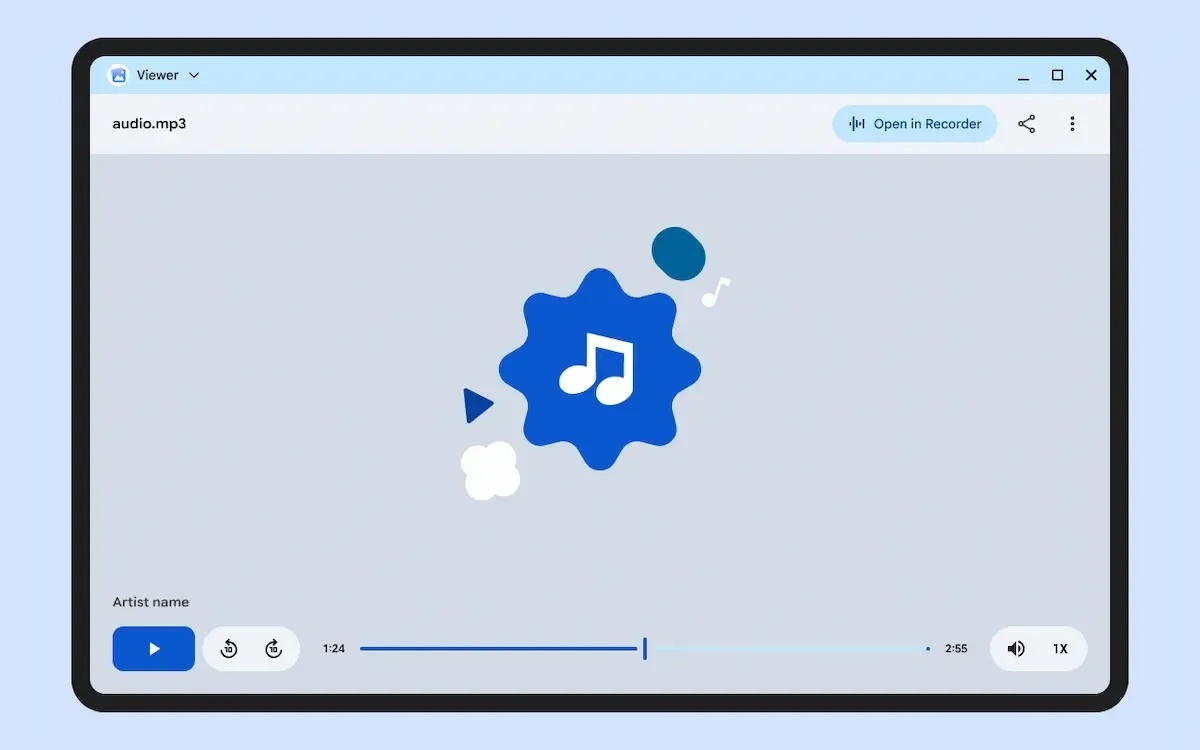
A new Google app called Viewer points to the kind of everyday desktop workflow Googlebook is meant to handle: opening a file, making a quick change, and moving on without reaching for a separate editor. The app can open photos, video, audio, and PDFs, while keeping file processing on the device, according to its Play Store listing.
Viewer is listed as a Google LLC app with official Googlebook support. It is not formally intended for Android phones or tablets, although Android Authority was able to install it on a tablet; the publication found that parts of the interface do not fit properly on smaller displays. That suggests Viewer is being built around Googlebook and other larger-screen use cases rather than touch-first mobile devices.
A lightweight workspace for common file tasks
The app is positioned as a basic utility rather than a full professional photo or video editor. Its most useful role may be handling minor changes to files that arrive in downloads, email attachments, or shared folders before they need to be sent onward.
- Images can be annotated with text, resized, cropped, and rotated.
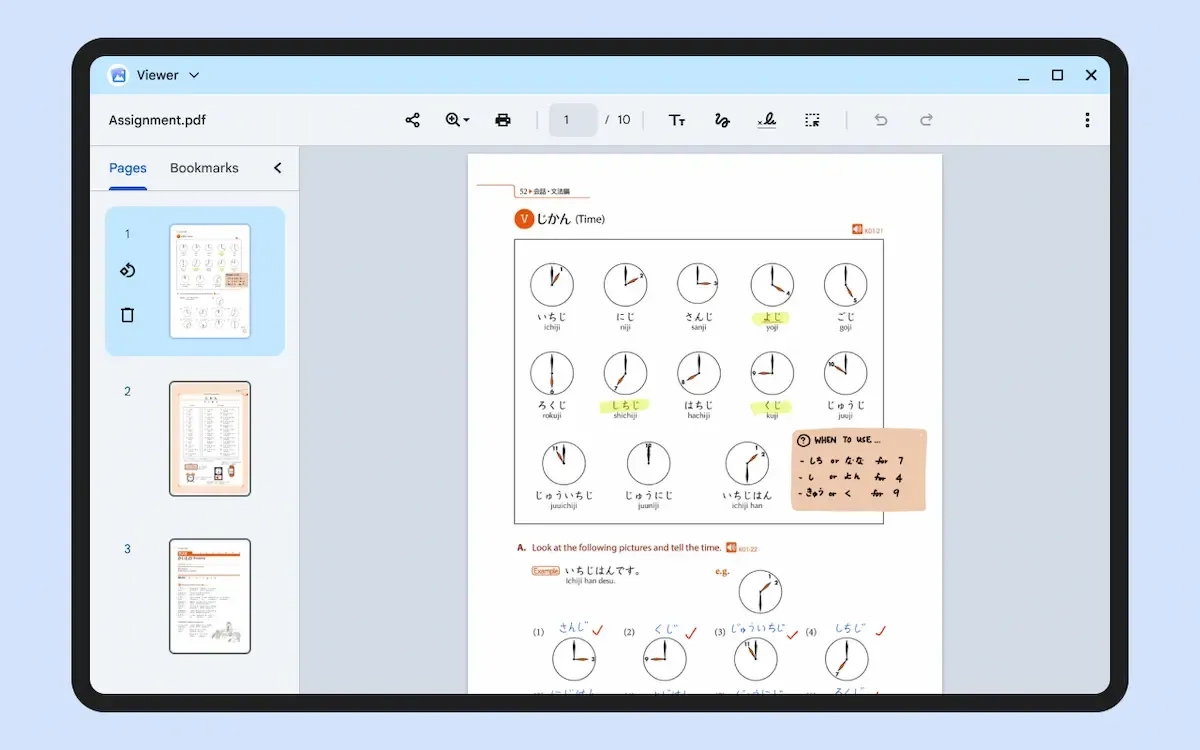
- PDFs support text, annotations, and signatures; added items can be repositioned or edited later, and a sidebar shows document pages.
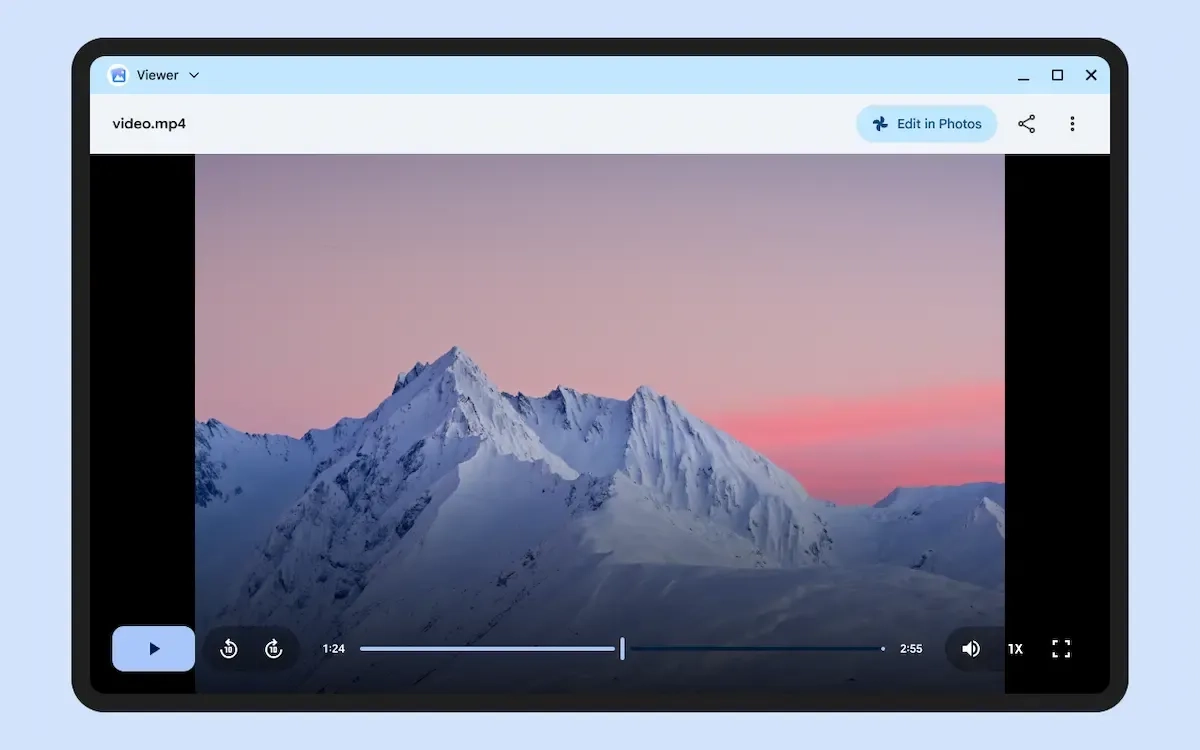
- Video and audio have dedicated playback interfaces. Video also includes an “Edit in Photos” button for more extensive editing in Google Photos.
That approach gives Viewer some of the role of macOS Preview, but with video and audio playback included and a handoff to Google Photos for more advanced video work. For portable-computing users, the appeal is less about replacing specialized creative software than avoiding the friction of opening several apps for a simple mark-up, signature, or crop.

Optional AI can turn file details into next steps
On first launch, Viewer asks whether users want to enable AI suggestions. The feature is designed to identify actionable information inside an open image or document: a detected date can trigger a suggestion to add it to Google Calendar, while a detected address can offer to open directions in Google Maps. Android Authority observed both behaviors in the app.
The feature fits Googlebook OS’s broader push to connect Android apps through Gemini and on-screen context. In Viewer, that could reduce the copy-and-paste steps between viewing a document and creating an event or looking up a location, though the app’s full set of AI capabilities has not been detailed.
Viewer is one part of a wider first-party software effort for Googlebook that also includes desktop-oriented camera and text-editing apps. Early Googlebook hardware is already available for preorder, with U.S. deliveries scheduled to begin October 4. The HP Googlebook 14 starts at about $1,200 and includes a Snapdragon X Elite chip, 16GB of RAM, and close Android-phone integration.
A small file viewer will not define a premium laptop on its own, but it can determine whether a new platform feels complete on day one. Viewer appears aimed at Googlebook owners who want a built-in, large-screen way to handle routine documents and media without immediately installing a collection of third-party utilities.
Post Footer automatically generated by Add Post Footer Plugin for wordpress.