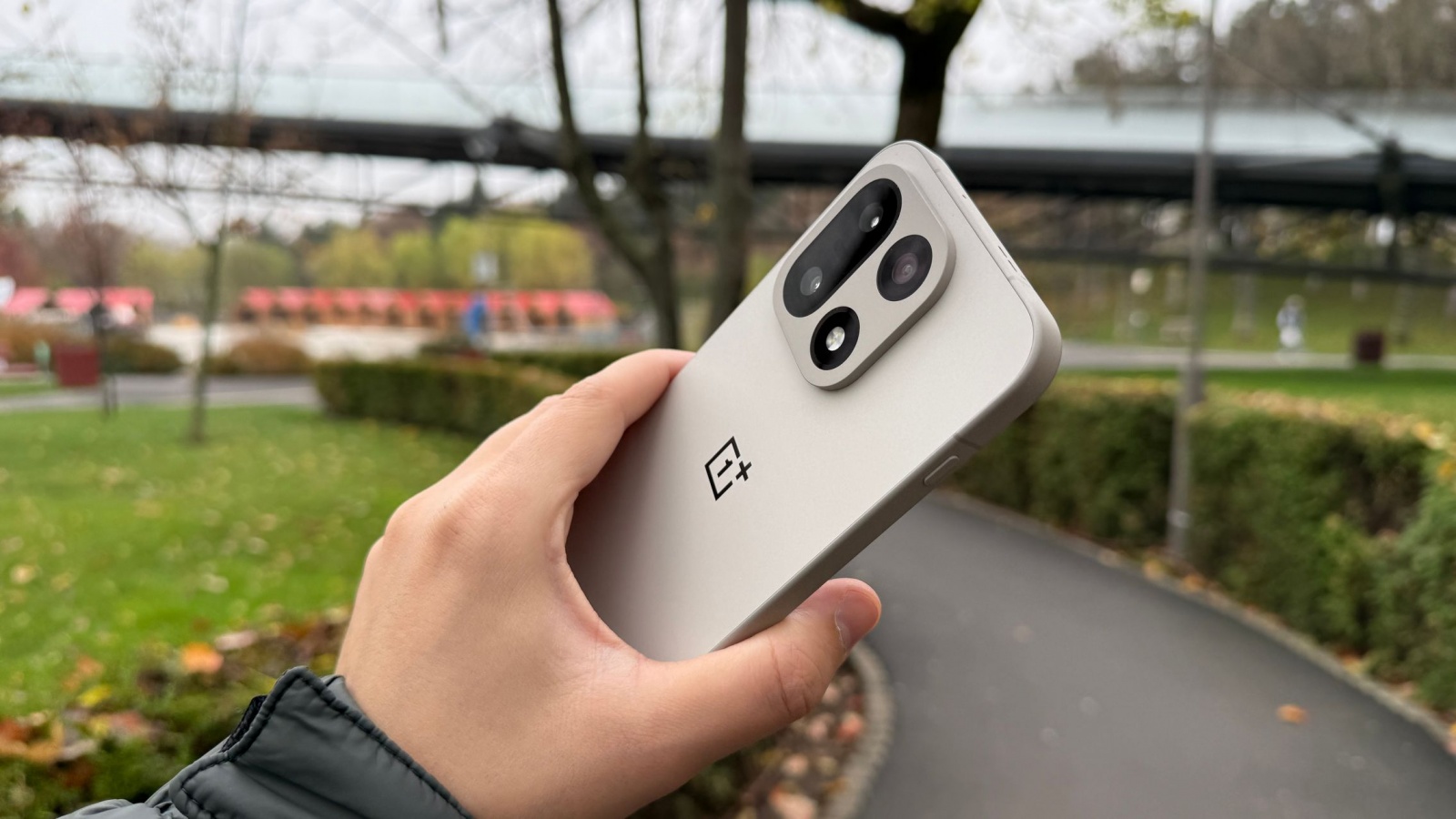
OnePlus is adding a small but potentially useful productivity feature for people who use a phone or tablet to access their PC remotely. Called “Automatically unlock when connected,” the Device Connect setting can unlock a password-protected computer as a configured remote session begins, removing the need to enter the PC password each time.
The distinction matters: this is not proximity-based PC unlocking. According to OnePlus, the feature works within an already established remote connection. Users save the PC password, then allow Device Connect to enter it automatically when connecting from a compatible mobile device.
Set up during a remote session
After installing the update, users can start a remote connection to their PC, open More in the floating menu, select Unlock PC, and enable “Automatically unlock when connected.” The option is intended for occasions when a desktop is locked before a remote session begins.
OnePlus identifies the update as C20P01(BRB1EX01) for phones and C20P01(BRB3EX01) for tablets. Distribution is phased, with the company estimating that eligible models will receive it around November 19, 2026. The automatic-unlock feature requires OxygenOS 16 or later.
Compatible OnePlus devices
OnePlus lists the following phones and tablets as eligible, provided they run OxygenOS 16 or newer:
- OnePlus Open
- OnePlus 15 series
- OnePlus 13 series
- OnePlus 12 series
- OnePlus 11 series
- OnePlus 10 Pro
- OnePlus Nord 6
- OnePlus Nord 5
- OnePlus Nord 4
- OnePlus Nord 3
- OnePlus Nord CE5
- OnePlus Nord CE6 series
- OnePlus Nord CE4 series
- OnePlus N6x
- OnePlus Pad 4
- OnePlus Pad 3
- OnePlus Pad 2
- OnePlus Pad
- OnePlus Pad Go 2
The update also includes stability optimizations. OnePlus separately mentions translation improvements for devices running ColorOS 17 or later, while the remote PC-unlock capability is specifically listed for OxygenOS 16 and newer.
For tablet owners, the feature is most relevant as part of a mobile-workflow setup: it reduces one extra authentication step when using a OnePlus slate as a remote window into a desktop PC. OnePlus has not provided US-specific timing or availability details beyond its phased rollout estimate.
Post Footer automatically generated by Add Post Footer Plugin for wordpress.